THE CREATOR'S NOTEBOOK
Guides in English
Step-by-step notes on Blender, Claude Code and AI tools.
81 guides
 Blender
3D file formats compared: FBX, glTF, OBJ, and USD
OBJ is an envelope, glTF is a shipping box, FBX is a suitcase, and USD is a chest of drawers. A look at how four 3D file formats differ and how to choose between them.
 AI & IT tools
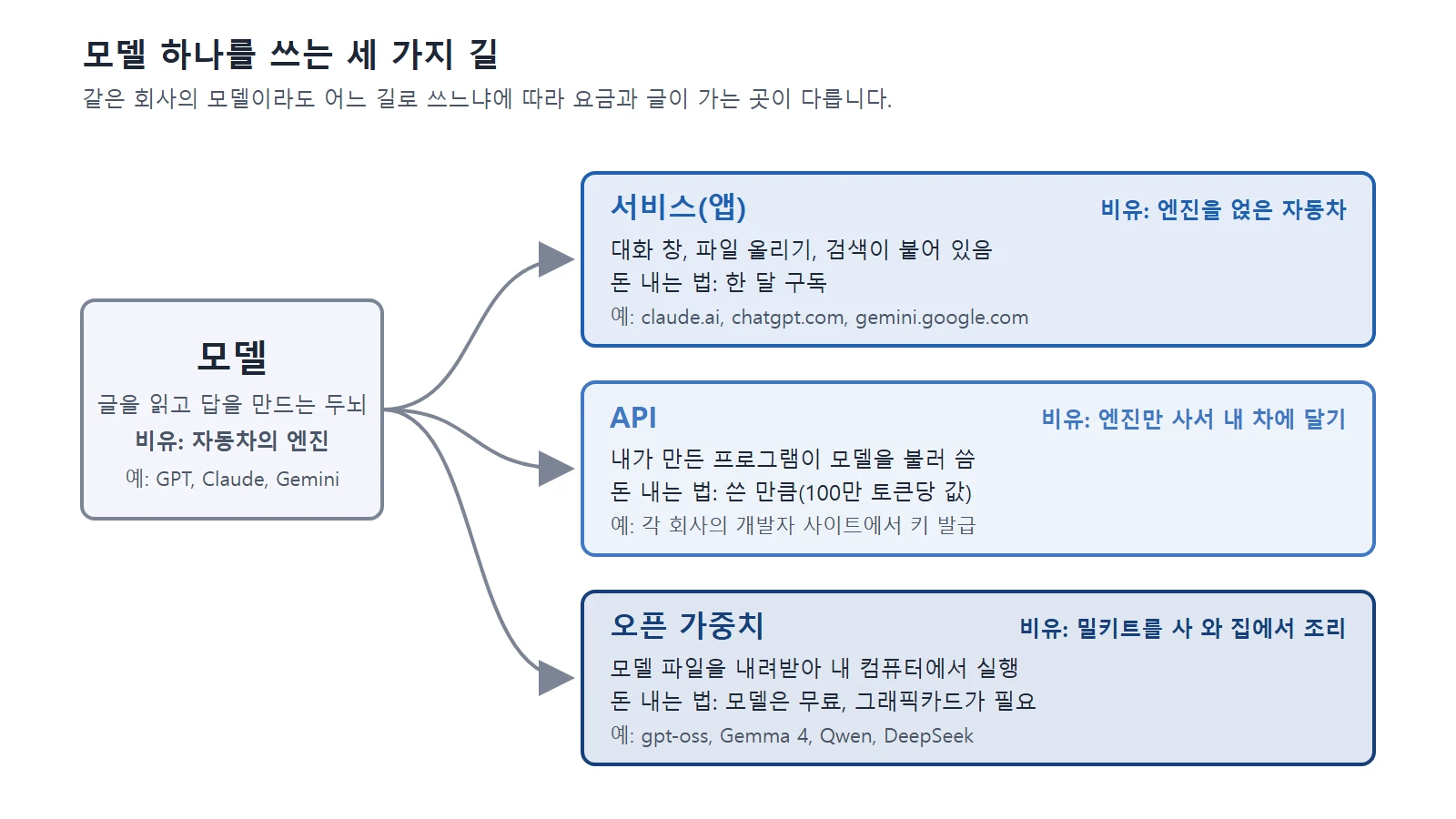
Claude, ChatGPT, Gemini, and other US and Chinese AI services compared: pricing, privacy, and how to choose
A side-by-side look at pricing, privacy, and how to choose among 12 US and Chinese AI services, including Claude, ChatGPT, and Gemini.
 Blender
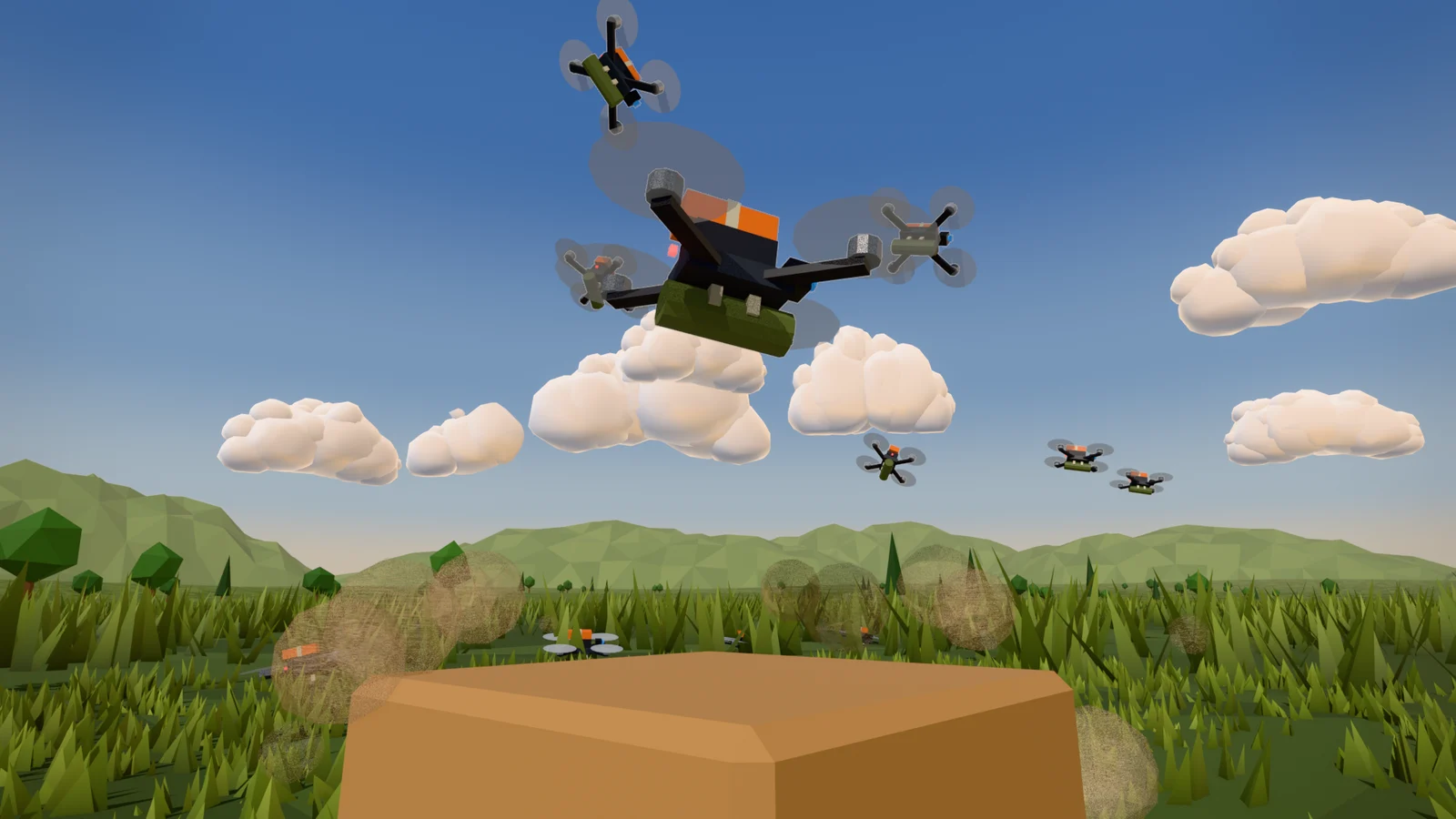
AI and Blender: Start Small and Work Together
When you hand Blender work to an AI, split the job, read before running, check with a picture and numbers, and save with version numbers. This guide walks through that order with a real production example.
 AI & IT tools
Copyright basics for AI-made images and text
Official guidance in the United States and Korea says AI output made only from a prompt is unlikely to be protected by copyright. This guide explains the standards in both countries and what to check before you use AI output.
 AI & IT tools
How AI image generation works, and how to write good prompts
AI finds a picture little by little in noise. Learn how diffusion models work and prompt tips for getting the picture you want.
 AI & IT tools
Subagents and multi-agent systems: splitting work among several AIs
How one AI can hand side tasks to assistant AIs instead of taking on everything itself, and when splitting the work actually costs you more.
 AI & IT tools
AI video generation basics: making video from text and images
AI video is a technology that draws many pictures in a row so they fit together over time. This guide explains how it works, three ways to start, and how to write prompts that include the camera.
 AI & IT tools
How AI and AI agents differ: AI that answers, AI that works
An AI agent is not a new brain but an AI that has been given tools and a repeating loop. This guide explains the difference between the two and what to watch out for when using agents.
 Blender
Planning a short animation: a 15-second video from 4 beats and a cut table
How to plan a short video on one sheet of paper before you render. Work down from a one-line summary to 4 beats, a cut table, and frame ranges, then check it cheaply in Blender.
 Blender
Retargeting Mixamo Animations with Auto-Rig Pro Remap
How to move Mixamo animations such as running and pitching onto your own character with Auto-Rig Pro's Remap, based on screens and results from tests in Blender 5.2.1 and Auto-Rig Pro 3.78.60.
 Blender
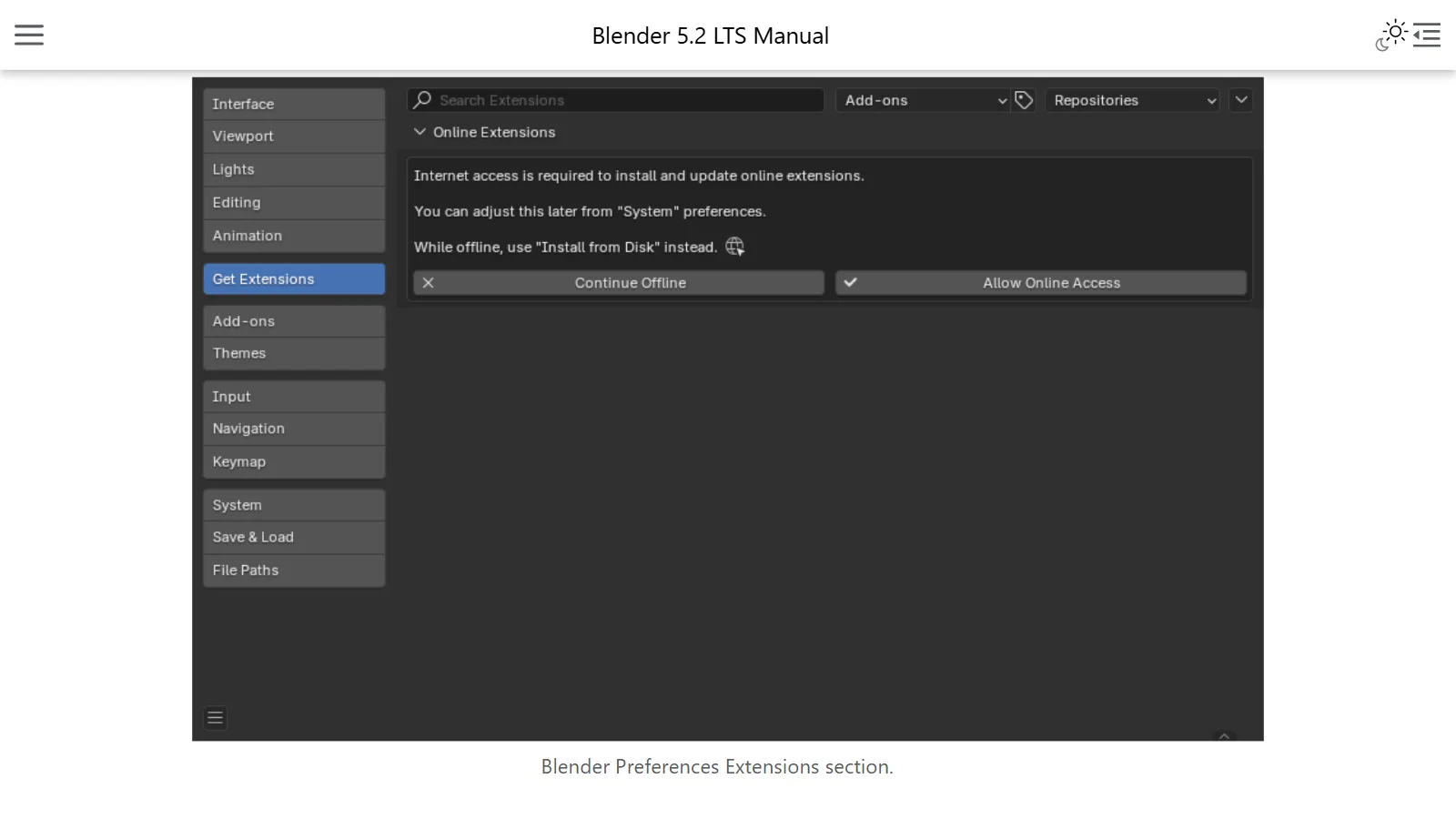
Installing and managing Blender add-ons and extensions
Since Blender 4.2, add-ons come through a new system called Extensions. This guide covers the difference between online and .zip installs, how to turn them on and off, and how to use them safely.
 Blender
Blender for complete beginners, chapter 1: from checking your PC to downloading and installing
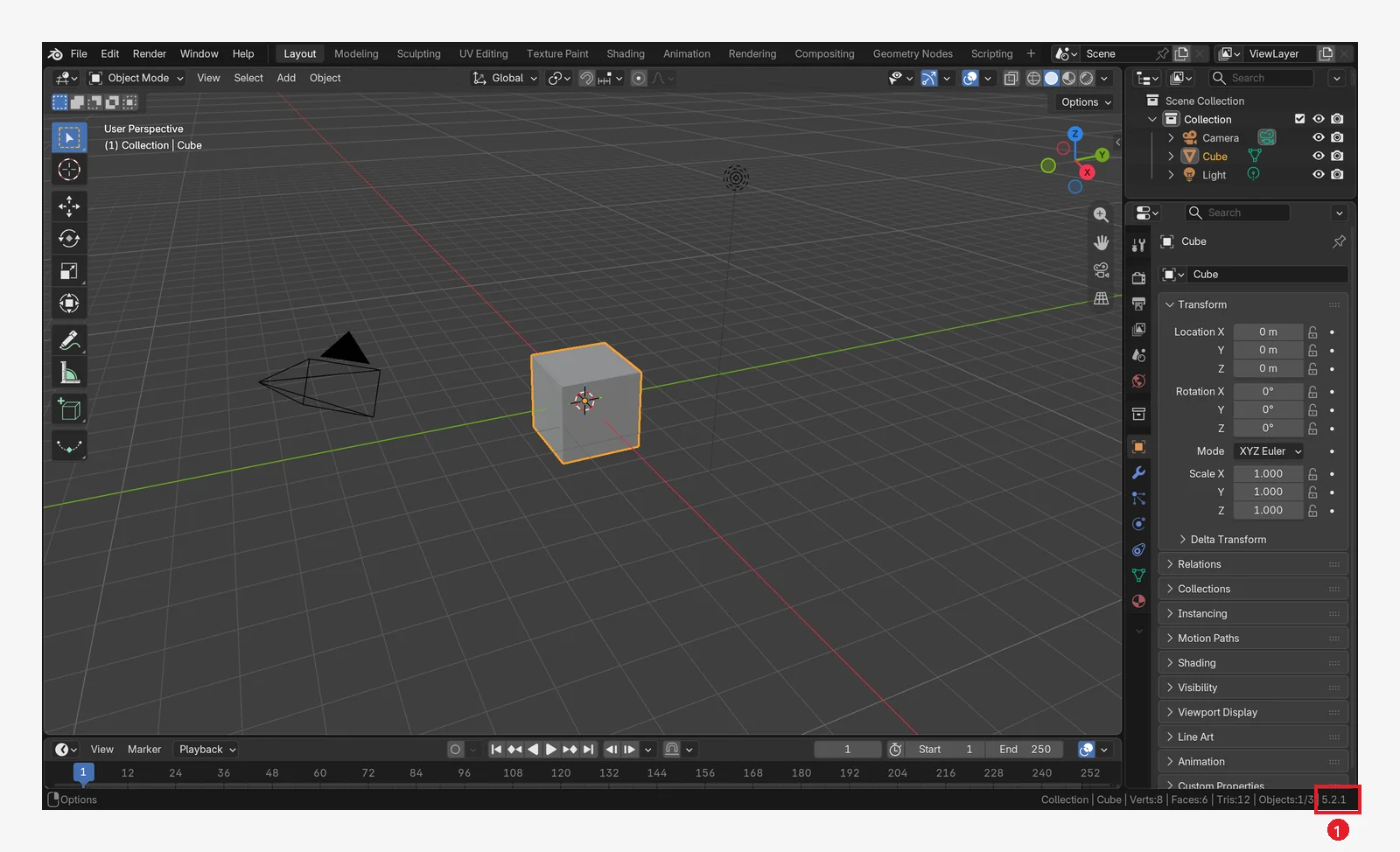
A Blender install guide for complete beginners. Check the requirements on the official site, pick the right file, install it, and open Blender for the first time to check the version.
 Blender
Blender for complete beginners, chapter 2: reading the first screen and turning the view
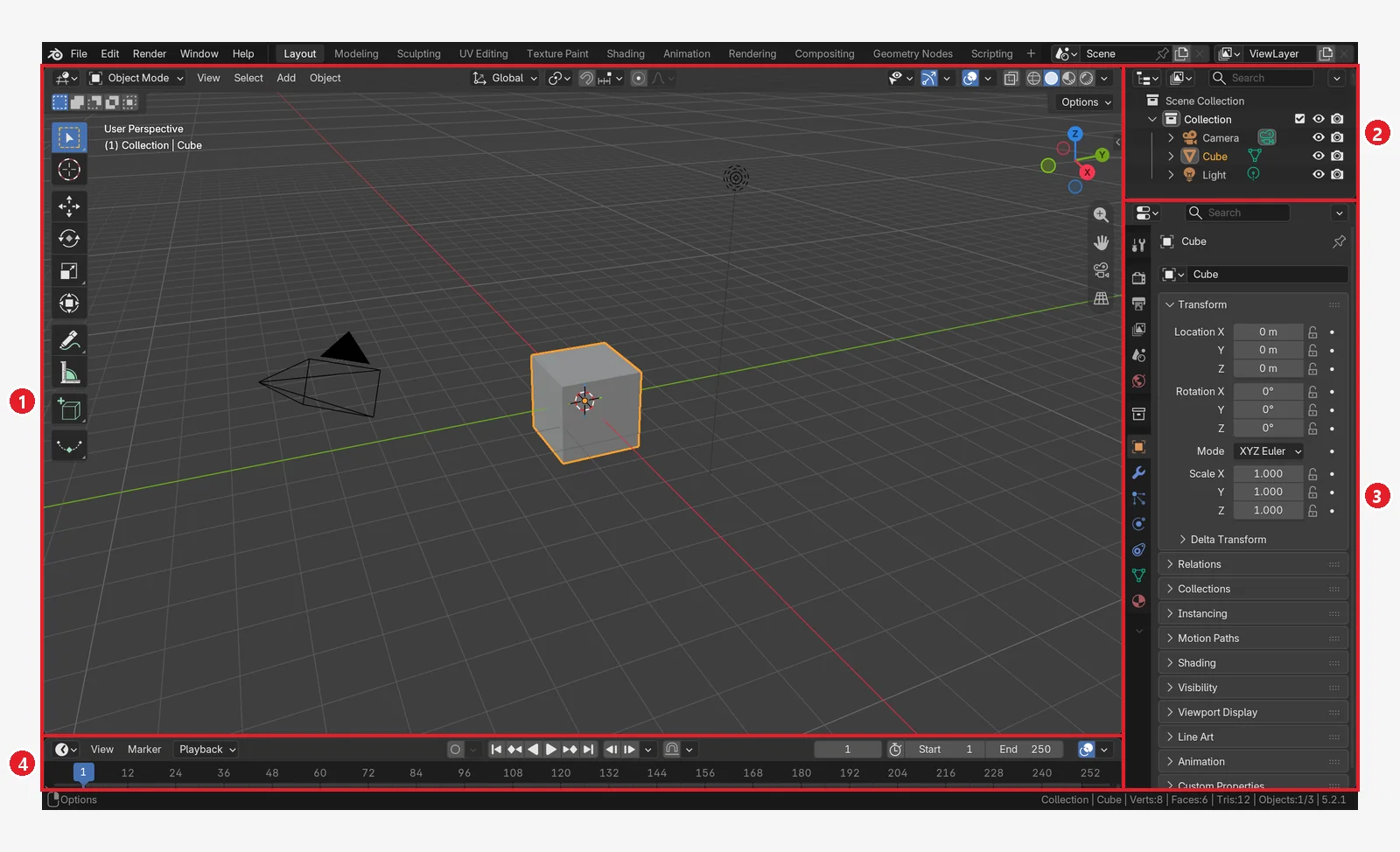
A tour of the Blender screen for complete beginners: the splash screen, the three layers of the screen, the four editors, workspaces, turning the view with a mouse or touchpad, and how to get back when you are lost.
 Blender
Blender for complete beginners, chapter 3: select, move, rotate, and scale
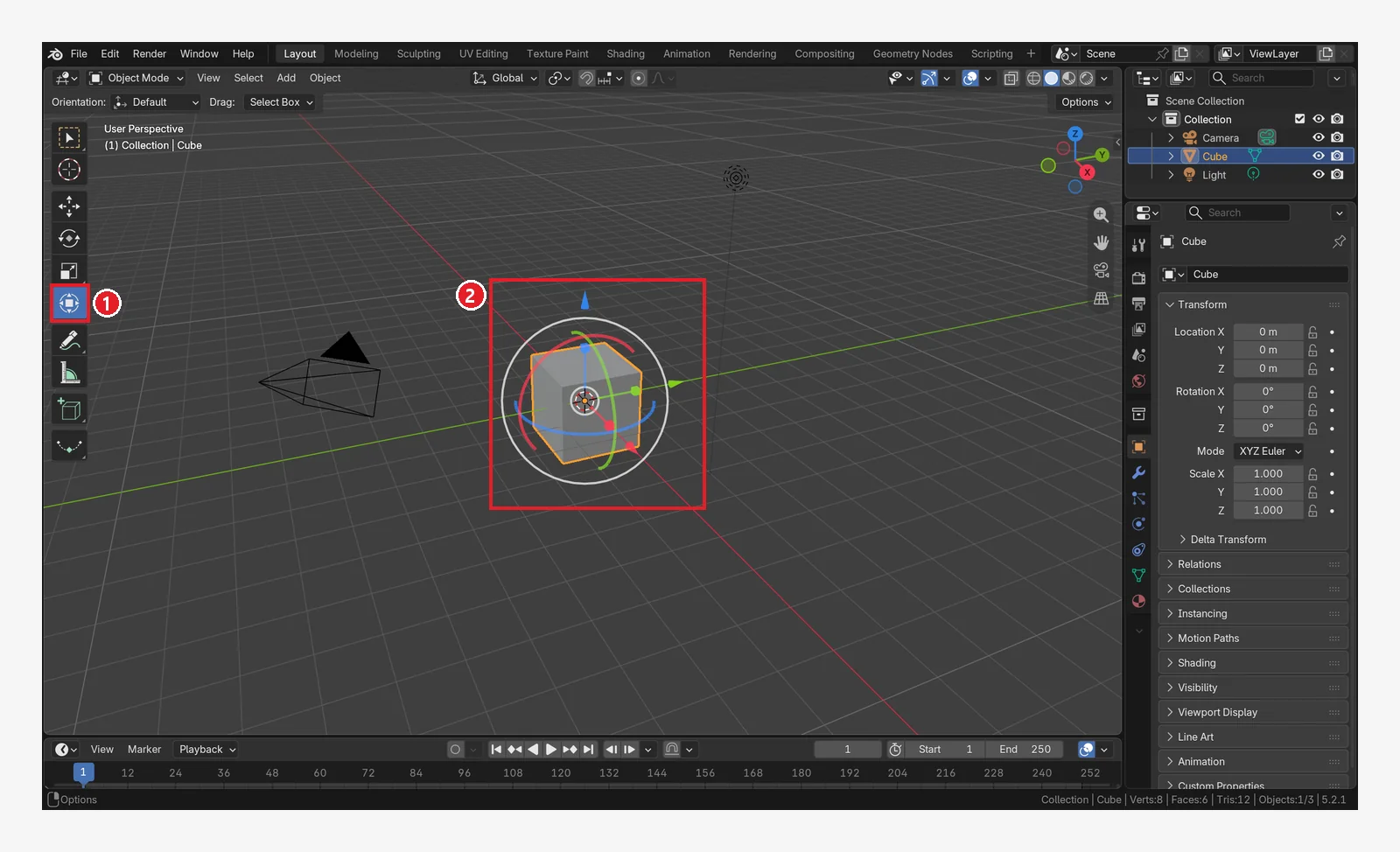
Basic Blender controls for complete beginners: click, Shift, and box selection, the Move, Rotate, and Scale tools and G, R, S, axis locking and typed numbers, and checking and resetting the values.
 Blender
Blender for complete beginners, chapter 4: adding, deleting, and duplicating objects, and undo
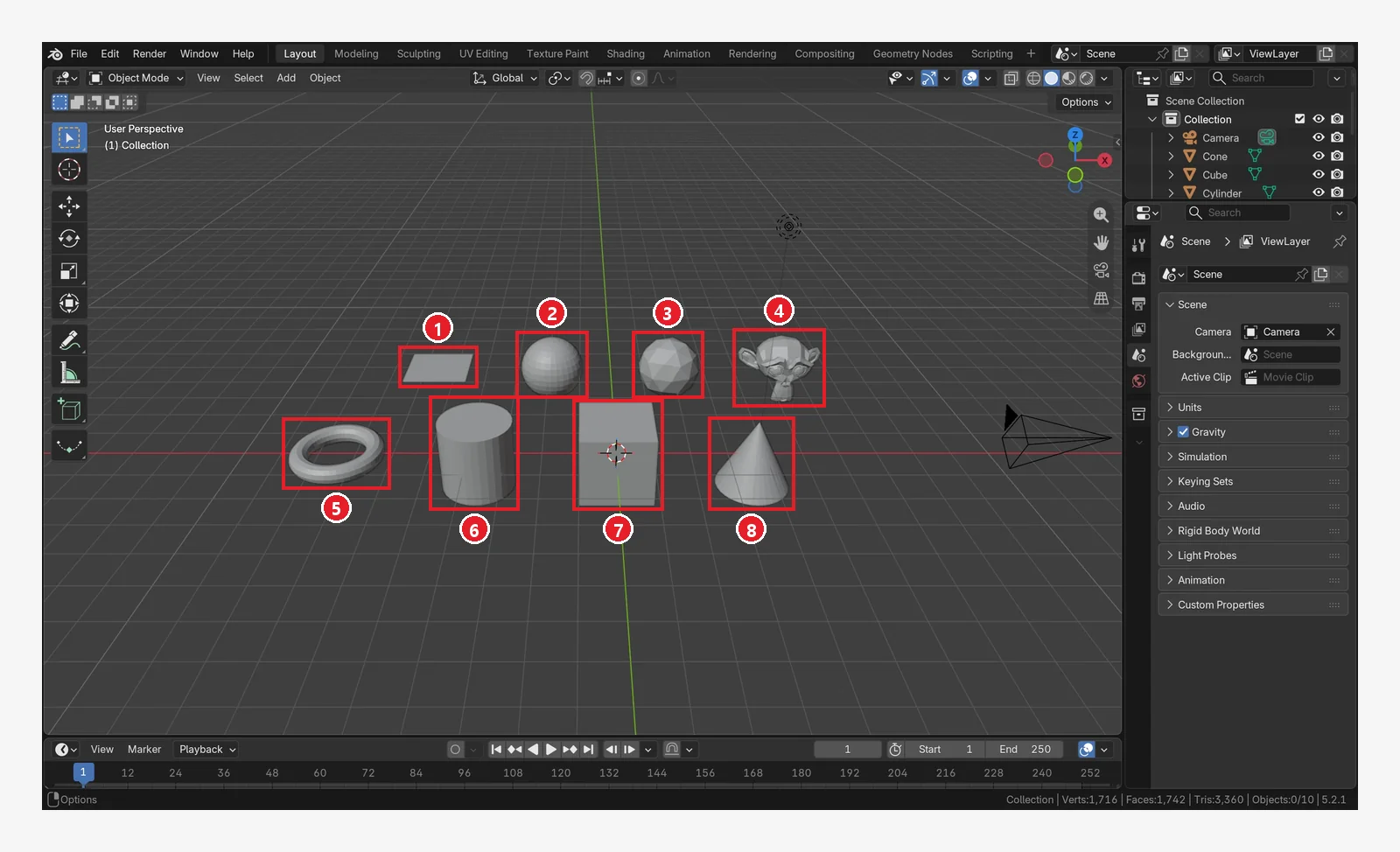
Handling objects in Blender for complete beginners: the 3D cursor, the Add menu and Shift+A, the 10 basic shapes, duplicating, deleting, and hiding, Ctrl+Z undo, and the Edit Mode trap.
 Blender
Blender for complete beginners, chapter 5: Saving and undoing mistakes — .blend files, auto save, and recovery
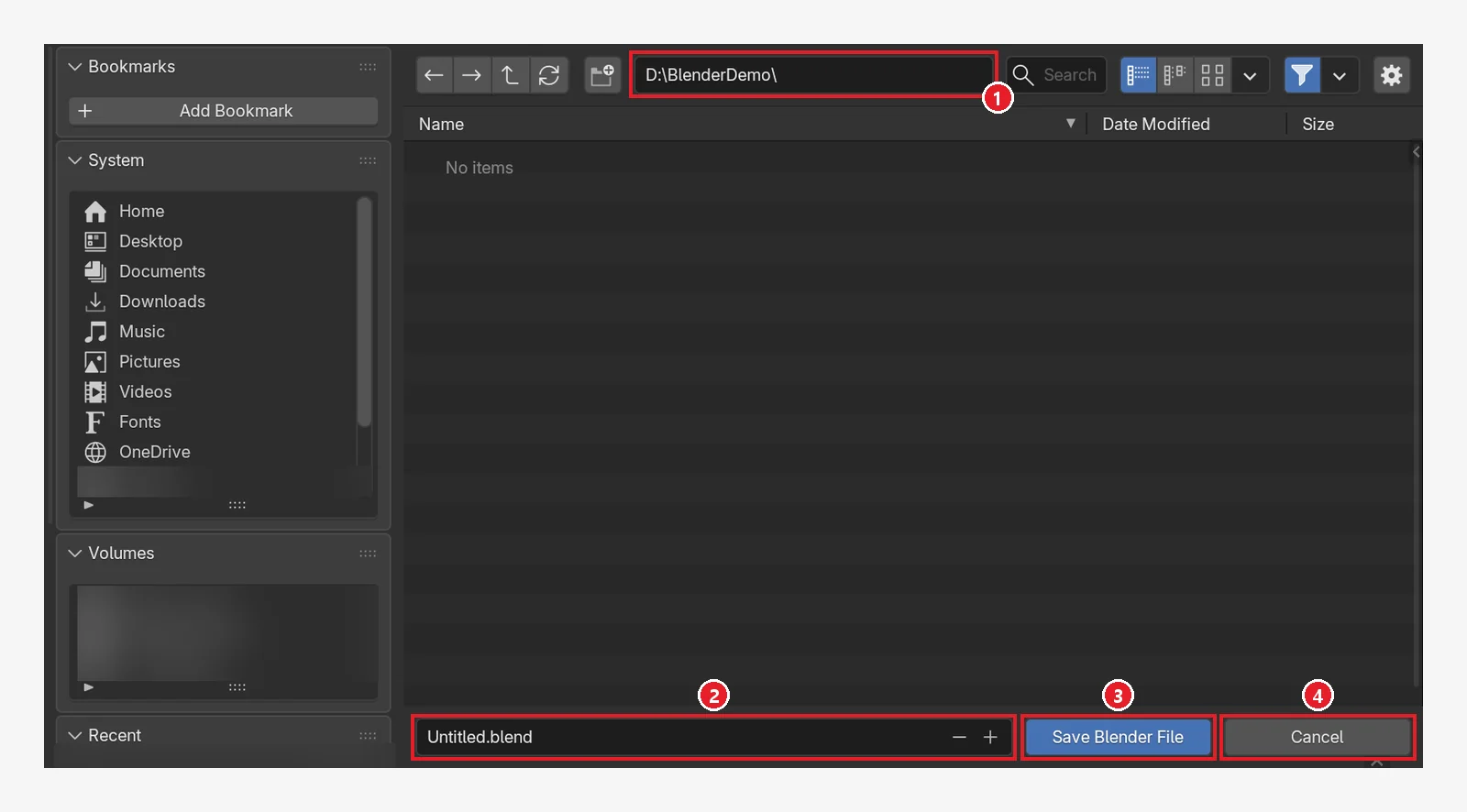
How to save in Blender, for complete beginners. Learn to save a .blend file with Ctrl+S, open it again and pick from recent files, use the .blend1 backup, auto save and Recover Last Session, and fix broken texture paths.
 Blender
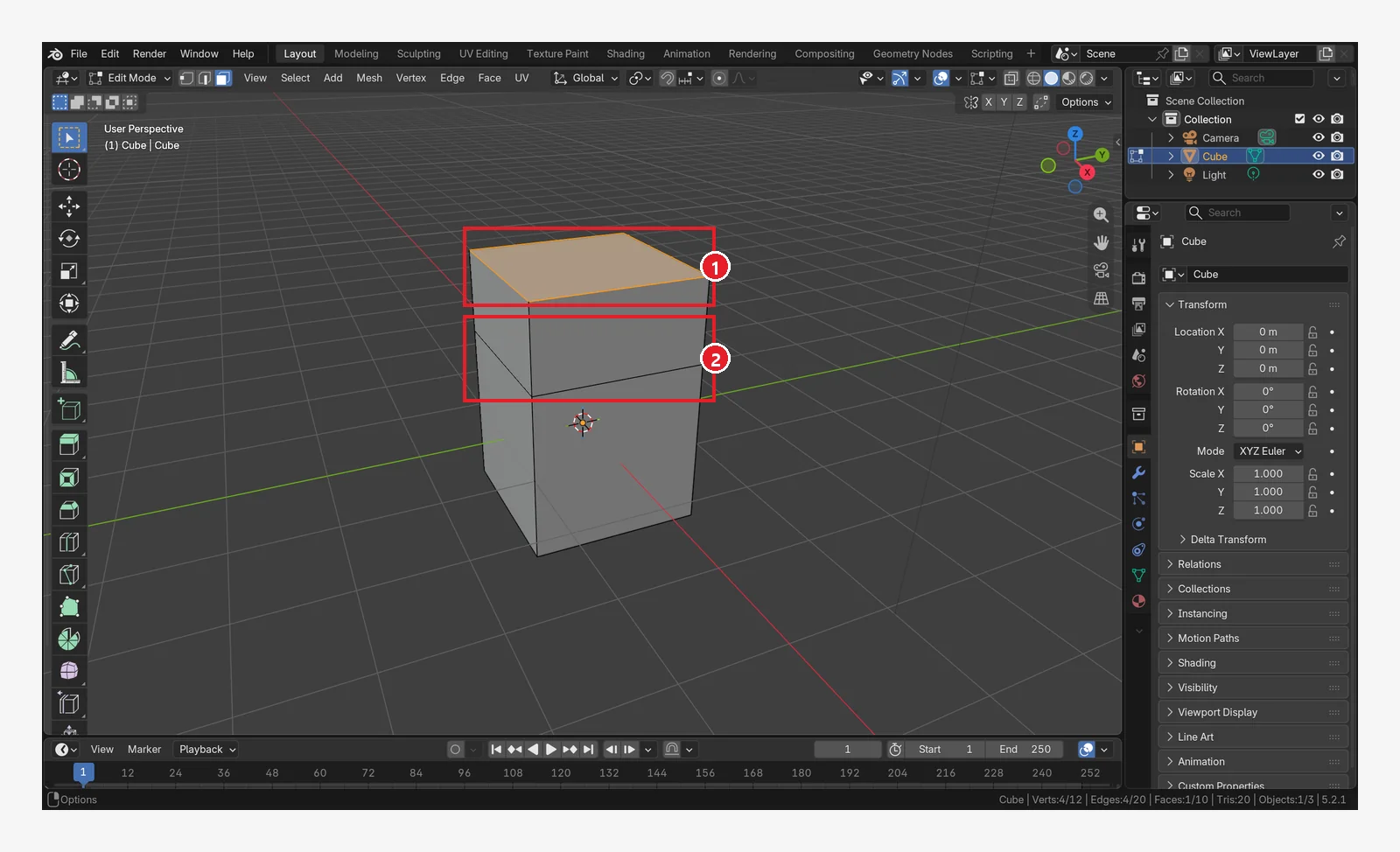
Blender for complete beginners, chapter 6: Edit Mode basics (vertices, edges, faces, extrude, loop cut, bevel)
Blender Edit Mode for complete beginners. Learn to enter and leave with Tab, select vertices, edges, and faces, then Extrude (E), Inset (I), Loop Cut (Ctrl+R), Bevel (Ctrl+B), deleting faces, and X-ray.
 Blender
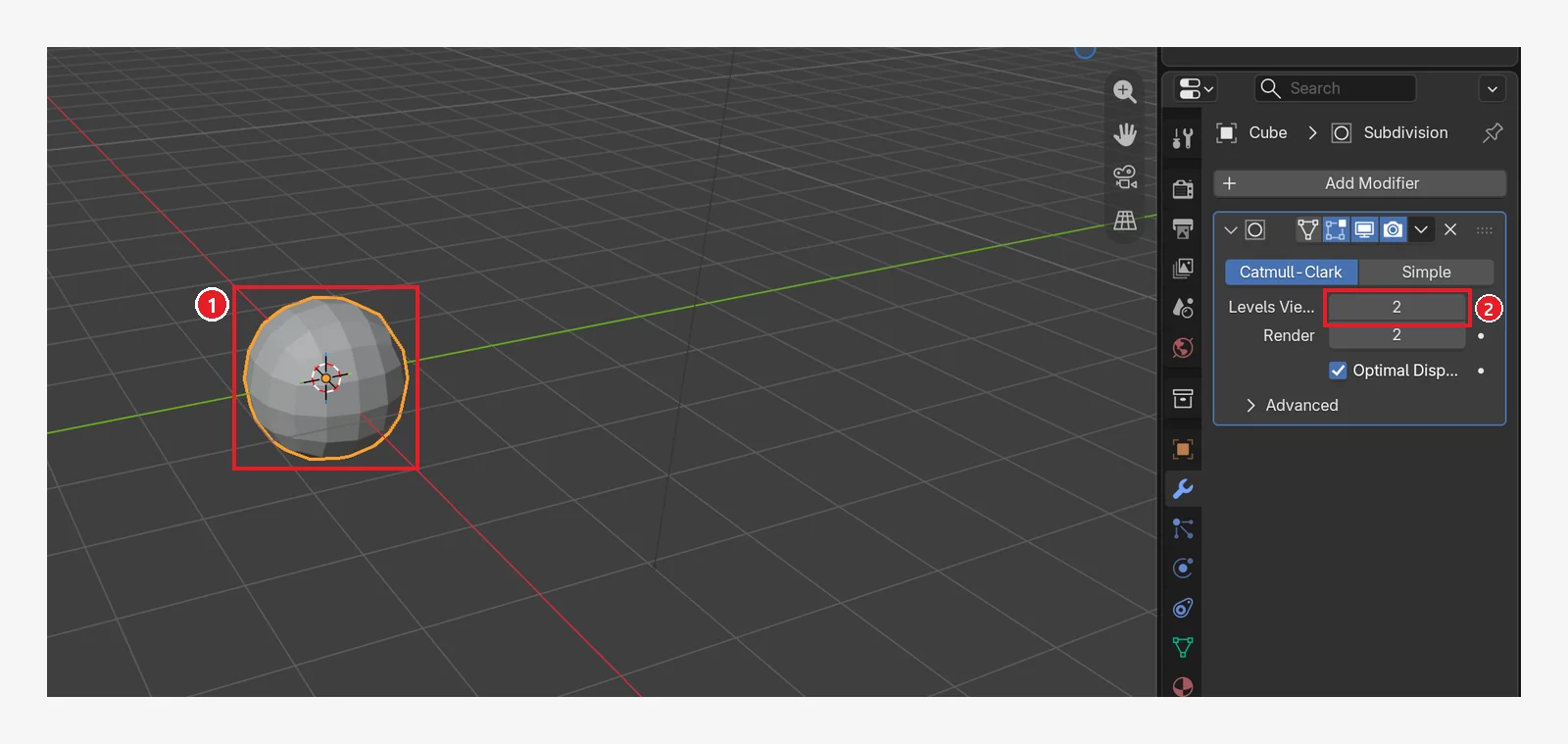
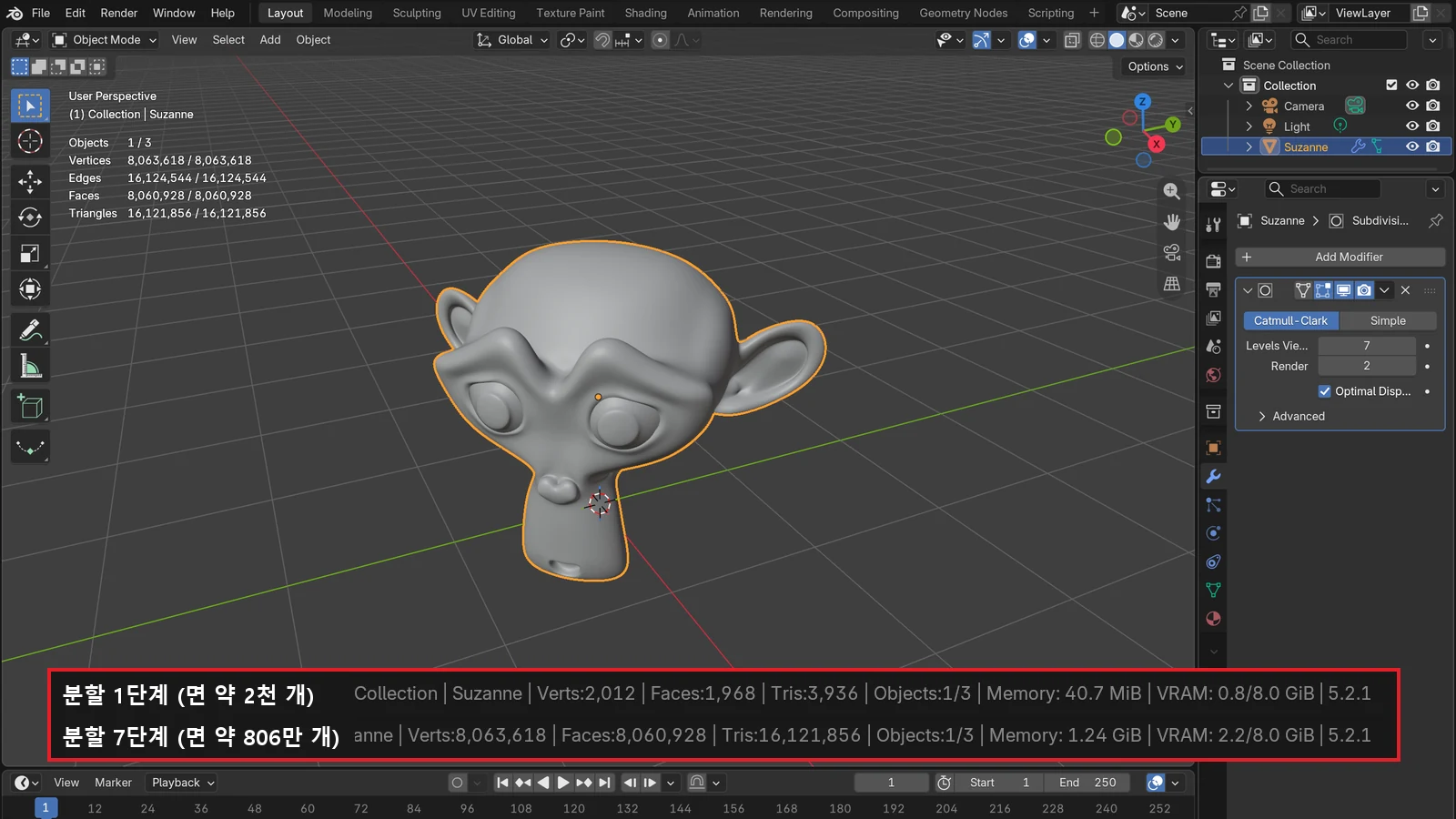
Blender for complete beginners, chapter 7: Modifiers that change shape without ruining the original
Blender modifiers for complete beginners. Add Subdivision Surface, Bevel, Mirror, Array, and Solidify, then learn to turn them on and off, change their order, and Apply them.
 Blender
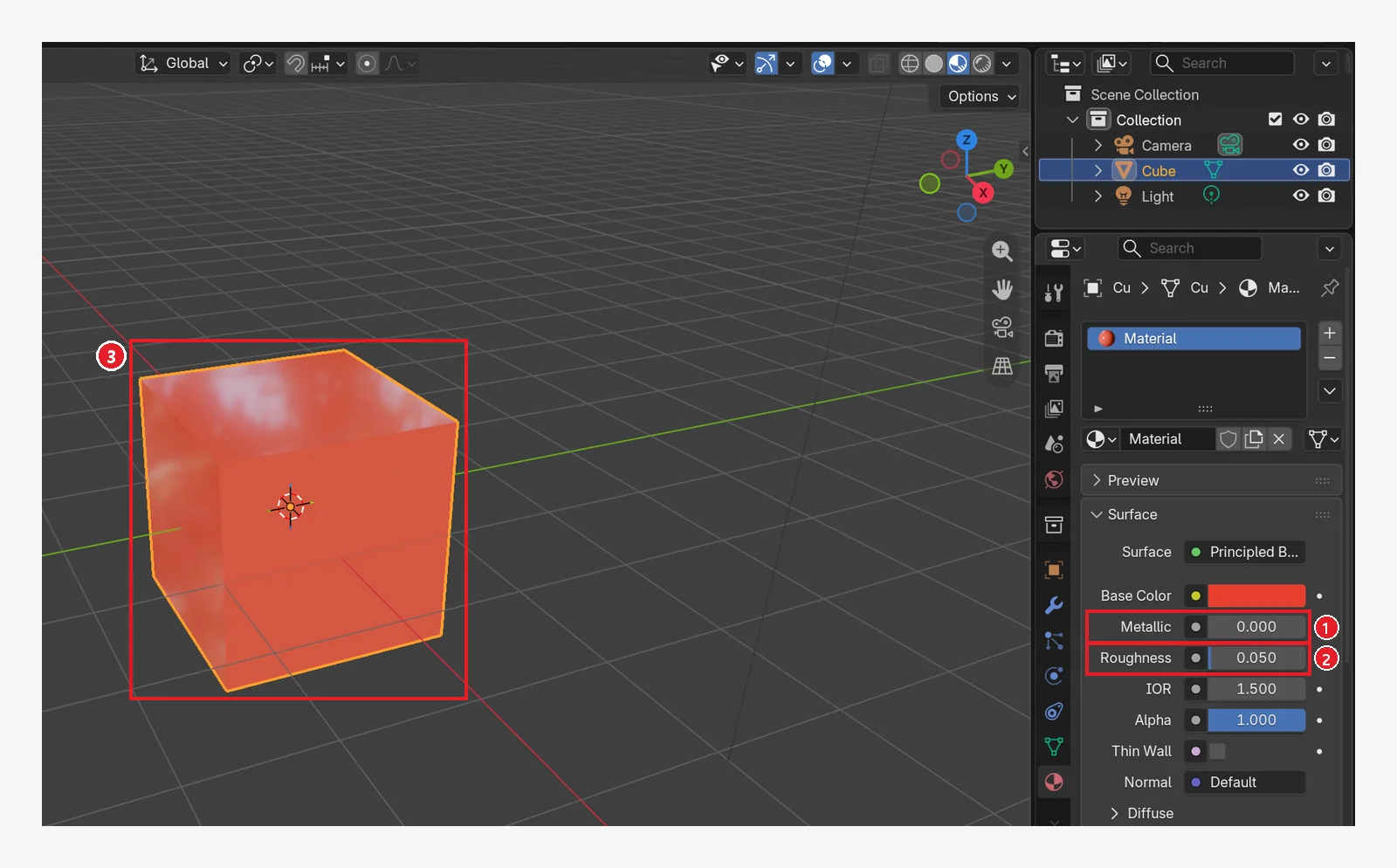
Blender for complete beginners, chapter 8: Materials and color: adding color, metal, and roughness
Blender materials for complete beginners. Learn the Material tab and Principled BSDF, compare Base Color, Metallic, and Roughness, see why Solid view shows its own color, try Emission, and make new materials and a different material per face.
 Blender
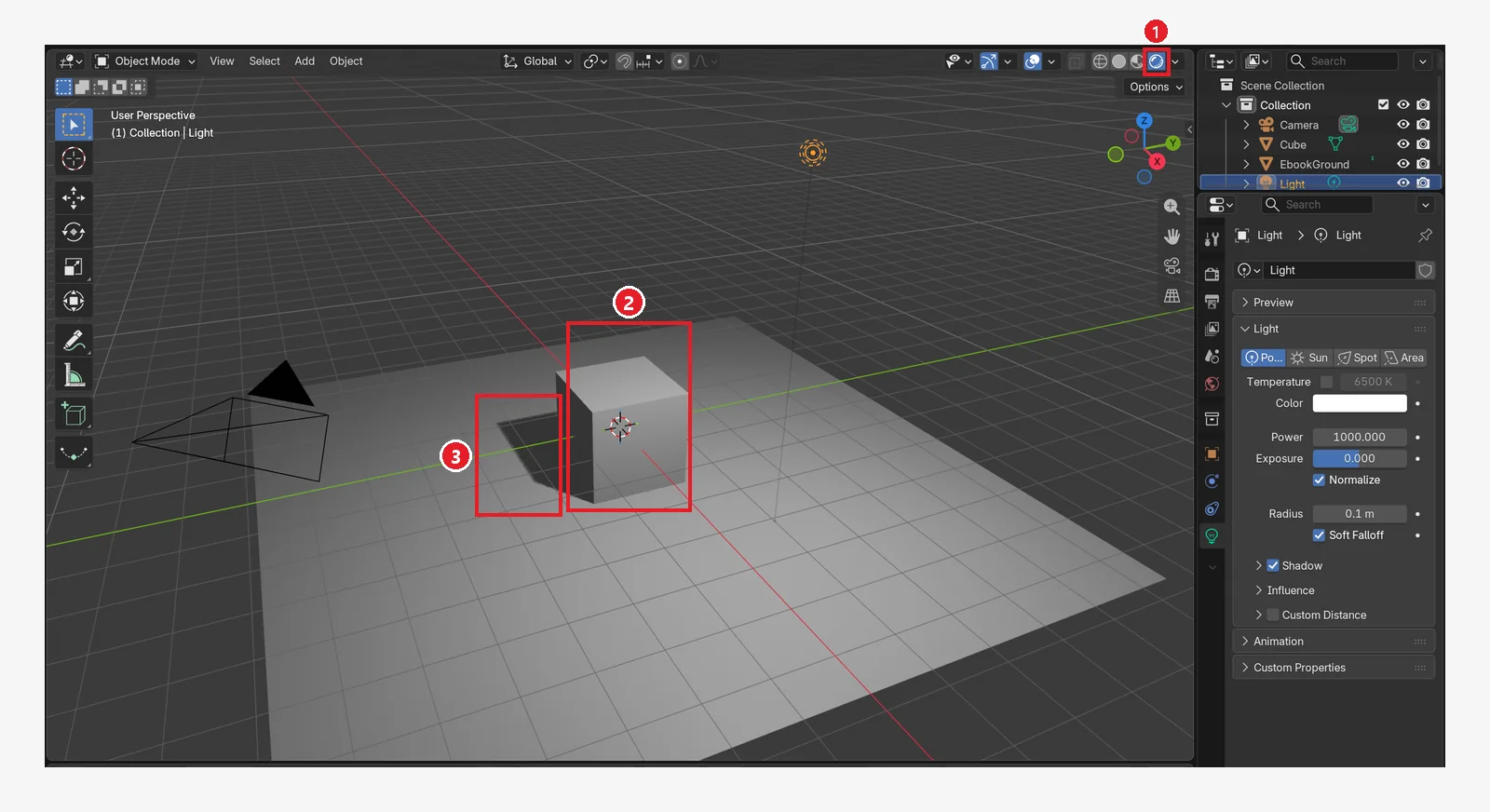
Blender for complete beginners, chapter 9: lights — light types, strength, and shadows
Blender lighting for complete beginners. Learn the four light types (Point, Sun, Spot, Area), how to control brightness and shadows with Power, Color, and Radius, the World background light, and how to add one fill light.
 Blender
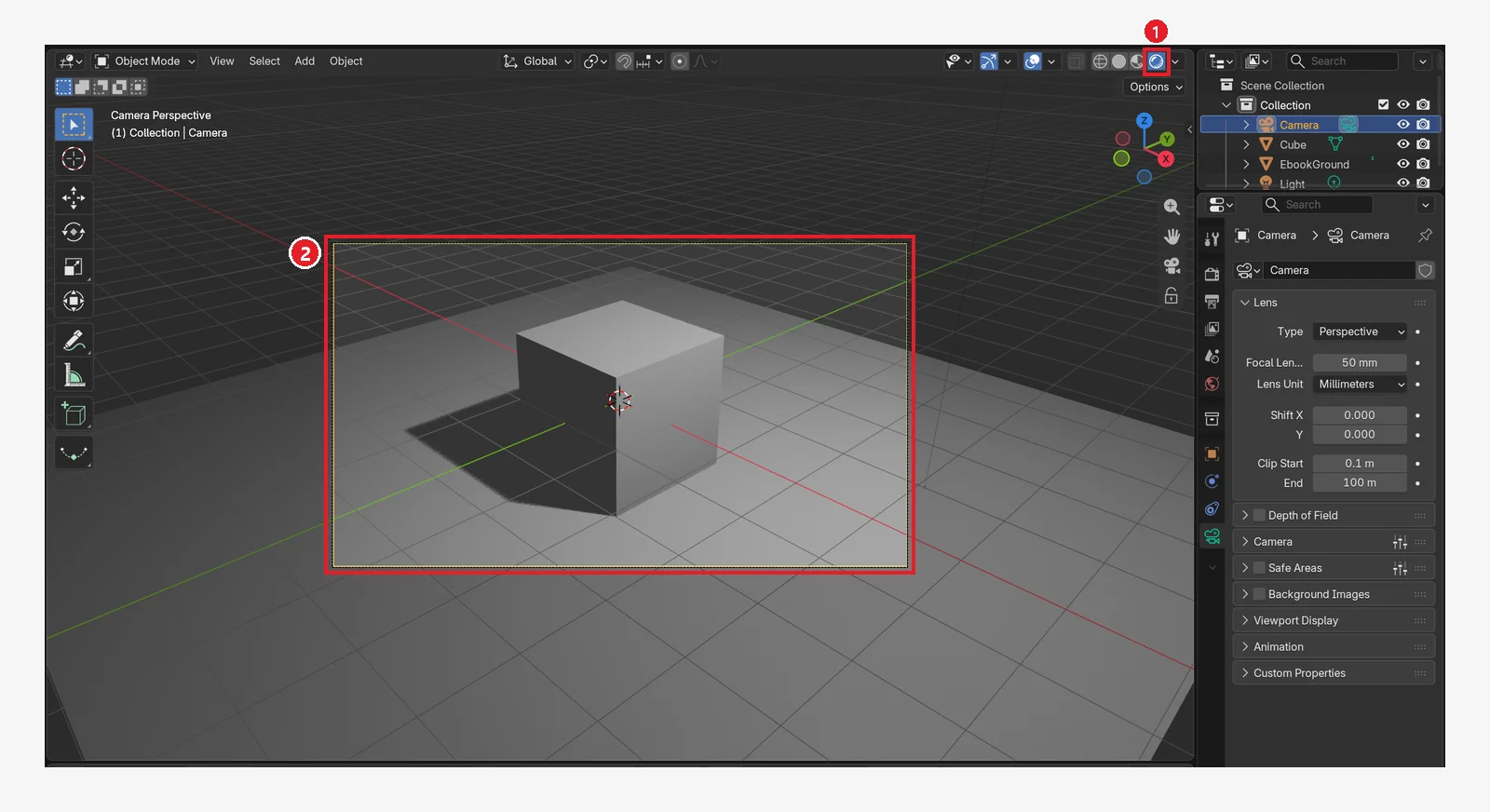
Blender for complete beginners, chapter 10: The camera, framing a shot and camera view
The Blender camera for complete beginners. Learn camera view (numpad 0), how focal lengths compare, moving the camera and aligning it to your current view, resolution and aspect ratio, and the orthographic camera.
 Blender
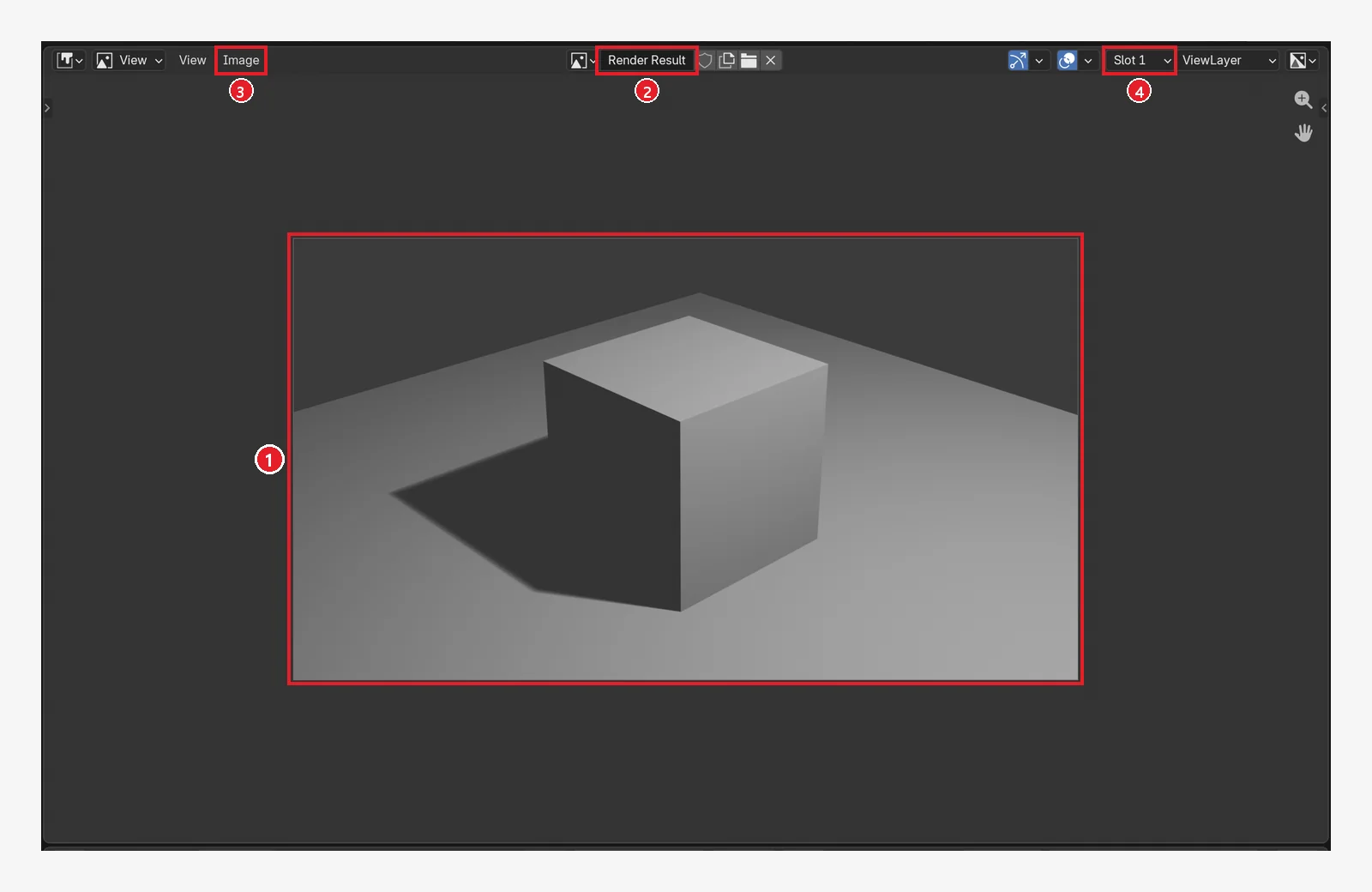
Blender for complete beginners, chapter 11: Rendering and saving — one still image and one video
Rendering in Blender for complete beginners. Learn the EEVEE and Cycles render engines, set the resolution to 1280×720, render one still with F12 and save it as PNG, and make an image sequence and a video file with Ctrl+F12.
 Blender
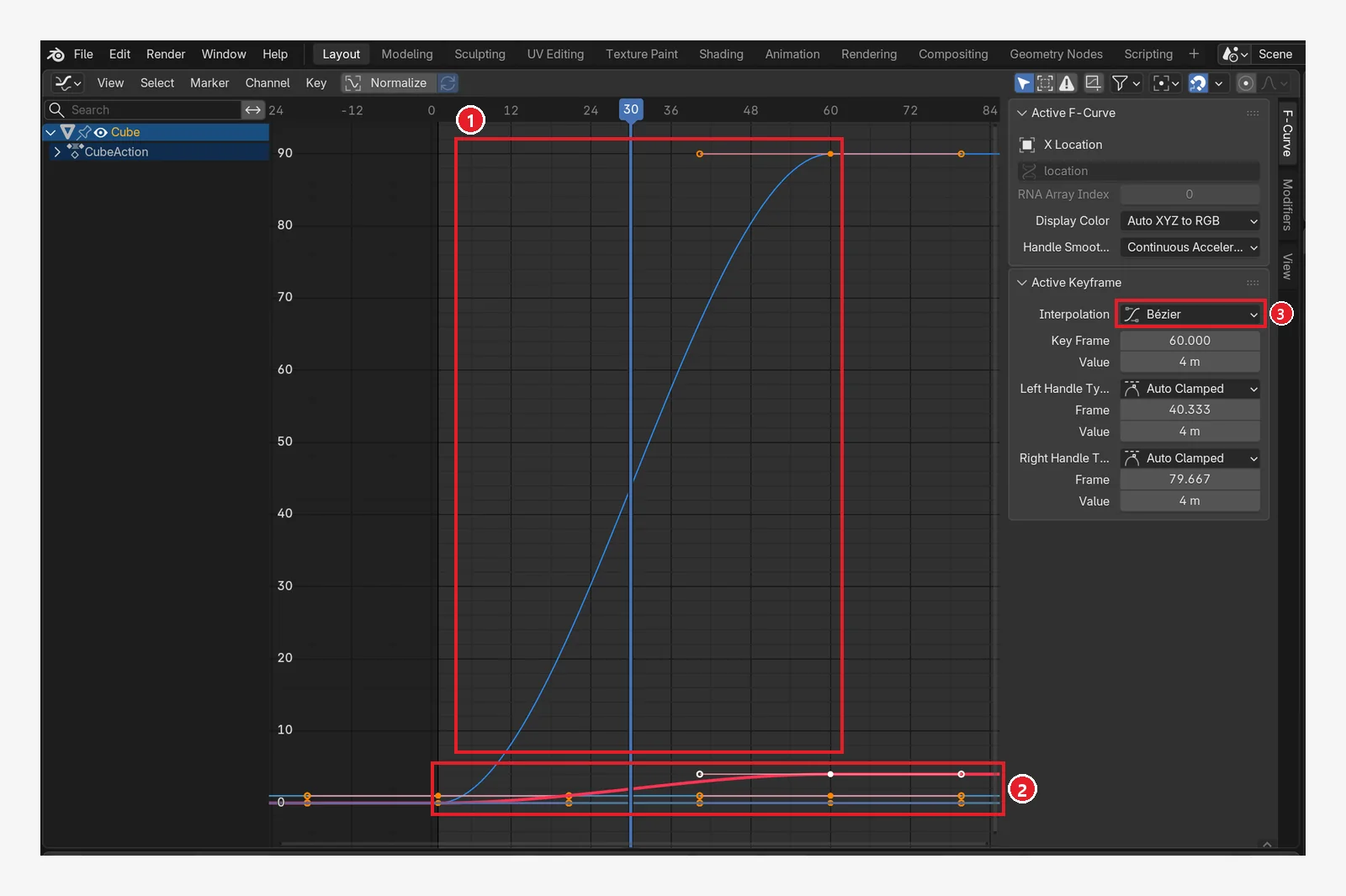
Blender for complete beginners, chapter 12: your first animation, moving a cube with keyframes
Blender animation for complete beginners. Learn to insert keyframes (I), read the colors of property fields, move between frames on the Timeline, set the end frame, and get a first look at the Dope Sheet and the Graph Editor.
 Blender
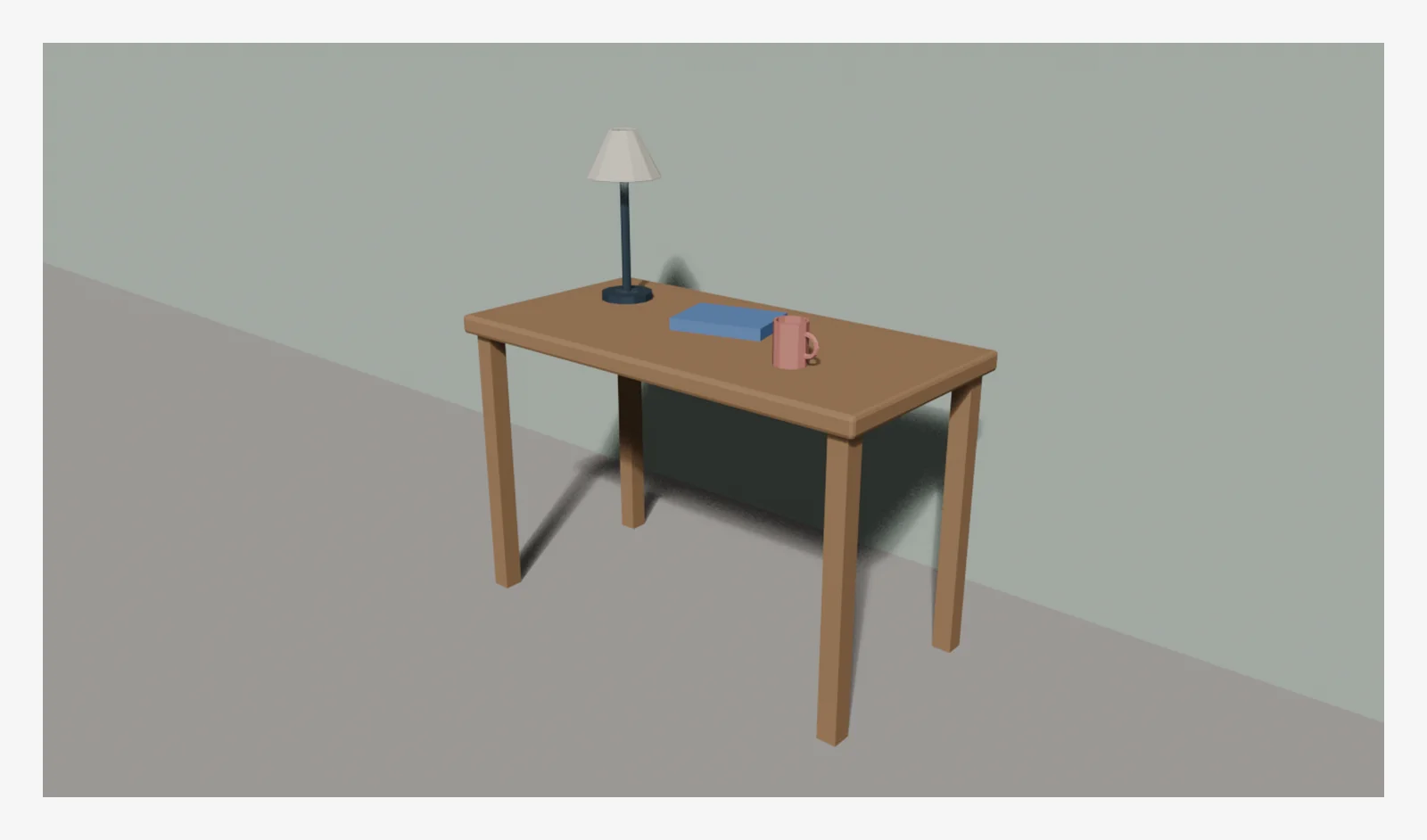
Blender for complete beginners, chapter 13: finishing a small piece — a low-poly desk scene
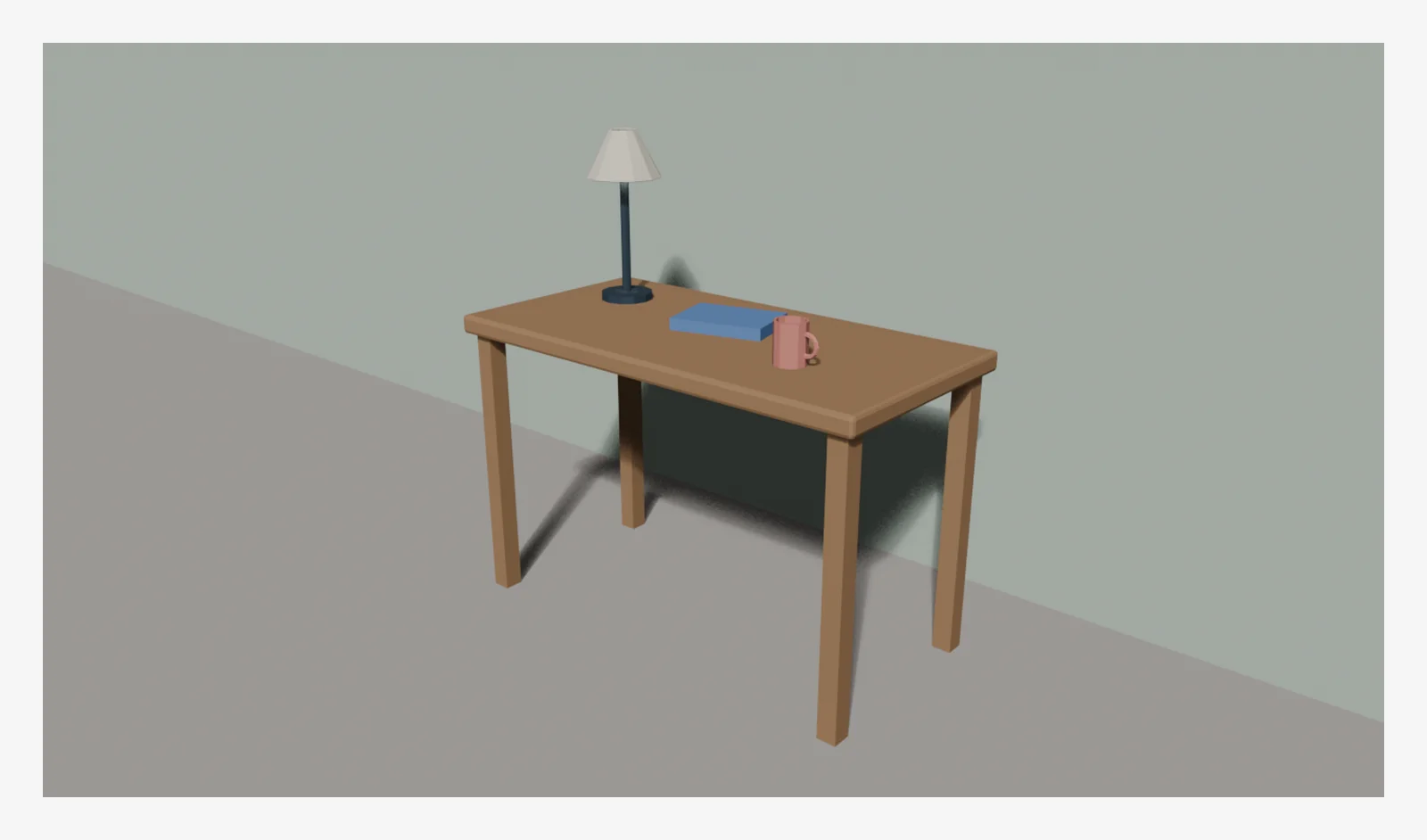
A first finished piece for complete beginners. Combine what you learned in chapters 1 to 12 (adding objects, size, Edit Mode, modifiers, materials, lights, the camera, and rendering) to build a low-poly scene with a desk, a mug, a desk lamp, and a book using exact numbers, then render it at 1280×720.
 Blender
Blender for complete beginners, chapter 14: Where to go next, plus a shortcut appendix
An appendix chapter for after you finish the complete beginner series: paths for what to study next, plus the shortcuts and terms checked in chapters 1–13 and a checklist for when you get stuck, all in one place.
 Blender
Getting started with Blender Geometry Nodes: making shapes with rules
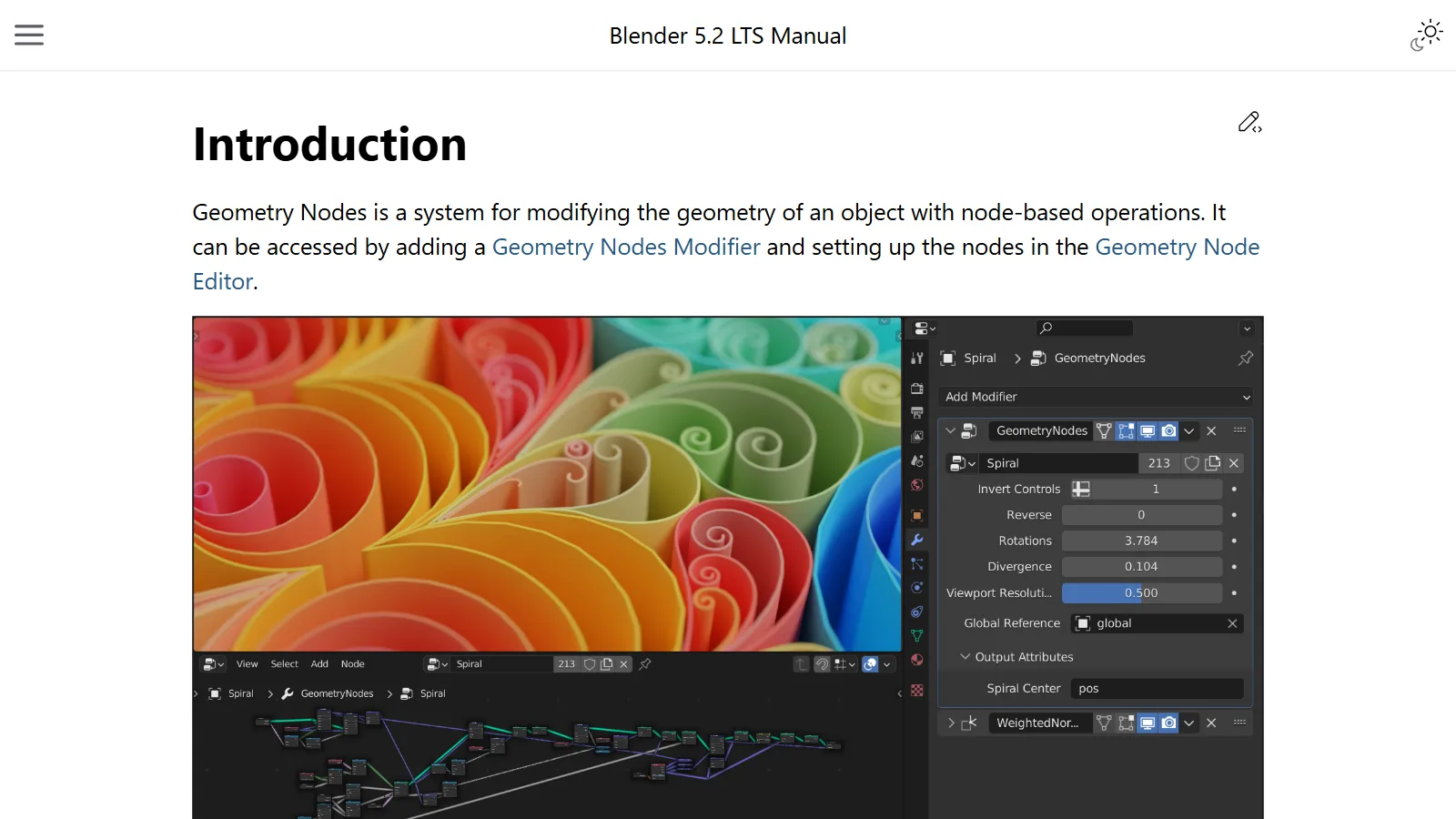
Blender Geometry Nodes make shapes with rules instead of by hand. This guide explains nodes, flow, fields, and instances in plain words, using an assembly line as the example.
 Blender
The Blender screen: 5 things to know when you first open it
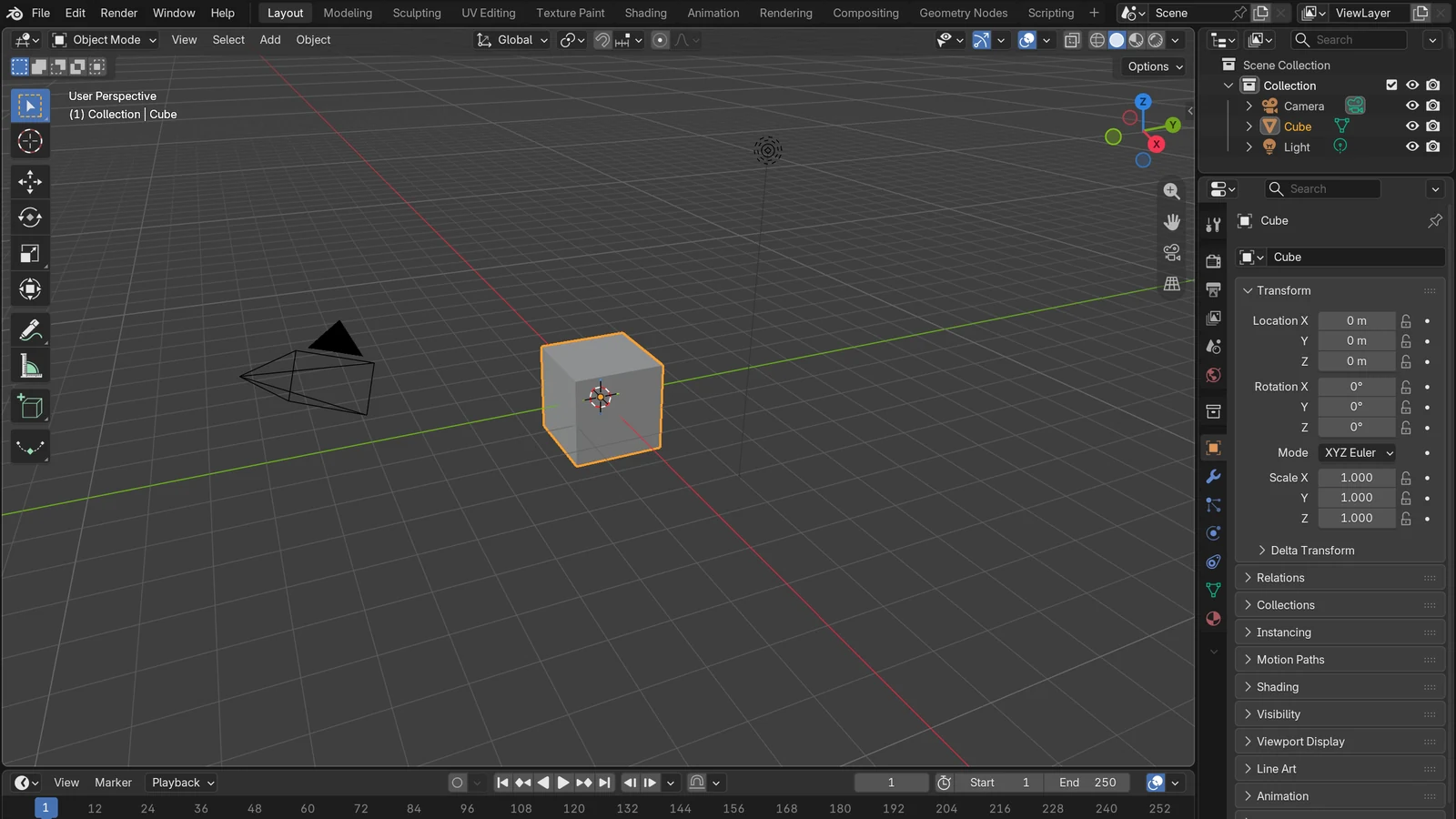
We split the Blender screen you see on first launch into five parts: the three layers of the screen, workspaces, the four default editors, modes, and moving the view.
 Blender
An introduction to keyframe animation in Blender: inserting keys and the Graph Editor
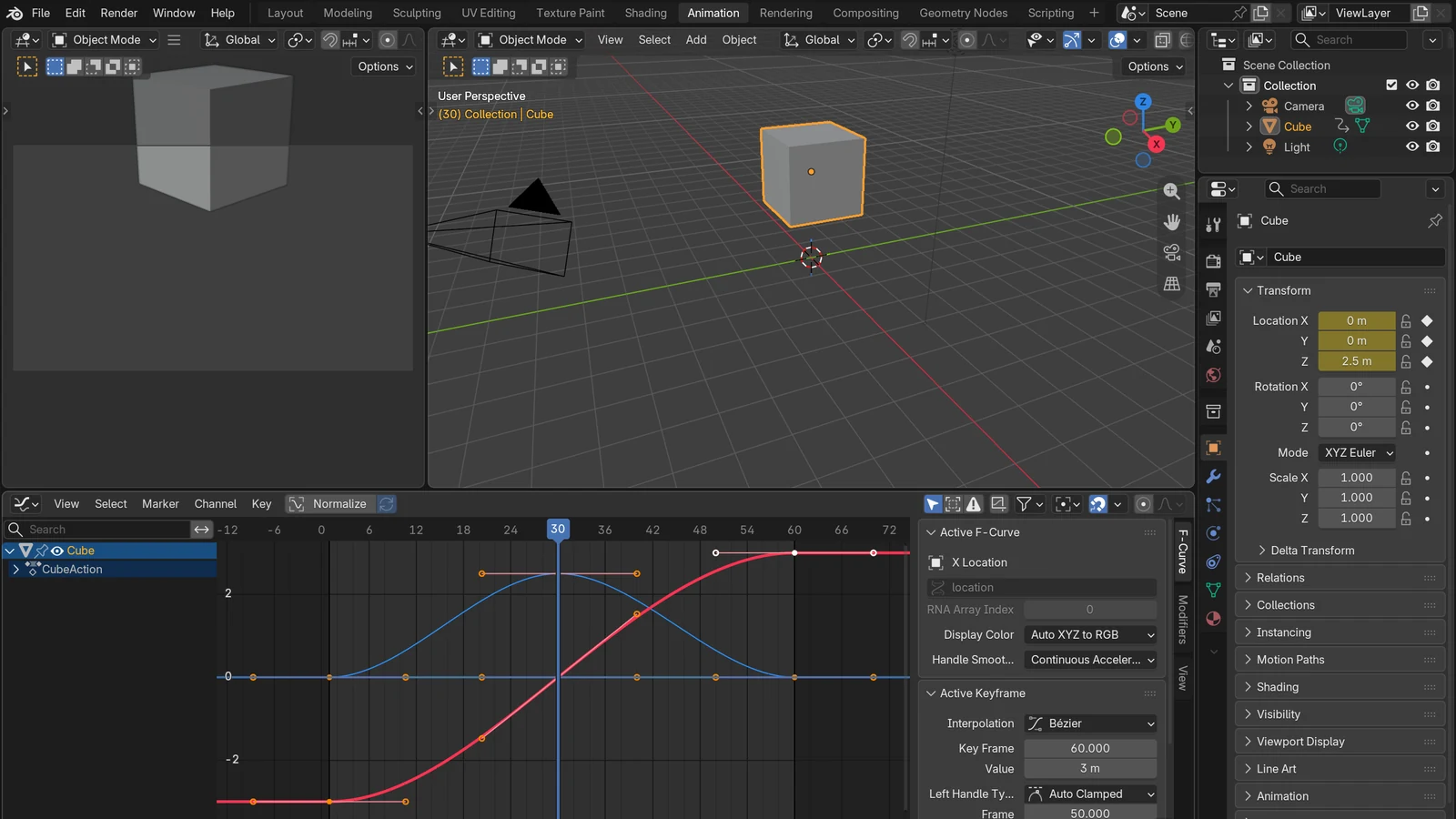
Set only the important moments and Blender fills in the rest. This guide explains how to insert keyframes and how to refine motion in the Graph Editor, using stepping stones as the example.
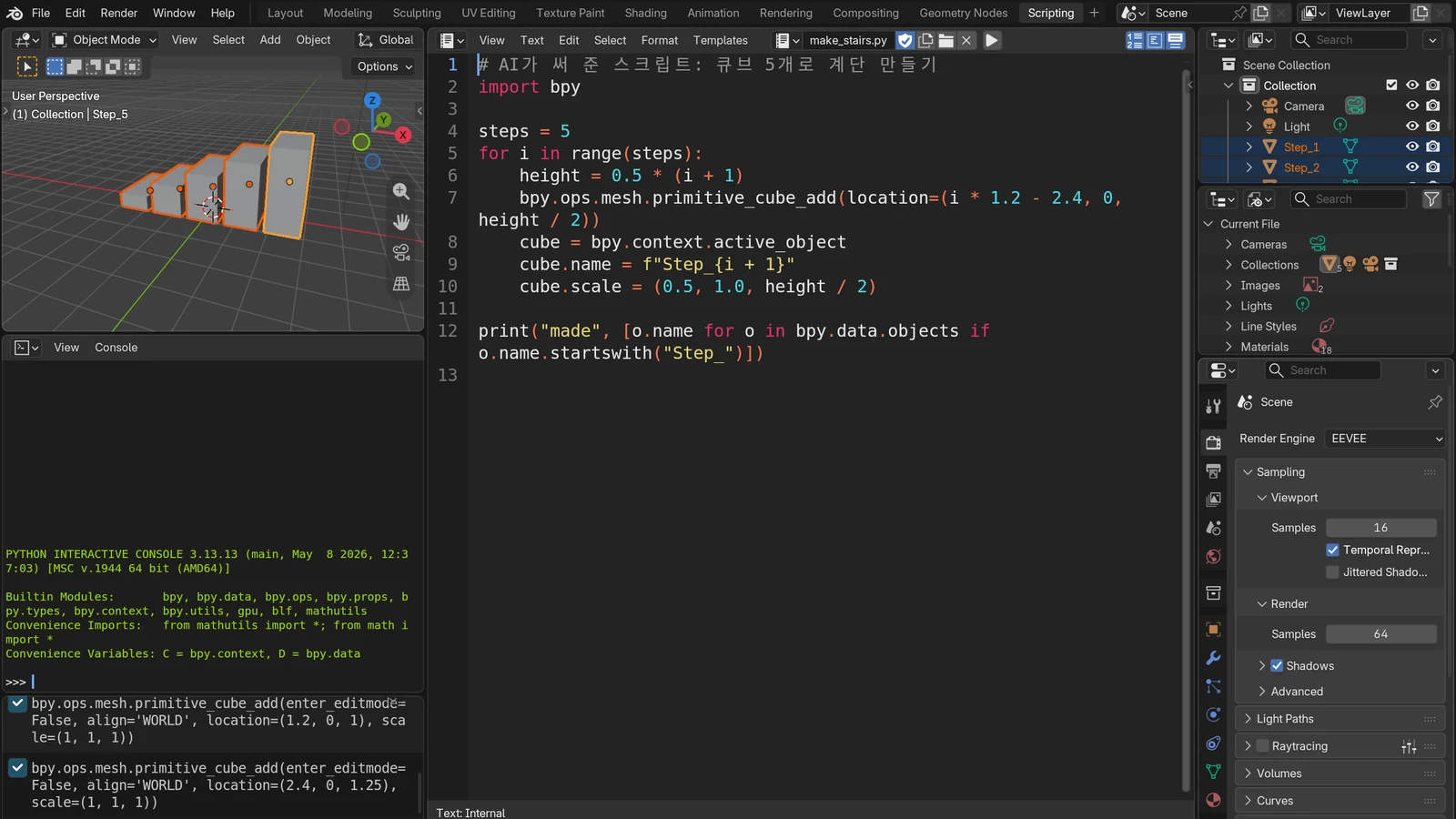 Blender
Connecting Blender and AI: 3D work through MCP and scripts
A plain comparison of the two ways AI can drive Blender: Python scripts and an MCP connection. It also covers how they work, a first exercise, and safe working habits.
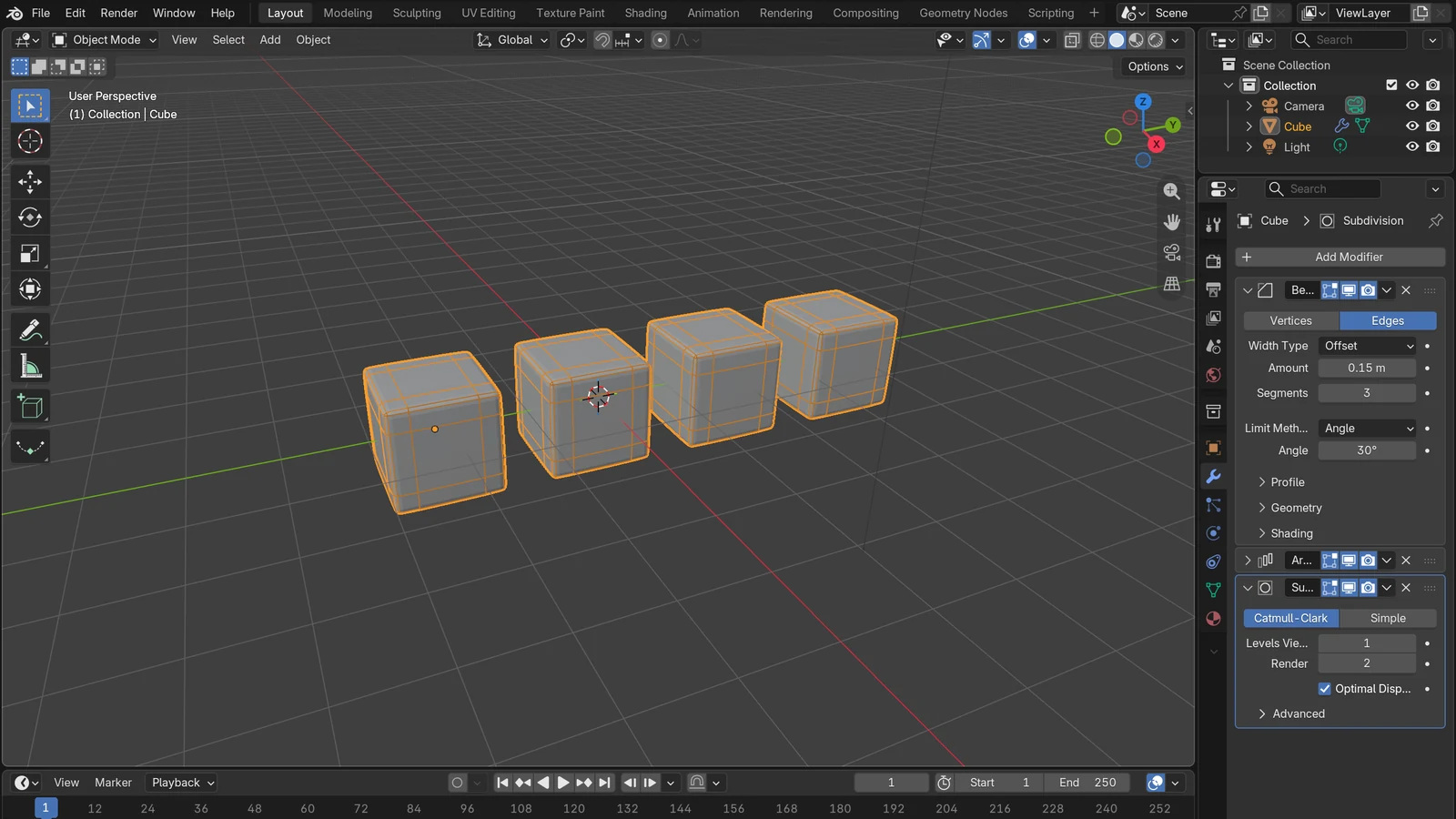 Blender
What is a modifier? Changing shape without ruining the original
A modifier is an effect filter laid over the original. This guide covers stack order, Apply, and six modifiers you will use often.
 Blender
Blender Python Automation: Turning Repeated Work into Scripts
Learn how to hand button-clicking work to a few lines of Python, using the three pillars of bpy and short examples.
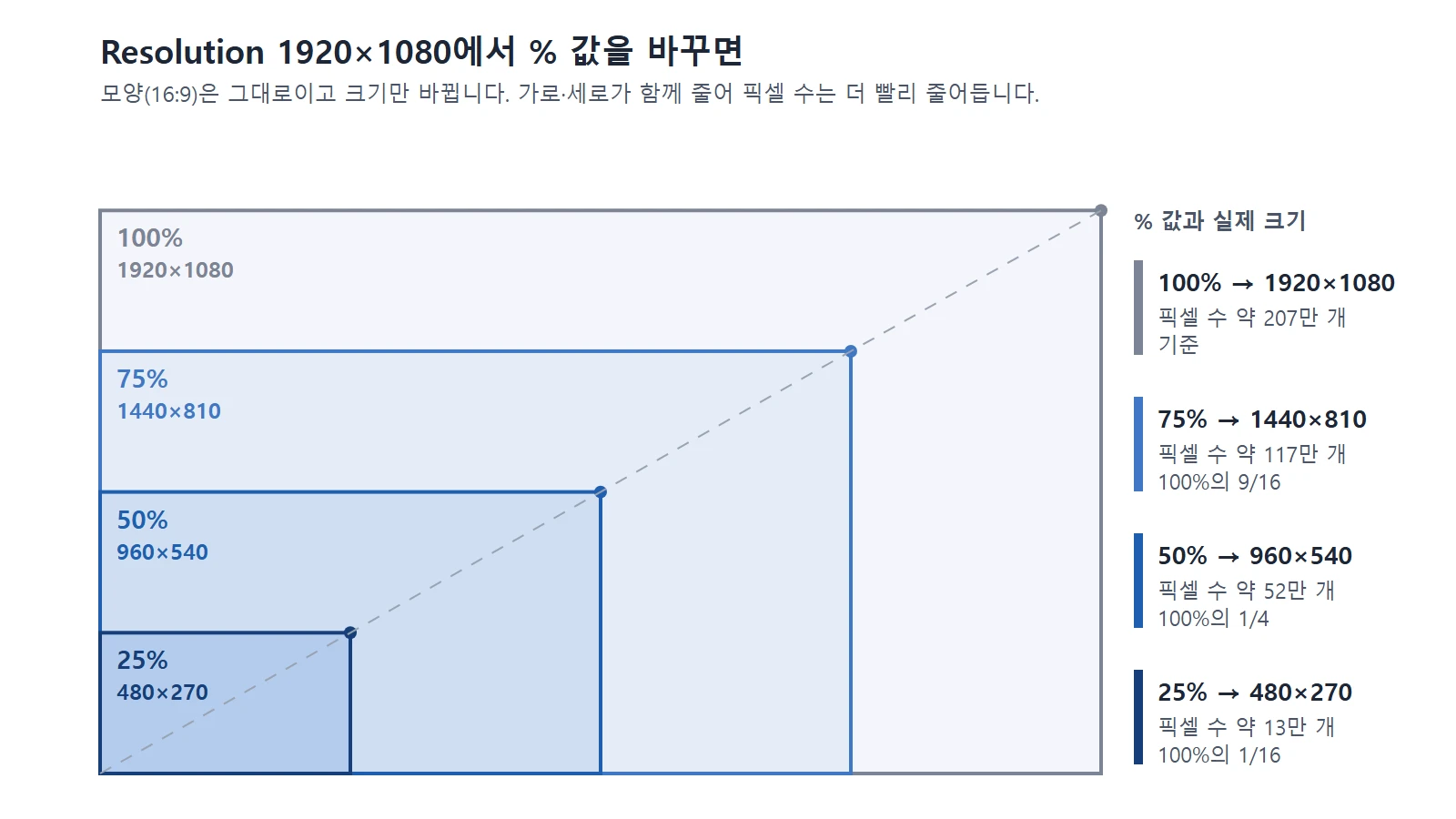 Blender
Blender render settings for beginners: resolution, frames, samples, and quick previews
How resolution, frame rate, and sample count in Blender add up to render time, and an order of work where you check small and finish big.
 Blender
Rigging basics: moving a character with a skeleton (armature)
Rigging is the work of putting a skeleton inside a character and attaching the skin so it can move. This guide explains armatures, skinning, weights, and IK in plain terms.
 Blender
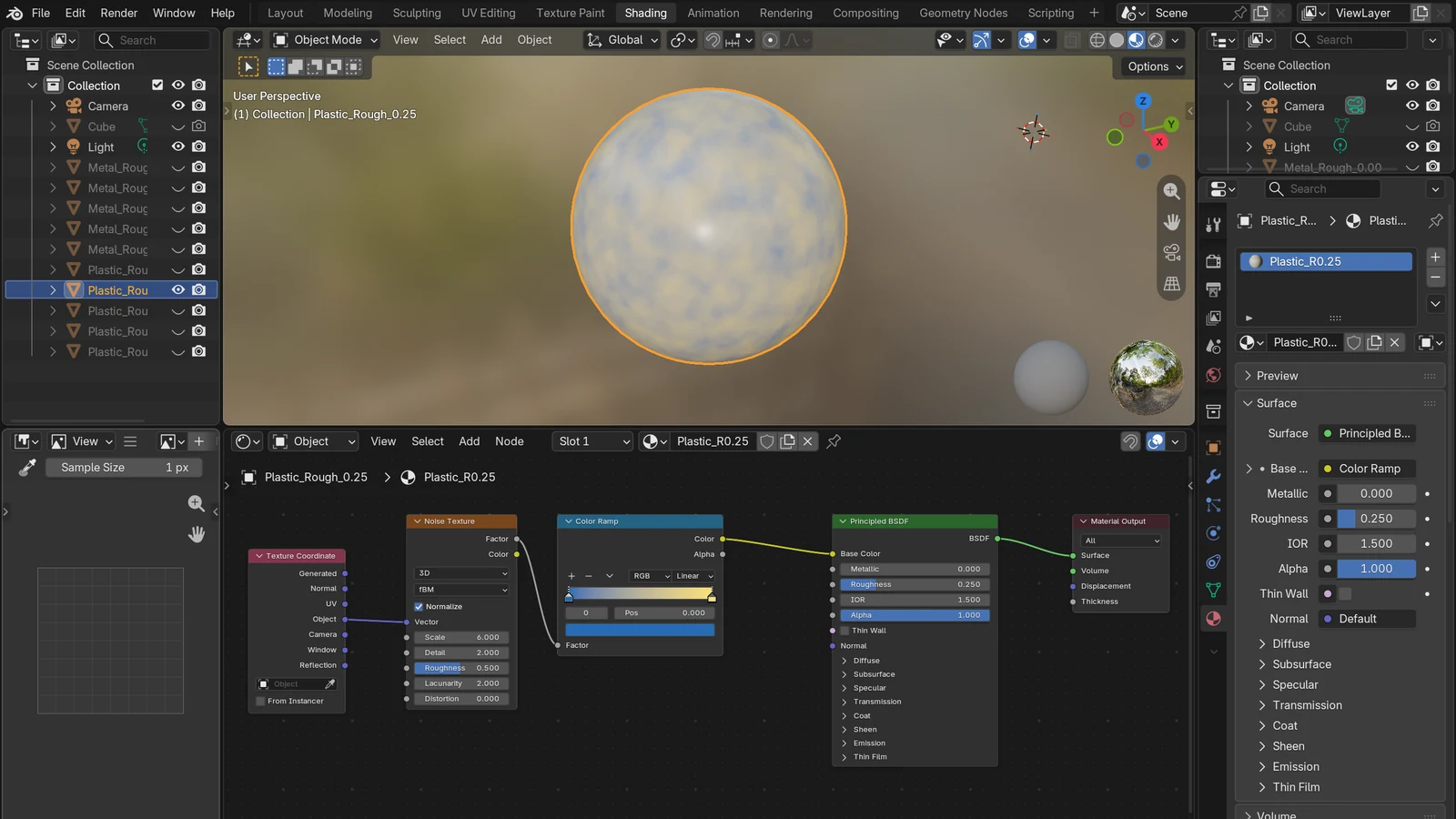
Shader nodes and materials: how color and surface feel are decided
A material is an object's "clothes," and shader nodes are the recipe for making them. A simple explanation of how color and surface feel are decided in Blender.
 Blender
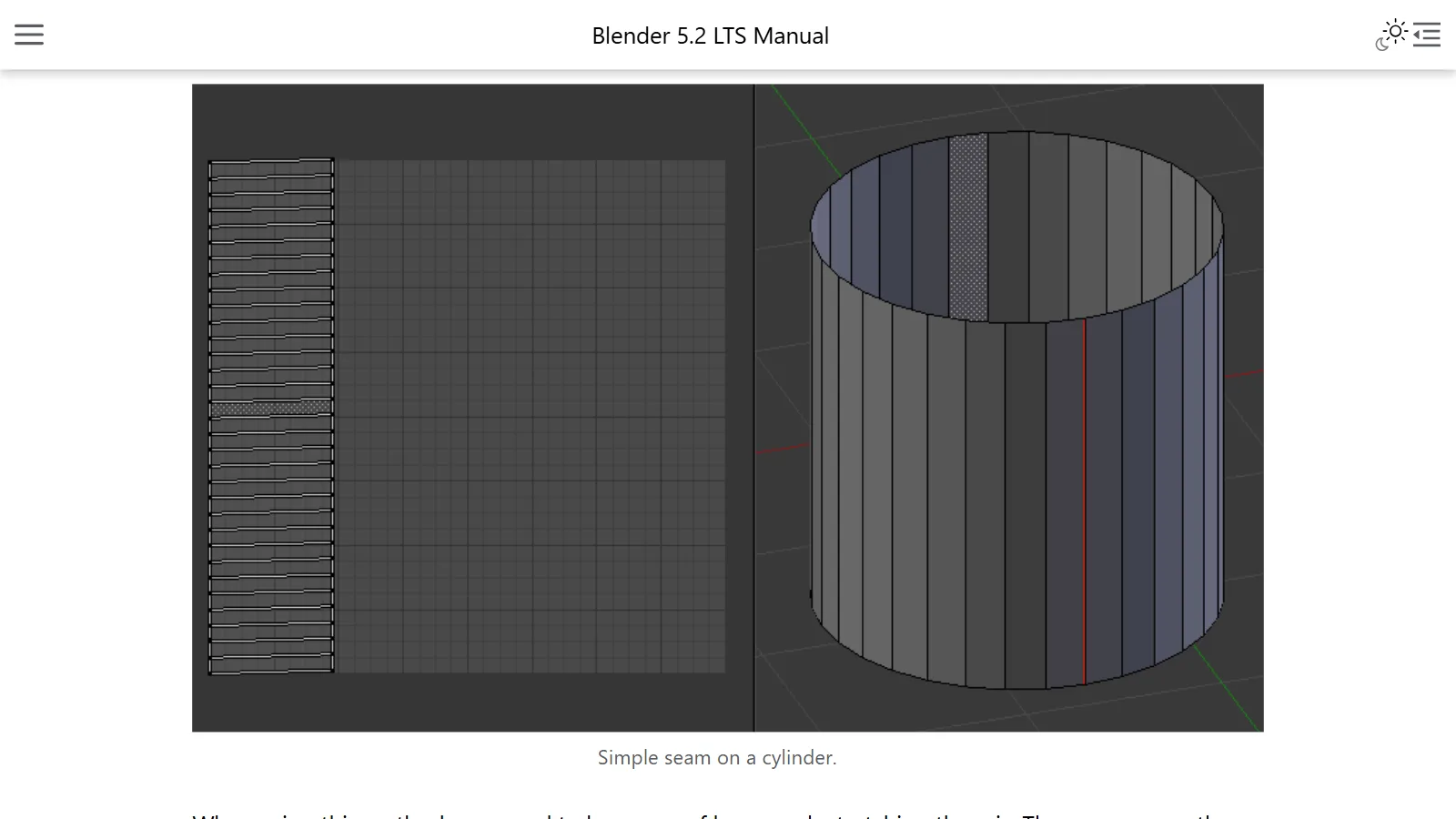
UV unwrapping: how images are put on 3D objects
UV unwrapping is the process of laying out the surface of a 3D object flat, like a paper net, so you can put an image on it. This guide explains the idea, seams, and unwrapping methods in simple terms.
 AI & IT tools
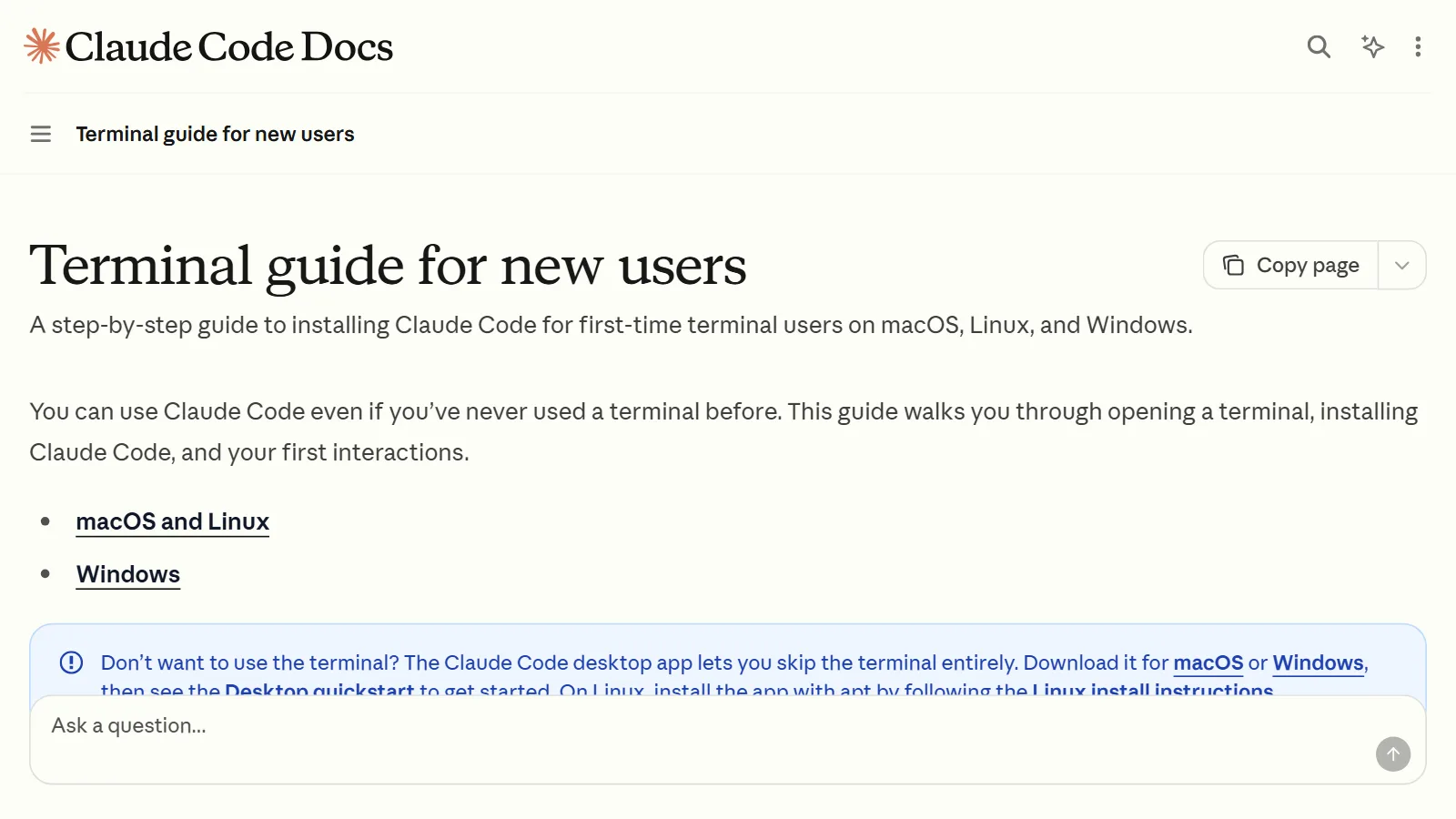
Getting started with Claude Code: from install to your first conversation with an AI coding assistant that works in the terminal
How to install Claude Code (Windows and Mac), how to start your first conversation, and the safety features to know first, such as permission modes and undo, explained for first-time users.
 Blender
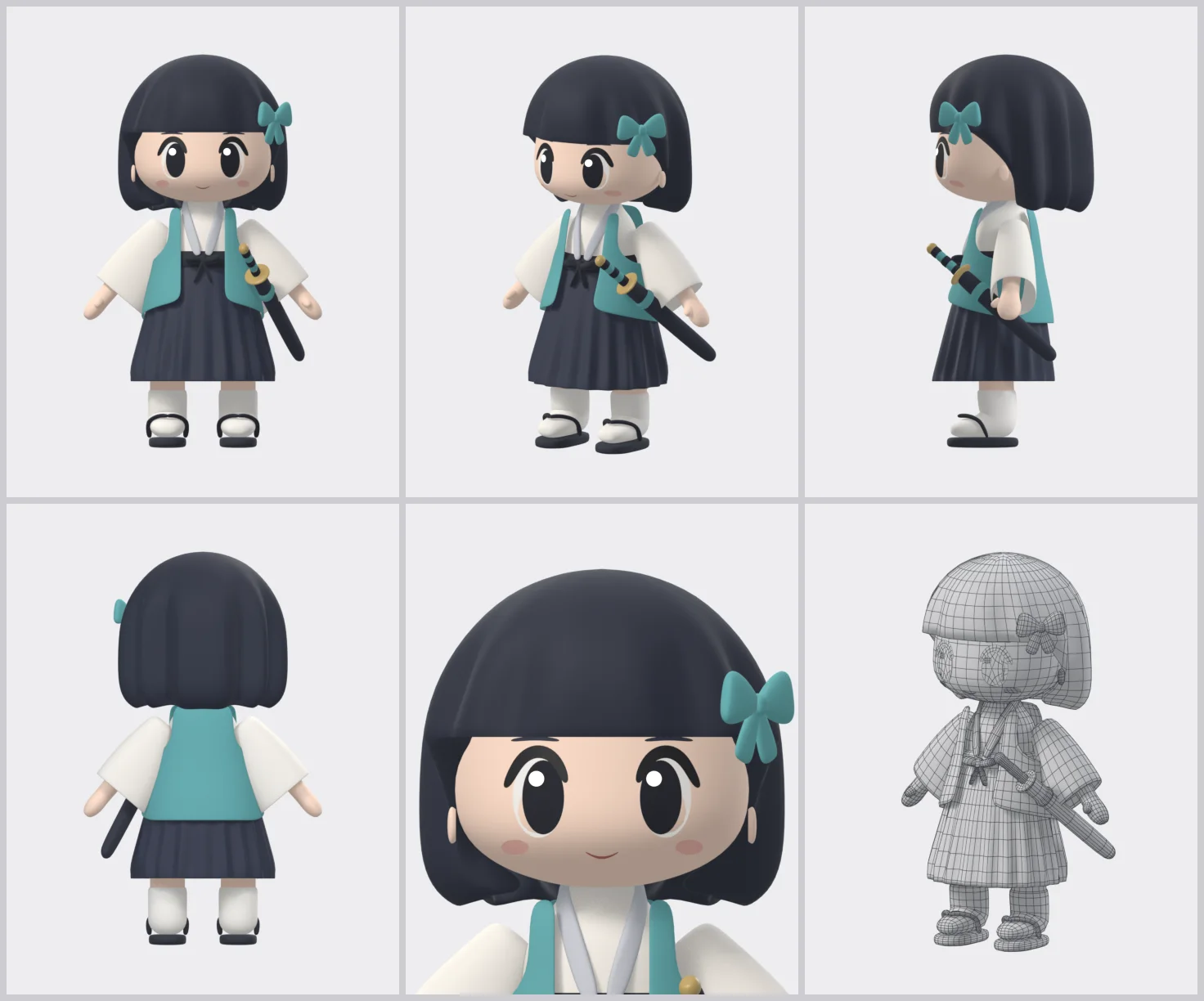
Making a 3D character with Claude Code, part 1: from one drawing to an easy-to-edit model
Start from one drawing and build an easy-to-edit character model with Blender Python scripts written by Claude Code: the overall flow, what you need, and the kit, drawing, and model stages.
 Blender
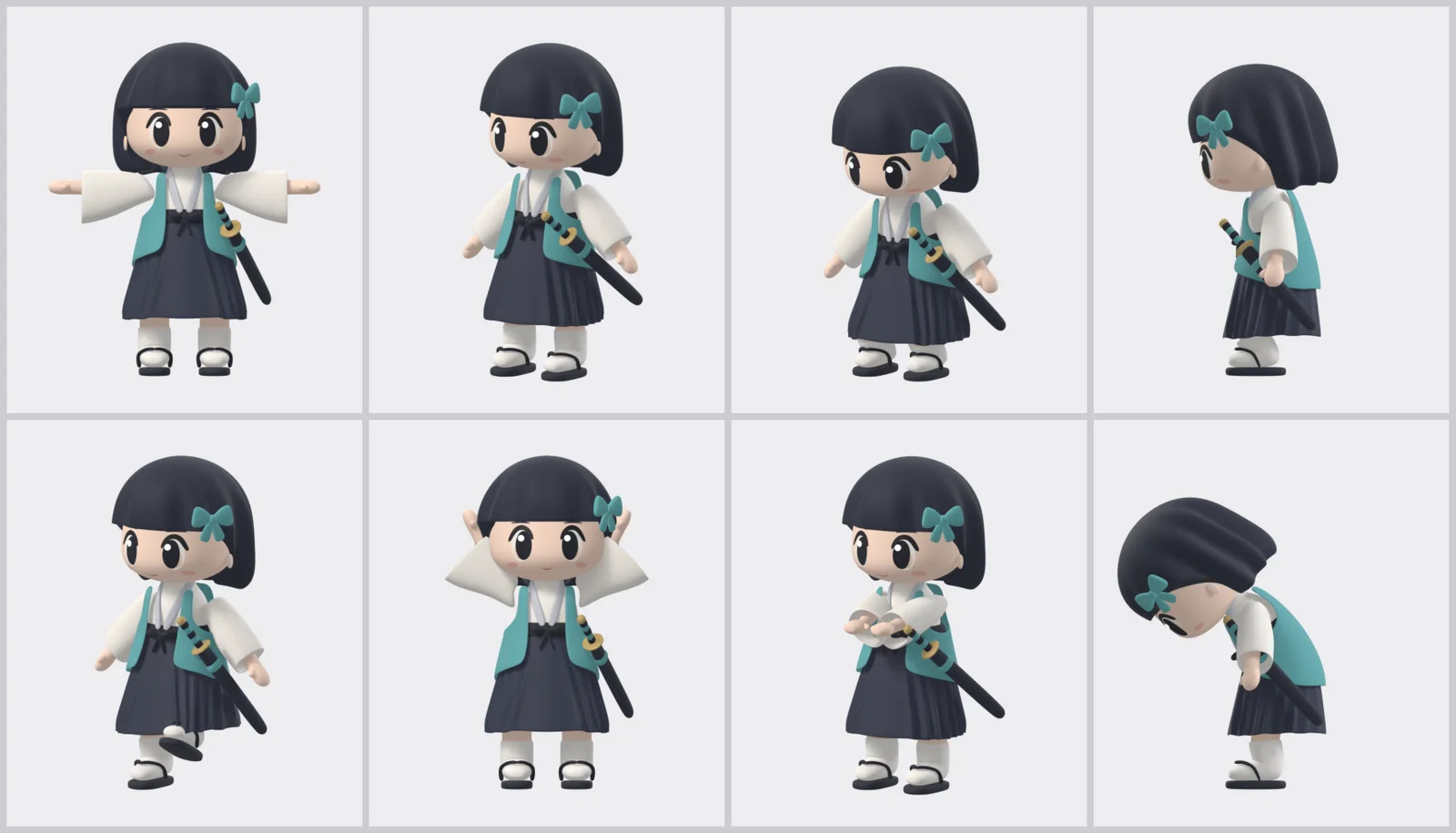
Making a 3D character with Claude Code, part 2: IK rig, motions, and separate scoring
Add an IK rig and motions to the part 1 model with Claude Code scripts, have a separate reviewer score the show video while you fix it, and finish with two files you edit and dress up by hand.
 Blender
Making a 3D character with Claude Code, part 3: building a scene with NLA tracks
In the Blender UI, turn on, move, and blend the muted NLA motion tracks in the finished character file, mixing body and face, to build a scene that goes from a wave into a bow without setting a single key.
 Blender
Making a 3D character with Claude Code, part 4: chaining Asset Shelf poses and rendering
Set Asset Shelf body poses and faces frame by frame to make your own wave and bow, chain them to NLA tracks with Push Down, render the result as a video, and move the camera.
 AI & IT tools
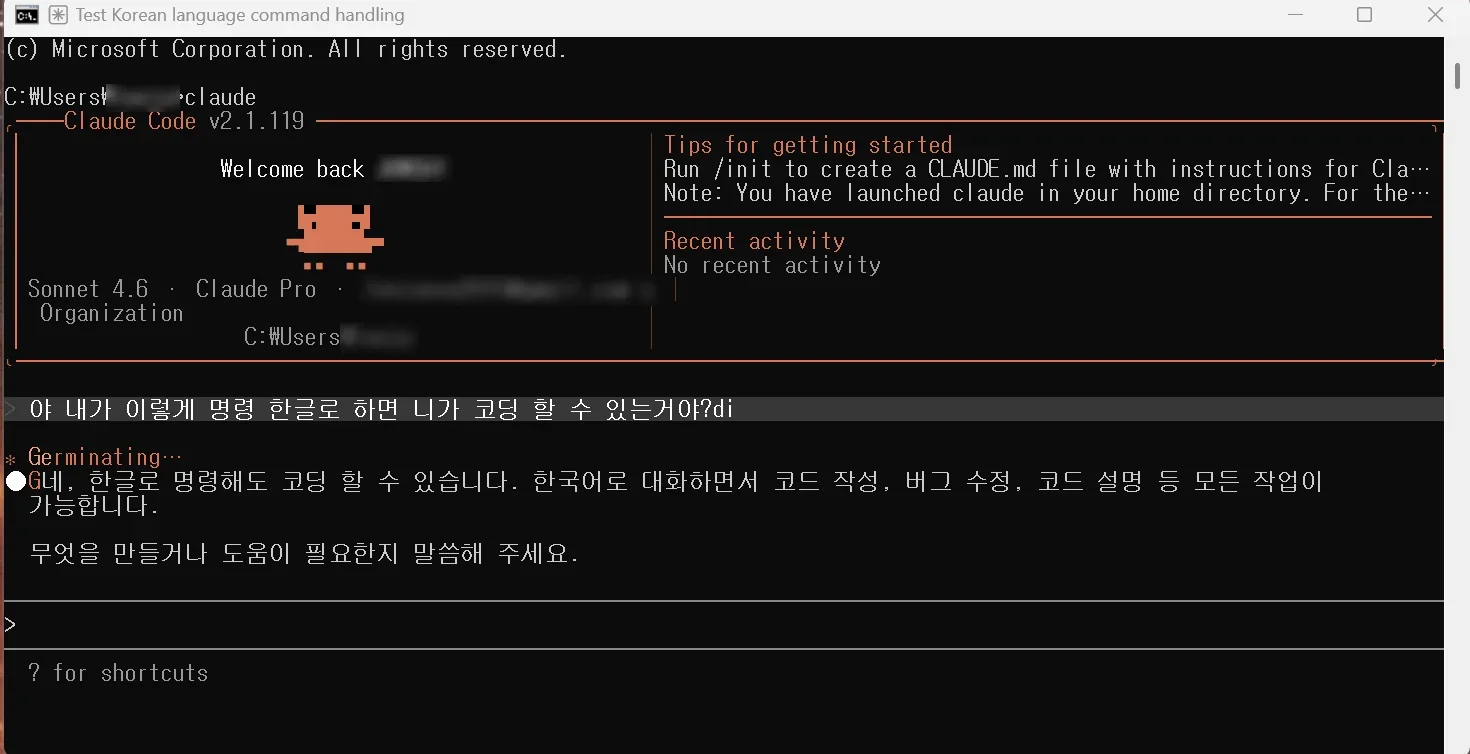
Installing and Setting Up Claude Code for the First Time in 2026
A record of installing Claude Code on Windows for the first time and running it once, following along with a book.
 AI & IT tools
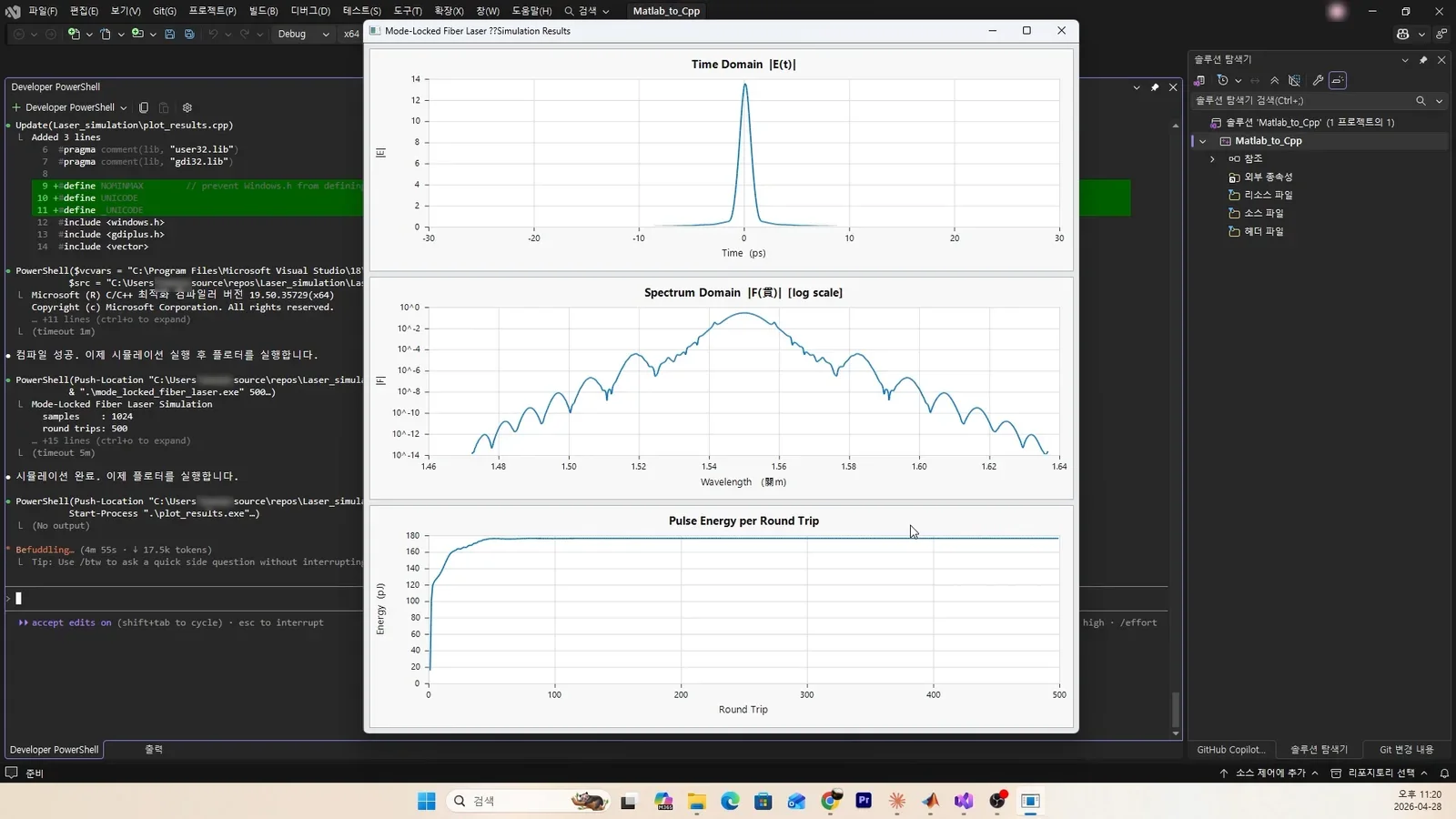
Trying AI coding with Claude Code: Matlab to C++, all the way to a GUI result
How I used Claude Code to convert Matlab code to C++ and even show the graphs in a GUI.
 Blender
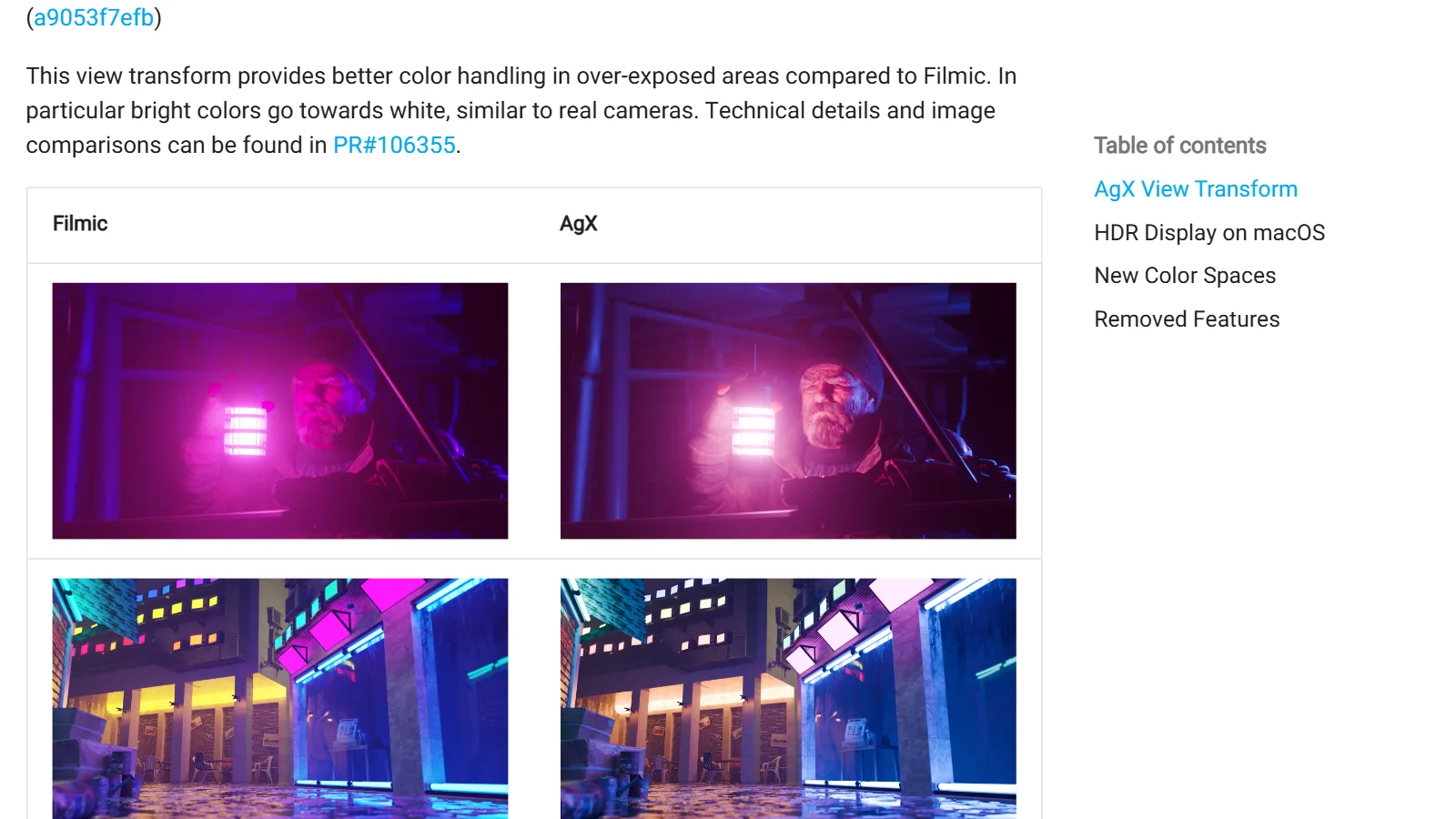
Color management basics: the difference between sRGB, Filmic, and AgX
Color management is how the wide brightness range of a 3D scene gets fitted onto a narrow monitor. A comparison of sRGB, Filmic, and AgX, and how to choose.
 AI & IT tools
CPU cores and threads: why more does not mean that much faster
Cores are the actual workers, and threads are the slots where a worker can take on tasks at the same time. A look at when more of them speeds things up and when nothing changes.
 AI & IT tools
The difference between a CPU and a GPU
A CPU does complex tasks one after another, quickly. A GPU does many simple tasks all at once. This guide compares how they differ and what each is used for.
 Blender
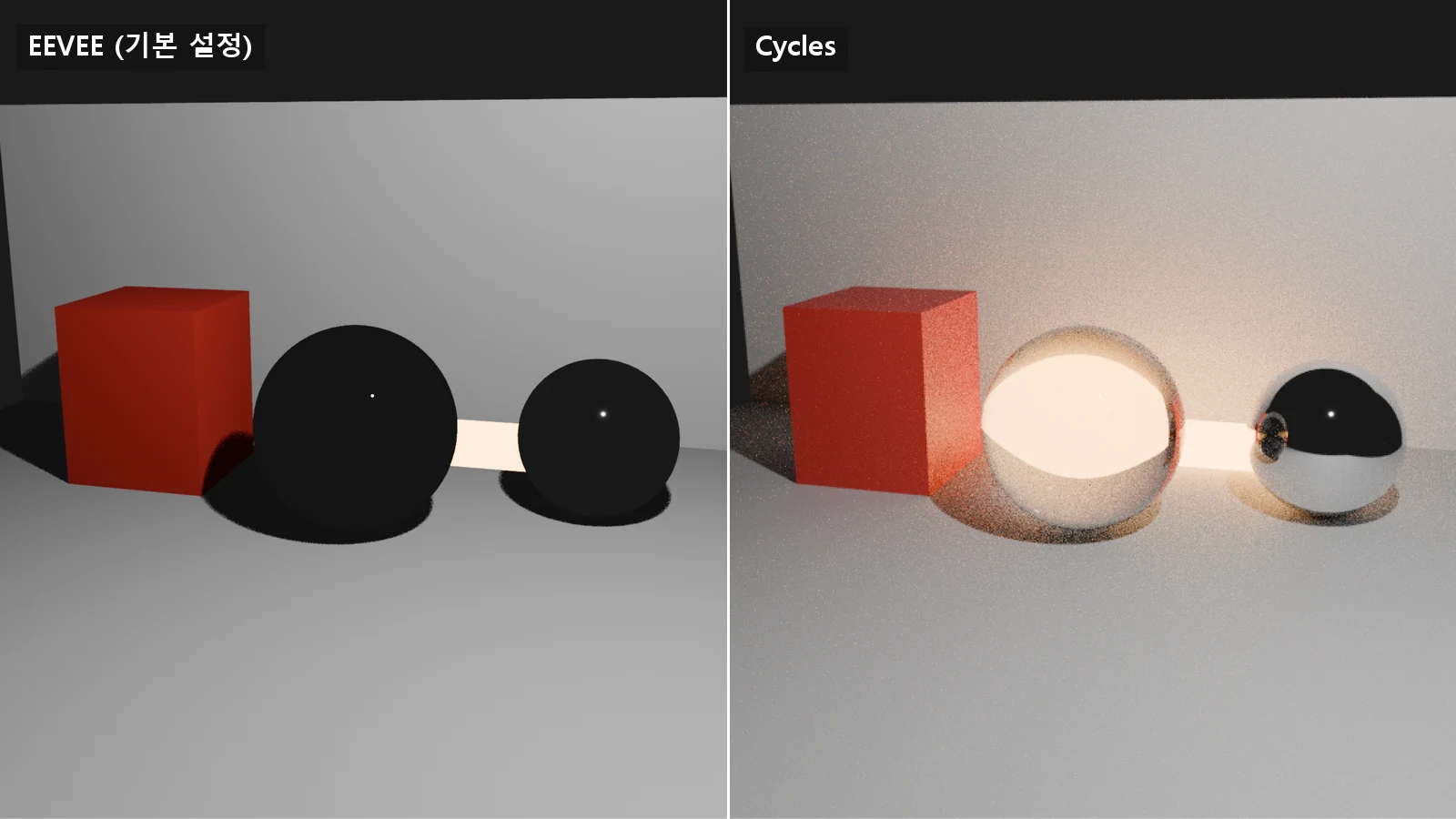
Fast EEVEE, accurate Cycles: how to choose a Blender render engine
EEVEE estimates light quickly, and Cycles follows the path of light. This guide covers the differences and how to choose.
 Blender
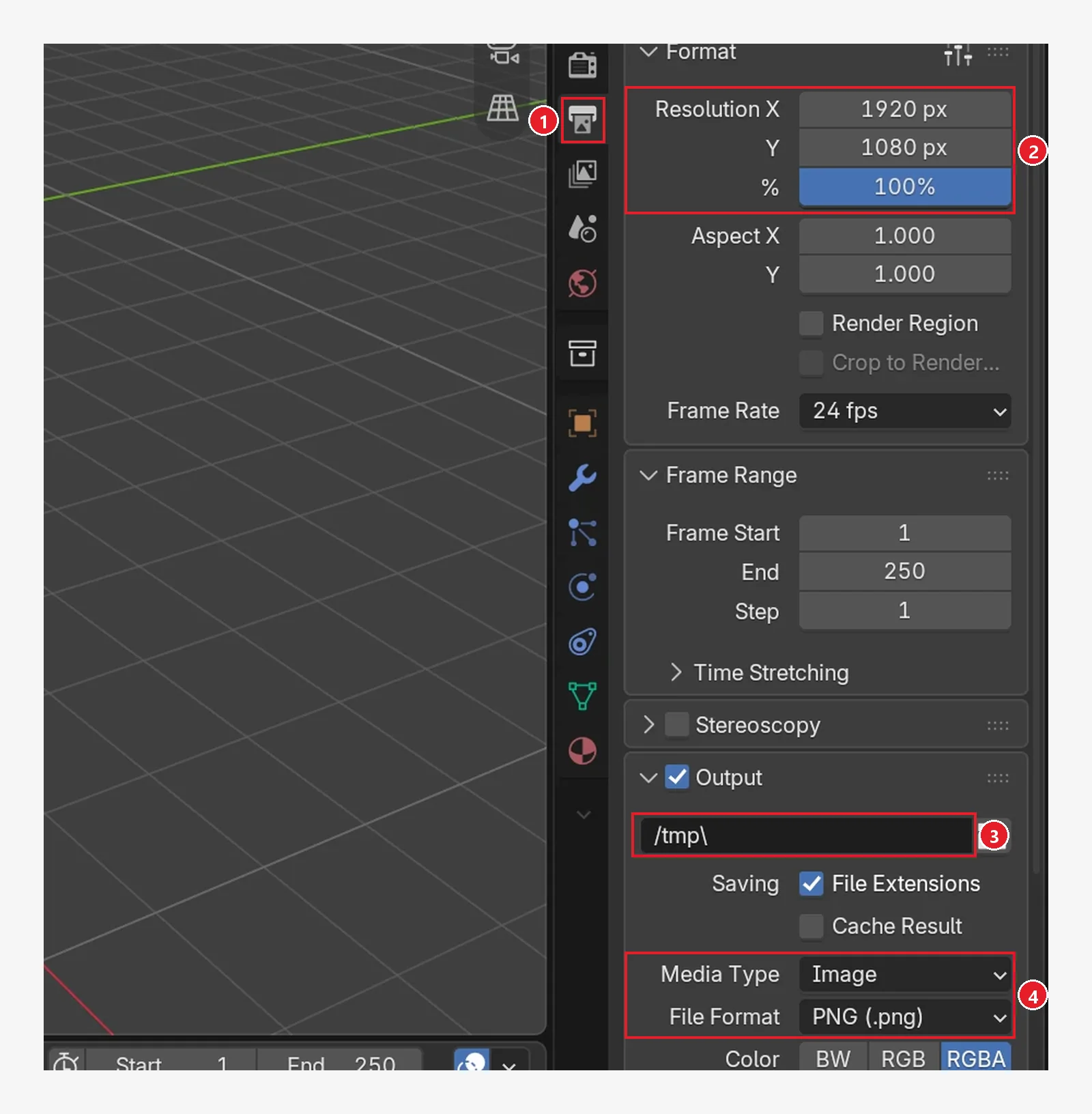
Your first 3D project: 5 things to settle before you start
A checklist of five things to decide before you make your first piece in Blender: the scope of the result, the folder, file names and versions, units and size, and recording outside assets and backups.
 Blender
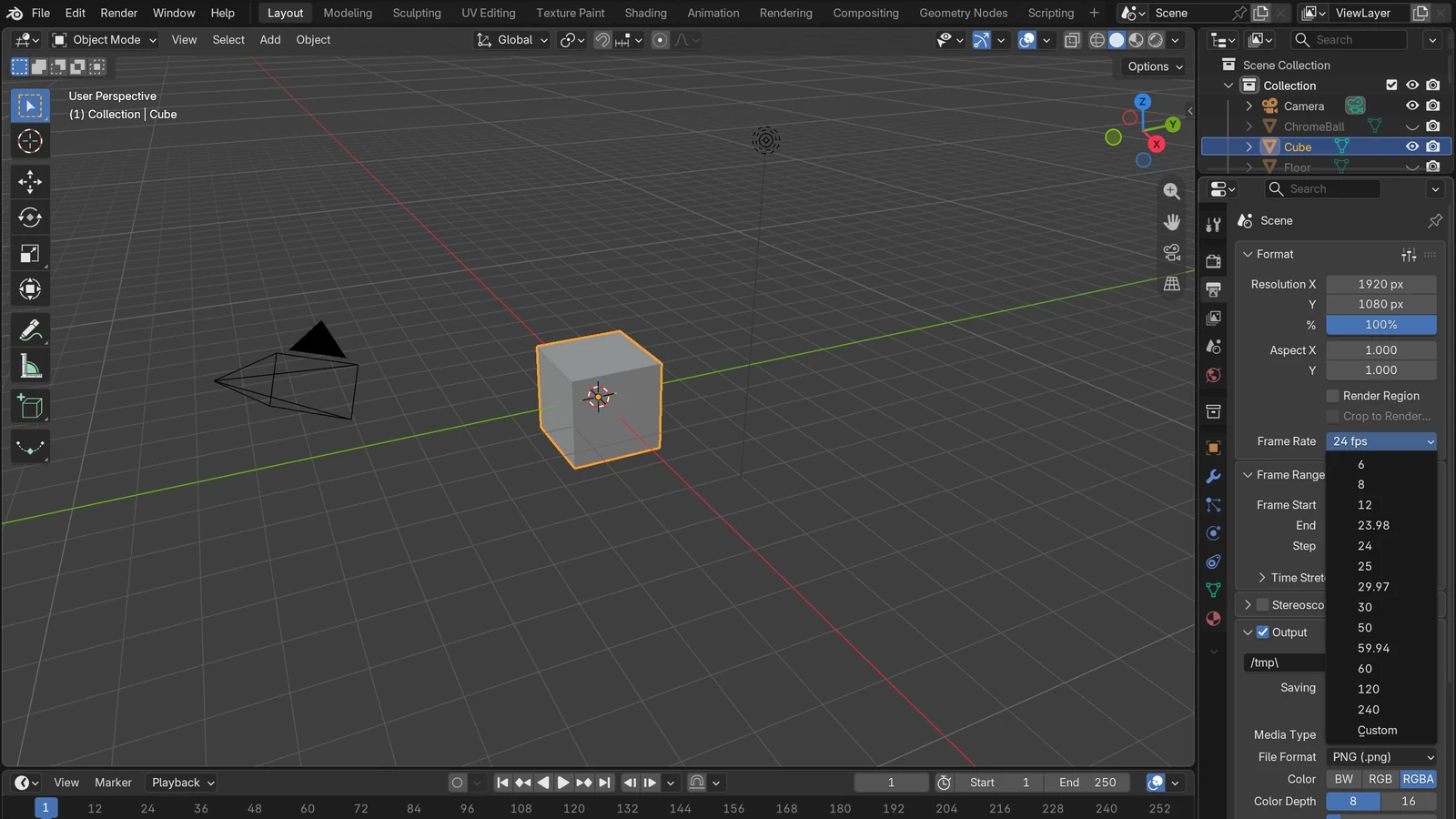
Understanding frame rate (fps): the difference between 24, 30, and 60
Fps is how many pictures are drawn for one second of video. Learn the difference between 24, 30, and 60, and how to choose.
 AI & IT tools
Git vs GitHub: what does "put it on GitHub" mean?
Git is a tool that records changes on your own computer. GitHub is an online service where you upload that record and work on it with others.
 AI & IT tools
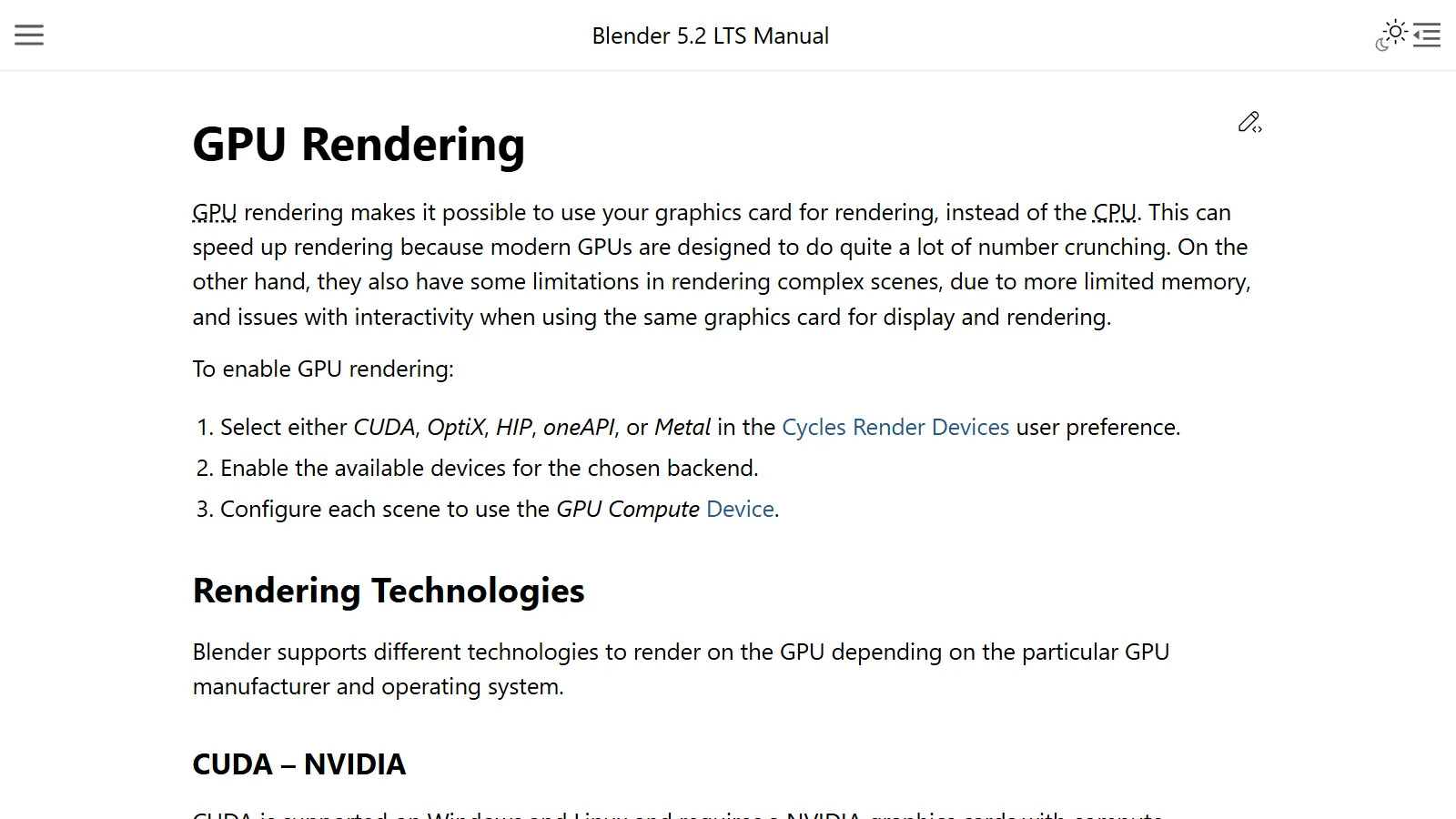
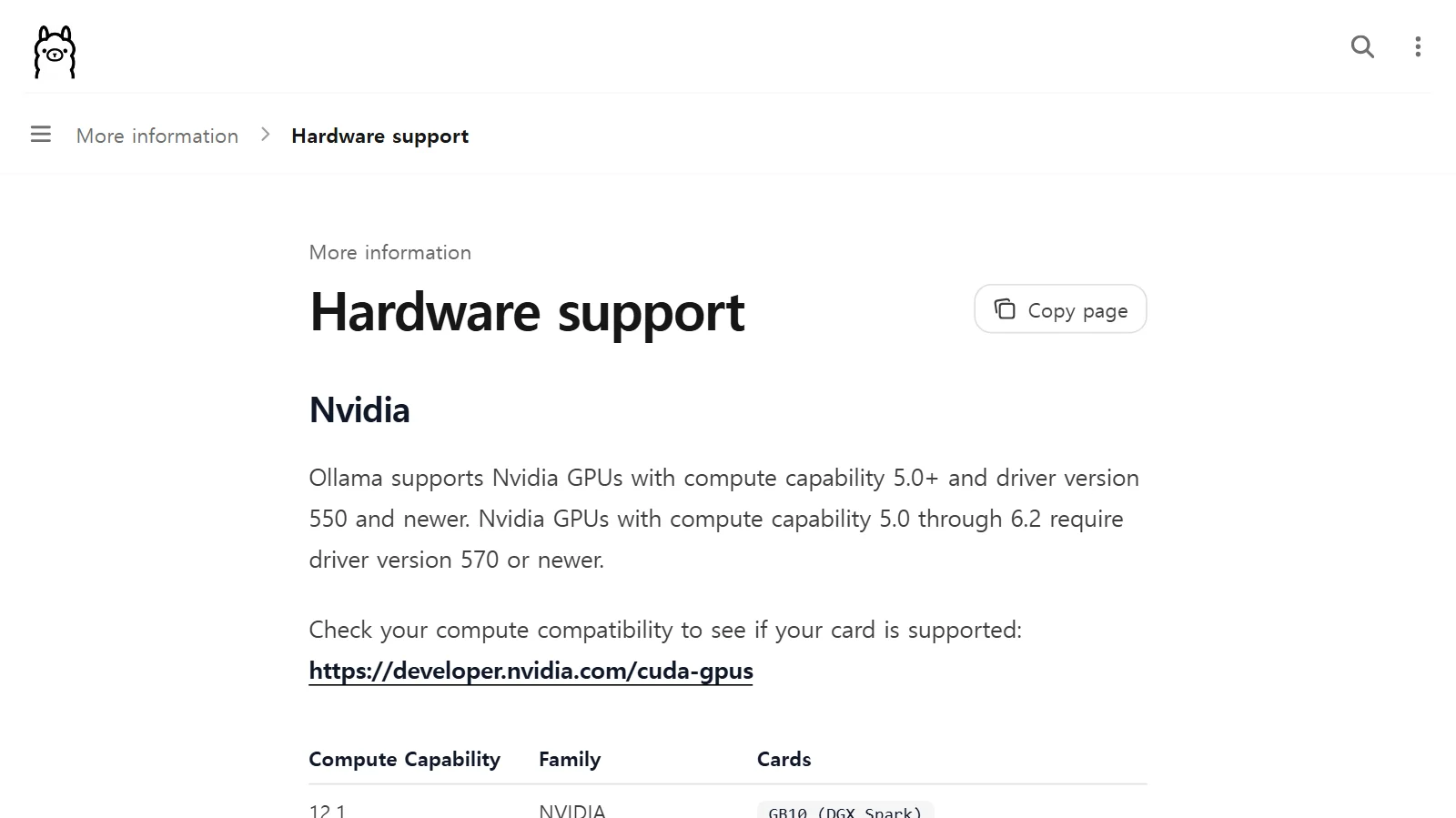
Choosing a graphics card for Blender rendering: CUDA, OptiX, and HIP explained, and how to set them up
To render with a graphics card in Blender Cycles, the channel (CUDA, OptiX, HIP, and so on) and the settings have to match. This guide covers the support requirements, the order for choosing, and how to set it up.
 AI & IT tools
Running AI on your own computer: graphics card and VRAM requirements
How to estimate in advance whether a local AI model will fit on your graphics card, using model size, quantization, and VRAM.
 AI & IT tools
GUI vs. CLI: what is the difference between clicking and typing?
With a GUI you look and click; with a CLI you tell the computer what to do in written words. Open a terminal for the first time and make a folder.
 AI & IT tools
An introduction to Higgsfield: what the image and video AI platform includes, and the terms to check first
Higgsfield is a service that brings many image and video AI models together in one place. This guide uses official sources to explain what it includes, how to use it, and what to check in its terms.
 AI & IT tools
How much RAM do you need? Memory guidelines by task
RAM is the size of your computer's desk. This guide uses official requirements as reference points to help you estimate how much your work needs, and shows how to check it.
 AI & IT tools
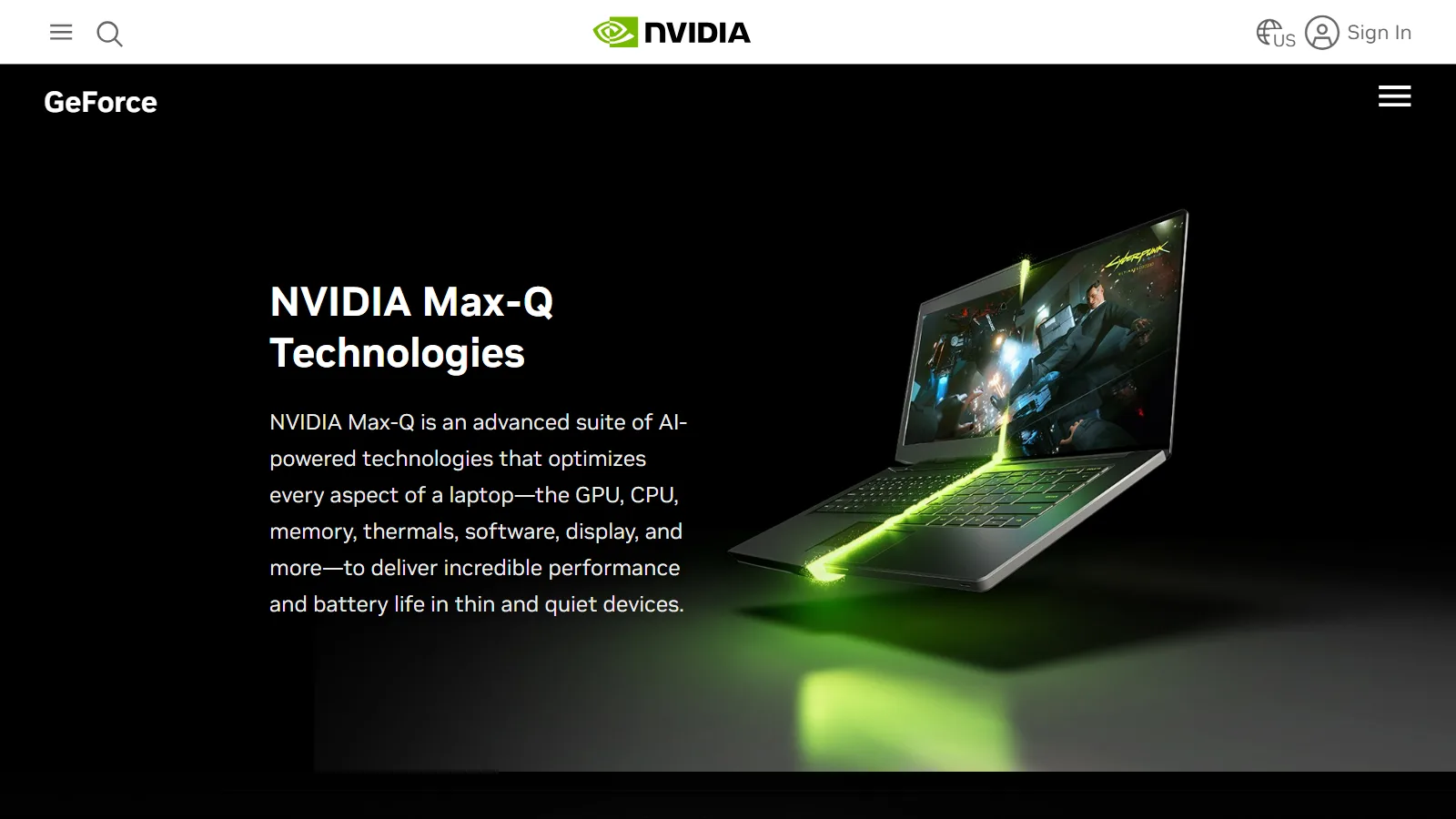
Laptop vs desktop for Blender and 3D work: why the same parts perform differently, and how to choose
Even parts with the same name get different amounts of power and cooling room in a laptop and a desktop. Here is how to choose for Blender work, plus the laptop settings worth making.
 AI & IT tools
Local AI vs cloud AI: what is the difference?
Local AI runs on your own device, and cloud AI runs on a company's servers. This guide compares their differences in privacy, cost, performance, and required specs.
 Blender
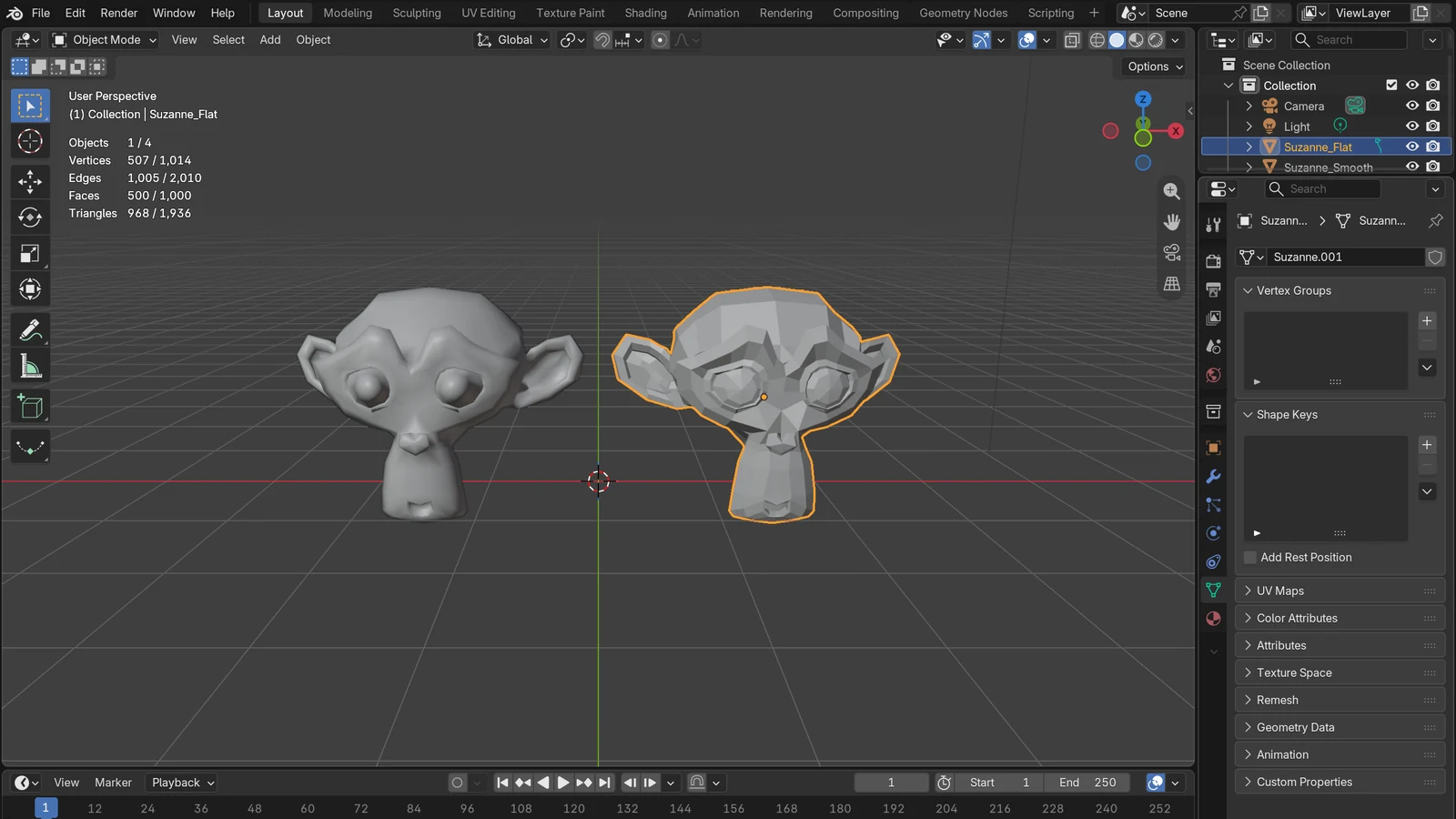
What Is the Low-Poly Style? Cute Shapes from Few Faces
The low-poly style uses few faces on purpose to show off clean angles. This guide covers how it works, and how to use Flat shading and the Decimate modifier in Blender.
 Blender
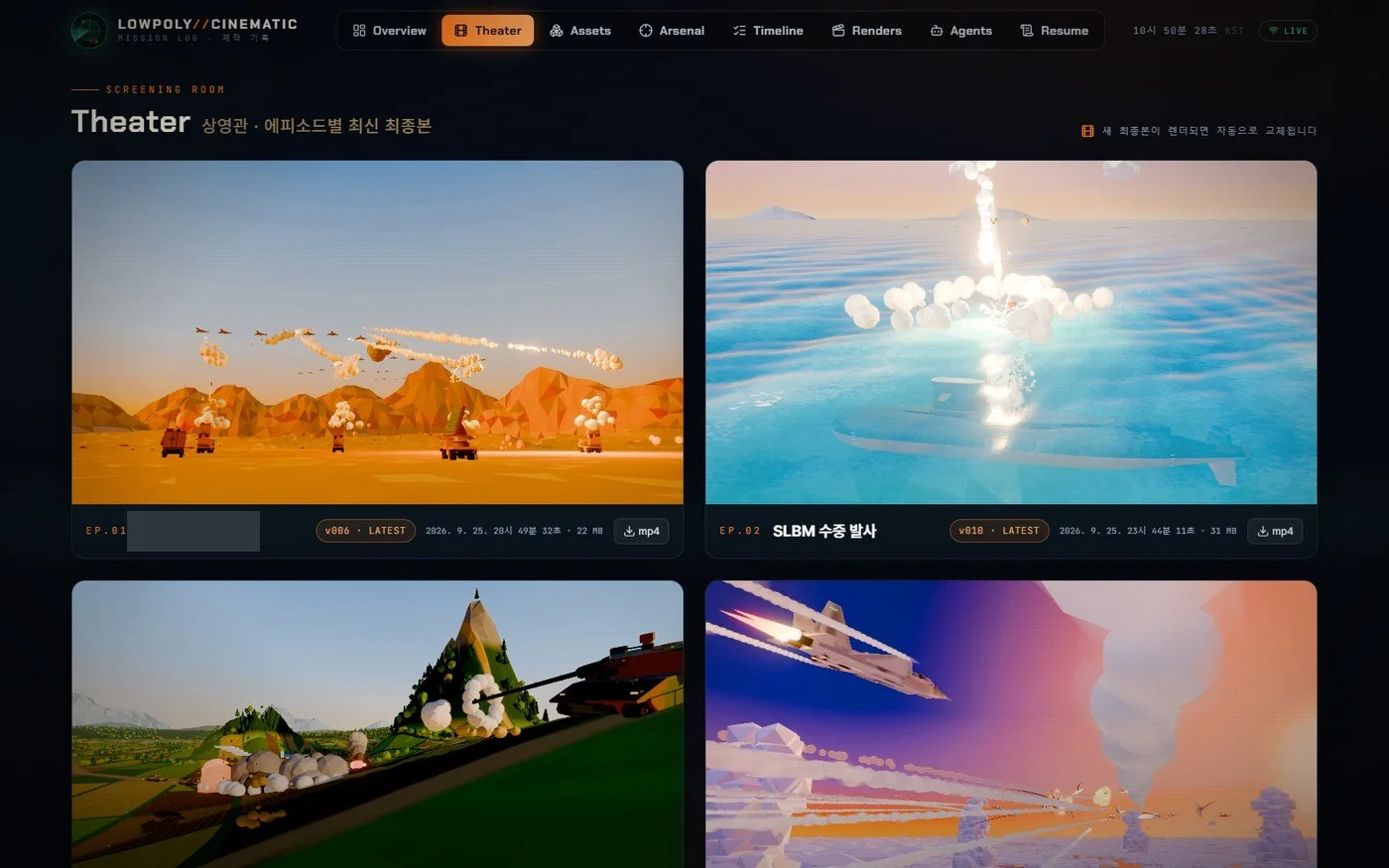
Low-poly war animation with Claude Code, part 1: one day, and who did what
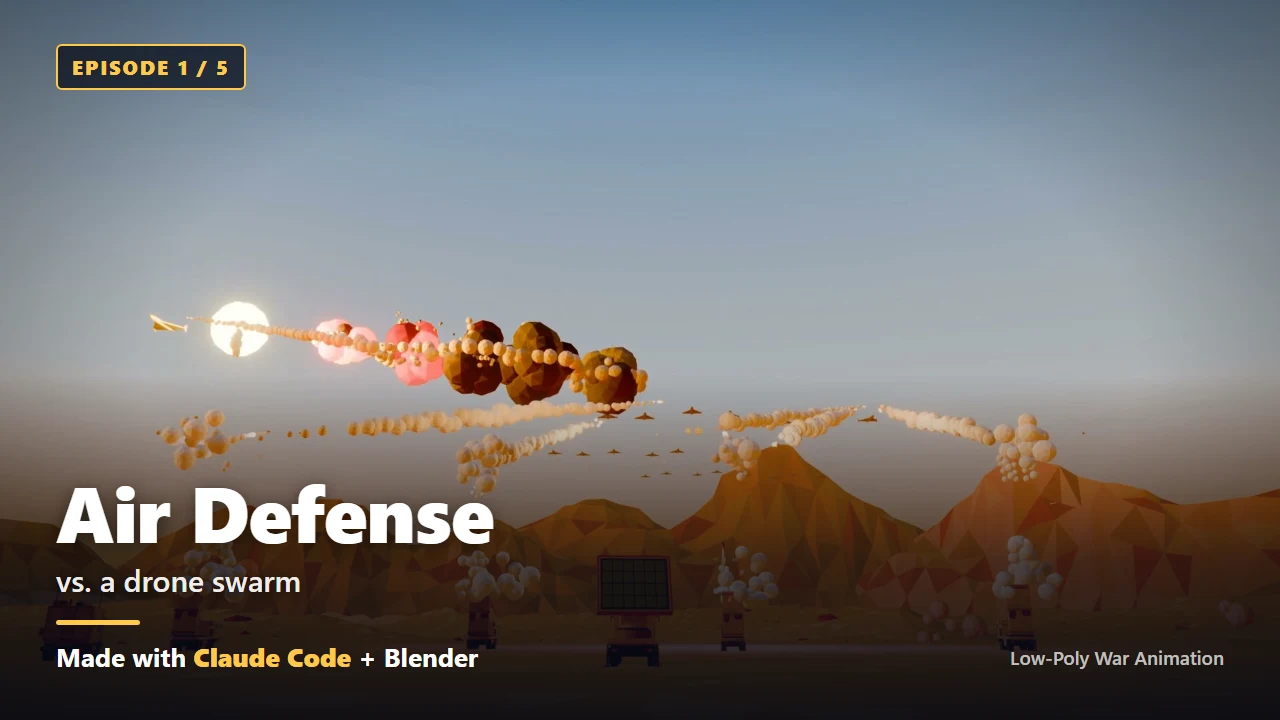
With almost no Blender experience, I made five 40-second 3D animations in one day by giving Claude Code instructions in plain words. This part covers that day and splits out what the AI did and what I did.
 Blender
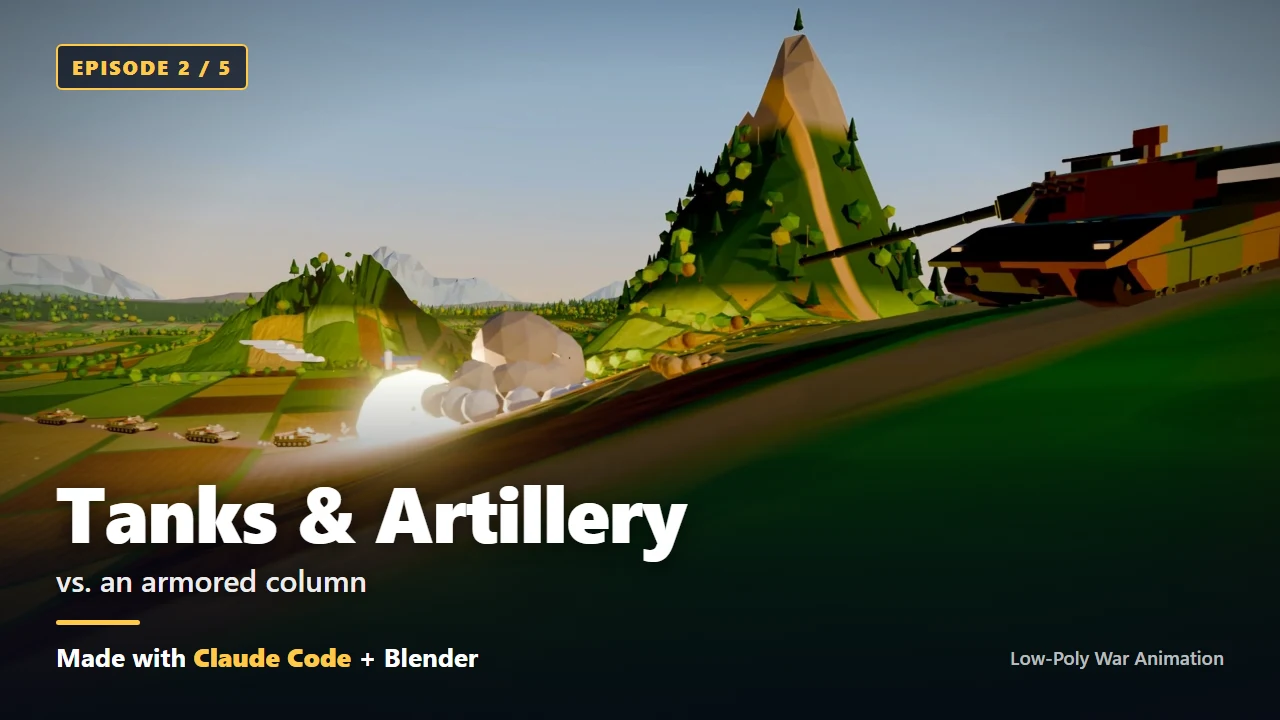
Low-poly war animation with Claude Code, part 2: the five films, results first
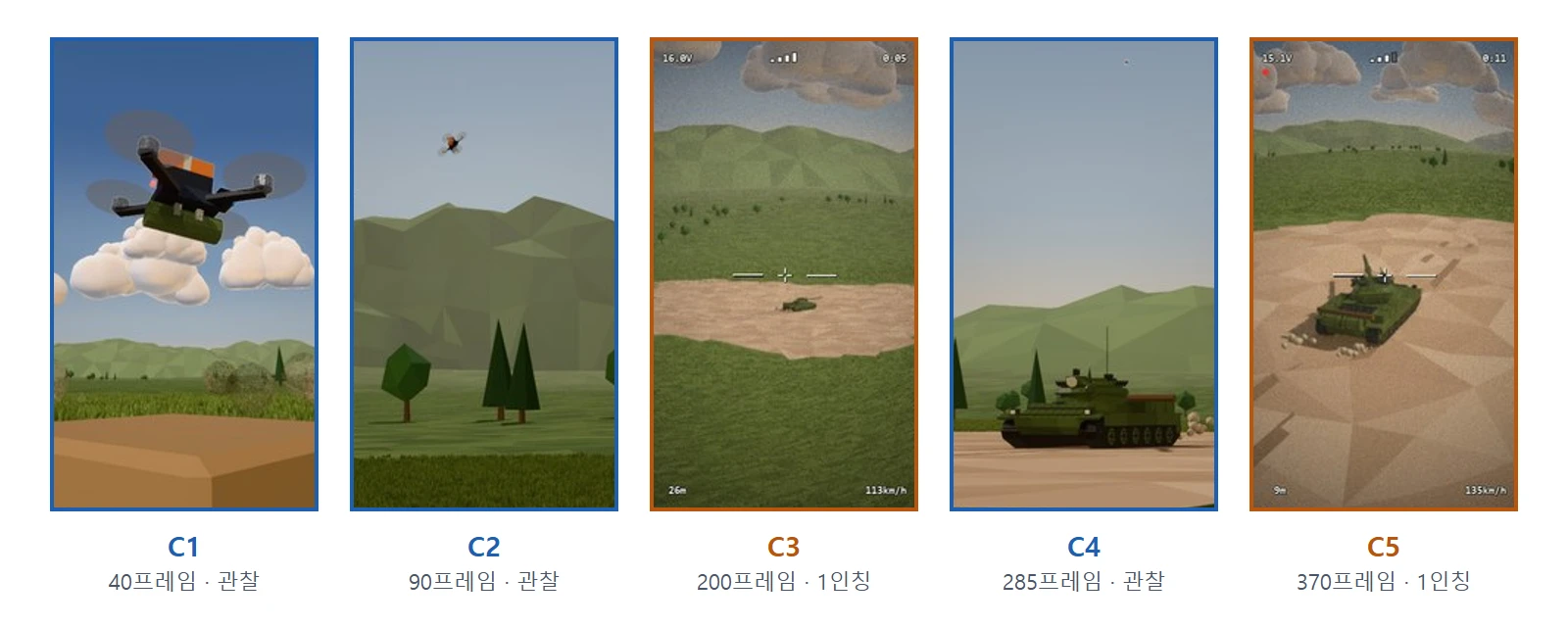
The five low-poly war videos I made in one day by giving Claude Code instructions in plain words, shown first: one key frame, three lines of description and one key number for each.
 Blender
Low-poly war animation with Claude Code, part 3: install Claude Code and let the AI set up the rest
Install Claude Code on Windows and log in, hand the checking and installing of Blender, ffmpeg and the Python libraries to the AI, and confirm you're ready with one picture of a cube.
 Blender
Low-poly war animation with Claude Code, part 4: the first prompt, with your plan on one page
Take the real thirteen-line first prompt apart into five groups, learn to give specs and quantities in numbers, get a plan first in plan mode, and fill in a first-prompt template of your own.
 Blender
Low-poly war animation with Claude Code, part 5: quick start, your first scene in six prompts
Send six prompts in order to build a 10-second scene with one launcher and one missile, check it on a single eight-panel contact sheet, then send one round of feedback.
 Blender
Low-poly war animation with Claude Code, part 6: ten key tips and the three prompts that worked best
Ten habits that paid off again and again while making five low-poly war animations in one day, plus the three prompts that worked best, quoted from what I actually sent.
BlenderFive Low-Poly War Animations Made with Claude Code: A One-Day Build, Summarized
With almost no Blender experience, I made five 40-second low-poly war animations in one day by describing them to Claude Code. This is what I set up, what my first prompt said, what went wrong and how I fixed it, and how to think about the cost.
 AI & IT tools
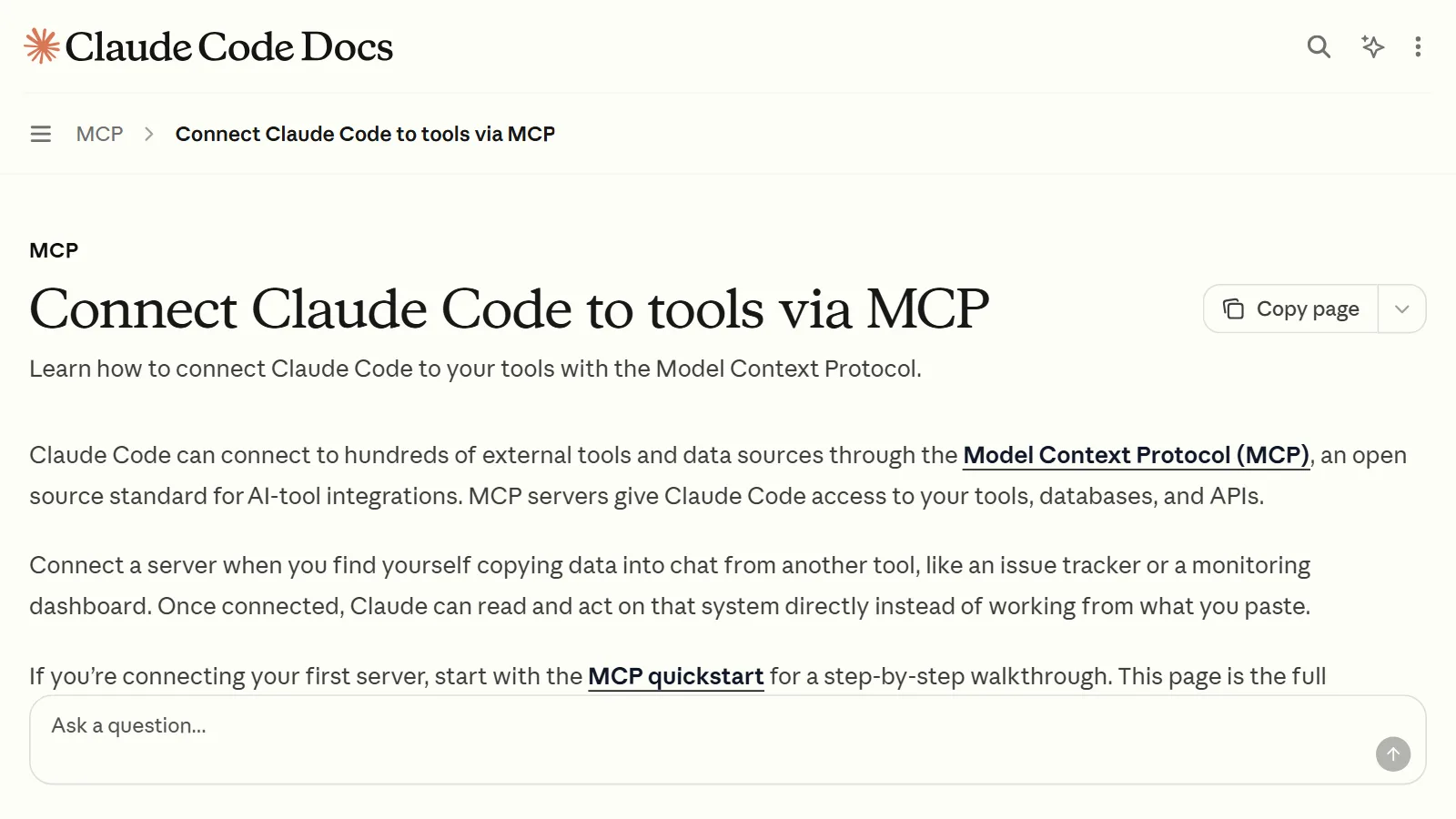
Connecting MCP servers: how to plug tools into an AI app
Three ways to connect an MCP server to an AI app, step by step. Also covers the difference between remote and local servers, how to read the config file, troubleshooting, and a safety check.
 AI & IT tools
3D Printing from One Picture with Meshy AI and Claude Code: Printing a Fighter Jet Model and a Character
The real workflow for turning one reference picture into a 3D model with Meshy AI, checking and repairing it with Claude Code and Blender, and printing it on a 3D printer.
 AI & IT tools
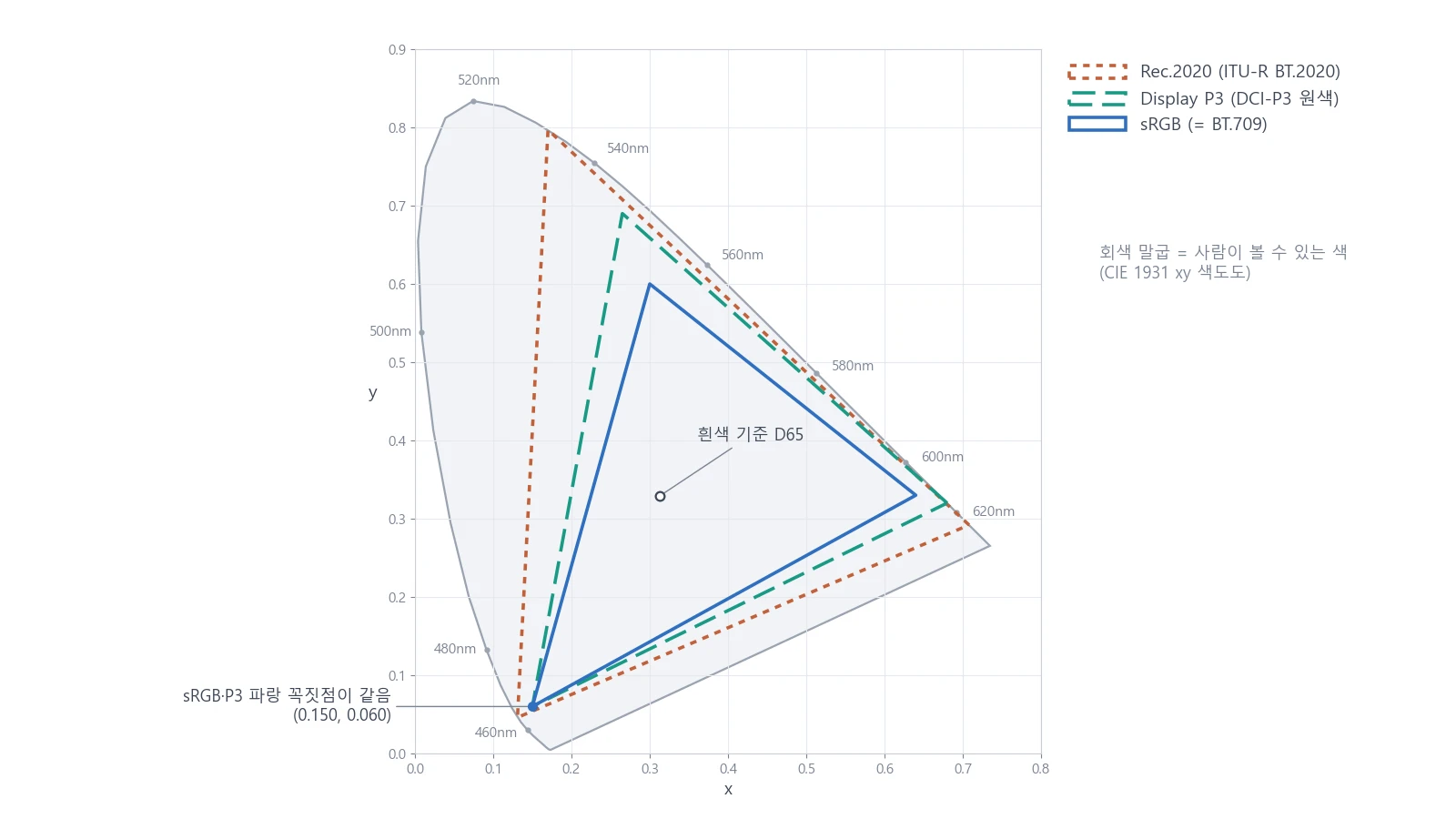
Monitor color gamut made simple: sRGB vs P3 and color calibration basics
Each monitor can show a different range of colors. Learn the difference between sRGB and P3, the trap of a wide color gamut, and the basics of color calibration on Windows and Mac.
 Blender
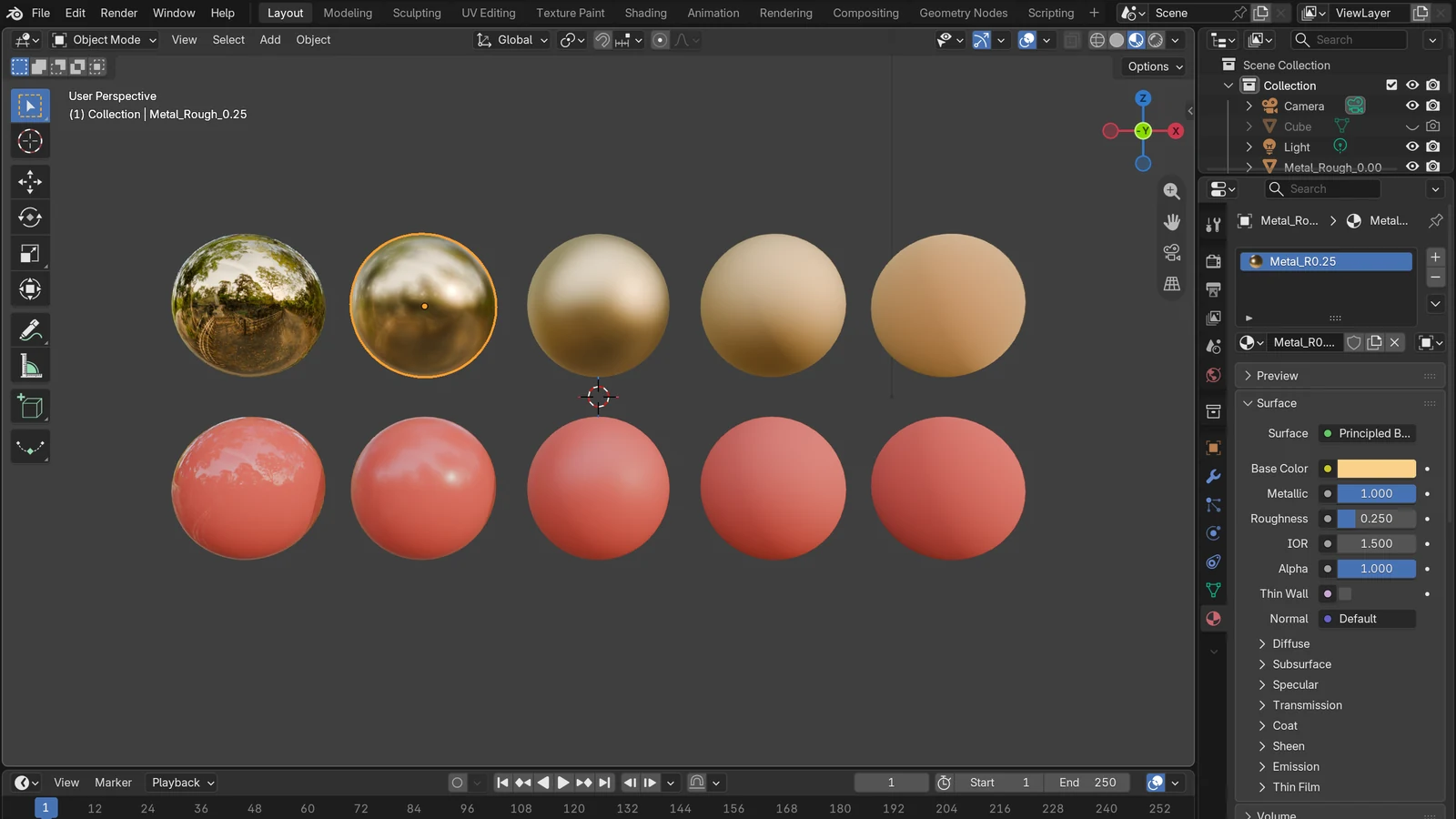
PBR materials: realism from metallic and roughness
Is it metal, and how rough is the surface? Learn why these two questions make 3D materials look real, and how to connect texture maps.
 AI & IT tools
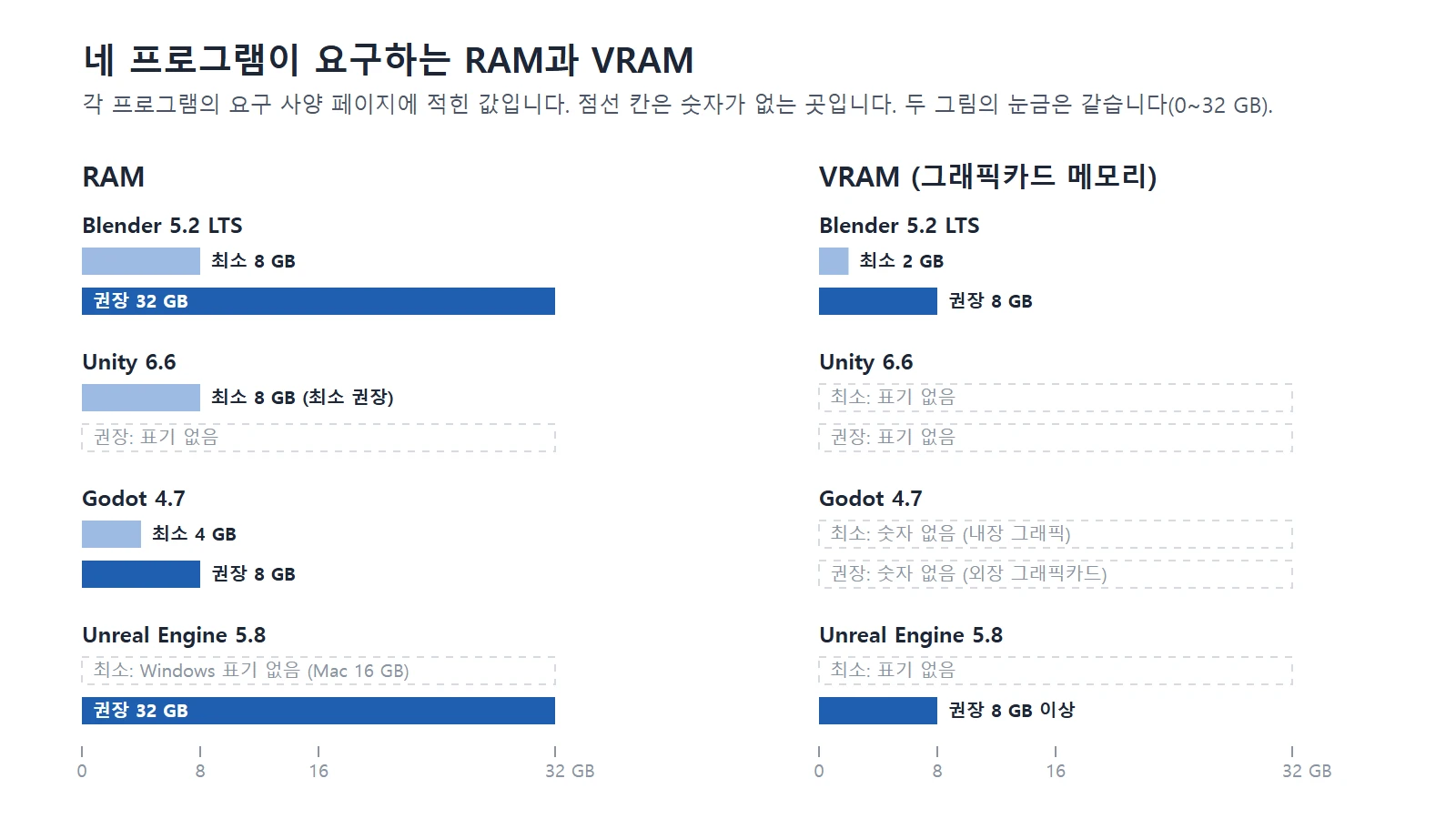
Computer specs for AI, Blender, and game engines: how to choose a laptop, MacBook, or desktop
This guide compares the computer specs that Blender, three game engines, and AI need, and explains how to choose between a laptop, a MacBook, and a desktop.
 Blender
Building Low-Poly Nature Scenes in Blender with Poly Nature
I tested the Poly Nature pack, with about 800 trees, bushes, grasses, and rocks, in Blender 5.2.1. This guide covers registering it in Asset Libraries, placing assets, changing seasonal colors, and wind animation, with real screens and results.
 Blender
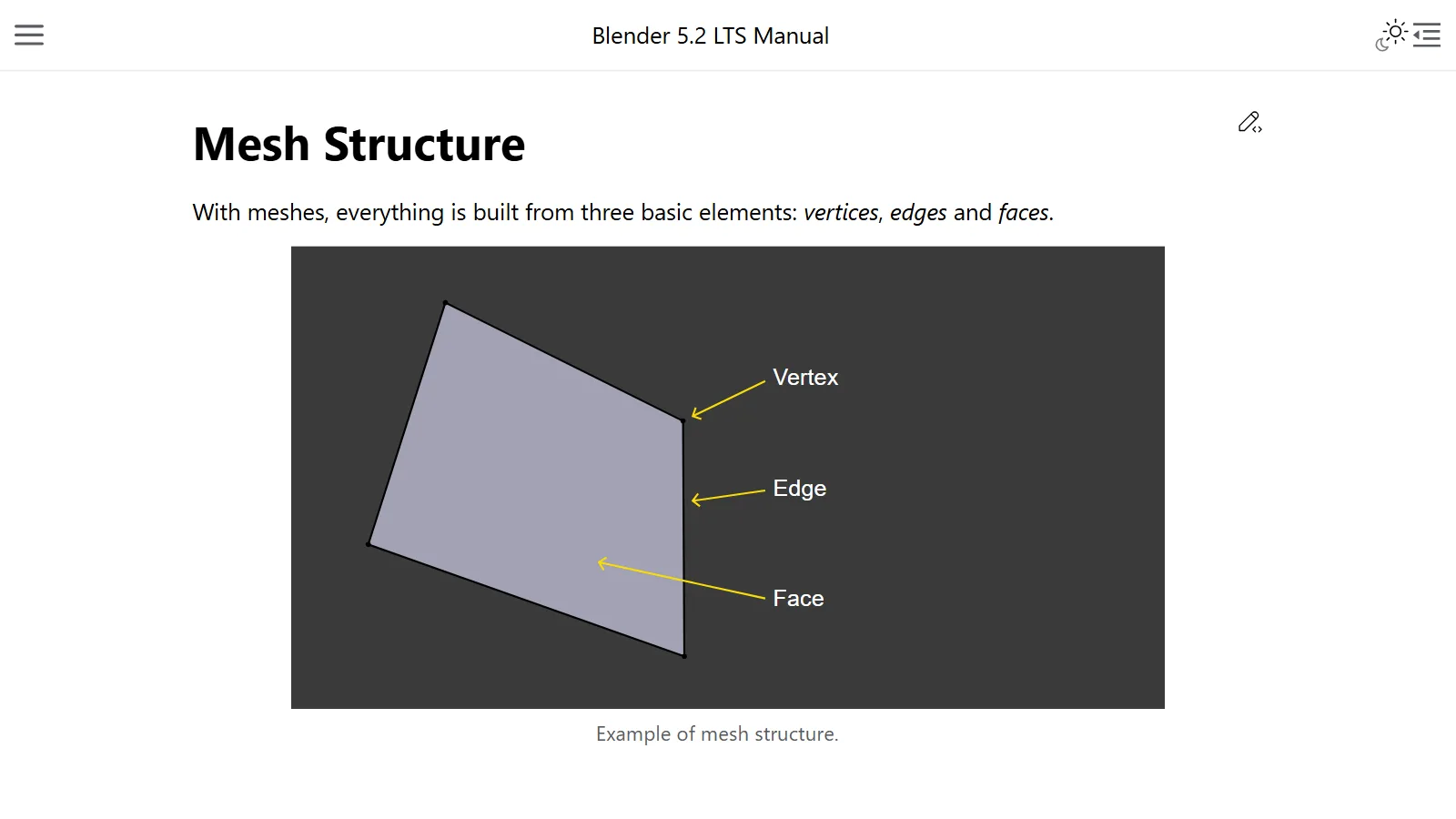
Polygons and topology: the points, lines, and faces that make a 3D model
A 3D model is a net woven from points, lines, and faces. This guide explains the kinds of polygons, and why topology, meaning how the faces are laid out, matters.
 AI & IT tools
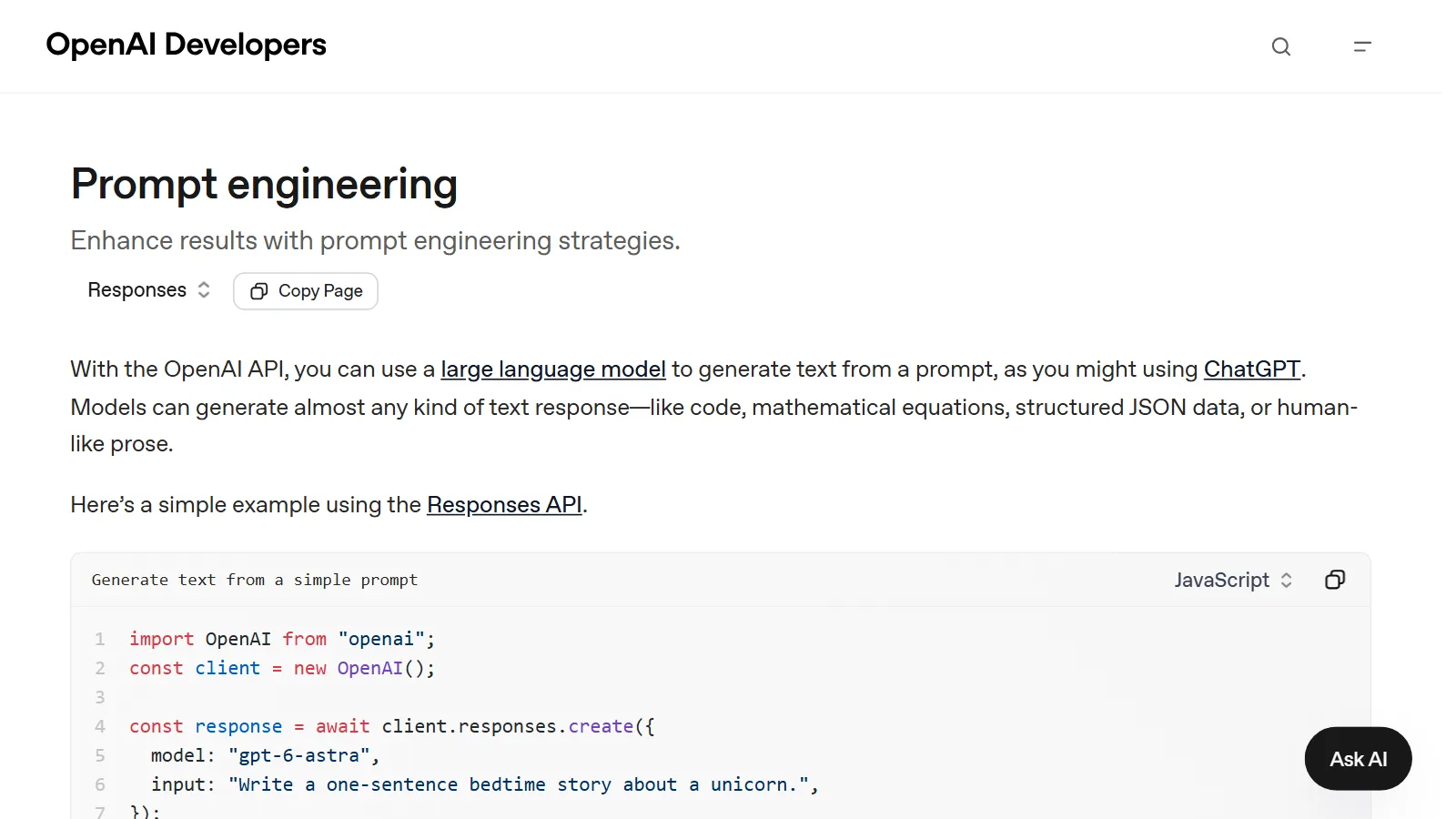
How to write good prompts: 5 principles from the official guides
Learn the basics of prompting: be specific, give the reason, and show examples.
 Blender
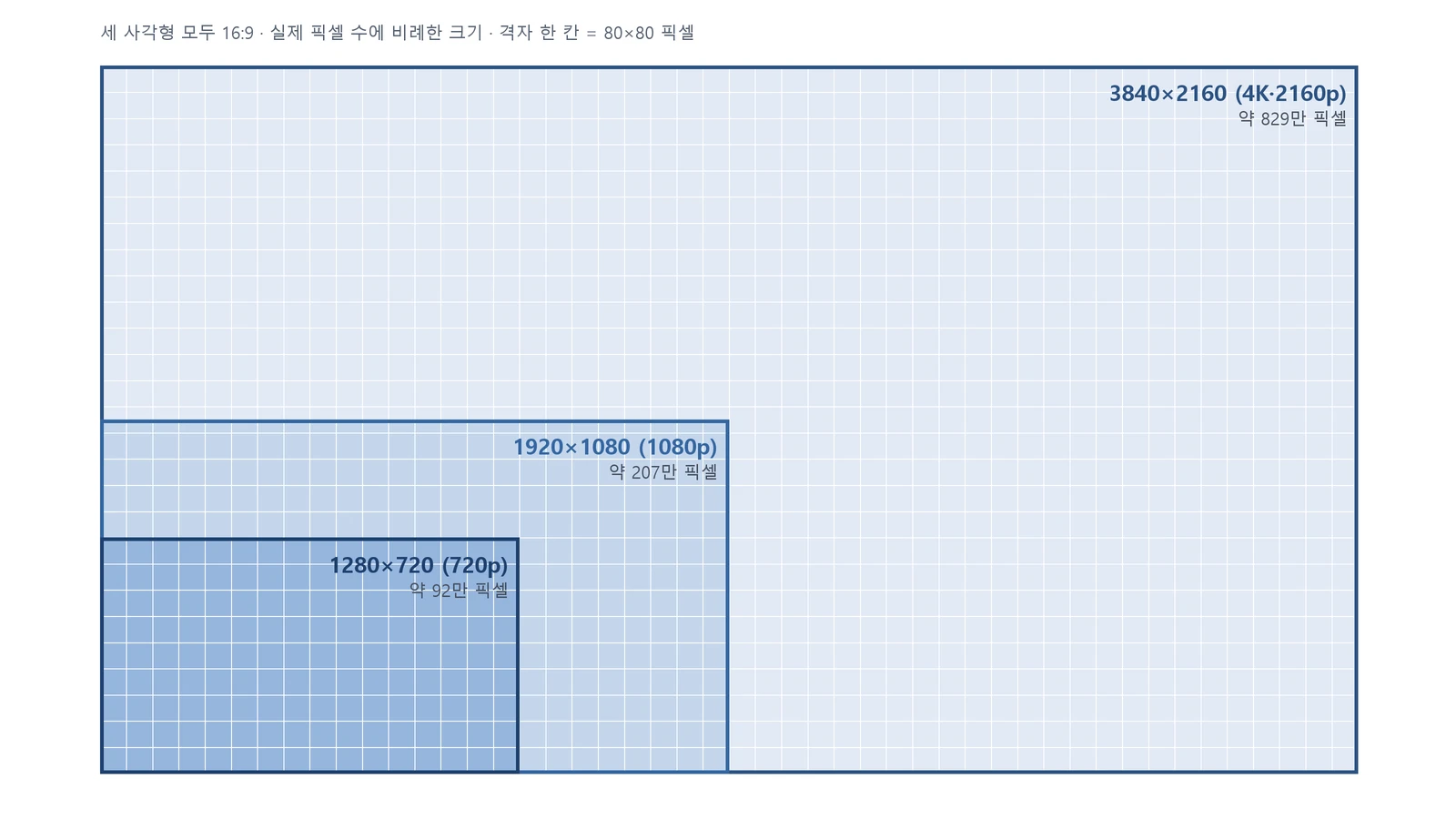
Resolution and aspect ratio: 720p, 1080p, and 4K, 16:9 and 9:16
Resolution is the number of dots, and aspect ratio is the shape of width against height. A plain explanation of 720p and 4K, and 16:9 and 9:16.
 AI & IT tools
SSD, HDD, NVMe, and M.2: how to read a spec sheet and split drives for 3D work
HDD and SSD are recording methods, SATA and NVMe are connection methods, and M.2 is the name of a shape. Read spec sheets with these three layers of names, then learn the order for choosing a drive, where to keep Blender work files, and how to manage space.
 AI & IT tools
Heat and throttling: why your computer slows down while rendering
When a chip gets hot, it lowers its own speed to protect itself. This guide covers why computers slow down while rendering and what the makers recommend you do.
 AI & IT tools
What tokens and context windows mean: why AI loses track of earlier parts of a long chat
A token is the unit AI uses to count text, and the context window is how much it can look at in one go. This guide explains what happens in long chats and clears up common misunderstandings.
 Blender
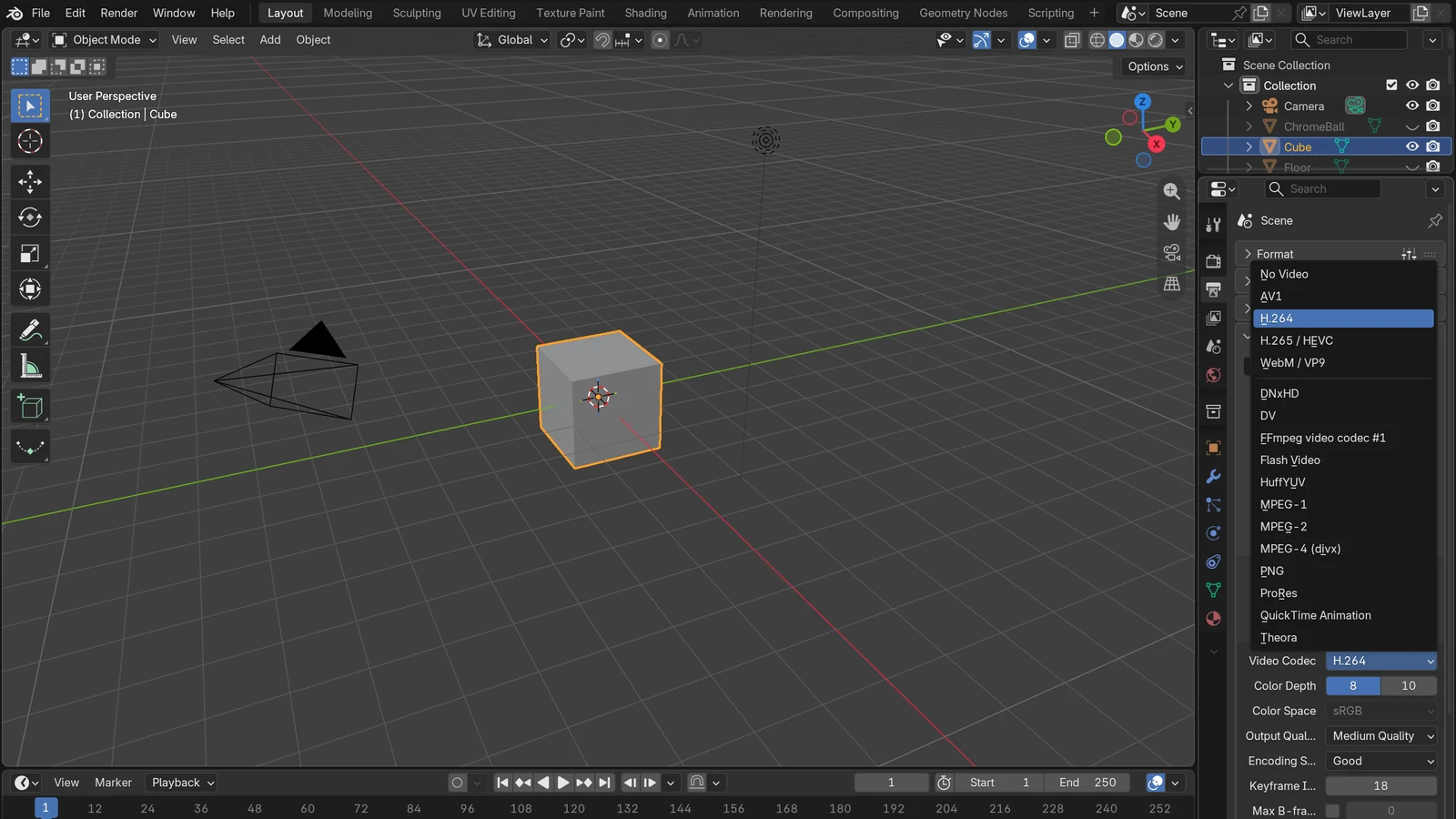
Video codecs and containers: H.264, H.265, and MP4 made simple
MP4 is the box, and H.264 is the way you pack it. Using official sources, this guide explains the difference between codecs and containers, why a video won't open, and settings for uploading.
 AI & IT tools
What is an API? Requests, responses, and API keys made simple
An API is a doorway where programs make requests and get responses by fixed rules. Using a wall socket as the comparison, this guide covers requests, responses, and keeping keys safe.
 AI & IT tools
What is an LLM (large language model)? How a giant autocomplete works
A simple look at LLMs, the base of ChatGPT and Claude, through three words: tokens, context, and hallucination.
 AI & IT tools
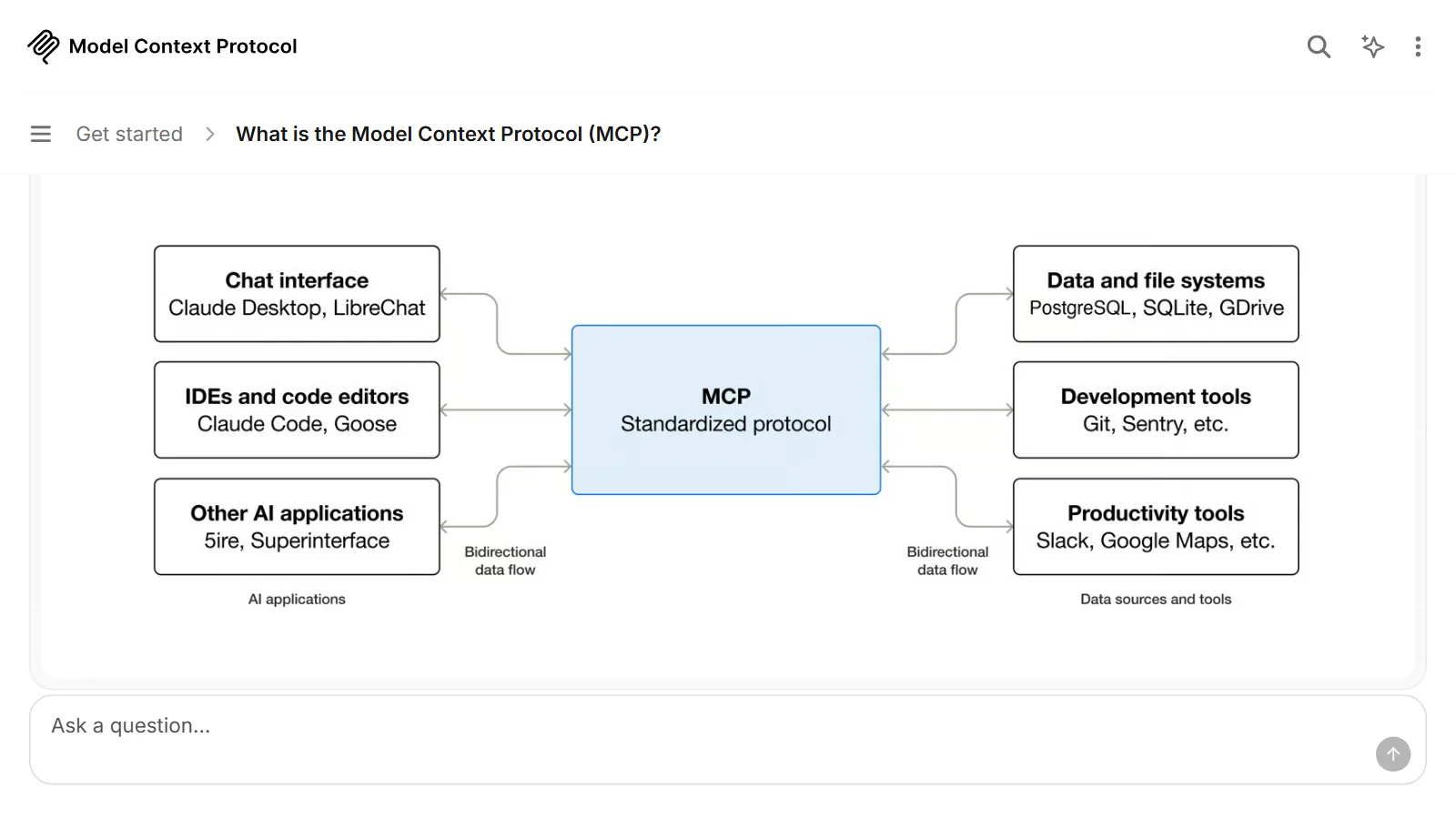
What is MCP? A USB-C-like standard for plugging tools into AI
MCP is a common standard that connects AI apps to files, calendars, and work tools. This guide explains how it is built and what to watch out for, using a USB-C comparison.
 AI & IT tools
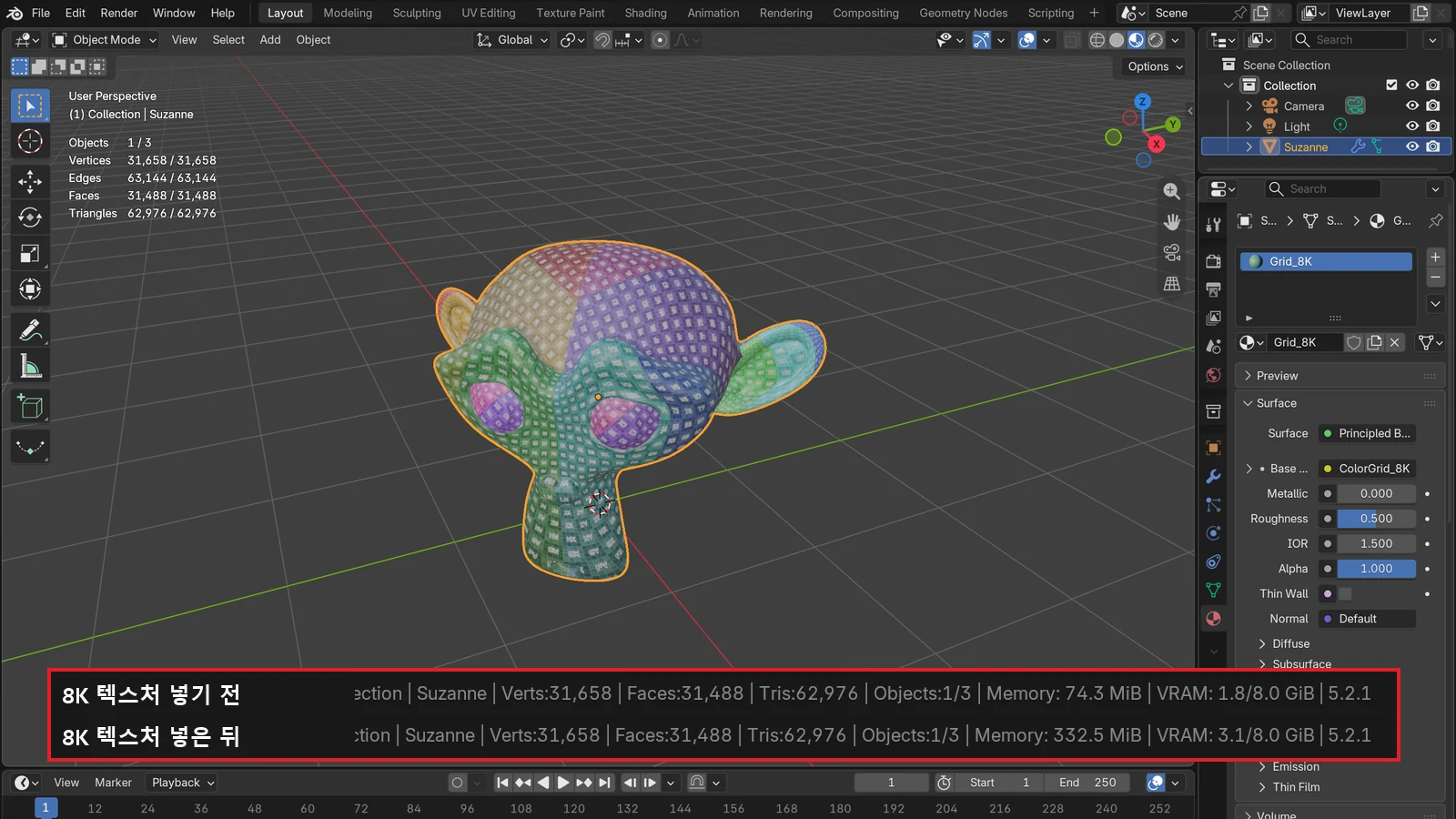
What VRAM means: why graphics card memory matters
VRAM is a dedicated workbench right next to the GPU. This guide covers what goes on it, what happens when it runs short, and how to check it and save it.