AI & IT toolsAI Tools

Trying AI coding with Claude Code: Matlab to C++, all the way to a GUI result

How I used Claude Code to convert Matlab code to C++ and even show the graphs in a GUI.

AZTechnologyFirst written 5 min read

한국어English

This post explains how to change a program from one programming language to another with Claude Code.

Matlab, a specialist engineering program, makes plotting graphs (Plot) and processing data easy. But it is paid software and heavy, which makes it inconvenient to use. Because of the nature of the language, it also computes more slowly than C or C++. Still, it is convenient, so it is widely used in engineering.

First, here are the Matlab code and its results.
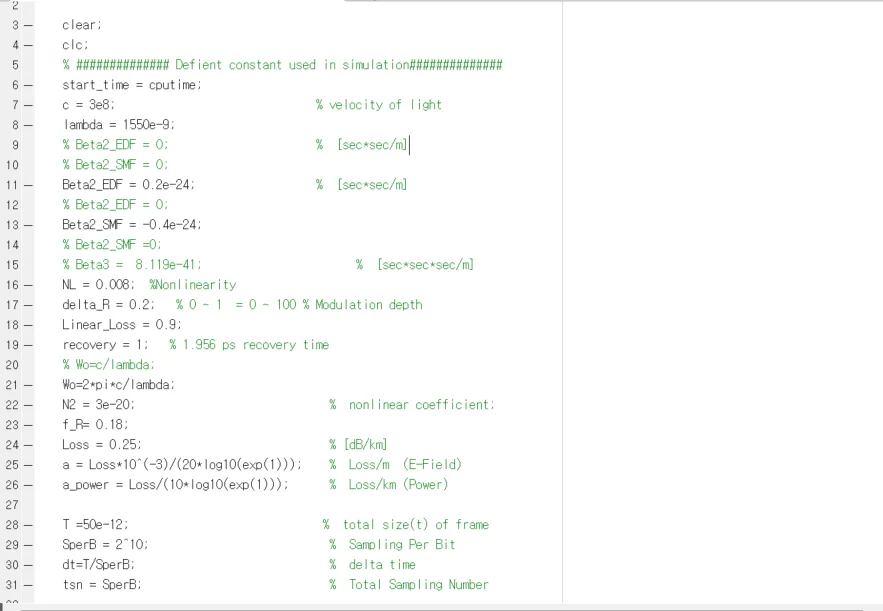
Matlab code for the simulation, part 1

The content of the code does not matter. It is hard to follow unless you studied the field.
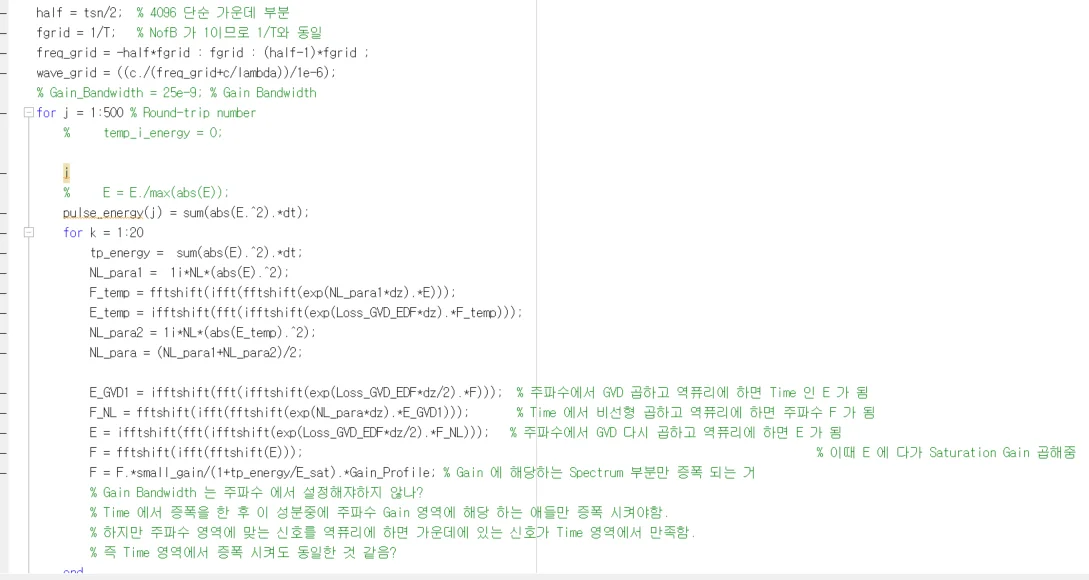
Matlab code for the simulation, part 2 (comments in Korean)

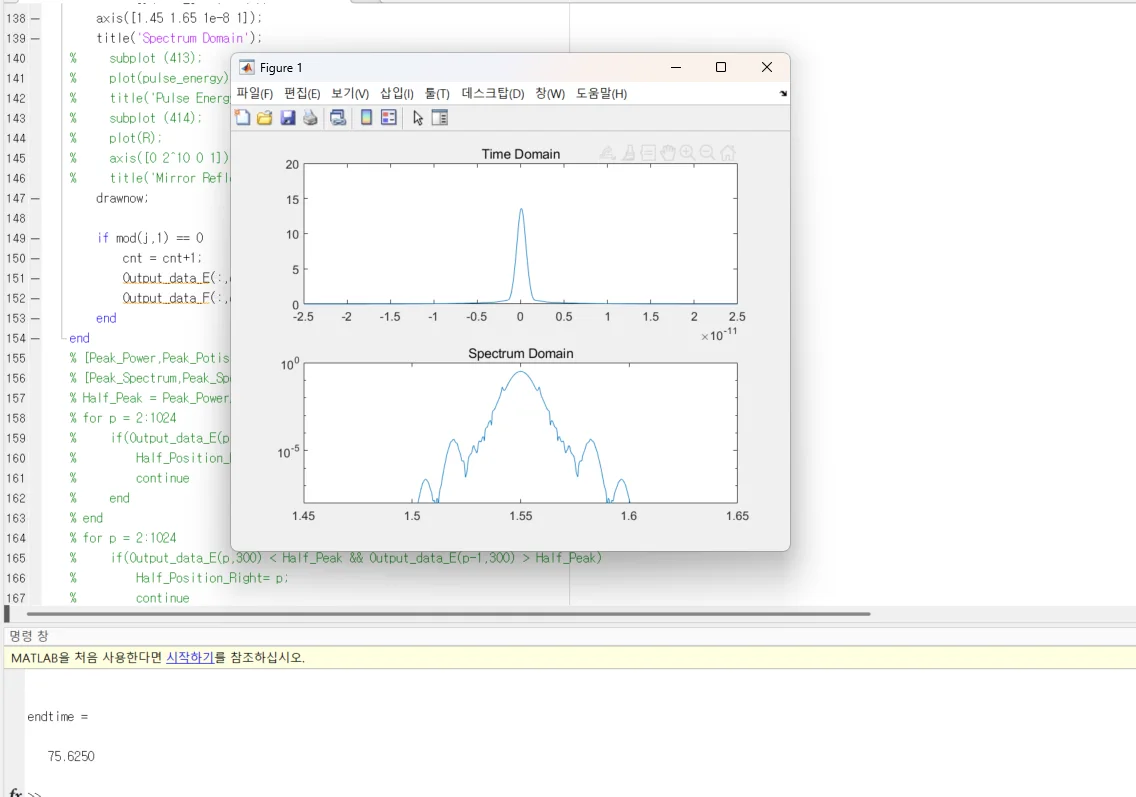
Matlab code with the Figure 1 window showing Time Domain and Spectrum Domain graphs (labels in Korean)

I captured a few screens. You can see that the final graph comes out as Figure 1, with Time domain and Spectrum domain results.

Being able to make result graphs and functions such as FFT simply is the strength of coding in Matlab.

Next, I turn this result into C++ with Claude Code.

For installing Claude Code and setting up your local computer, see the post below.

Installing and setting up Claude Code for the first time in 2026 (Claude Code)

Start Visual Studio Code. Then run claude in PowerShell and you see a screen like the one below. For reference, my Claude Code subscription is Pro.
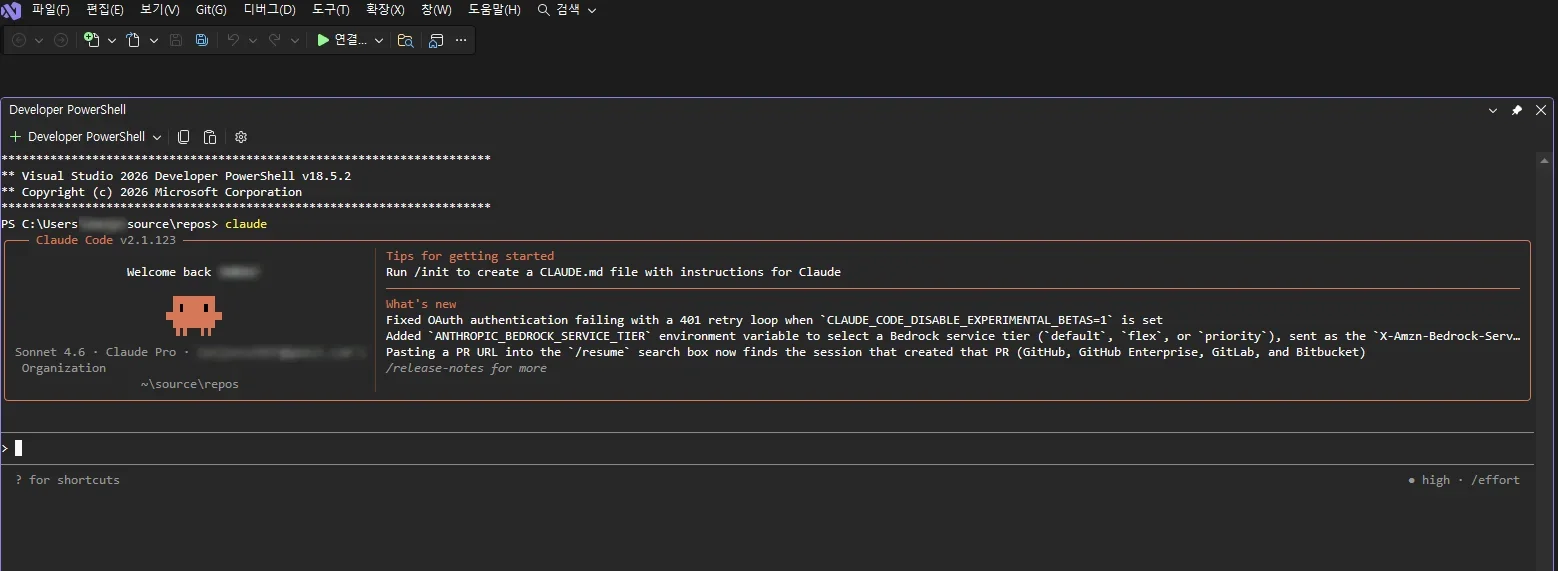
Claude Code started in the PowerShell panel inside the code editor (labels in Korean)

Give the instruction in plain language, as below. I asked it to find the Matlab .m file and convert it to C++.
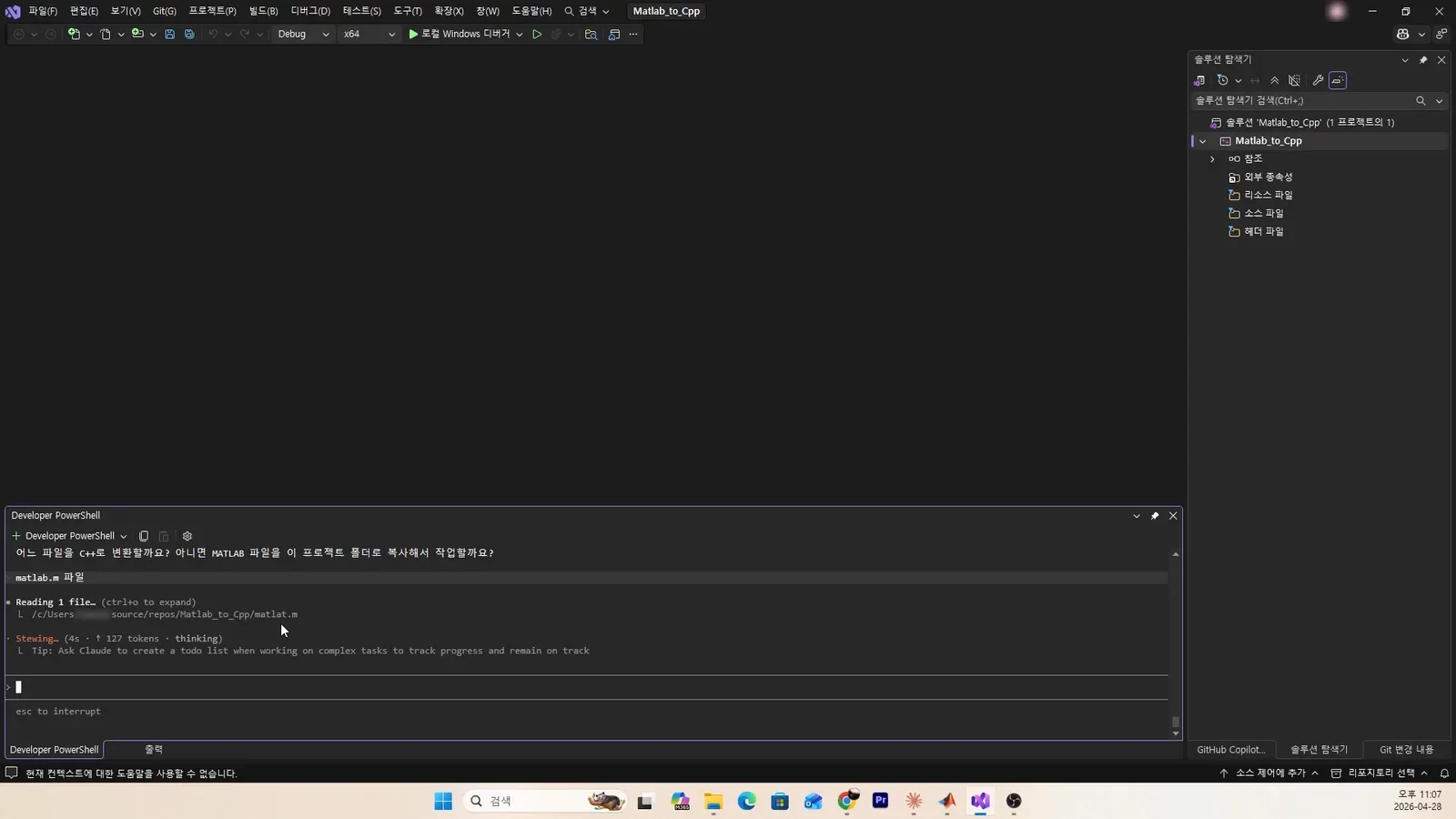
The request typed in plain language and Claude Code asking which file to convert (labels in Korean)

It found files, but there seemed to be several, so it asked again which .m file to convert. Type the .m file you want.
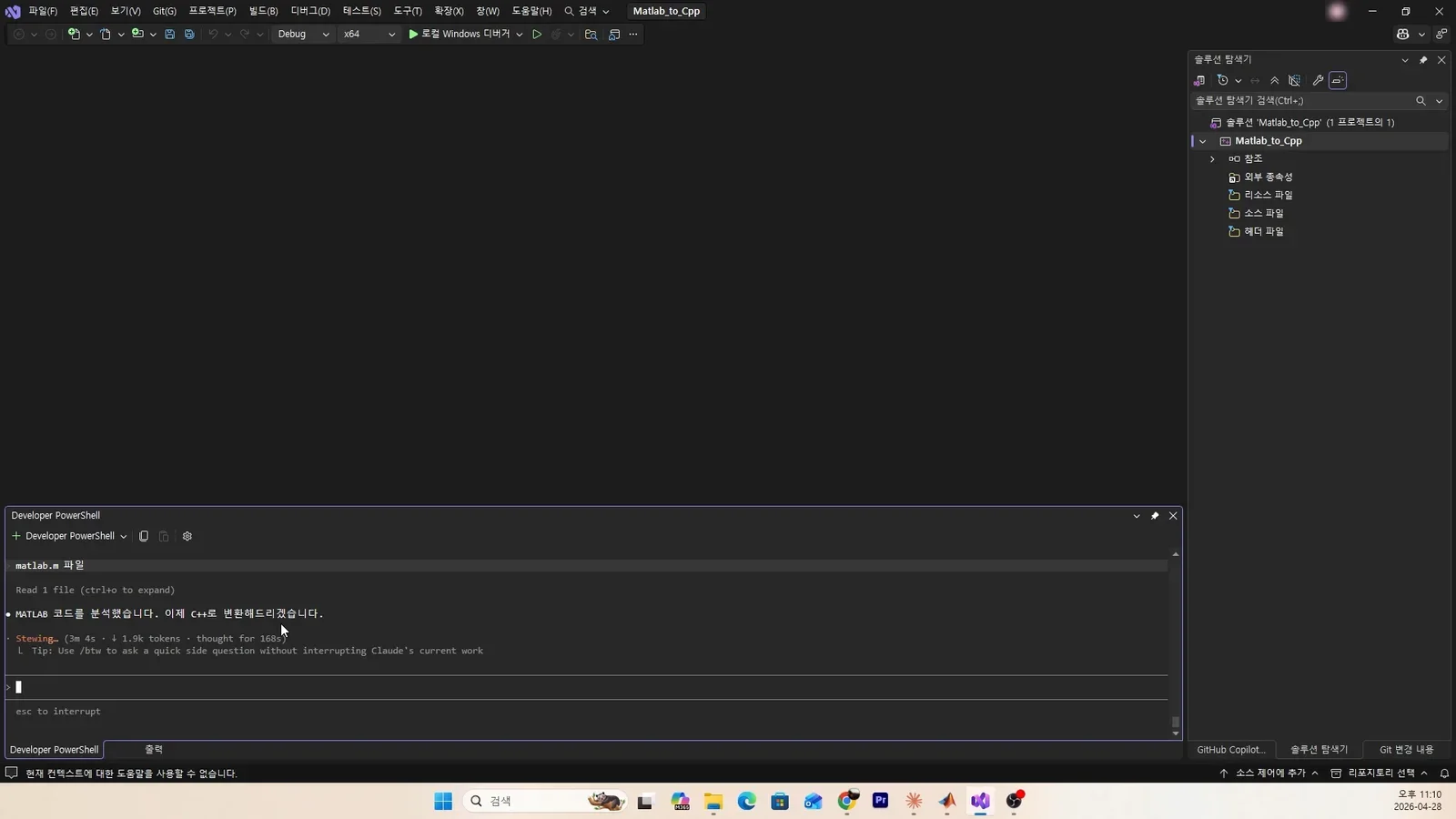
Claude Code reading the chosen .m file (labels in Korean)

It says it has analyzed the Matlab code and is now starting the conversion to C++.
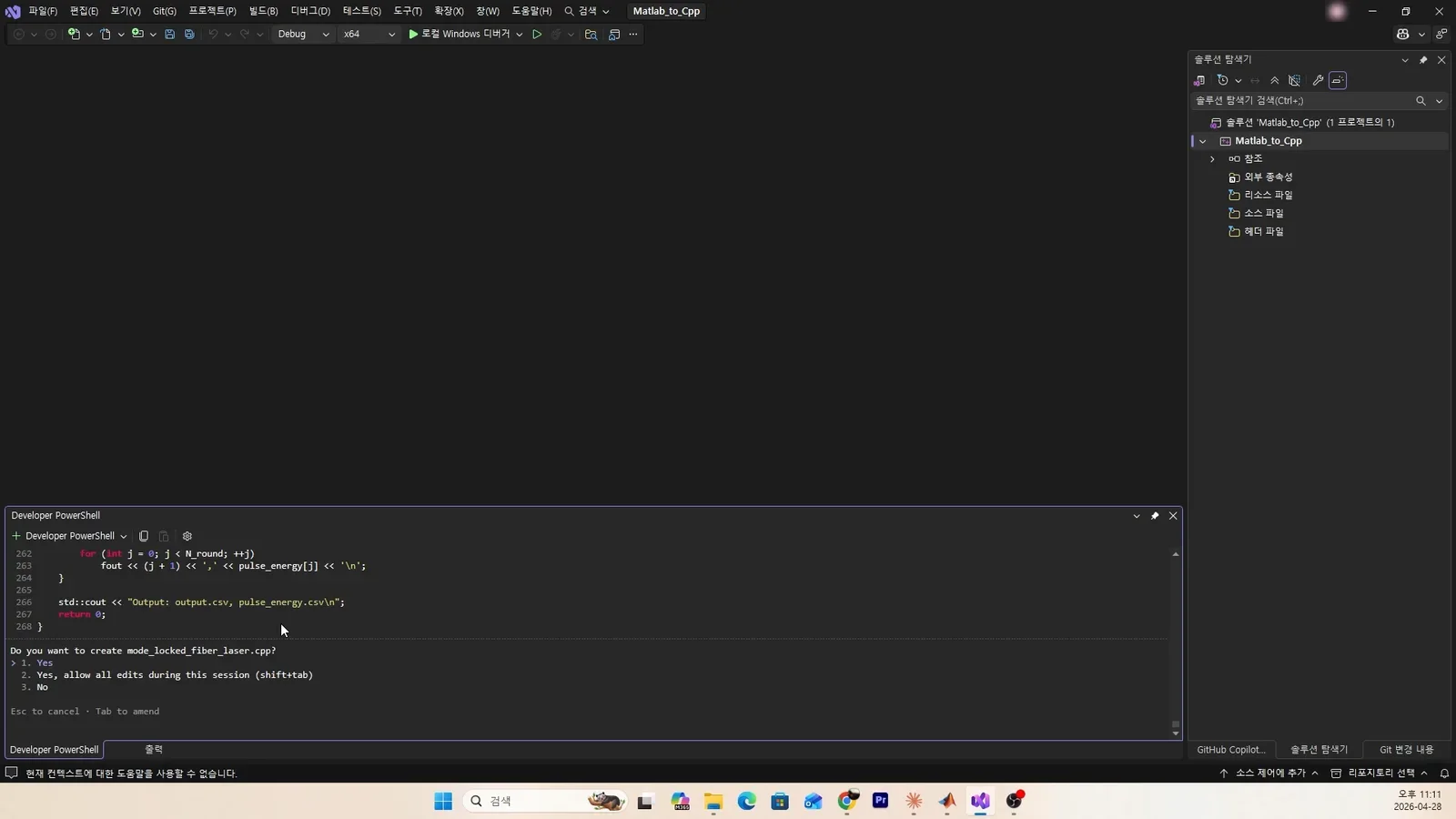
Claude Code reporting that it analyzed the Matlab code and is starting the C++ conversion (labels in Korean)

It starts writing the code on its own. If you know C++ well you can convert it yourself, but once advanced functions such as FFT and iFFT are involved, it is hard to code alone. Above all, it takes a great deal of time, and that leads straight to higher cost.
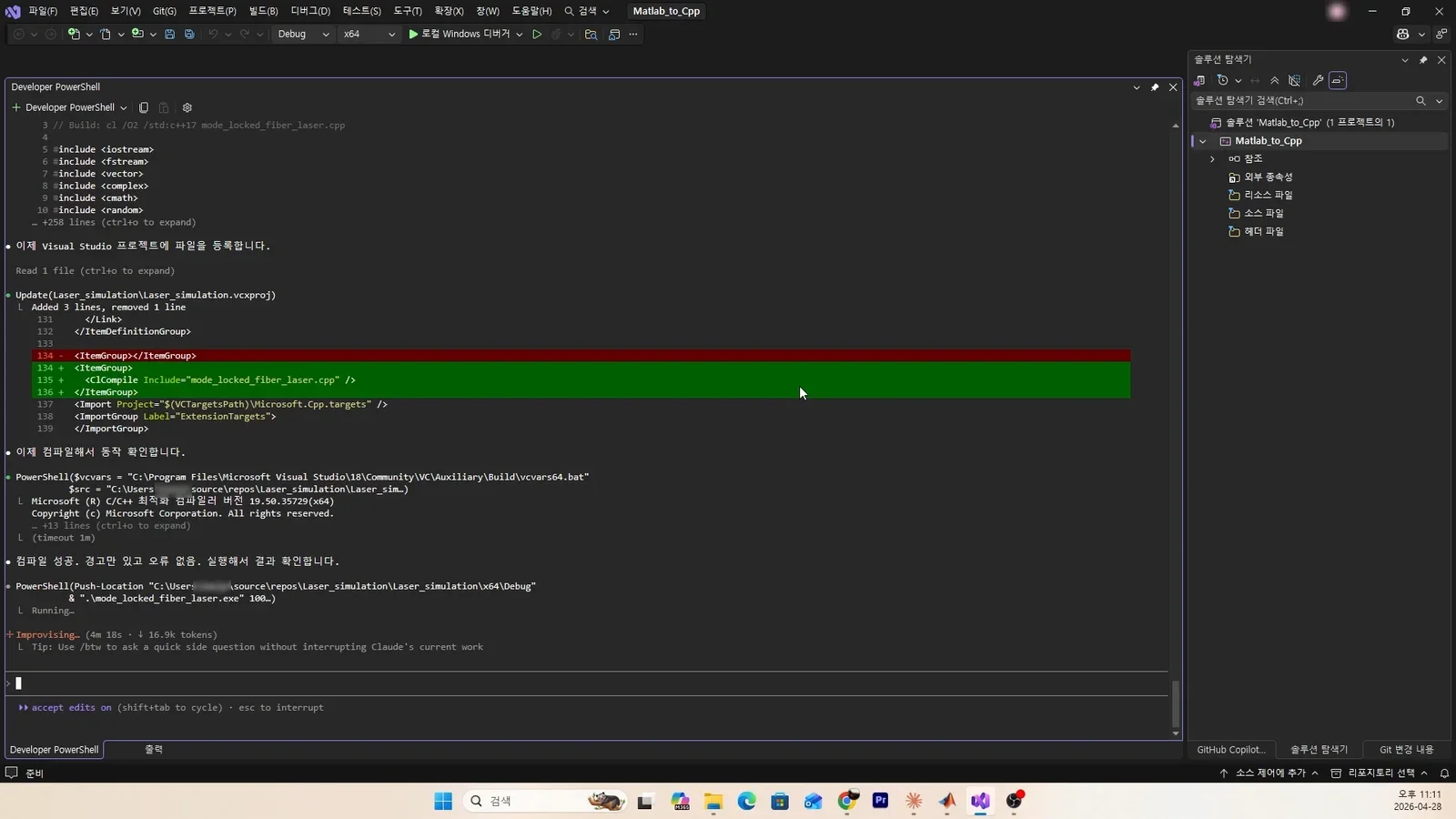
Claude Code writing C++ code (labels in Korean)

It is doing all of the coding above by itself.
Claude Code continuing to write and build the code (labels in Korean)

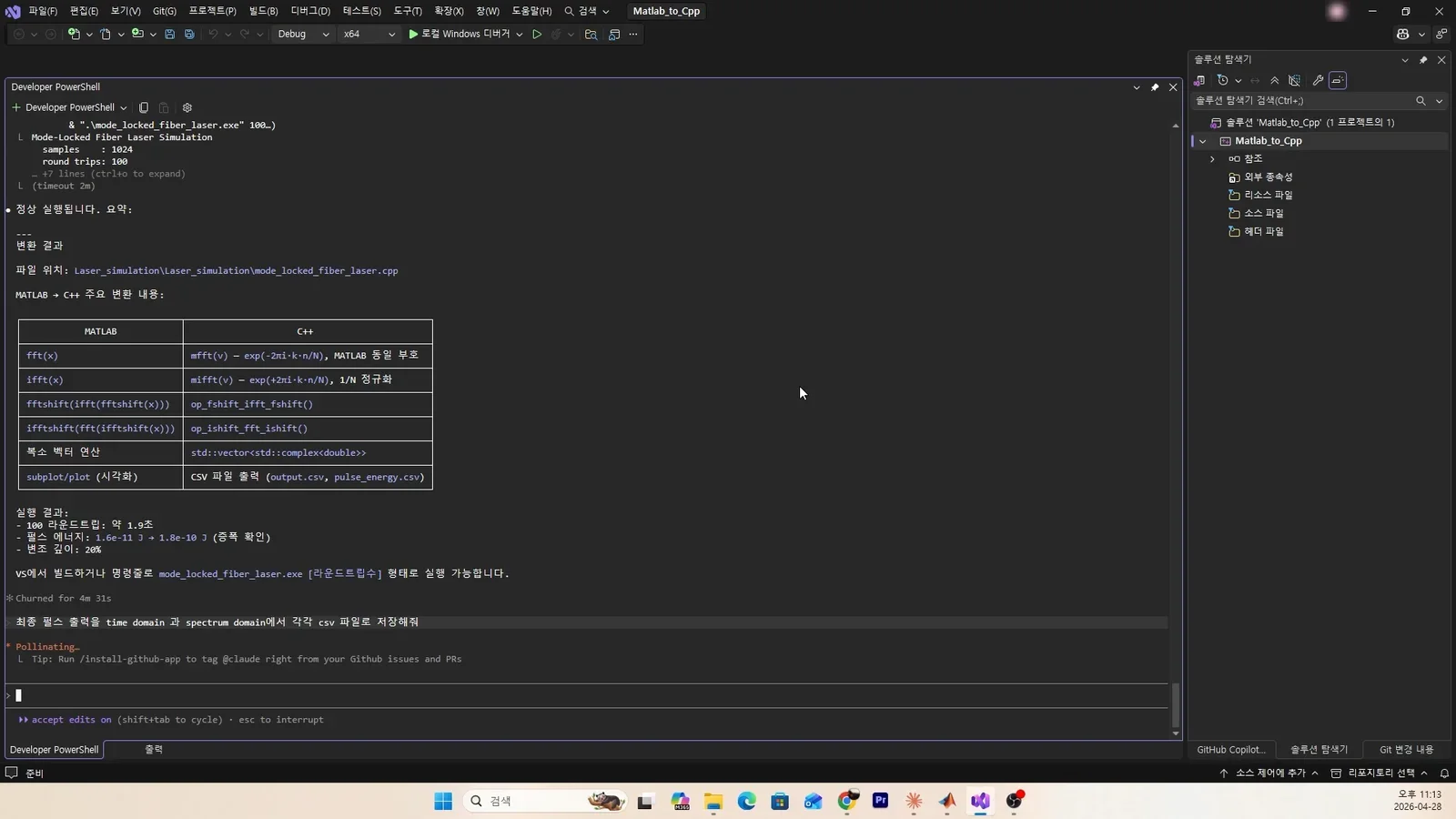
It also summarizes the results of the fft functions in Matlab and C++.
Claude Code's summary comparing the fft functions in Matlab and C++ (labels in Korean)

When an error comes up while running, it analyzes it on its own and keeps coding. All you need to do is confirm a few times (pressing the number 1 and so on).
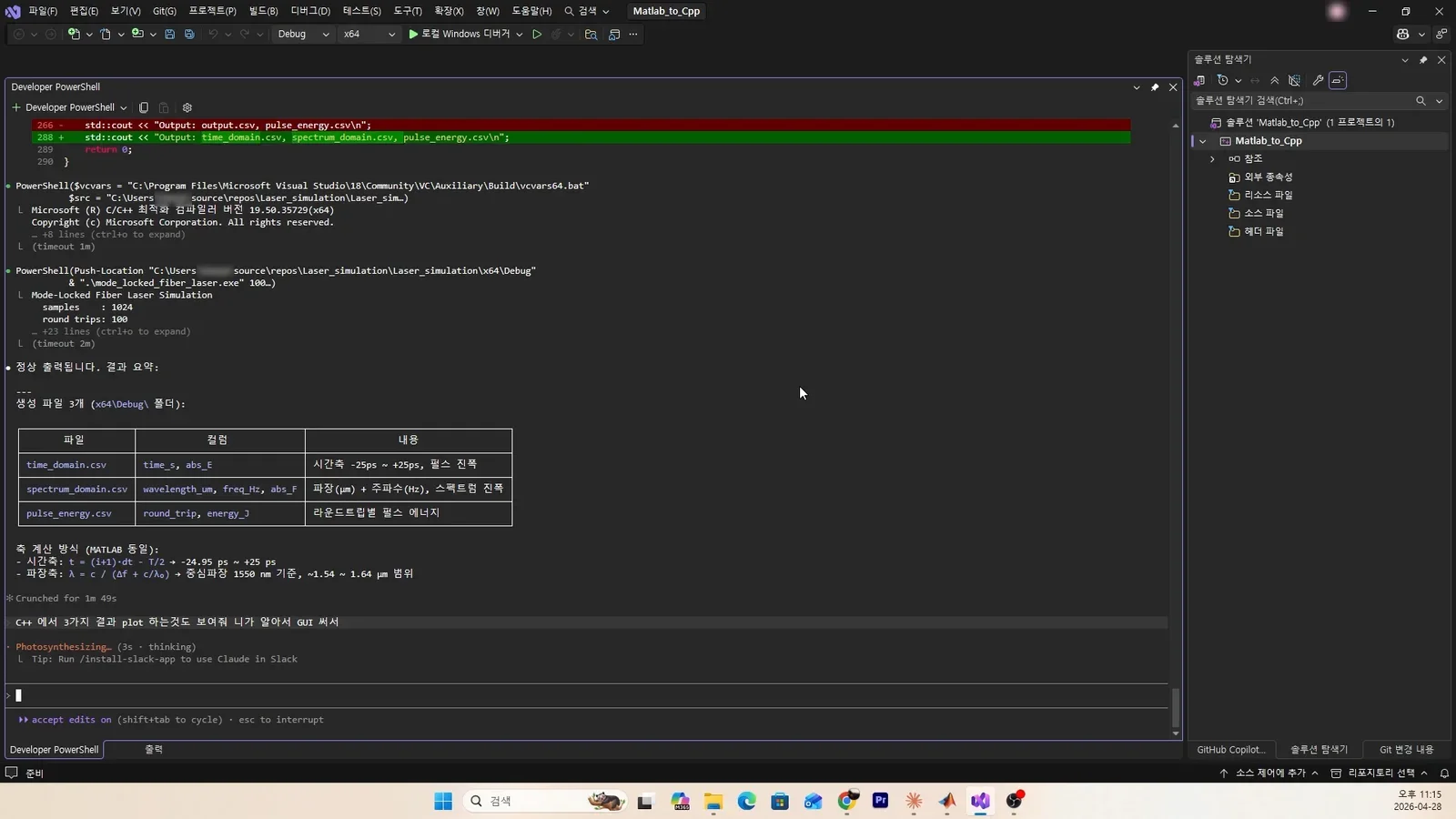
Claude Code fixing an error and asking for confirmation (labels in Korean)

Claude Code is really smart. It keeps the coding going on its own.
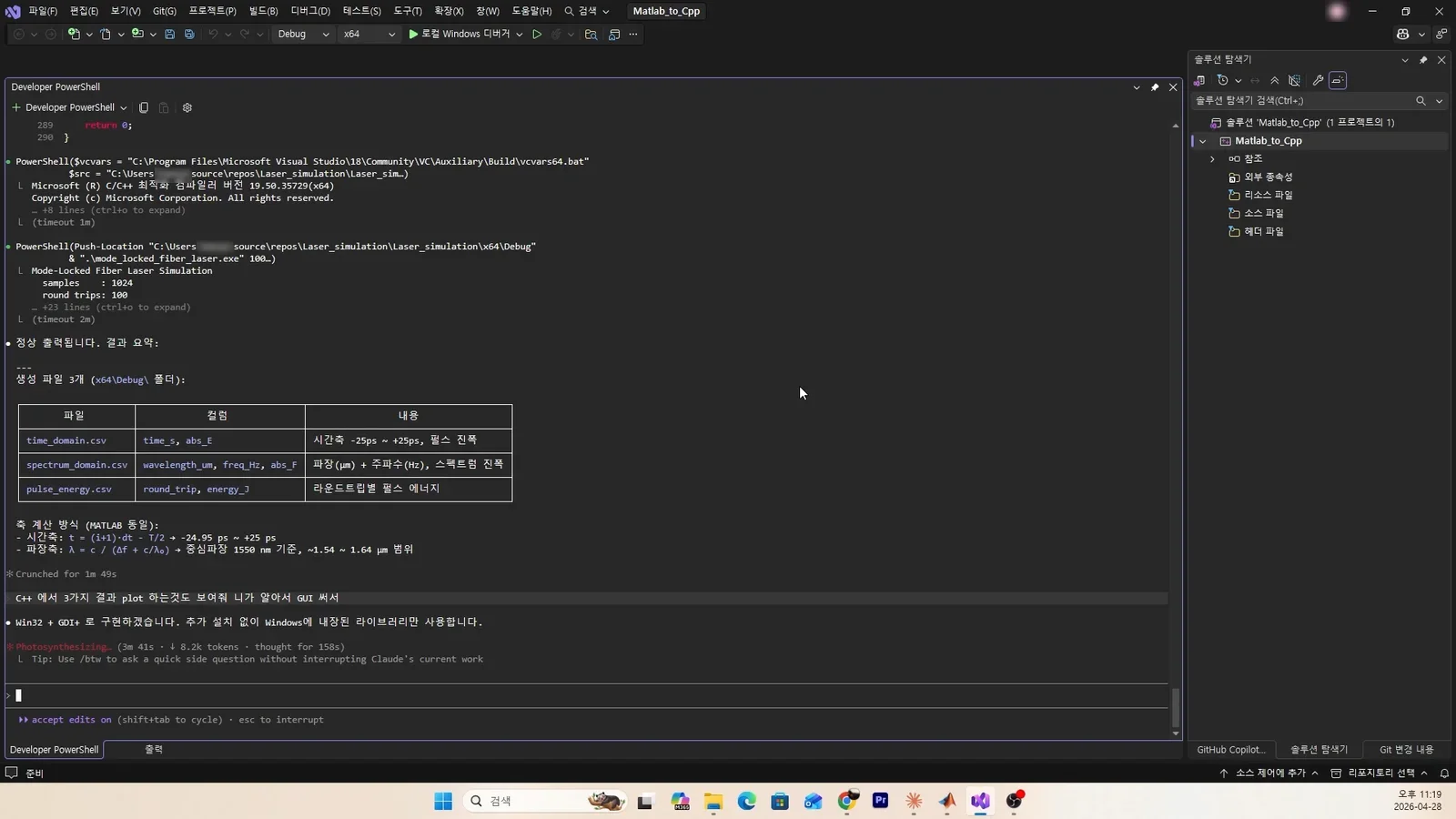
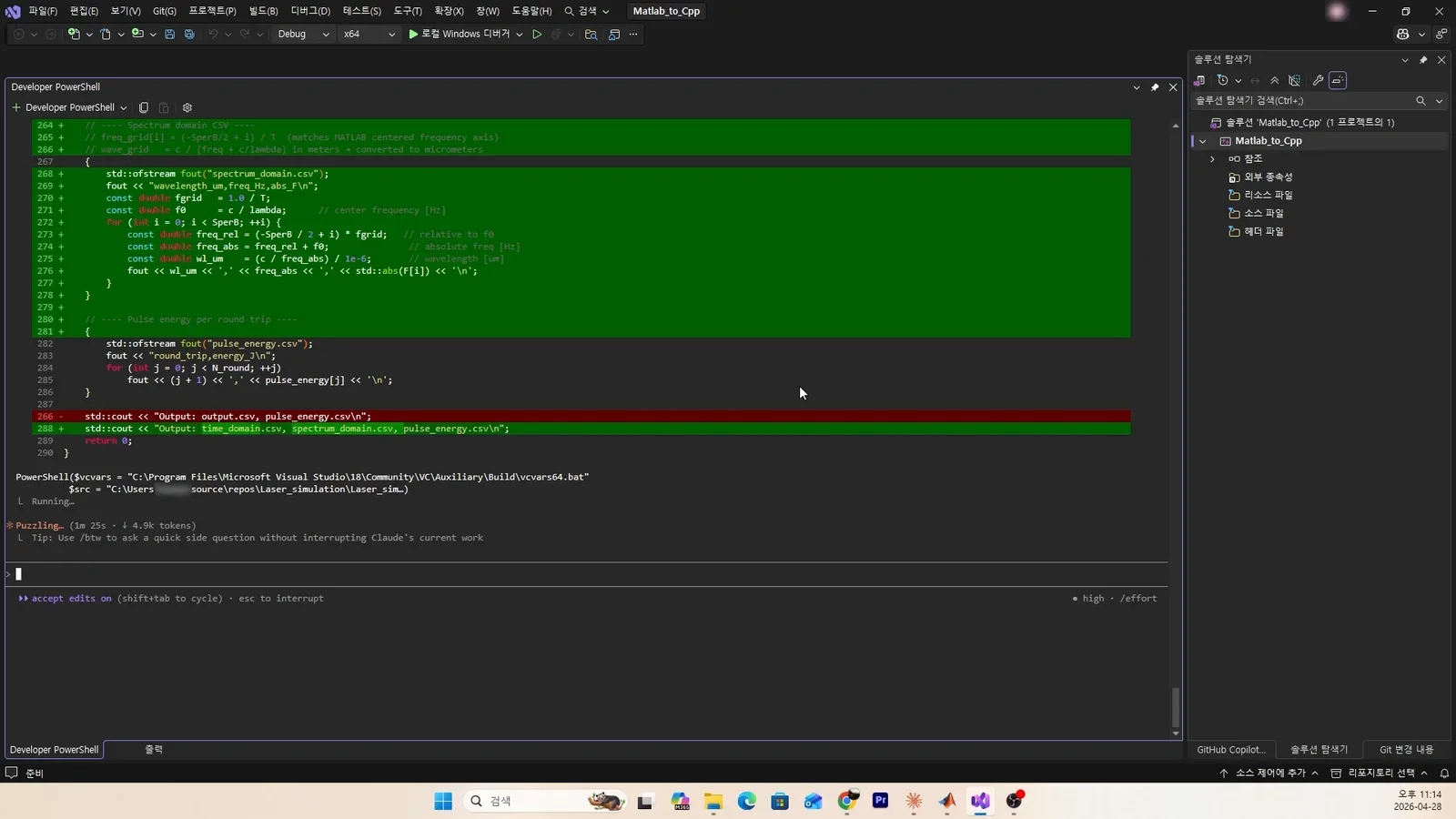
Claude Code saving the results to a csv file (labels in Korean)

It saved the results to a csv file, but I did not stop there and asked it to draw the graphs in a GUI as well. I did not know whether it would work right away, but I was curious how far Claude Code could go, so I asked.
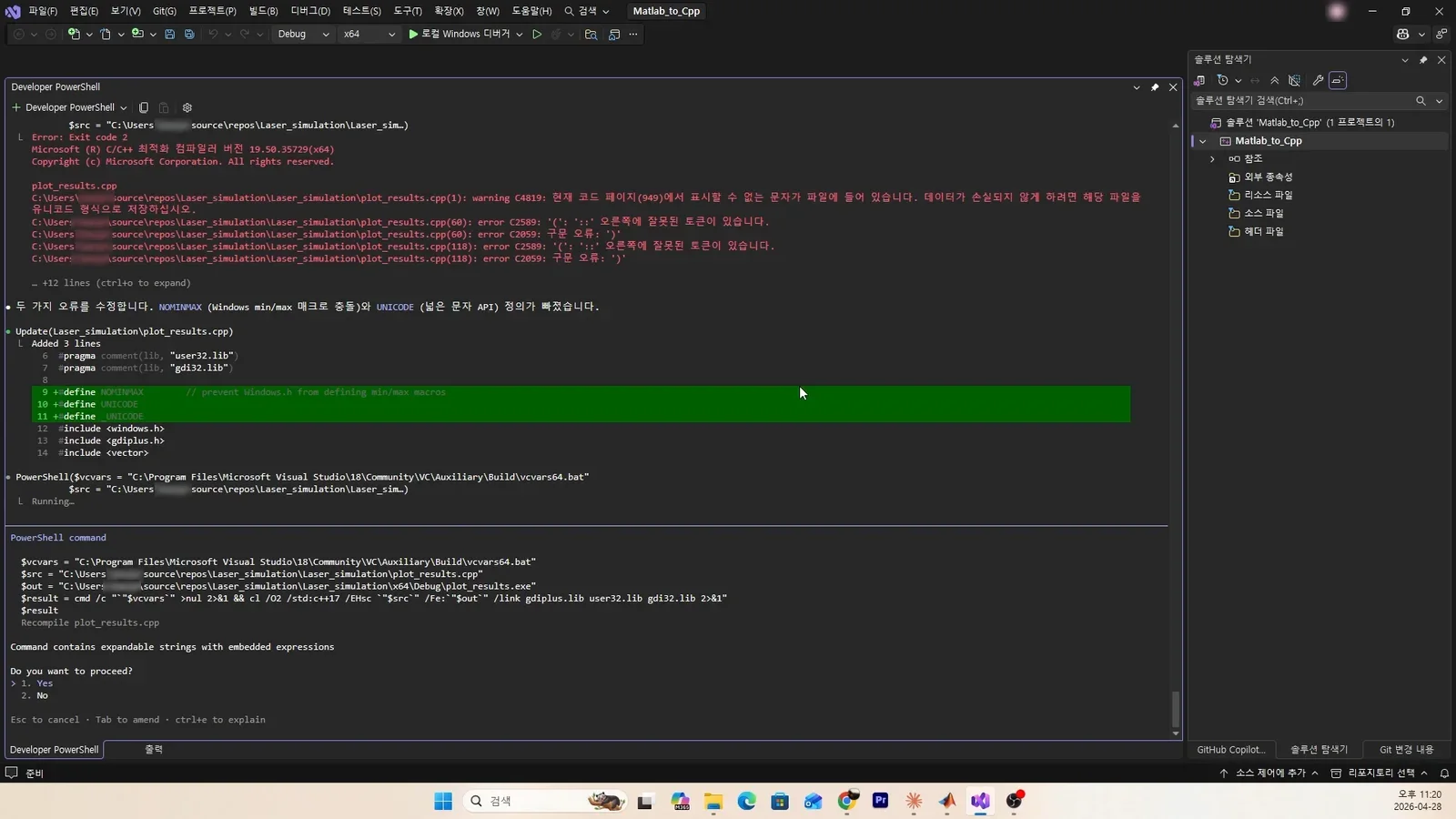
Claude Code fixing build errors in the plotting code and asking whether to proceed (labels in Korean)

A few errors came up, but in the end it drew the result graphs in a GUI by itself.
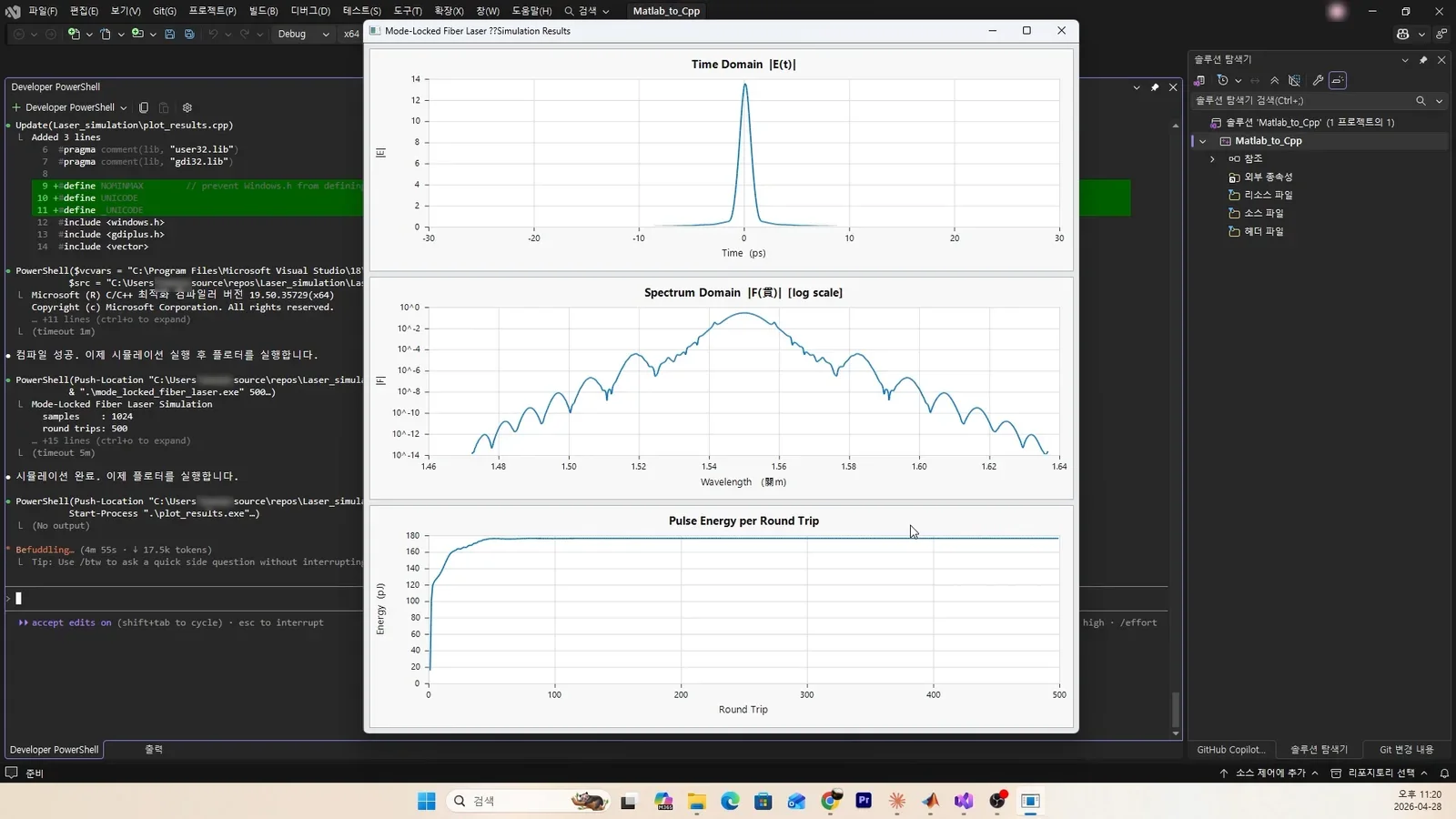
The GUI window from the C++ program with Time Domain, Spectrum Domain, and Pulse Energy per Round Trip graphs (labels in Korean)

These are the final result graphs. The whole process above took less than 20 minutes. Anyone who has done coding knows. The work above would take at least several days, and it is hard to believe we now live in a world where AI agents are this capable. Below is a video capturing the whole process. It is played in fast forward.

Converting Matlab to C++ with Claude Code

I paid for Pro, but I use it so much that I keep running out of tokens, so I am thinking about whether to switch to Max.

This post only covered coding, but I think there will be a lot more to apply it to from here.

There seems to be a lot you can do with Claude Code. I will post about a range of topics.
KEEP EXPLORING

Read next

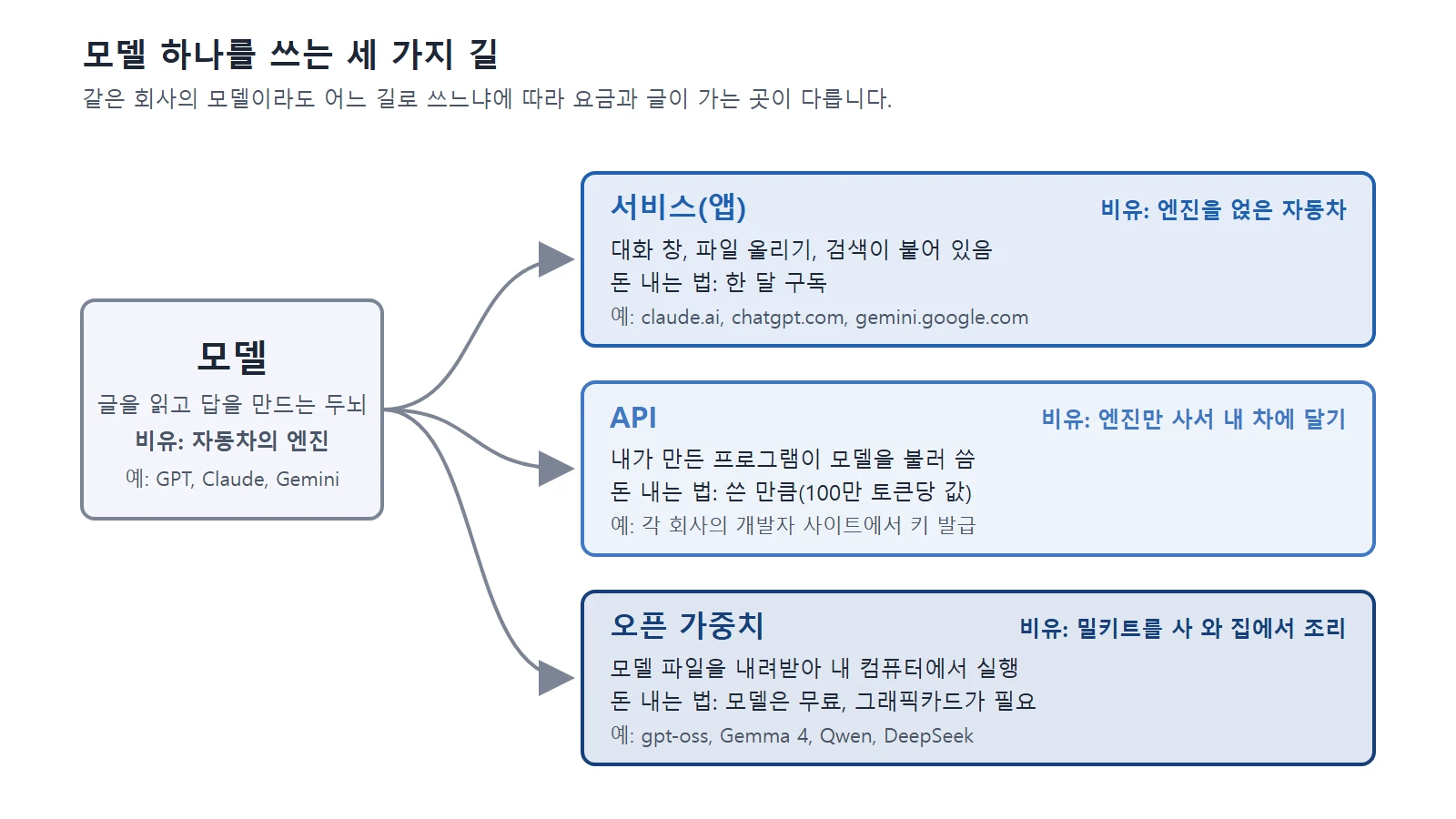
Diagram with arrows from a model box to three boxes: service (app), API, and open weights (diagram)AI & IT tools
AI Tools25 min read

Claude, ChatGPT, Gemini, and other US and Chinese AI services compared: pricing, privacy, and how to choose

A side-by-side look at pricing, privacy, and how to choose among 12 US and Chinese AI services, including Claude, ChatGPT, and Gemini.

The Copyright and Artificial Intelligence page of the U.S. Copyright Office (screenshot of the official U.S. Copyright Office site)AI & IT tools
AI Tools13 min read

Copyright basics for AI-made images and text

Official guidance in the United States and Korea says AI output made only from a prompt is unlikely to be protected by copyright. This guide explains the standards in both countries and what to check before you use AI output.

The image generation page of the Google Gemini API documentation (screenshot of the official site)AI & IT tools
AI Tools11 min read

How AI image generation works, and how to write good prompts

AI finds a picture little by little in noise. Learn how diffusion models work and prompt tips for getting the picture you want.

The page on creating subagents in the Claude Code documentation (Claude Code official site screenshot)AI & IT tools
AI Tools13 min read

Subagents and multi-agent systems: splitting work among several AIs

How one AI can hand side tasks to assistant AIs instead of taking on everything itself, and when splitting the work actually costs you more.

A blockout made of cubes (left) compared with the result after AI turned it into live-action-style video (right) (our own result)AI & IT tools
AI Tools10 min read

AI video generation basics: making video from text and images

AI video is a technology that draws many pictures in a row so they fit together over time. This guide explains how it works, three ways to start, and how to write prompts that include the camera.

The Overview page of the Claude Code docs (screenshot of the official Claude Code site)AI & IT tools
AI Tools14 min read

Getting started with Claude Code: from install to your first conversation with an AI coding assistant that works in the terminal

How to install Claude Code (Windows and Mac), how to start your first conversation, and the safety features to know first, such as permission modes and undo, explained for first-time users.