AI & IT TOOLS
AI and tools, as much as you need.
Guides on AI tools and workflows, developer tools and computer hardware, sorted by group. The Blender guides have their own page.
WORKFLOW
AI workflow 1 guides
Real workflows that connect AI and 3D work.

AI TOOLS
AI tools 10 guides
How to install and use AI tools, Claude Code among them.
 AI & IT tools
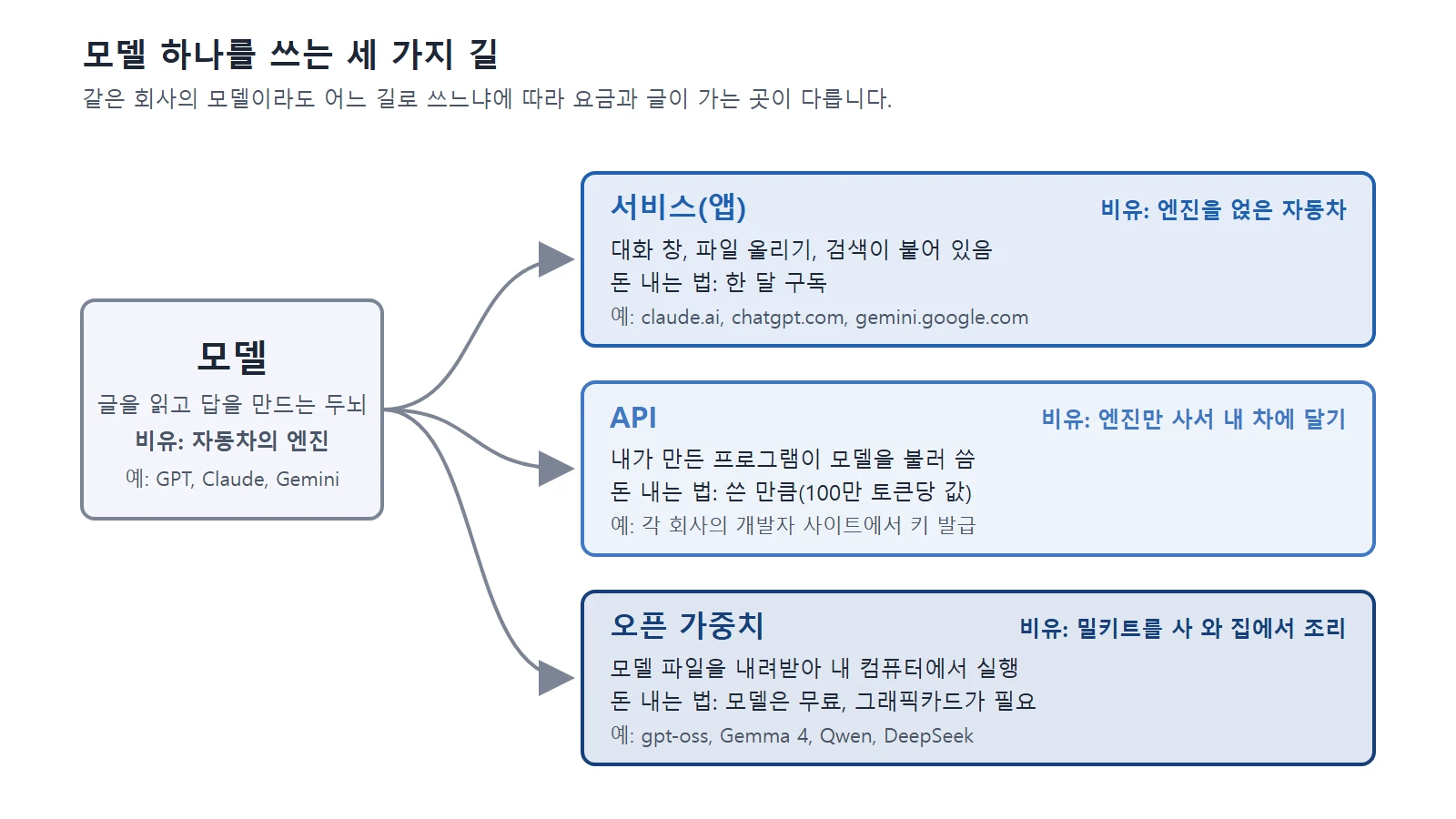
Claude, ChatGPT, Gemini, and other US and Chinese AI services compared: pricing, privacy, and how to choose
A side-by-side look at pricing, privacy, and how to choose among 12 US and Chinese AI services, including Claude, ChatGPT, and Gemini.
 AI & IT tools
Copyright basics for AI-made images and text
Official guidance in the United States and Korea says AI output made only from a prompt is unlikely to be protected by copyright. This guide explains the standards in both countries and what to check before you use AI output.
 AI & IT tools
How AI image generation works, and how to write good prompts
AI finds a picture little by little in noise. Learn how diffusion models work and prompt tips for getting the picture you want.
 AI & IT tools
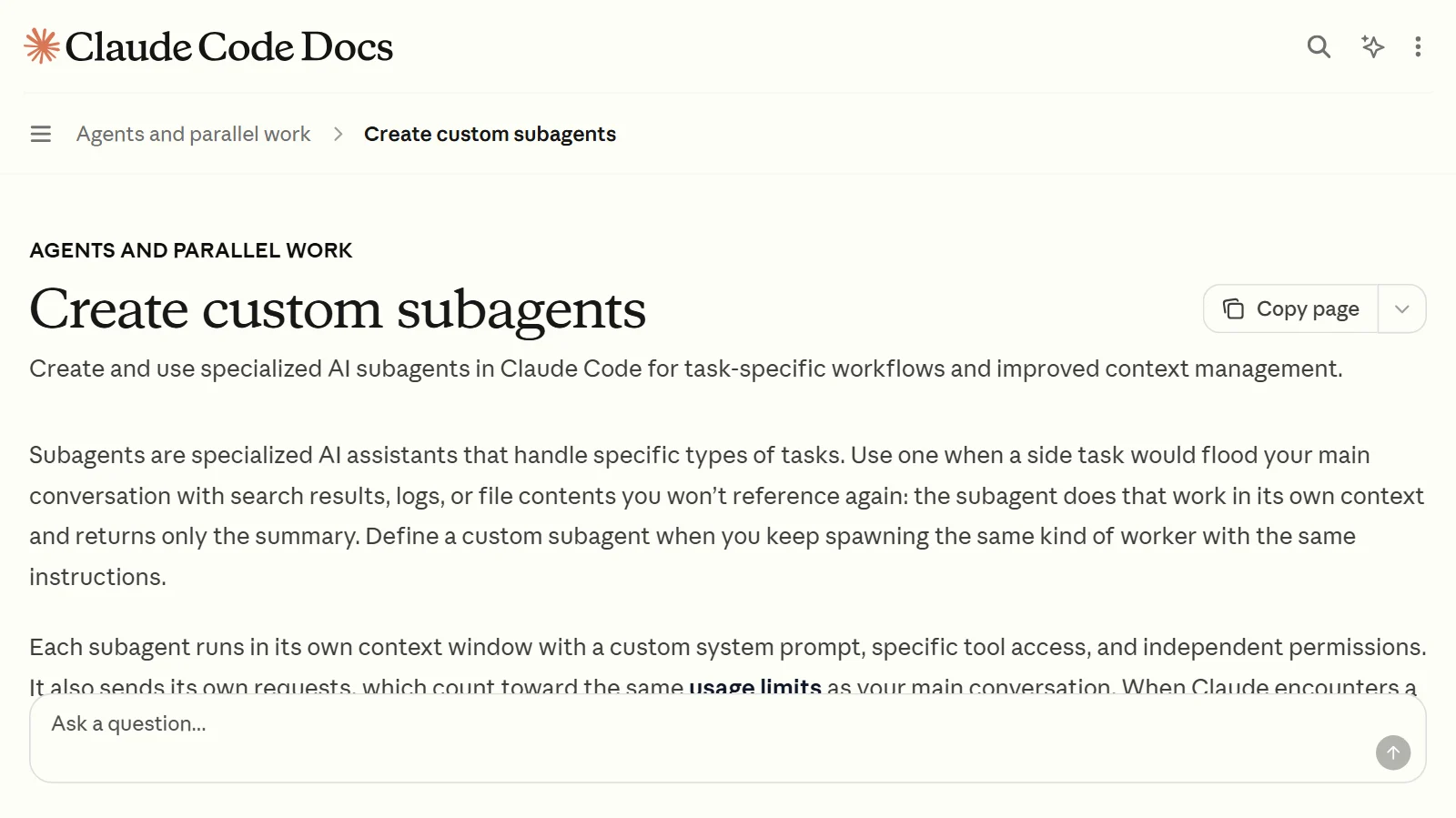
Subagents and multi-agent systems: splitting work among several AIs
How one AI can hand side tasks to assistant AIs instead of taking on everything itself, and when splitting the work actually costs you more.
 AI & IT tools
AI video generation basics: making video from text and images
AI video is a technology that draws many pictures in a row so they fit together over time. This guide explains how it works, three ways to start, and how to write prompts that include the camera.
 AI & IT tools
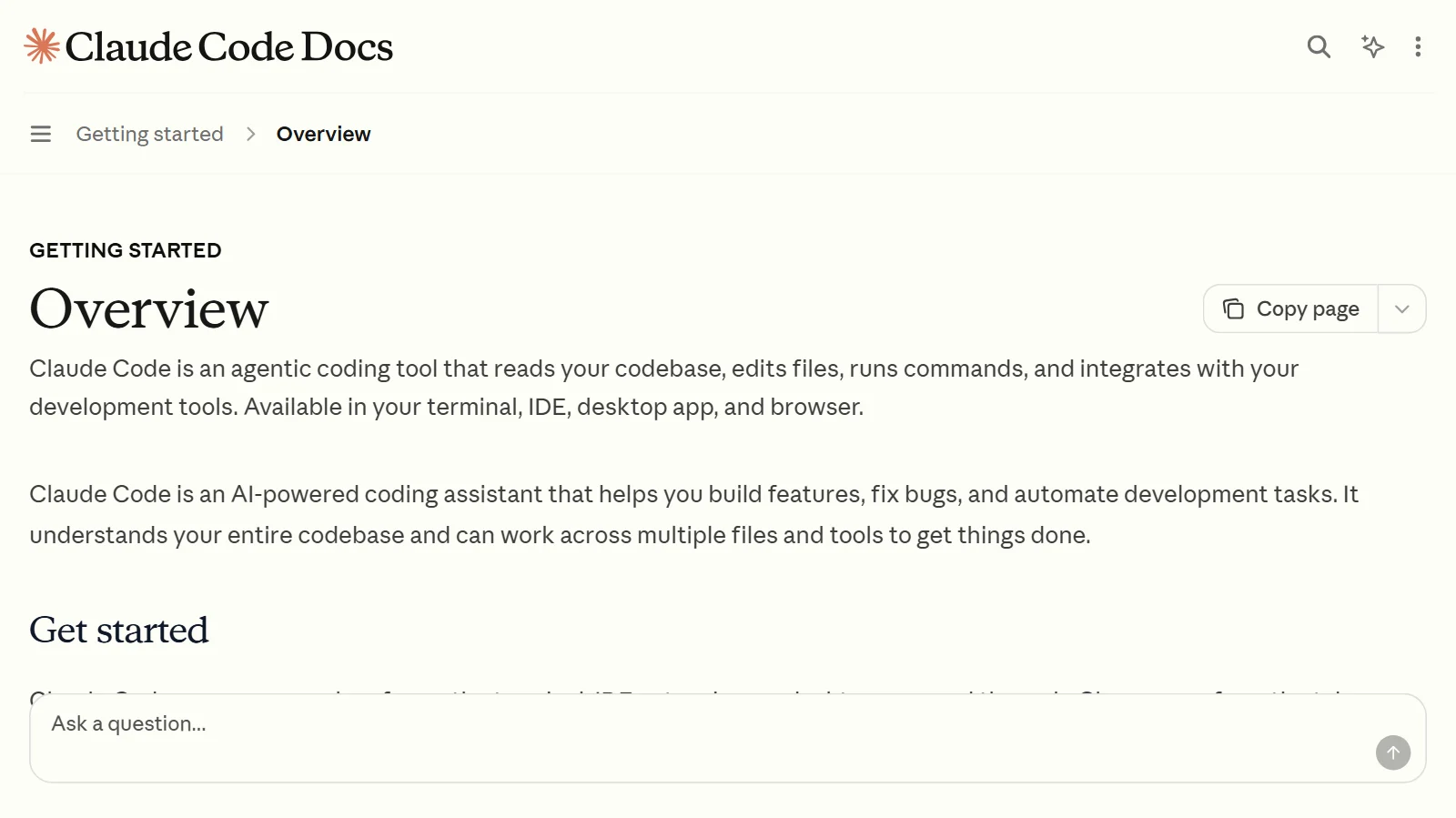
Getting started with Claude Code: from install to your first conversation with an AI coding assistant that works in the terminal
How to install Claude Code (Windows and Mac), how to start your first conversation, and the safety features to know first, such as permission modes and undo, explained for first-time users.
 AI & IT tools
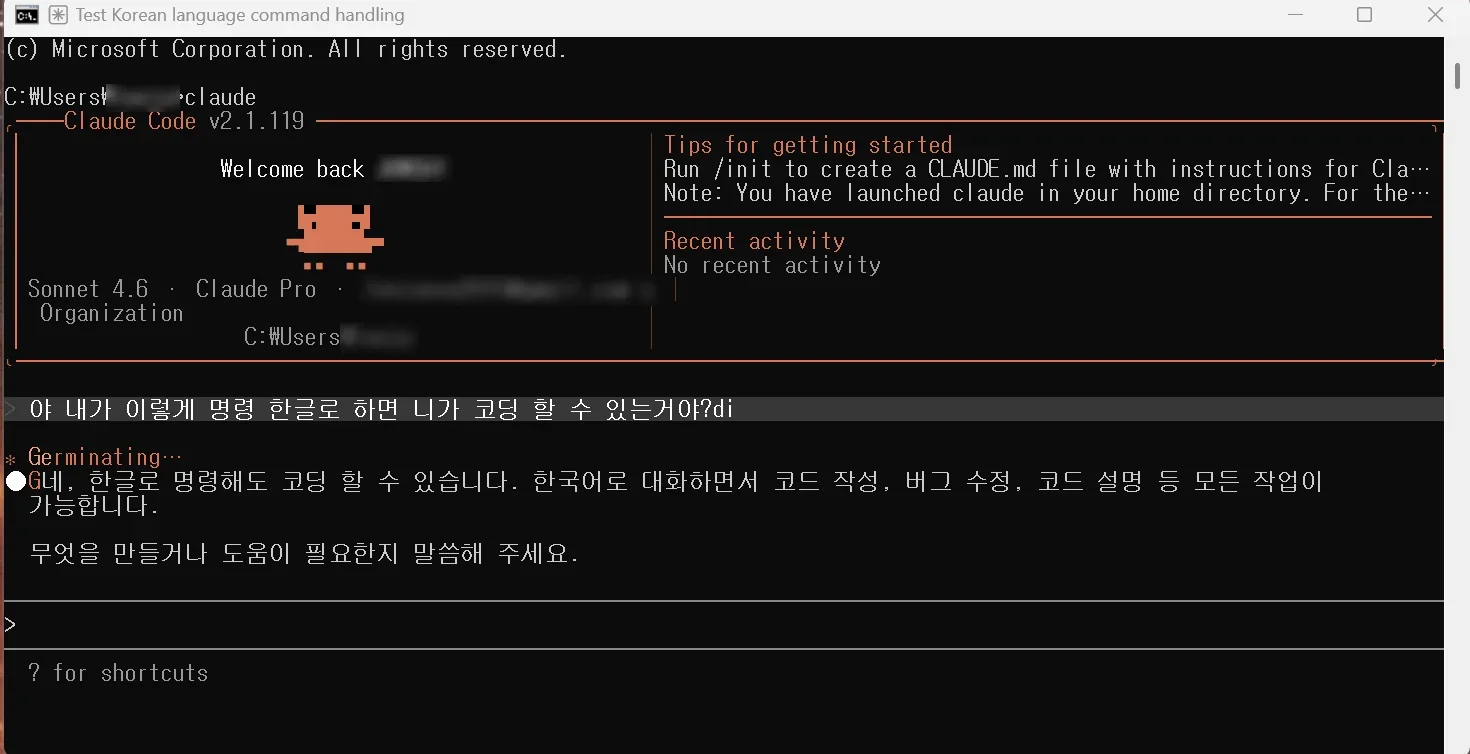
Installing and Setting Up Claude Code for the First Time in 2026
A record of installing Claude Code on Windows for the first time and running it once, following along with a book.
 AI & IT tools
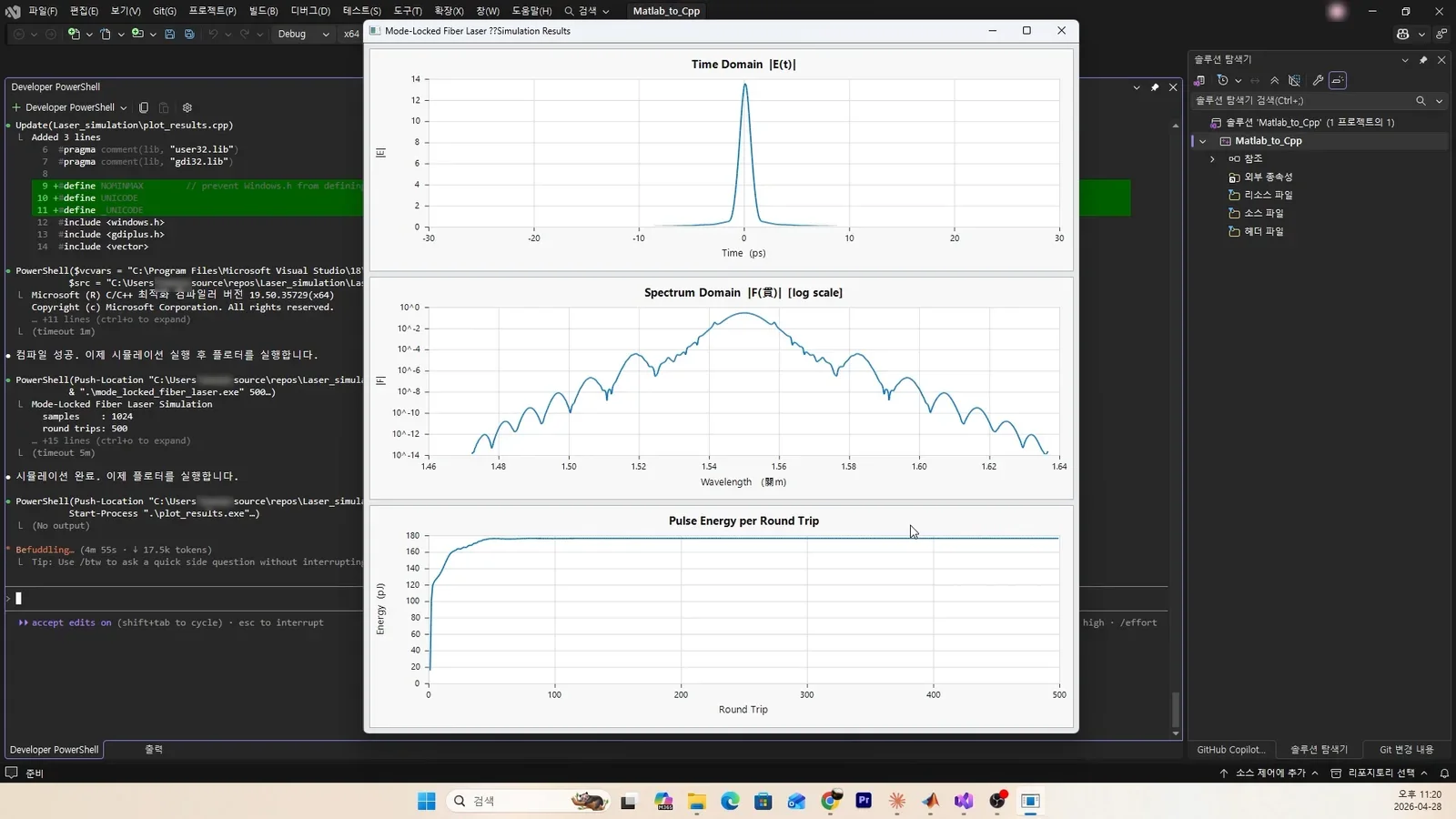
Trying AI coding with Claude Code: Matlab to C++, all the way to a GUI result
How I used Claude Code to convert Matlab code to C++ and even show the graphs in a GUI.
 AI & IT tools
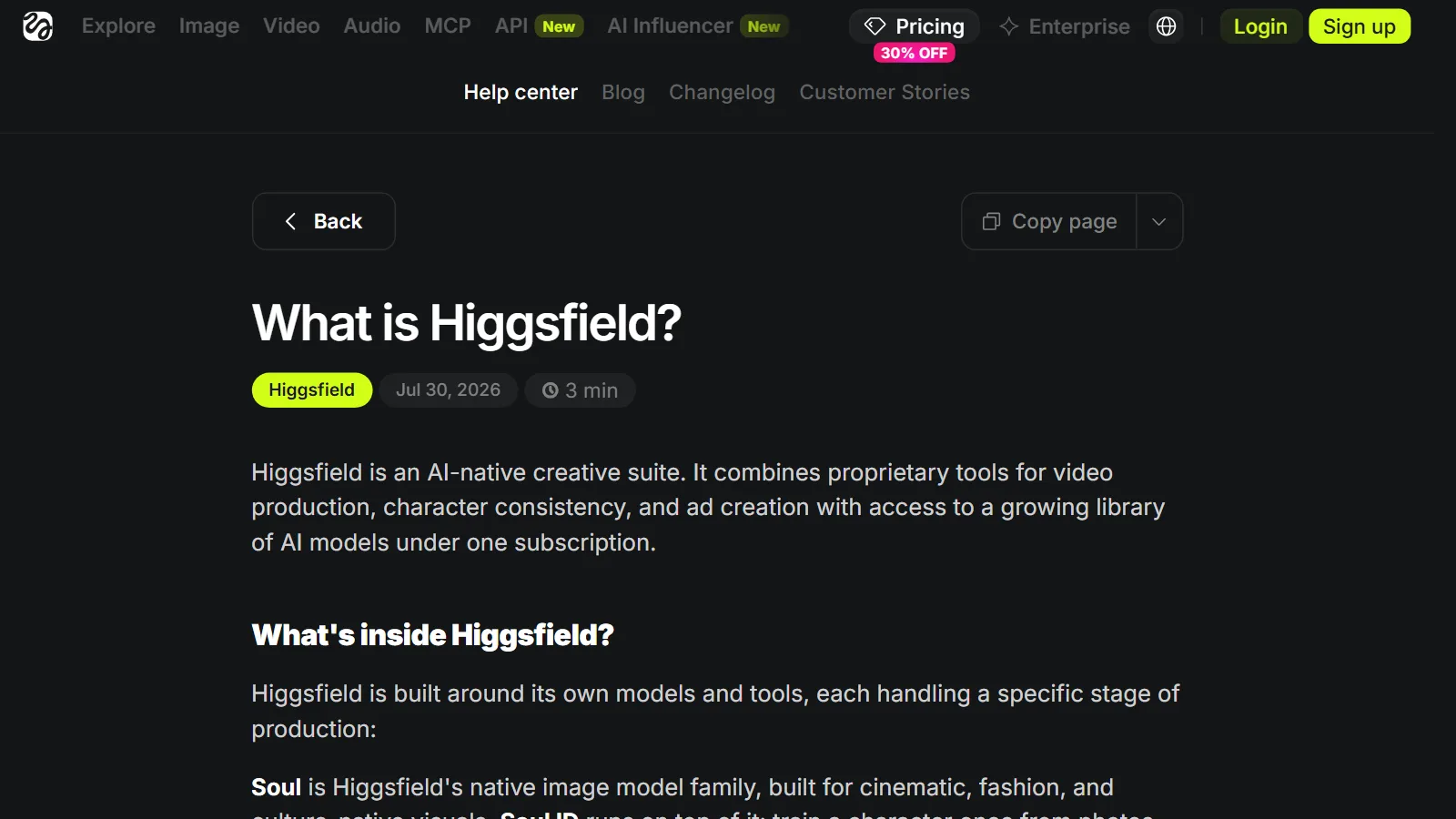
An introduction to Higgsfield: what the image and video AI platform includes, and the terms to check first
Higgsfield is a service that brings many image and video AI models together in one place. This guide uses official sources to explain what it includes, how to use it, and what to check in its terms.
 AI & IT tools
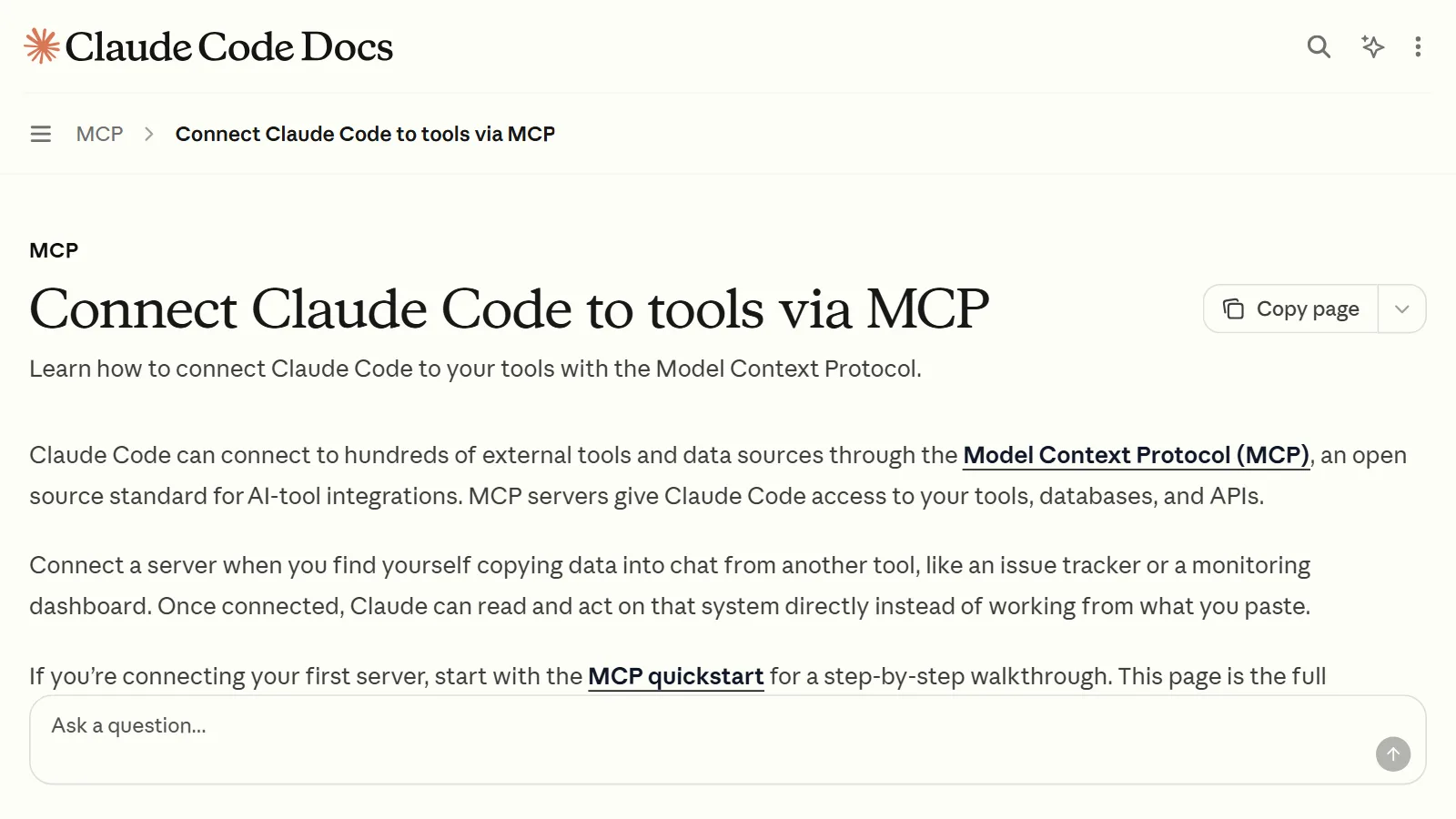
Connecting MCP servers: how to plug tools into an AI app
Three ways to connect an MCP server to an AI app, step by step. Also covers the difference between remote and local servers, how to read the config file, troubleshooting, and a safety check.
AI BASICS
AI basics 6 guides
Ideas worth knowing before you use AI tools.
 AI & IT tools
How AI and AI agents differ: AI that answers, AI that works
An AI agent is not a new brain but an AI that has been given tools and a repeating loop. This guide explains the difference between the two and what to watch out for when using agents.
 AI & IT tools
Local AI vs cloud AI: what is the difference?
Local AI runs on your own device, and cloud AI runs on a company's servers. This guide compares their differences in privacy, cost, performance, and required specs.
 AI & IT tools
How to write good prompts: 5 principles from the official guides
Learn the basics of prompting: be specific, give the reason, and show examples.
 AI & IT tools
What tokens and context windows mean: why AI loses track of earlier parts of a long chat
A token is the unit AI uses to count text, and the context window is how much it can look at in one go. This guide explains what happens in long chats and clears up common misunderstandings.
 AI & IT tools
What is an LLM (large language model)? How a giant autocomplete works
A simple look at LLMs, the base of ChatGPT and Claude, through three words: tokens, context, and hallucination.
 AI & IT tools
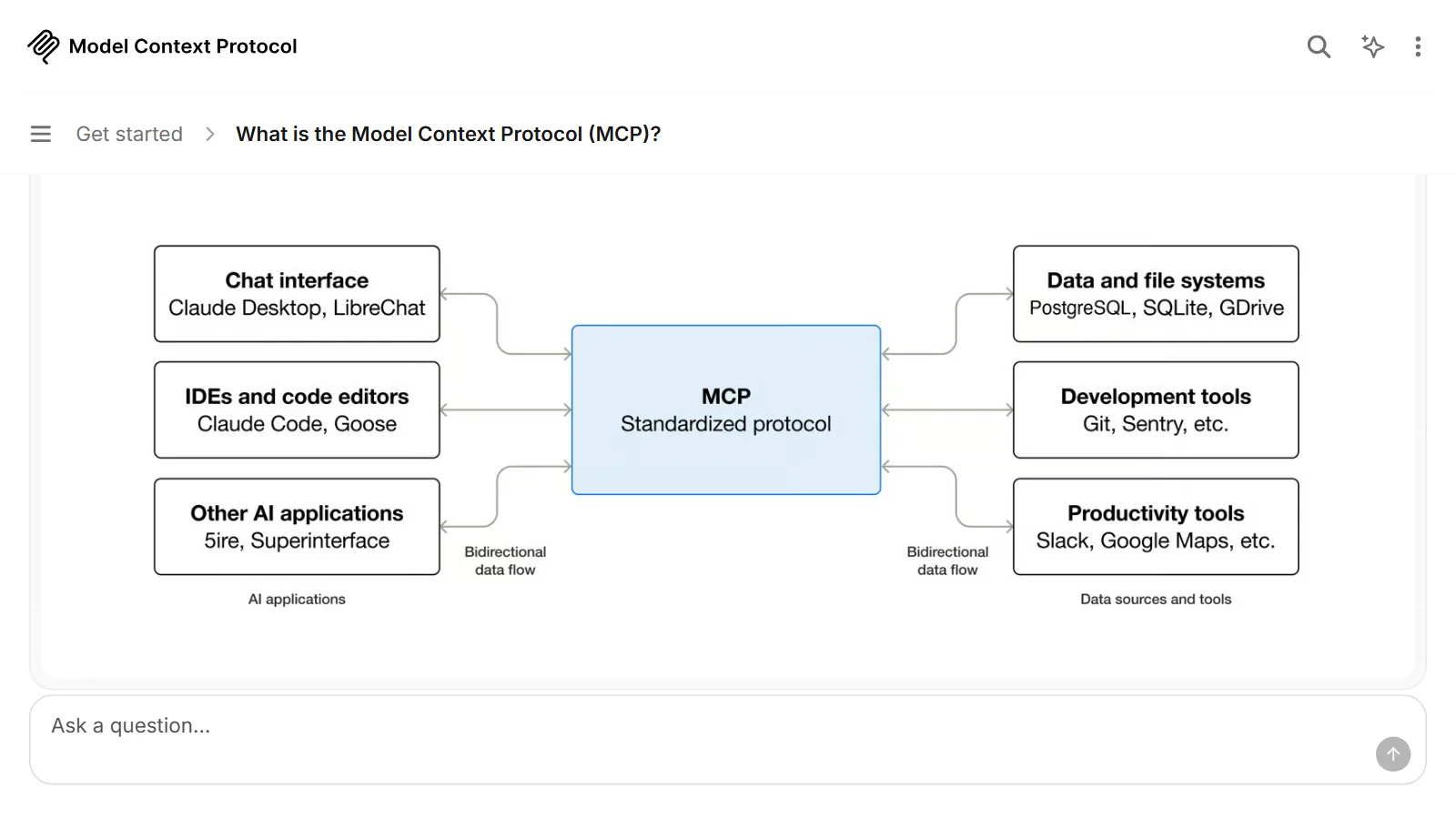
What is MCP? A USB-C-like standard for plugging tools into AI
MCP is a common standard that connects AI apps to files, calendars, and work tools. This guide explains how it is built and what to watch out for, using a USB-C comparison.
DEV TOOLS
Developer tool basics 3 guides
The tools that come with the work, such as the terminal, Git and APIs.
 AI & IT tools
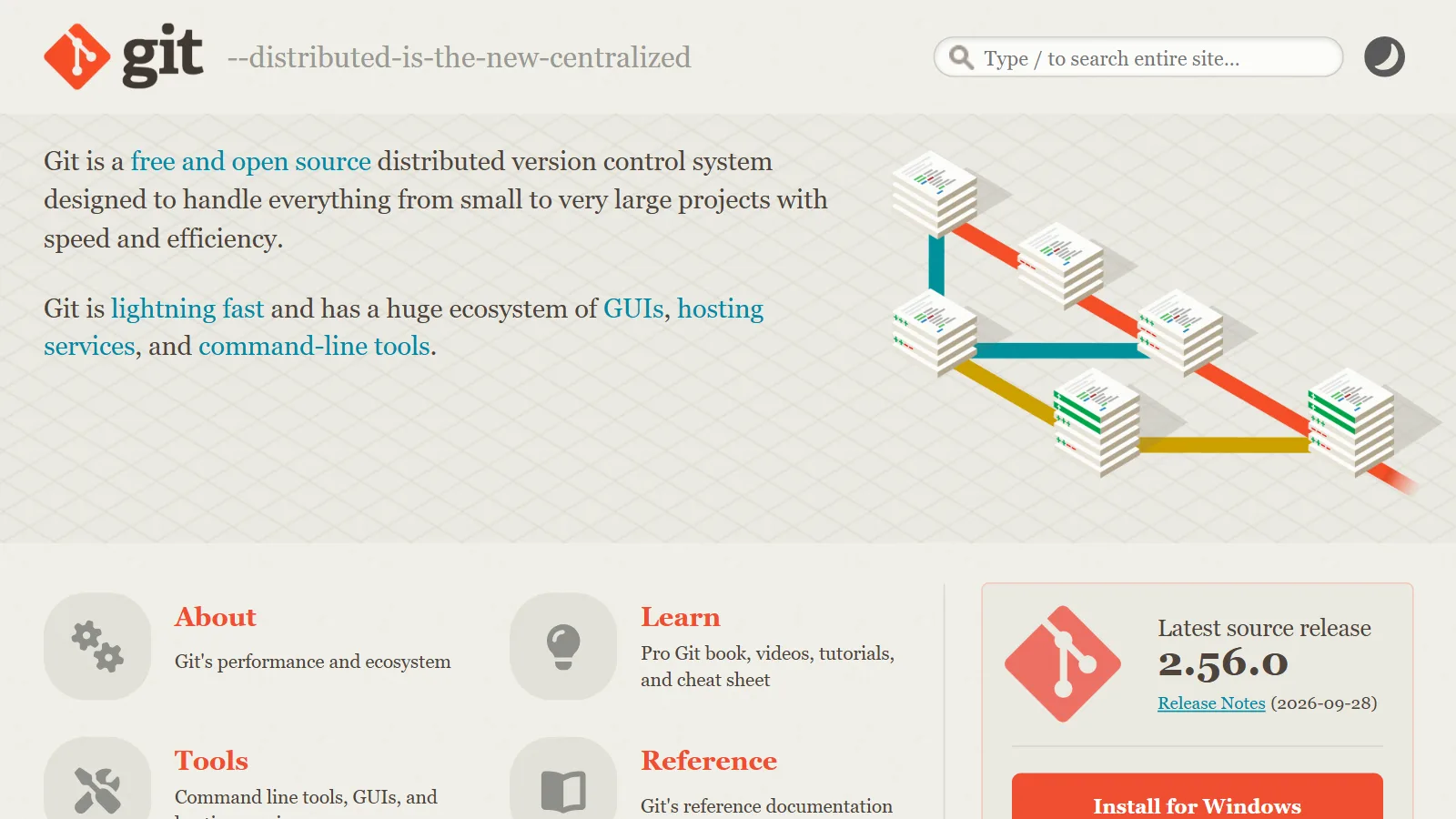
Git vs GitHub: what does "put it on GitHub" mean?
Git is a tool that records changes on your own computer. GitHub is an online service where you upload that record and work on it with others.
 AI & IT tools
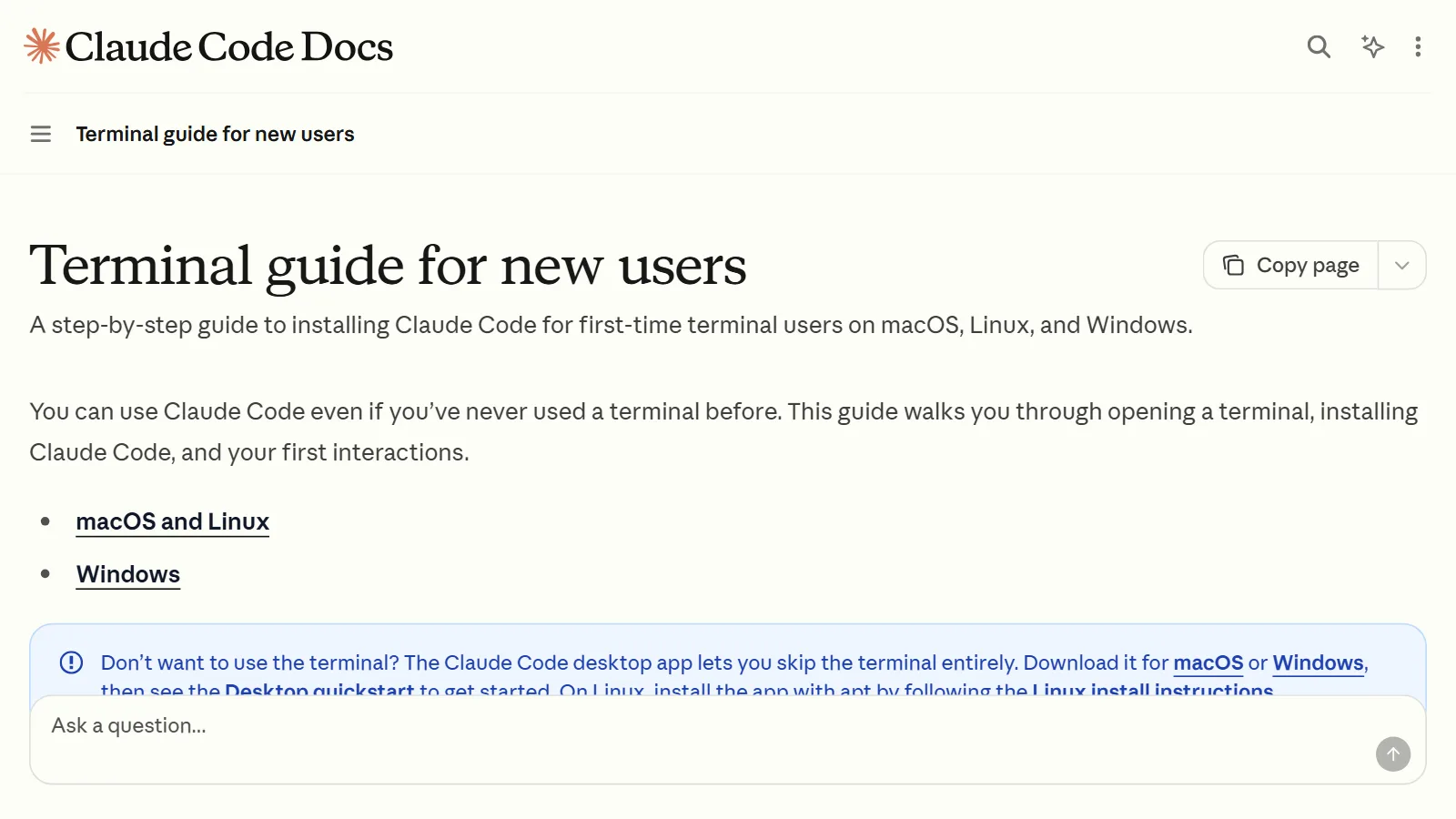
GUI vs. CLI: what is the difference between clicking and typing?
With a GUI you look and click; with a CLI you tell the computer what to do in written words. Open a terminal for the first time and make a folder.
 AI & IT tools
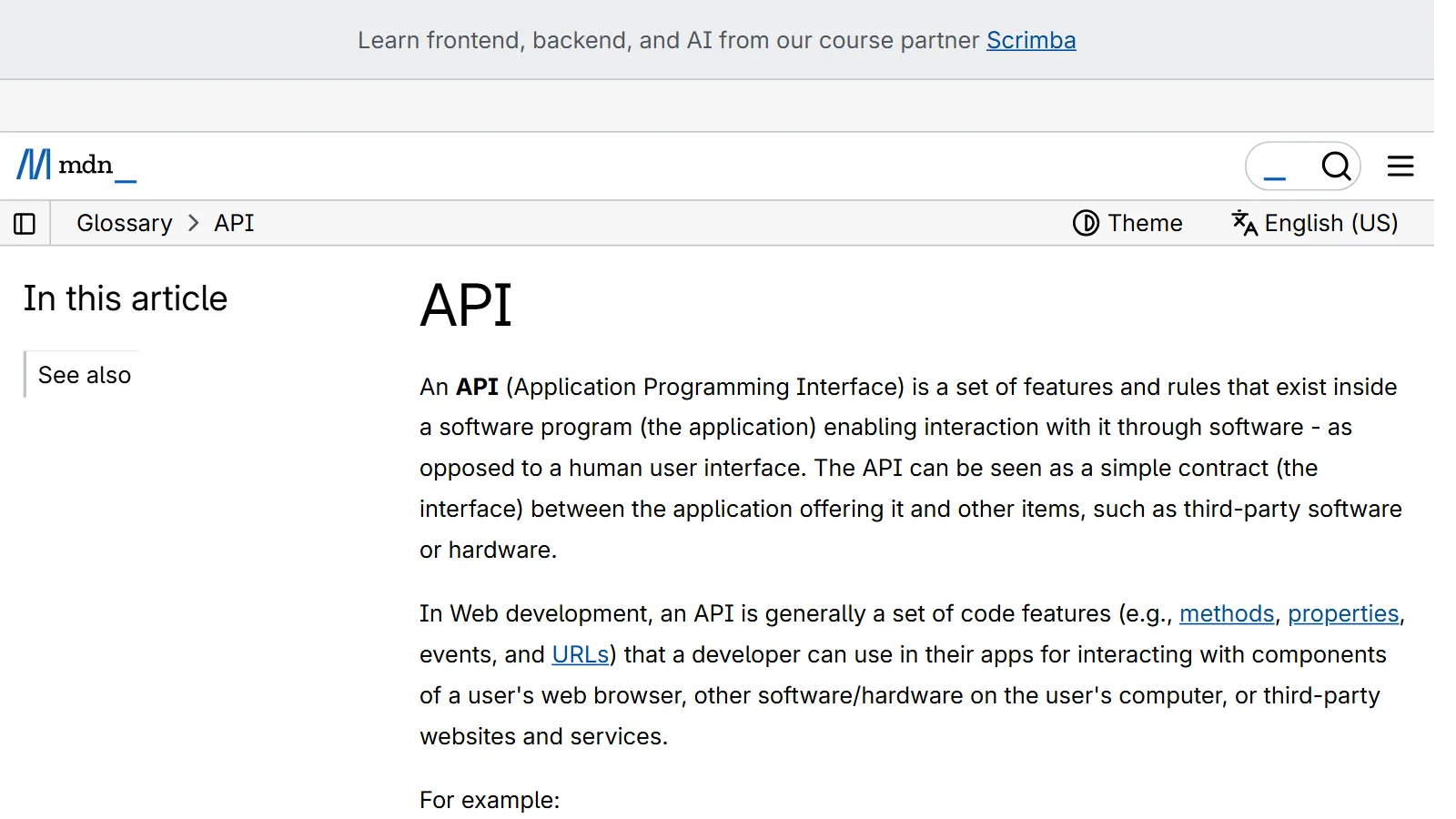
What is an API? Requests, responses, and API keys made simple
An API is a doorway where programs make requests and get responses by fixed rules. Using a wall socket as the comparison, this guide covers requests, responses, and keeping keys safe.
HARDWARE
Computer hardware 11 guides
How to choose parts for 3D and AI work.
 AI & IT tools
CPU cores and threads: why more does not mean that much faster
Cores are the actual workers, and threads are the slots where a worker can take on tasks at the same time. A look at when more of them speeds things up and when nothing changes.
 AI & IT tools
The difference between a CPU and a GPU
A CPU does complex tasks one after another, quickly. A GPU does many simple tasks all at once. This guide compares how they differ and what each is used for.
 AI & IT tools
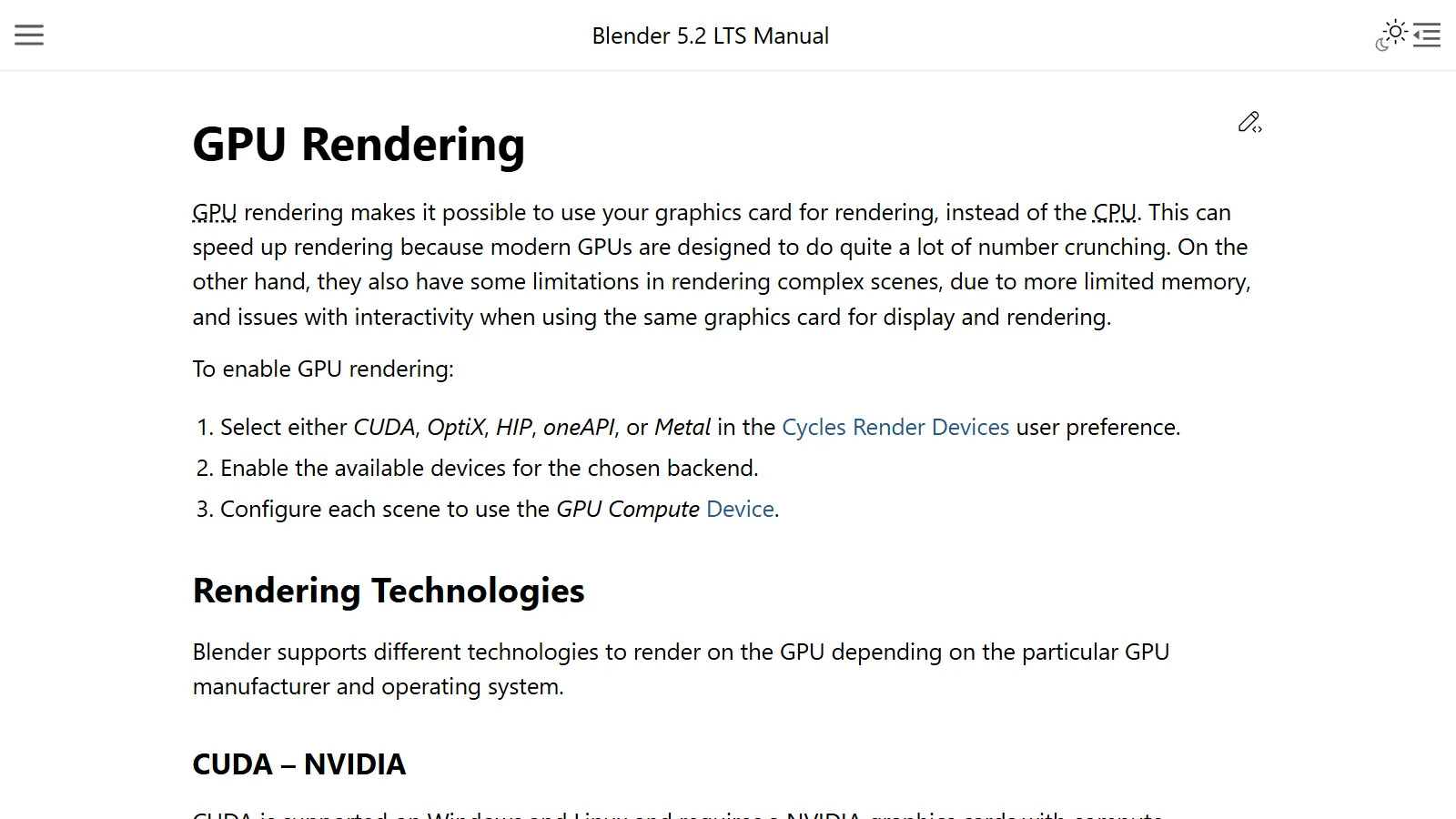
Choosing a graphics card for Blender rendering: CUDA, OptiX, and HIP explained, and how to set them up
To render with a graphics card in Blender Cycles, the channel (CUDA, OptiX, HIP, and so on) and the settings have to match. This guide covers the support requirements, the order for choosing, and how to set it up.
 AI & IT tools
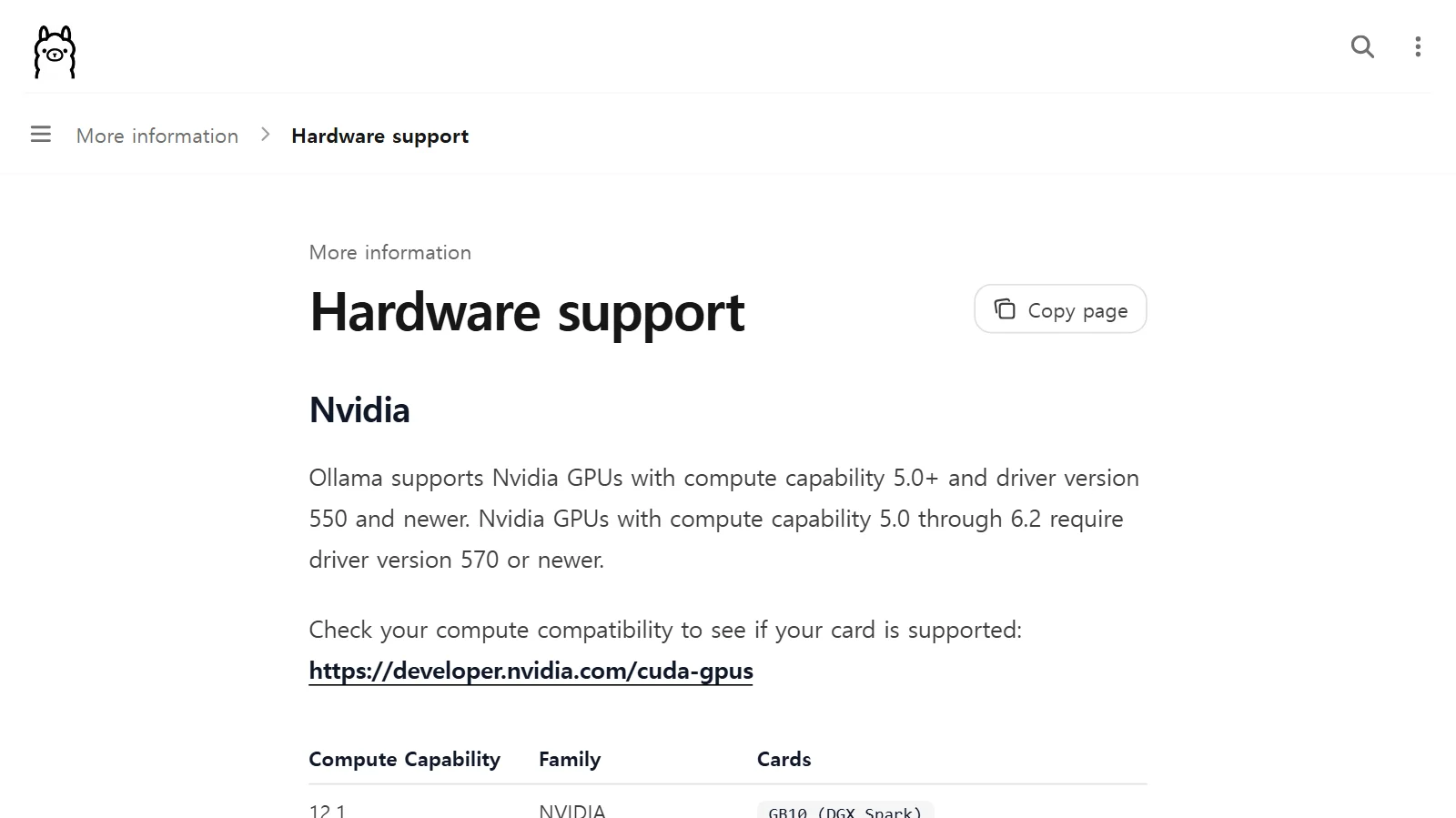
Running AI on your own computer: graphics card and VRAM requirements
How to estimate in advance whether a local AI model will fit on your graphics card, using model size, quantization, and VRAM.
 AI & IT tools
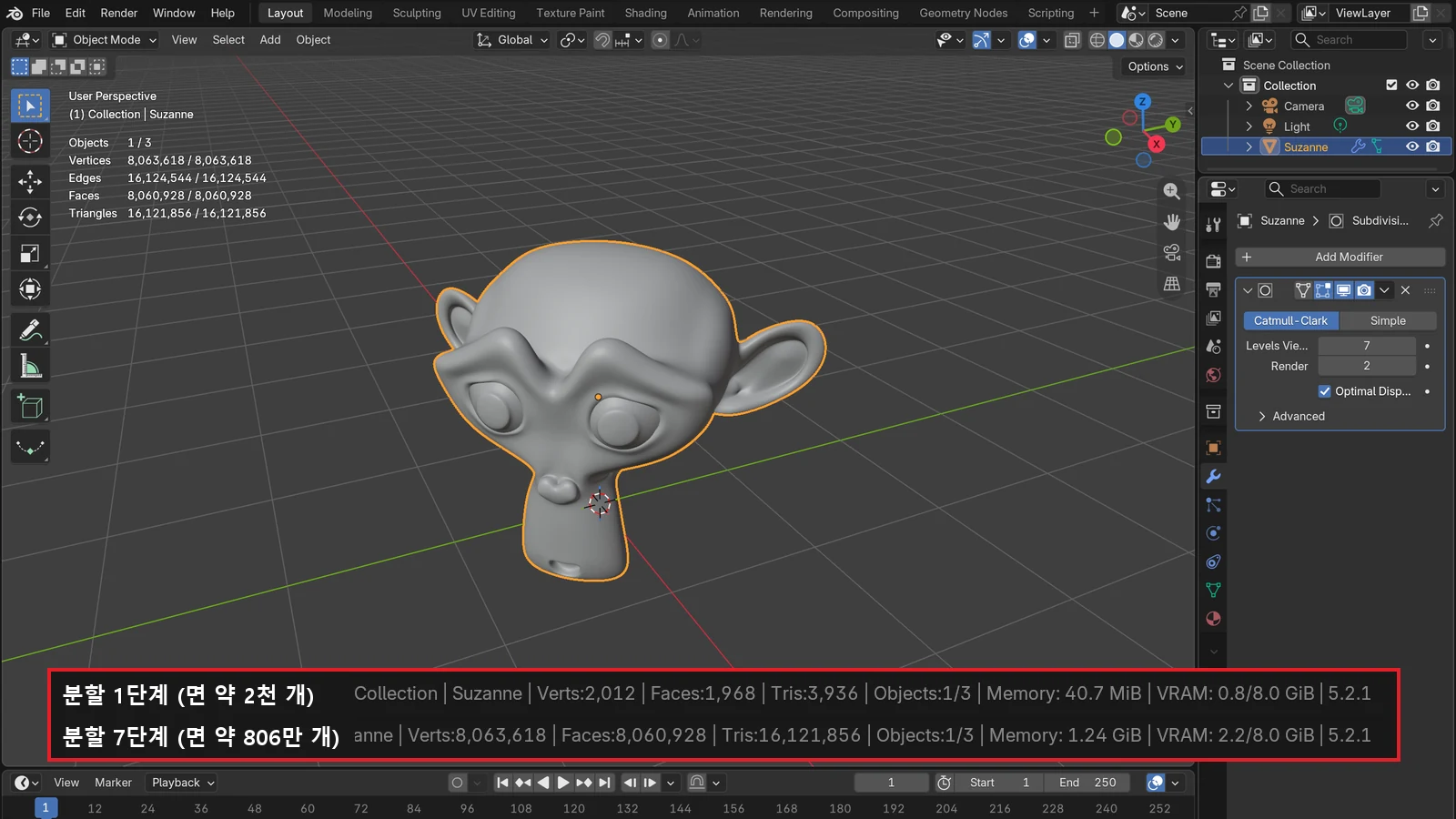
How much RAM do you need? Memory guidelines by task
RAM is the size of your computer's desk. This guide uses official requirements as reference points to help you estimate how much your work needs, and shows how to check it.
 AI & IT tools
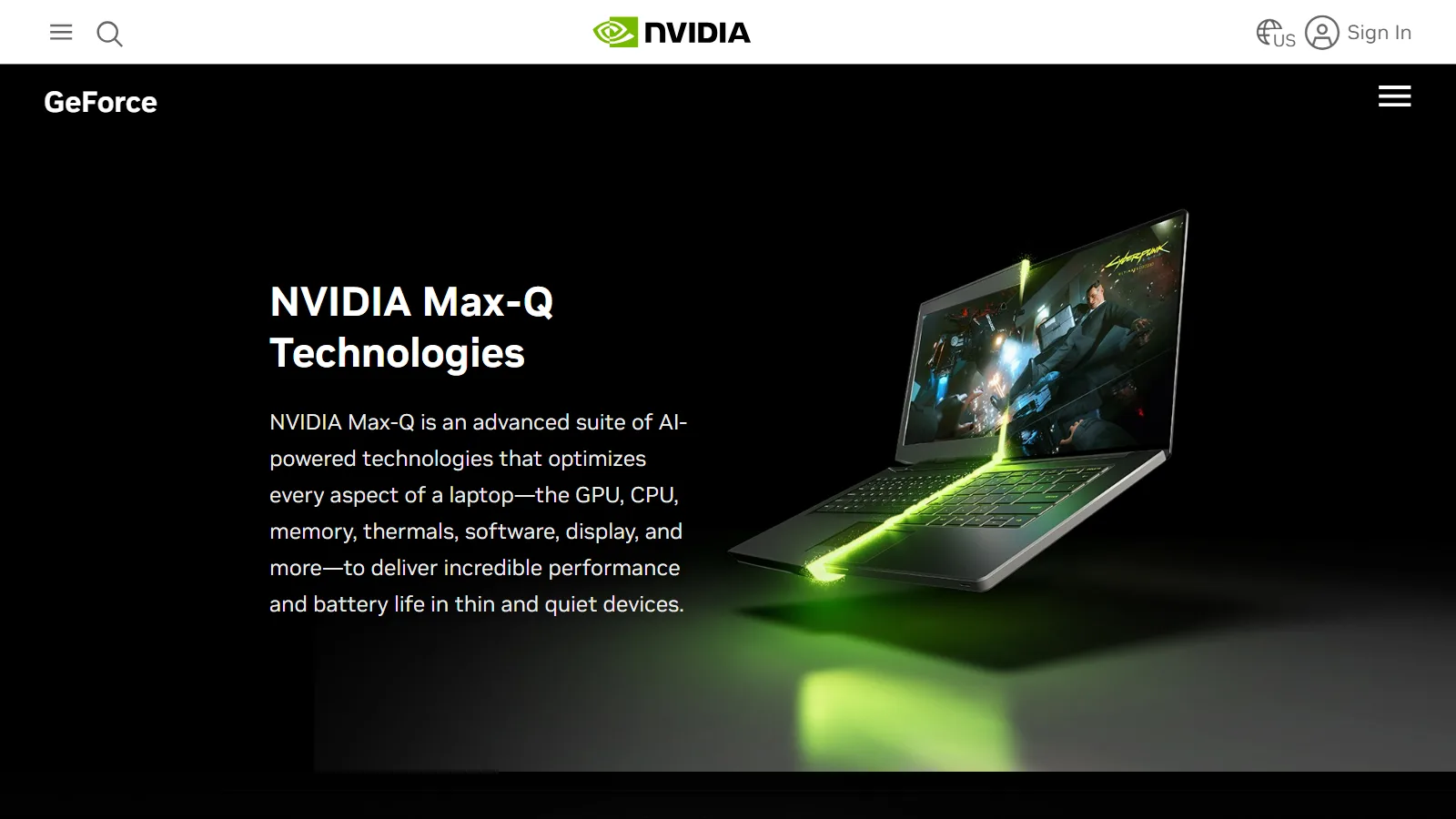
Laptop vs desktop for Blender and 3D work: why the same parts perform differently, and how to choose
Even parts with the same name get different amounts of power and cooling room in a laptop and a desktop. Here is how to choose for Blender work, plus the laptop settings worth making.
 AI & IT tools
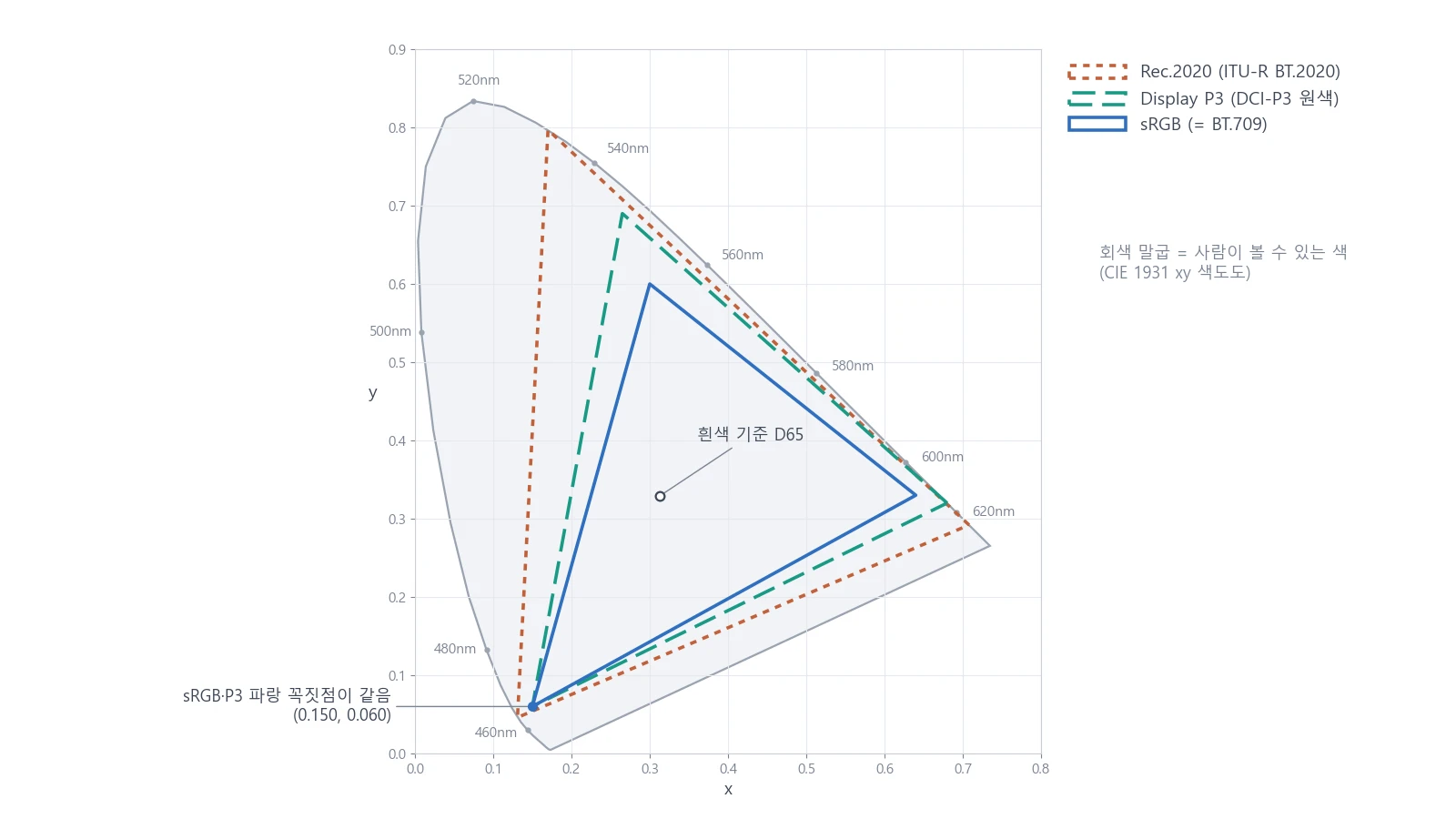
Monitor color gamut made simple: sRGB vs P3 and color calibration basics
Each monitor can show a different range of colors. Learn the difference between sRGB and P3, the trap of a wide color gamut, and the basics of color calibration on Windows and Mac.
 AI & IT tools
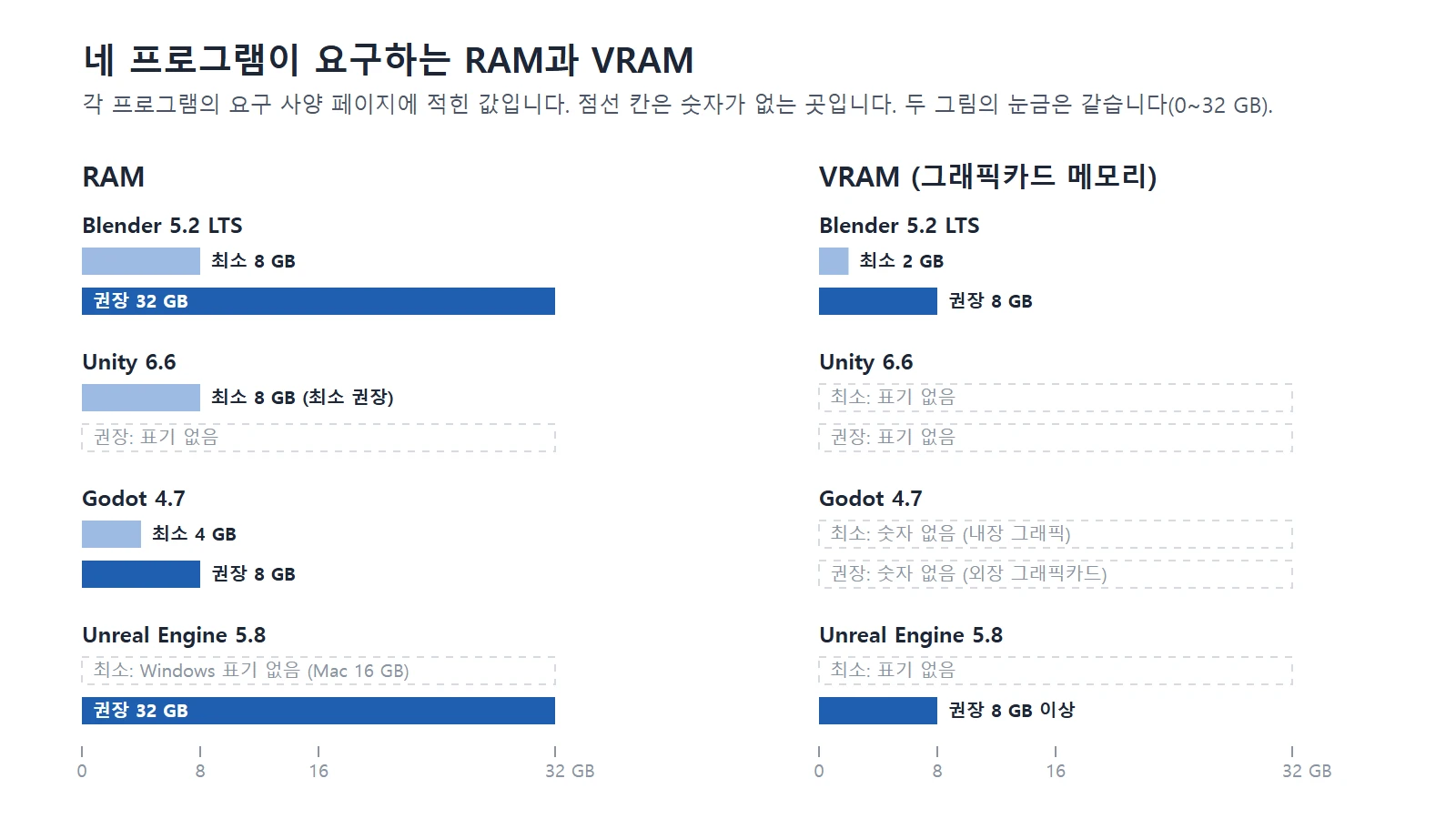
Computer specs for AI, Blender, and game engines: how to choose a laptop, MacBook, or desktop
This guide compares the computer specs that Blender, three game engines, and AI need, and explains how to choose between a laptop, a MacBook, and a desktop.
 AI & IT tools
SSD, HDD, NVMe, and M.2: how to read a spec sheet and split drives for 3D work
HDD and SSD are recording methods, SATA and NVMe are connection methods, and M.2 is the name of a shape. Read spec sheets with these three layers of names, then learn the order for choosing a drive, where to keep Blender work files, and how to manage space.
 AI & IT tools
Heat and throttling: why your computer slows down while rendering
When a chip gets hot, it lowers its own speed to protect itself. This guide covers why computers slow down while rendering and what the makers recommend you do.
 AI & IT tools
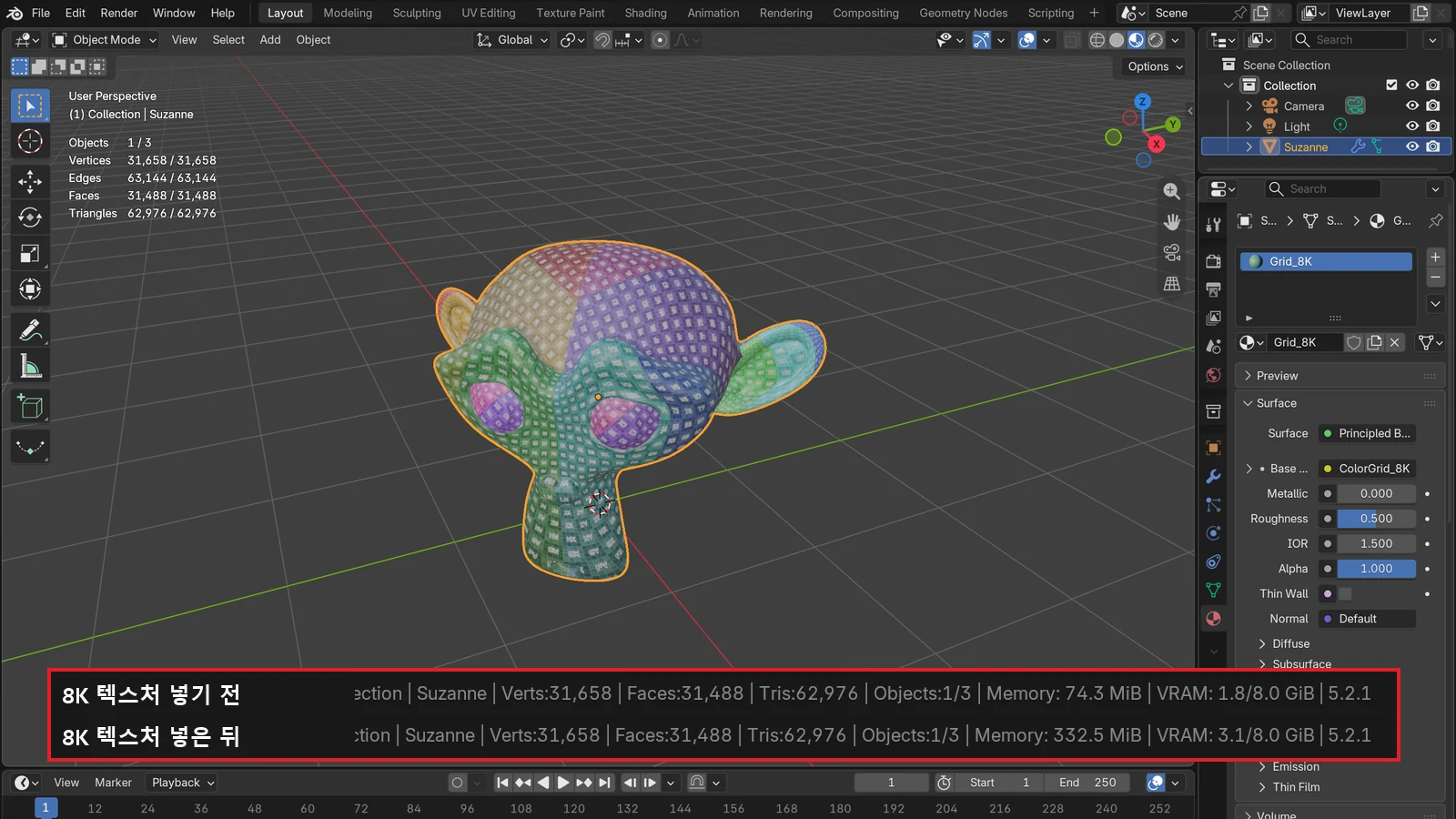
What VRAM means: why graphics card memory matters
VRAM is a dedicated workbench right next to the GPU. This guide covers what goes on it, what happens when it runs short, and how to check it and save it.