How to write good prompts: 5 principles from the official guides
Learn the basics of prompting: be specific, give the reason, and show examples.
한국어English
Based on: the official prompting guides from Anthropic, OpenAI, and Google, checked in September 2026.
The secret to getting the answer you want from an AI is not a magic spell. It is a well-written work brief. Read the official guides from Anthropic, OpenAI, and Google side by side, and five principles stand out, either shared by several companies or stressed by one in particular: ① be clear and specific ② give context and reasons ③ show examples ④ say "do this" instead of "don't do that" ⑤ give a role and organize the content into parts. This guide looks at these five principles with before-and-after examples, then covers ways of asking that reduce wrong answers, and a checklist you can use right away.
What a prompt is
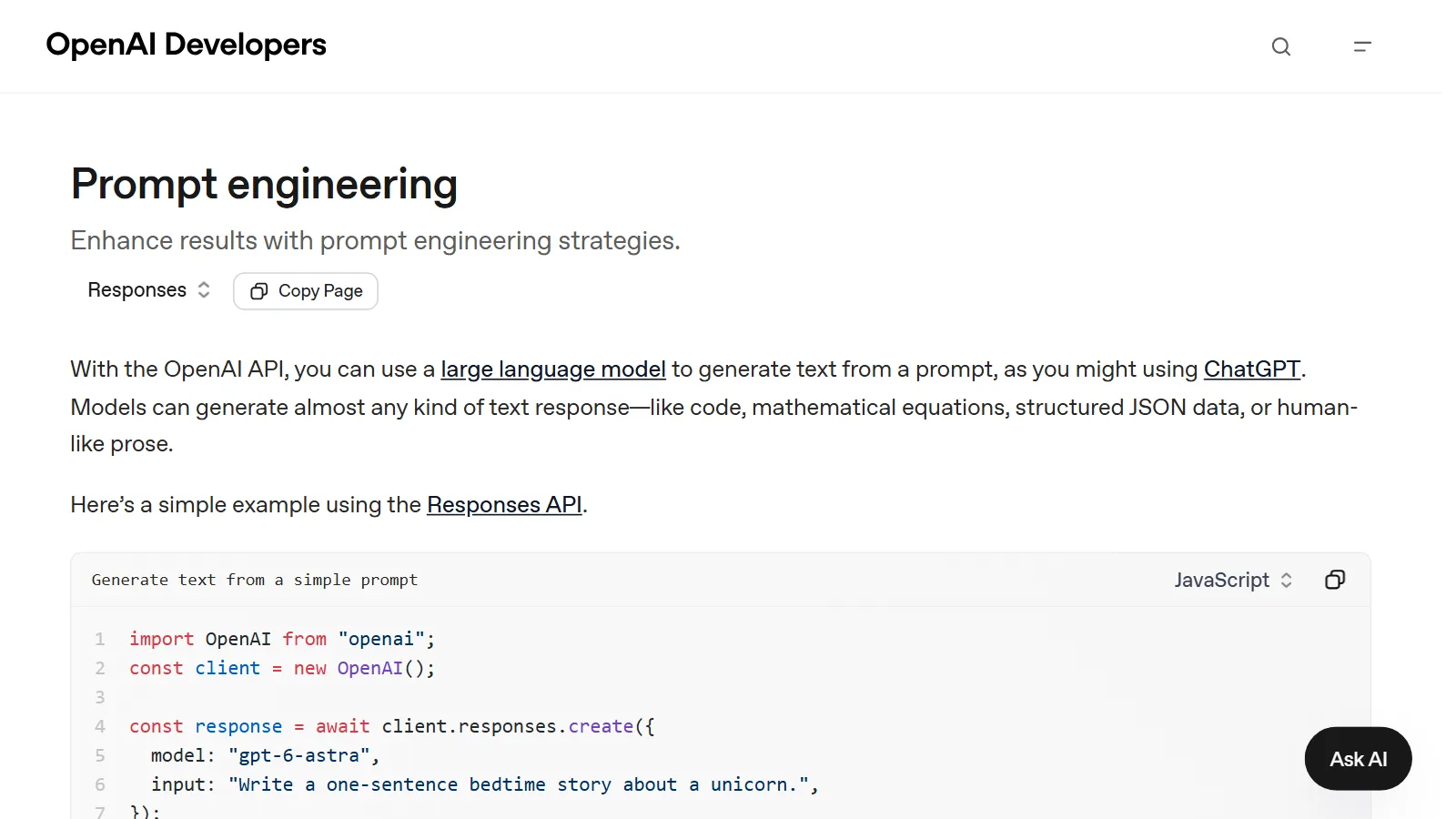
A prompt is the request you send to an AI. Any question or request you type into a chatbot's input box is a prompt. Writing effective instructions so a model keeps producing results that fit what you need is called prompt engineering. Instructions are written in natural language, meaning the everyday language you speak, not a programming language.
The name sounds hard, but it is the skill of asking so the other side is not confused. So rather than memorizing special keywords, it works better to pass on all the information needed, as you would when handing work to a person.
An analogy: handing work to a smart new hire
To borrow the analogy from Anthropic's guide, an AI is like a smart employee who has just joined and does not yet know your company's rules and ways of working. The more precisely you explain what you want, the better the result.
If you only tell a new employee "write a report", then however capable they are, they do not know who will read it, how many pages it should be, what format to use, or why it is needed, so they have to guess. If instead you say "it's a two-page summary the department head will read at next week's team meeting; put the conclusion first and include one table", the result comes much closer to what you expect.
Anthropic adds one golden rule: show your prompt to a colleague who does not know much about the task and ask them to follow it. If they are confused, the AI will be too. Just reading your request once through someone else's eyes before sending it makes missing information easy to spot.
The 5 principles at a glance
The right-hand column of the table below shows the official guides that cover each principle directly. Some principles are covered by all three companies, and some, like ④, are stressed by one company in particular. Anthropic's guide is written for its own AI, Claude, but the idea of writing requests clearly is worth applying to other AI chatbots too.
| Principle | What it does | Basis in the official guides |
|---|---|---|
| ① Be specific | State the result you want, conditions, format, and length | Anthropic, Google |
| ② Context and reasons | Say who it is for and why it is needed | Anthropic, Google, OpenAI (adding extra material) |
| ③ Examples | Show a sample of what the answer should look like | Anthropic, Google, OpenAI |
| ④ Positive instructions | Say what you want instead of what is forbidden | A principle Anthropic stresses |
| ⑤ Role and structure | Give a role, separate instructions from material, and break big tasks down | Anthropic, Google, OpenAI (message roles) |
① Be clear and specific
Anthropic explains that Claude responds well to clear, explicit instructions. If you want more than the expected result, ask for that in words too. Google likewise recommends giving instructions as a question or a step-by-step task, and setting constraints (for example, keep the summary within three sentences) and a response format (for example, a table or a list). If order matters, write the steps as a numbered list.
② Give context and reasons
Adding a reason to an instruction helps the AI understand the goal better. Instead of just writing "never use ellipses", it works better to write "this answer will be read by a text-to-speech engine, so don't use ellipses, because they can't be pronounced". Once the AI knows the reason, it can apply it on its own to other similar situations.
Do not assume the model already has the knowledge it needs. Including information the model does not know, such as your own material, gets you a more focused answer. Information only you know, such as company rules, the state of your work files, or the level of the person receiving the result, has to be written down for the AI to know it too.
③ Show examples
A single sample is often faster than explaining something a hundred times. Putting a few examples in a prompt is called few-shot prompting. Asking without any examples is called zero-shot.
- Google's guide recommends always including few-shot examples in prompts.
- Examples are one of the most reliable ways to match format and tone. It is best to include 3 to 5 examples that are realistic and varied, and keep them separate from the instructions.
- A few input and output examples alone can steer a model in the direction you want without extra training.
It is like getting a haircut. If you just say "make it look nice", the result depends on the stylist's guess. Showing one photo of the hairstyle you want is the example, and adding "bangs above the eyebrows, ears showing at the sides" is the specific condition from ①. Give both together, and you get much closer to the result you want.
④ "Do this" instead of "don't do that"
Rather than being shared by all three companies, this principle is one Anthropic's guide stresses in particular. Say what to do rather than what not to do. For example, "write in smoothly flowing paragraphs" works better than "don't use markdown". Here, markdown is a text format that marks headings, bold text, and lists with symbols like # and *. Hearing only a ban still leaves the AI not knowing what to do. The style of the prompt also affects the style of the answer. Send a prompt full of lists and symbols, and the answer tends to come back the same way.
⑤ Give a role, separate, and break down
- Give a role: even one sentence giving the AI a role changes its tone and focus. For example: "You are a teacher who teaches science to elementary school students."
- Priority of instructions: messages sent to an AI are divided by role. In OpenAI models, the instructions set by the developer who built the service (developer) take priority over the request typed by the user (user). It is like a company's basic rules applying before a customer's individual request. That is why different chatbot services may answer the same request in slightly different ways.
- Separate the content: if instructions, background, examples, and material to analyze are all mixed together, the AI can get confused. Anthropic describes dividing sections with tags (angle-bracket markers like
<document>). For everyday users, adding headings like "[Instructions]" and "[Reference material]" or inserting divider lines is enough. - Long documents at the top, the question at the bottom: when giving long material, paste the material first and put the question at the very end. In Anthropic's tests with its own AI, Claude, answer quality improved by up to 30%.
- Break big tasks down: split a complex request into small steps and go through them in order, or handle the parts separately and then combine them.
Before-and-after examples
Example 1: an everyday request (trip plan)
A weaker request:
Plan a trip for me
A better request:
Plan a 3-night, 4-day trip to Jeju for two parents and a 4-year-old.
- Getting around by rental car, no more than 1 hour of driving per day
- During the child's nap time (13:00 to 15:00), rest at the lodging or in the car
- As a table: Date / Morning / Lunch / Afternoon / Evening
Don't make up opening hours or prices you aren't sure of. Write "needs checking" instead.
It includes who is going (context), driving time and nap time (specific conditions), a table (format), and "needs checking" (reducing wrong information).
Example 2: a 3D work request (Blender)
Here is a 3D work request rewritten with the same principles. The text below is an example to explain the principles. It is not output from any particular AI product.
A weaker request:
Make a cool 3D scene
A better request:
[Goal] I want to make a short 3D scene to use as the first shot of a product video.
The camera slowly circles once around a mug on a stand.
[Conditions]
- Make it as a Python script for Blender.
- Leave the current scene as it is and only add new objects.
- Today, just the shapes and the camera movement. Materials and lighting come in the next step.
[Result format] The script, plus a three-line explanation of what it makes.
If you're unsure about a feature or setting, don't guess. Tell me.
First, the terms. A Python script is a written sequence of steps that Blender reads and runs automatically, and an object is each item placed in the scene, such as the mug, the stand, and the camera.
"Cool" means different things to different people. Instead, the request states the purpose (context), the subject and movement (specificity), the scope of work (a positive instruction: "leave it as it is and only add new things" instead of "don't delete anything"), splitting into steps (breaking down), and the result format. How to split work into small steps is also covered in AI and Blender: starting together with small tasks.
Example 3: fixing one line
| Weaker request | Better request | What changed |
|---|---|---|
| Don't use markdown (format symbols like #, *) | Write in smoothly flowing paragraphs | Ban → desired behavior |
| Never use ellipses | This text will be read aloud, and ellipses can't be pronounced, so don't use them | Reason added |
| Summarize the reviews | Summarize like this example. Review: "Fast shipping and careful packaging, but the size runs small" → Summary: shipping and packaging good / size small | Example added |
Ways of asking that reduce wrong answers
An AI can give answers that sound convincing but are not true. This is called hallucination. There are three main ways to reduce it.
- Give permission to say "I don't know". Explicit permission can greatly reduce false information.
- Have it pull out direct quotes first. When working with a long document, have it find the relevant sentences before answering.
- Have it give a source for each claim. This makes it easier to check where each point came from.
Even so, these methods cannot remove hallucination completely. Gemini has a feature that makes it answer based on search results (grounding), which can reduce hallucination. For important information such as health, money, or law, always check official sources yourself.
3 common misunderstandings
- "The shorter and more magical the spell, the better." The official guides recommend the opposite: specific explanations, reasons, and examples. A good prompt is closer to a friendly work brief than a secret keyword.
- "You have to write the perfect prompt in one go." Refining a prompt is repeated work: you change wording and order as you go. You do not need a perfect prompt, so start by saying what you want, and if the first answer is wrong, keep fixing it in the same conversation instead of starting over.
- "With a well-written prompt, the answer is always right." Even a good prompt cannot fully prevent wrong answers. You need to check important content yourself.
Also, before refining a prompt, decide first what counts as success. And not every problem is solved by a prompt. For speed or cost problems, choosing a different model is sometimes better.
Checklist before you send
Check the six items below before sending a request.
- I wrote who will use or read the result.
- I wrote what I want, with conditions and scope.
- I wrote why it is needed, even in one line.
- I decided what format (table, list, length) I want it in.
- I included an example that shows what I want.
- I wrote that it is fine to say "I don't know".
If you want more practice, look at the free interactive prompt tutorial Anthropic has published on GitHub. You learn by changing the examples yourself.
References
- Anthropic, Prompt engineering overview: https://platform.claude.com/docs/en/build-with-claude/prompt-engineering/overview
- Anthropic, Prompting best practices: https://platform.claude.com/docs/en/build-with-claude/prompt-engineering/claude-prompting-best-practices
- Anthropic, Reduce hallucinations: https://platform.claude.com/docs/en/test-and-evaluate/strengthen-guardrails/reduce-hallucinations
- Anthropic, Interactive prompt engineering tutorial (GitHub): https://github.com/anthropics/prompt-eng-interactive-tutorial
- OpenAI, Prompt engineering: https://developers.openai.com/api/docs/guides/prompt-engineering
- Google, Gemini API Prompt design strategies: https://ai.google.dev/gemini-api/docs/prompting-strategies
- Claude Code Docs, How Claude Code works: https://code.claude.com/docs/en/how-claude-code-works