What is an LLM (large language model)? How a giant autocomplete works
A simple look at LLMs, the base of ChatGPT and Claude, through three words: tokens, context, and hallucination.
한국어English
ON THIS PAGE
- 01An LLM in one sentence
- 02A comparison: a giant version of phone autocomplete
- 03How an LLM is made: three stages of training
- 04The first word, tokens: the unit an LLM reads in
- 05The second word, context: the LLM's desk
- 06The third word, hallucination: answers that sound right but are wrong
- 07Knowledge cutoff and RAG: filling in what an LLM doesn't know
- 08Four common misunderstandings
- 09Small habits for using an LLM well
- 10Summary
- 11Read next
- 12References
Based on: official documents from Google, Anthropic, and OpenAI, checked in September 2026.
An LLM (Large Language Model) is a very large language model that looks at the text so far, picks the next piece by probability, and keeps writing one piece at a time. Chat AIs such as ChatGPT, Claude, and Gemini are all services built on top of an LLM. After reading this guide, you will understand how an LLM makes an answer, how it is trained, and why it sometimes says things that sound right but are wrong. It explains this without difficult math, around three words: tokens, context, and hallucination.
An LLM in one sentence
An LLM is a statistical language model built by reading an enormous amount of text. It is used for work with human language, such as writing, summarizing, and translating. Inside the model are a great many parameters. Parameters are the countless number settings that the model adjusts little by little as it learns.
Here is the name taken apart one word at a time.
| Word | Meaning | In plain words |
|---|---|---|
| Large | Very many parameters and a lot of training data | A model built by reading an enormous amount of text |
| Language | Works with human writing and speech | Its specialty is reading and writing sentences |
| Model | A program that calculates probabilities | A calculator that predicts "what comes next" |
A language model is a model that estimates how likely a word is to appear in a sentence. An LLM is this language model made very large. It has far more parameters than earlier models and looks at a wider stretch of surrounding context all at once.
A comparison: a giant version of phone autocomplete
When you type "For lunch today I'll have" on a phone keyboard, next-word suggestions such as "pizza" or "something" pop up. Google's introductory machine learning course describes an LLM as essentially an autocomplete device. When it receives a question (a prompt), it calculates the probability of each possible next piece, picks one, and repeats this thousands of times to complete a long answer.
For example, take the sentence "It's raining, so ___ an umbrella."
| Next-word candidate | Example probability |
|---|---|
| take | High |
| open | Medium |
| buy | Low |
The probabilities in the table above are an example made to show the idea. They are not values calculated by a real model.
The model picks one of these candidates, looks again at the sentence with the chosen word added, and picks the word after that. It doesn't think up a whole paragraph at once; it writes one piece at a time. That is why the answer can differ a little each time, even for the same question. This property is called "non-deterministic."
There is also a value that controls how varied the answers are. It is called temperature: a high temperature gives more varied and creative answers, and a low one gives more conservative answers. Still, even setting the temperature to 0 does not guarantee that the results will be exactly the same.
How an LLM is made: three stages of training
Most of today's LLMs are based on a structure called the Transformer. Google developed the Transformer in 2017. Its core is self-attention. For each word in a sentence (more precisely, each "token," explained below), it weighs "how much do the other words affect the meaning of this word." For example, in "I sat on the bank and watched the river," it judges that "bank" means the side of a river, not a place for money, by looking at nearby words like "sat" and "river."
On top of this structure, an LLM is usually made in this order.
- Pretraining: It reads a huge amount of text without labels (correct answers marked by people) and repeats "guess the next word from the text before it." A model that has gone through only this stage knows a lot but is clumsy at answering questions or following instructions.
- Fine-tuning: The pretrained model is trained further on additional data to fit a particular field or format.
- RLHF (reinforcement learning from human feedback): People rank several answers from the model, and the model learns to answer more like the higher-ranked answers. After this process, it is closer to a chat assistant that follows instructions better.
Claude is also an LLM made through this kind of process. Drawn in one line, the flow looks like this.
Large amount of text → Pretraining (guess the next word) → Fine-tuning and RLHF (shape it into an assistant) → Chat service
As a comparison, it is like a new employee who has read an enormous number of books. They know a lot (pretraining), but they need onboarding to work the company's way (fine-tuning and RLHF), and they only know your company's situation if you tell them (context).
The first word, tokens: the unit an LLM reads in
An LLM doesn't handle text as letters or words as they are; it splits text into pieces called tokens. Like Lego bricks, it breaks a sentence into small pieces and then joins those pieces one by one.
A token can be a whole word, part of a word, or a single character. It is the smallest unit a language model handles. The table below shows what the splitting looks like.
| Original text | Split into tokens (example) |
|---|---|
| cat | cat (a short word is one token) |
| unbelievable | un + believ + able (a long word is several tokens) |
| A Korean sentence meaning "it is raining" (bi-ga on-da) | bi + ga + on + da (only an example; piece size and the handling of spaces differ by model) |
The table above is an example made to show the idea. How text is actually split differs by model and tool.
For Claude, one token is about 3.5 characters of English, and it differs by language. So there is no single fixed number for something like "how many tokens one Korean character is." An LLM measures how much it reads and writes not in characters but in tokens. The size of the context window, coming up next, is also expressed in tokens.
The second word, context: the LLM's desk
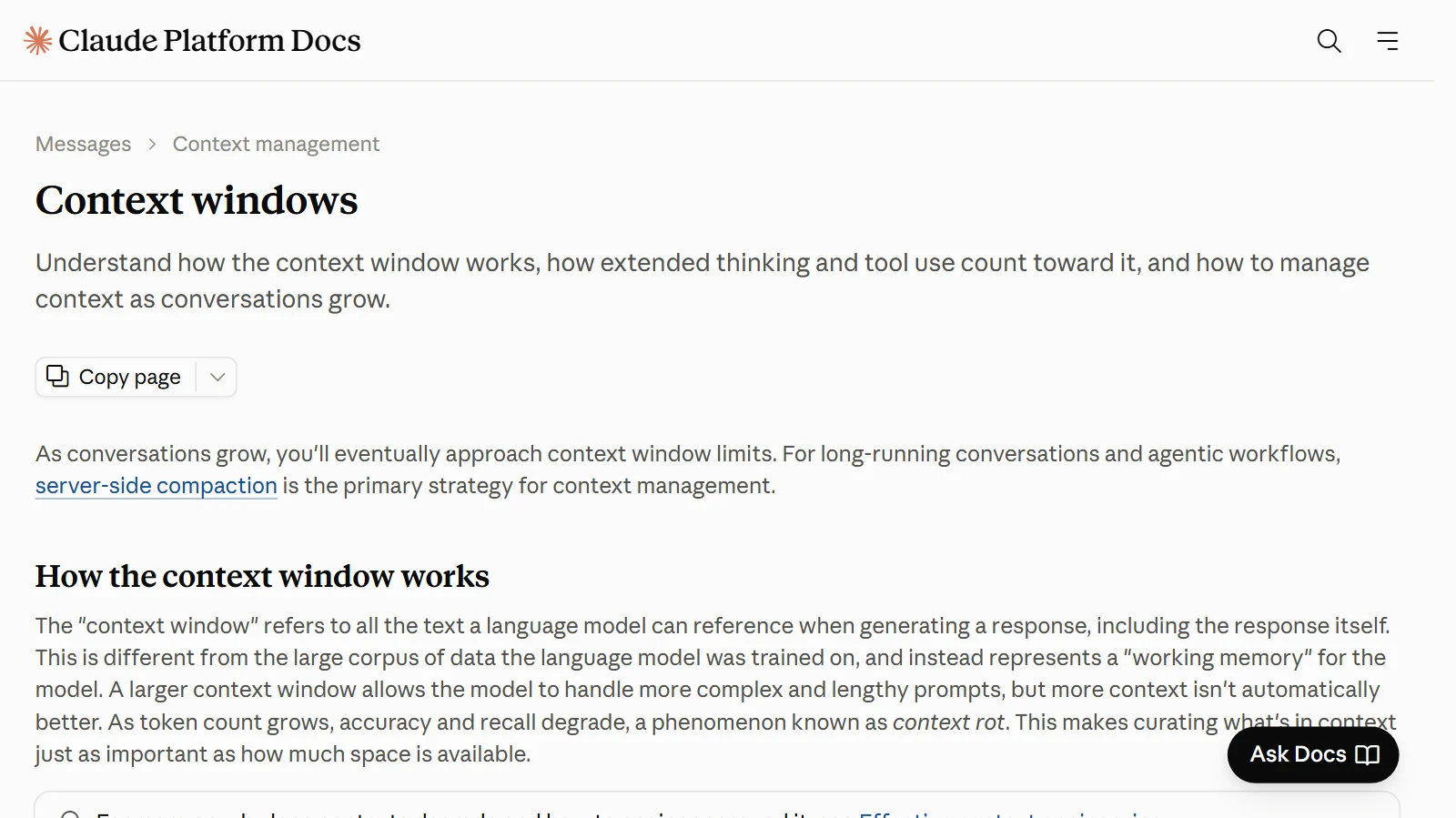
The context window is the amount of text the model can refer to at once when making an answer. It is separate from the knowledge built up through training; it is the model's working memory. The question the user typed, pasted material, the earlier conversation, and even the answer the model is writing all go inside it.
It is easy to picture as a desk. An LLM works by looking only at the papers spread out on its desk.
- If you paste long meeting notes and ask for a summary, those notes become the papers on the desk.
- Last week's meeting notes, which you didn't paste, are not on the desk, so it doesn't know them.
- A wider desk lets it spread out more, but if it is too cluttered, it can miss the important papers.
The last effect is called context rot. It means accuracy and recall can drop as the context gets longer. So rather than putting in as much as possible, it is better to pick the material you need.
The context window size and the length of answer the model can write at once differ by model and change often. Check the exact values in the official documents for the service you use.
The third word, hallucination: answers that sound right but are wrong
An LLM is built to pick "the most plausible next word." So it can write something that isn't true if the sentence reads naturally. This is called hallucination. Even the latest models can produce text that is factually wrong or doesn't fit the given context. For example, they can make up a book title or a paper that doesn't exist and make it sound real.
Anthropic's Claude documentation suggests these ways to reduce hallucinations.
- Allow it to say it doesn't know: Write "If you're not sure, answer that you don't know."
- Ground answers in quotes from the source: When you give long material, have it quote the sentences its answer is based on.
- Check sources: Have it state the sources for the facts in its answer, and check them yourself.
Even with these methods, hallucinations can't be removed completely. Important information must always be verified yourself. Besides hallucination, LLMs have other limits: they use huge amounts of computing resources and electricity, and like other machine learning models, they can show bias.
Knowledge cutoff and RAG: filling in what an LLM doesn't know
An LLM basically doesn't know about things after the point when its training ended. This point is called the knowledge cutoff. It is like a newspaper scrapbook that someone stopped adding to one day. Articles after that date are not in the scrapbook. That is why some companies publish the knowledge cutoff for each model. For example, Anthropic lists the "reliable knowledge cutoff" and the "training data cutoff" separately.
A common way to make it use the latest information or internal company documents is RAG (Retrieval-Augmented Generation). When a question comes in, related documents are found first and placed in the context, that is, on the desk, along with the question. This lets it use recent and specialized information that wasn't in the training data, and it improves factual accuracy. The effect depends on the quality of the material you give it, though. Give it bad material, and the answer is likely to be bad too.
Four common misunderstandings
| Misunderstanding | What is actually true |
|---|---|
| An LLM searches the internet in real time on its own to answer | The model itself uses only what it learned and what is in the context. Many services today come with a search feature, but even then the service puts the search results in the context (on the desk), and the model reads them and answers. |
| If it says something confidently, it is true | Because it is built to pick a plausible next word, hallucinations happen. Important information must be verified. |
| The model remembers every conversation I've had with it | What the model refers to during a conversation is what is inside the context window. Services such as ChatGPT and Claude have a memory feature that keeps earlier conversation content, but this also works by putting what is needed from the stored content back into the context of a new conversation. As a conversation gets longer, accuracy can drop. |
| LLM = ChatGPT | ChatGPT, Claude, and Gemini are services built on LLMs. LLM is the general term for the kind of model inside them. |
The names of memory and search features, their default settings, and the plans that include them differ by service and change often. For details, see each service's help pages.
Small habits for using an LLM well
Here is what has been covered so far, turned into habits for actual use.
- Paste the material it needs yourself: The model doesn't know material that isn't on the desk.
- Pick the material you put in: More is not better; it gets more accurate when you put in what is relevant.
- Ask it to say it doesn't know when it doesn't: This is the simplest way to reduce hallucinations.
- Check important facts against sources: Always look at the original for numbers, dates, names, and laws and regulations.
- Check recent information separately: For things after the knowledge cutoff, check with a search feature or official sites.
- Don't be surprised by different answers to the same question: The output can differ a little every time. For important content, ask several times and compare. If you connect AI to business software at work, it is a good idea to fix the model version and build tests to check the results.
Summary
An LLM is a giant autocomplete trained on a huge amount of text to predict "what comes next" by probability. It handles text in pieces called tokens, works only with the material on the desk called context, and sometimes gives plausible wrong answers through hallucination. Just remembering these three words makes it much easier to understand why AI services are sometimes smart and sometimes off the mark.
If you want to know how an AI agent built on an LLM differs from an ordinary AI chatbot, or what MCP, which connects AI to outside tools, is, read the guides below as well.
Read next
- How AI and AI agents differ: AI that answers, AI that works
- What is MCP? A USB-C-like standard for plugging tools into AI
References
- Google Cloud, "What is a large language model (LLM)?" — https://cloud.google.com/ai/llms
- Google for Developers, Machine Learning Crash Course "Introduction to Large Language Models" — https://developers.google.com/machine-learning/crash-course/llm
- Google for Developers, Machine Learning Crash Course "What's a large language model?" — https://developers.google.com/machine-learning/crash-course/llm/transformers
- Anthropic, Claude Docs "Glossary" — https://platform.claude.com/docs/en/about-claude/glossary
- Anthropic, Claude Docs "Context windows" — https://platform.claude.com/docs/en/build-with-claude/context-windows
- Anthropic, Claude Docs "Reduce hallucinations" — https://platform.claude.com/docs/en/test-and-evaluate/strengthen-guardrails/reduce-hallucinations
- Anthropic, Claude Docs "Models overview" — https://platform.claude.com/docs/en/about-claude/models/overview
- Anthropic, Claude Docs "Web search tool" — https://platform.claude.com/docs/en/agents-and-tools/tool-use/web-search-tool
- Anthropic, Claude Help Center "Use Claude's chat search and memory to build on previous context" — https://support.claude.com/en/articles/11817273-use-claude-s-chat-search-and-memory-to-build-on-previous-context
- OpenAI Help Center, "Memory FAQ" — https://help.openai.com/en/articles/8590148-memory-faq
- OpenAI, "Prompt engineering" guide — https://developers.openai.com/api/docs/guides/prompt-engineering