What tokens and context windows mean: why AI loses track of earlier parts of a long chat
A token is the unit AI uses to count text, and the context window is how much it can look at in one go. This guide explains what happens in long chats and clears up common misunderstandings.
한국어English
Based on: official Anthropic (Claude) and OpenAI documentation, checked in September 2026. Context window sizes and answer length limits differ by model and change when new models come out.
An AI chat does not read text letter by letter or word by word. It cuts the text into small pieces called tokens, and it builds its answer by looking only at the text inside a fixed space called the context window. Once you know these two ideas, three things make sense: why AI loses track of earlier parts of a long chat, why AI services count usage in "tokens", and what and how much to include when you give AI material to work with. This guide explains both ideas with everyday comparisons.
Tokens: the pieces AI cuts text into
A token is the smallest unit a language model works with. One token can be a whole word, part of a word, a single character, or sometimes an even smaller unit computers use (a byte).
When you type a question, the text is first turned into a sequence of tokens. The model processes these tokens to make an answer, and the answer is also made token by token and then turned back into text on screen. In an everyday chat window, you just do not see this happening.
The LEGO brick comparison
Tokens are like LEGO bricks. Shapes you use often are made as one big brick, and shapes you rarely use are built by joining several small bricks.
Here is how text actually splits in OpenAI models.
| English text | How it splits | Tokens |
|---|---|---|
the (a common word) | the | 1 |
tokenization (a long word) | token + ization | 2 |
Common words stay in one piece, and long words split into pieces that appear often. Big pieces make processing faster, and small pieces let the model handle rare words it has never seen. The rule that cuts text this way is called a tokenizer (a tool that splits text into tokens).
Why there is no single answer to "how many characters per token"
For English there are official rough figures, but they differ a little between companies.
- OpenAI: in English, 1 token is roughly 4 characters, or about 0.75 words
- Anthropic pricing page: in English, roughly 4 characters or 0.75 words
- Anthropic glossary: for Claude, roughly 3.5 English characters
The same text gives different token counts depending on the language and the model. On Claude models that use the new tokenizer, the same text can become more tokens than on earlier models. Official documents give no fixed number for how many tokens one Korean character takes.
Count it yourself: comparing two languages
Trying it yourself is faster than memorizing numbers. With OpenAI's Tokenizer tool, it takes five minutes.
- Open the OpenAI Tokenizer (https://platform.openai.com/tokenizer) in your browser.
- Type in one English sentence. Example: "Will it rain this evening?"
- Write down the token count shown on screen. The text appears split into colored pieces, and each piece is one token.
- Clear the input box and type a sentence with the same meaning in another language, such as Korean or your own language.
- Compare the two token counts and the shapes of the pieces. You can see with your own eyes which one is cut into smaller pieces.
This tool is based on OpenAI models, so results can differ on models from other companies, such as Claude. Here it is enough to get a feel for the idea that "the number of pieces changes with the language".
The unit for pricing and usage limits
Tokens are the unit for reading text, and they are also the unit for counting price and usage. But how this feels depends on how you use AI.
| How you use it | Mostly used by | How tokens show up |
|---|---|---|
| API (pay-as-you-go for developers) | Developers building apps or automation | You are charged for the number of tokens you use |
| Subscription chat (claude.ai, ChatGPT, and so on) | Most everyday users | It shows up as how fast your set usage limit fills up |
API: the taxi meter way
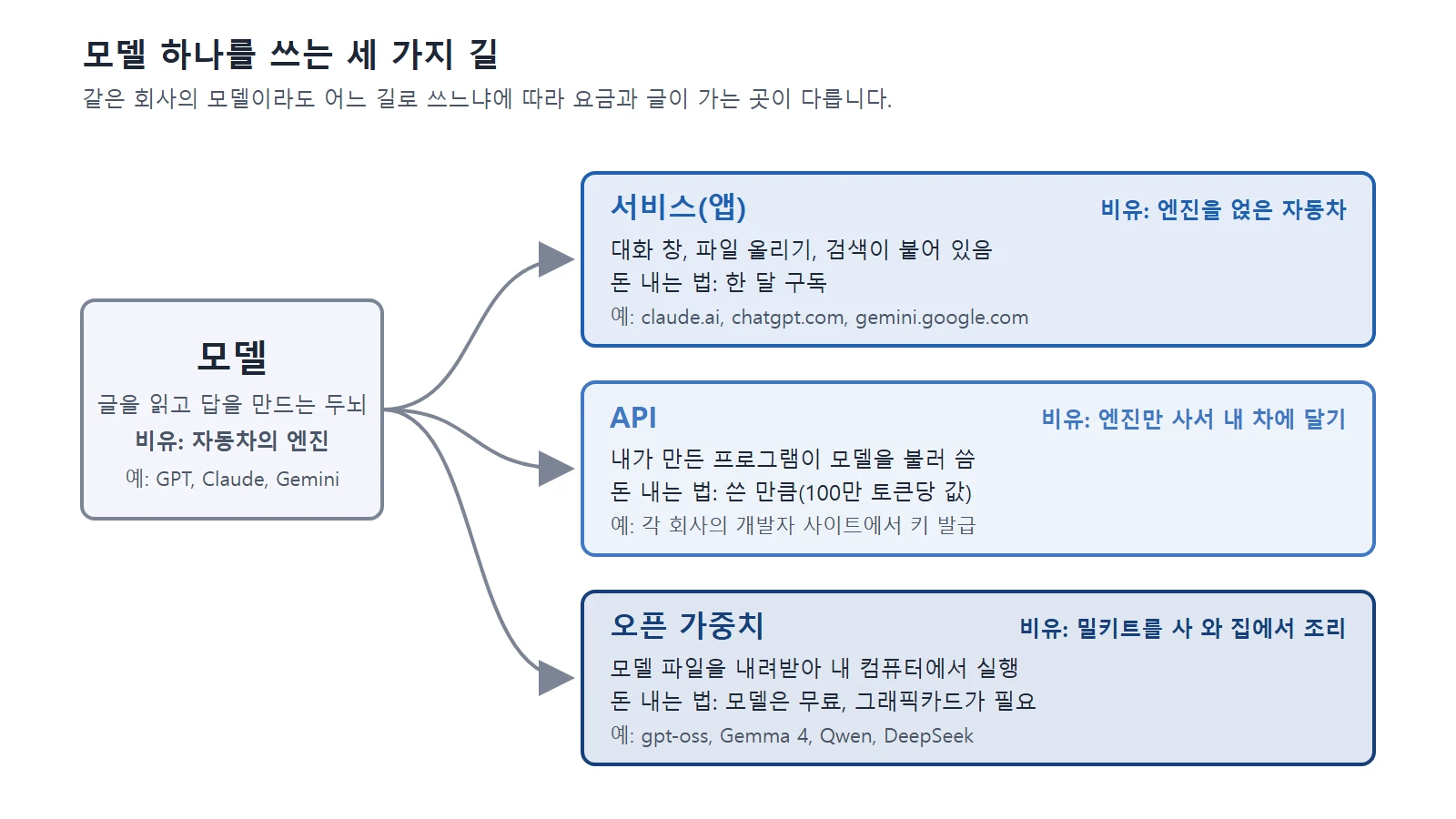
The API is the pay-as-you-go option that developers use to build apps. Just as a taxi meter raises the fare with distance, the API calculates the charge from the number of tokens.
| Type | What goes in | Good to know |
|---|---|---|
| Input tokens | The question you sent, attached documents, earlier messages | They grow as the chat gets longer |
| Output tokens | The answer the AI made | In the Claude API, the unit price is higher than for input |
Anthropic's Claude API charges "a set amount per million tokens", with different prices for input and output. Actual prices change by model and over time, so check the official pricing page. The API also limits usage by the number of tokens it can process in one minute. There is also an official tool that estimates the token count before you send, but its result is an estimate.
Subscription chat: a usage limit that fills up fast
In chats you pay for by monthly subscription, such as claude.ai or ChatGPT, there is no charge per conversation. Instead, the same principle shows up as a usage limit. In Claude, things that affect the limit include message length, attachment size, and the length of the current conversation. That is why the limit fills up faster in long chats or chats with large attached files.
Estimating token counts
There are examples that help you estimate token counts. Anthropic's pricing documentation says one ordinary web page (about 10kB) is about 2,500 tokens, and a research paper PDF (about 500kB) is about 125,000 tokens. These are only rough figures and change with the document's content and the model.
The context window: the AI's desk
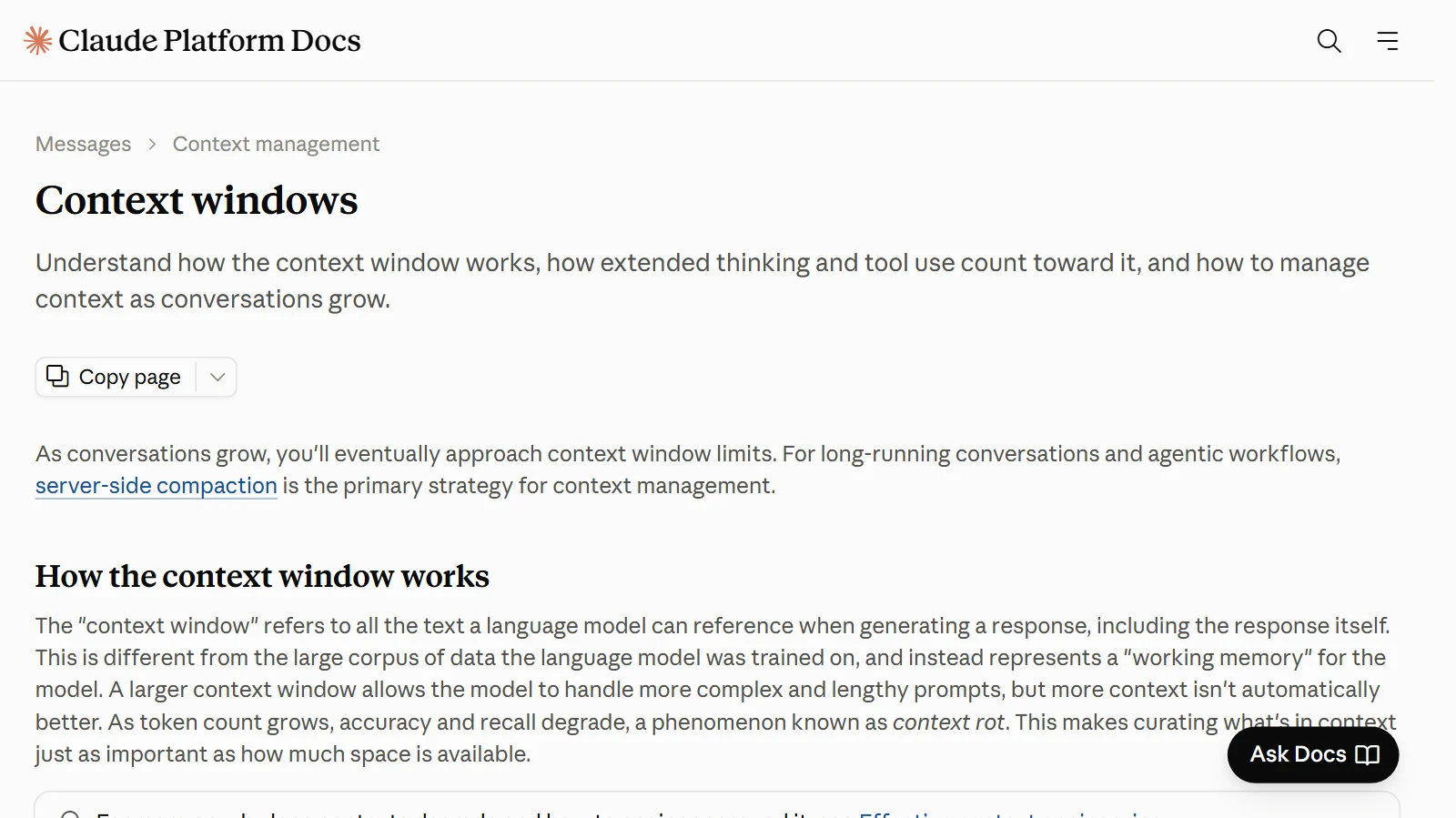
The context window is all the text the model can refer to when it makes an answer. It is the model's "working memory". It is a different idea from the huge amount of material the model was trained on.
Picture a library and a desk.
- Library: the huge knowledge the model learned in training.
- Desk: the material spread out right now. This is the context window.
The AI answers by looking at what is on the desk. The desk has a size limit, so the number of tokens you can put on it is fixed.
What goes on the desk
All of the following goes into the context window.
- The system prompt (basic instructions the service puts in ahead of time)
- Every message exchanged so far, including attached images, documents, and tool results
- Descriptions of the tools the AI can use
- The answer the AI is writing right now
Pay attention to the last item. The prompt plus the generated output cannot exceed the model's maximum context length. If you put in too much input, there is less room to write the answer.
Why the desk fills up as the chat gets longer
As the chat goes on, your messages and the AI's answers pile up. Every time you ask something, the whole earlier conversation plus the new message goes into the model together. Even if you send one short question, the long conversation before it all goes back in as input.
The size of the desk
The size of the context window differs by model and changes with each new model. Claude model sizes are below.
| Model | Context window |
|---|---|
| Many of the latest models, such as Claude Opus 5.5, Claude Sonnet 5.5, and Claude Fable 5.1 | 1 million (1M) tokens |
| Claude Haiku 4.5 | 200,000 (200K) tokens |
To get a feel for 1 million tokens using the earlier example, it is room enough to spread out about 8 research paper PDFs of about 125,000 tokens each. With Claude's current tokenizer, 1 million tokens is about 555,000 English words, or about 2.5 million Unicode characters. These are all rough figures, and the system prompt and the answer also have to share this space. Check the exact size for the model you use in the maker's official documentation (for example, Anthropic's Models overview and Context windows pages).
What happens when the desk overflows
What happens when the desk is full depends on the service and the situation.
| Situation | What happens |
|---|---|
| In the API, the input alone exceeds the window | The request is rejected with an error |
| The answer reaches the window limit while being written | The answer can stop partway |
| A chat screen such as claude.ai | It can manage this by pushing out the earliest content first |
| When a compaction feature is used | It summarizes the earlier part to free up space |
If the AI seems to forget conditions you set early in a long chat, the earlier part may have been pushed out, or details may have dropped out when it was summarized.
Two reasons an answer gets cut off
When an answer stops partway, it is easy to think the desk is full, but there is a more common reason. There is also a limit on how long one answer can be. It is like having a big desk but a fixed number of sheets you can write on at one time. Many of the latest Claude models can produce answers of up to 128K tokens in one request, which is much smaller than the window size (1M).
| Cause | Comparison | When it happens |
|---|---|---|
| The limit on how long one answer can be | The number of sheets you can write on at one time | When you ask for a very long text or code in one go |
| The context window is nearly full | The desk is full | When the chat has become very long or you attached a lot of large material |
The trap of a big desk: context rot
Context rot is the effect where accuracy and recall can drop as you put in more tokens. However big the desk, if you pile papers up like a mountain, it gets hard to find the one sheet you need. So as well as the size of the space, you have to think about choosing what to put in.
Tips you can use right away
- Start a new chat when the topic changes. Papers from the old topic will not take up the desk.
- Paste only the parts you need. Giving only the relevant chapter instead of a whole long document helps the AI focus on the key points, and uses less of a subscription chat's usage limit.
- Repeat important conditions. If the chat has grown long, summarize the conditions you gave at the start and write them once more.
- If an answer is cut off, ask it to continue, or split the request. There is a limit on how long one answer can be, and answers can also be cut off when the window is nearly full. For long results, it is more reliable to ask in parts from the start, such as "part 1, part 2". If the chat is very long, starting a new chat with a summary is another option.
When you use Claude Code
The same principle applies to Claude Code (Claude used in the terminal). Claude Code sends the whole conversation with every request. Earlier messages are re-read at a discounted rate thanks to caching, but in a session left open for a long time, even a one-line question uses as much as re-reading the whole earlier conversation.
In terms of the desk comparison, these commands are useful.
| Command | Desk comparison | What it does |
|---|---|---|
/clear | Clears the desk completely | Empties the conversation and starts fresh |
/compact | Turns a pile of papers into one summary sheet | Summarizes the earlier conversation to free up space |
/context | Looks over what is piled on the desk | Shows what is taking up space |
The CLAUDE.md file, where you write project rules, goes onto the desk every time a session starts. So the Claude Code documentation recommends keeping this file short, under 200 lines, and moving instructions needed only for certain tasks into skills (separately saved bundles of instructions) that load when needed.
Three common misunderstandings
- "A token is one word." No. A token can also be a piece of a word, a character, or a byte. Even the rough figure for English differs between companies, 4 characters versus 3.5, and it changes with the language and the model.
- "AI remembers all earlier conversations." The model sees only the text inside the context window. The window has a limit, and when it overflows, you get an error, or the earlier part is pushed out or summarized.
- "A bigger context window is always more accurate." Not so. The more you put in, the more accuracy can drop (context rot).
One more: "only the question I sent is counted" is also a misunderstanding. In the API, the answer the AI writes (output) is charged too, and in a long chat the whole earlier conversation is counted again as input every time. In subscription chat, the same principle makes the usage limit fill up faster the longer the chat.
Summary
| Idea | One-line explanation | Comparison |
|---|---|---|
| Token | The pieces AI reads and counts text in | LEGO bricks |
| Token pricing (API) | Calculated from input and output token counts | Taxi meter |
| Context window | All the text it can refer to at once (including the answer) | Desk |
| Output length limit | How long one answer can be | Sheets you can write on at one time |
| Context rot | Accuracy drops when you put in too much | A pile of papers |
To get good answers from AI, pick what you need and put it on the desk rather than putting in a lot.
Read next
References
- Anthropic, Glossary — https://platform.claude.com/docs/en/about-claude/glossary
- Anthropic, Context windows — https://platform.claude.com/docs/en/build-with-claude/context-windows
- Anthropic, Models overview — https://platform.claude.com/docs/en/about-claude/models/overview
- Anthropic, Token counting — https://platform.claude.com/docs/en/build-with-claude/token-counting
- Anthropic, Pricing — https://platform.claude.com/docs/en/about-claude/pricing
- Anthropic, API overview — https://platform.claude.com/docs/en/api/overview
- Claude Help Center, Usage limit best practices — https://support.claude.com/en/articles/9797557-usage-limit-best-practices
- Claude Code, Manage costs effectively — https://code.claude.com/docs/en/costs
- OpenAI API, Key concepts — https://developers.openai.com/api/docs/concepts
- OpenAI, Tokenizer — https://platform.openai.com/tokenizer