The craft of making ideas real.
AI and Blender widen what one creator can make.
Learn it, build it yourself, and finish your own work.
A to Z. Ideas to reality.
LEARN. BUILD. CREATE.
What would you like to make?
From the basics you need on day one to new methods for your next piece.
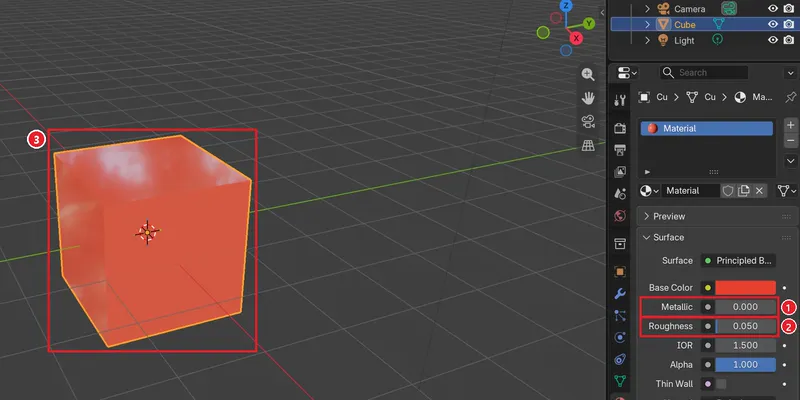
Blender basics
From the first screen to a 3D scene of your own. Learn one step at a time and build as you go.
See the Blender guides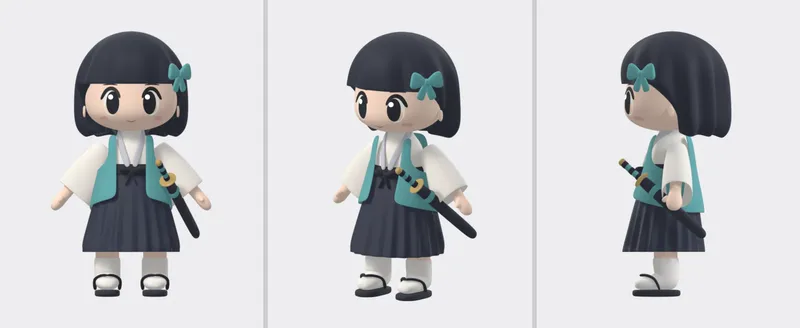
AI workflow
Turn an idea into concrete tasks. See how AI and Blender work together.
See the workflow3D animation
Add movement and story to a scene, from planning to one finished shot.
See the processIt's fine to start small. There is a project checklist and a template for briefing an AI on 3D work.
FROM THE WORKSPACE
One step further: production notes.
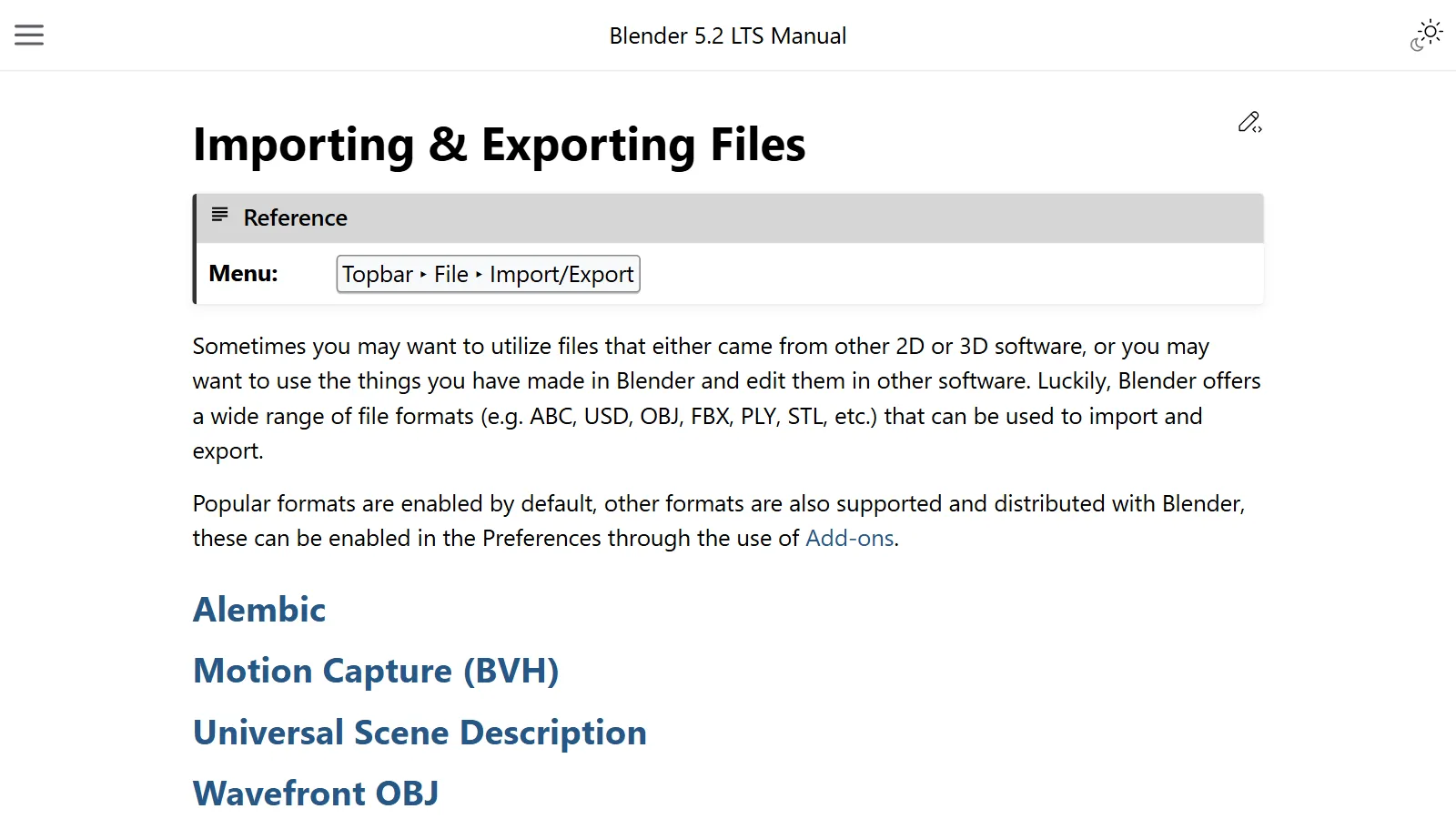
3D file formats compared: FBX, glTF, OBJ, and USD
OBJ is an envelope, glTF is a shipping box, FBX is a suitcase, and USD is a chest of drawers. A look at how four 3D file formats differ and how to choose between them.
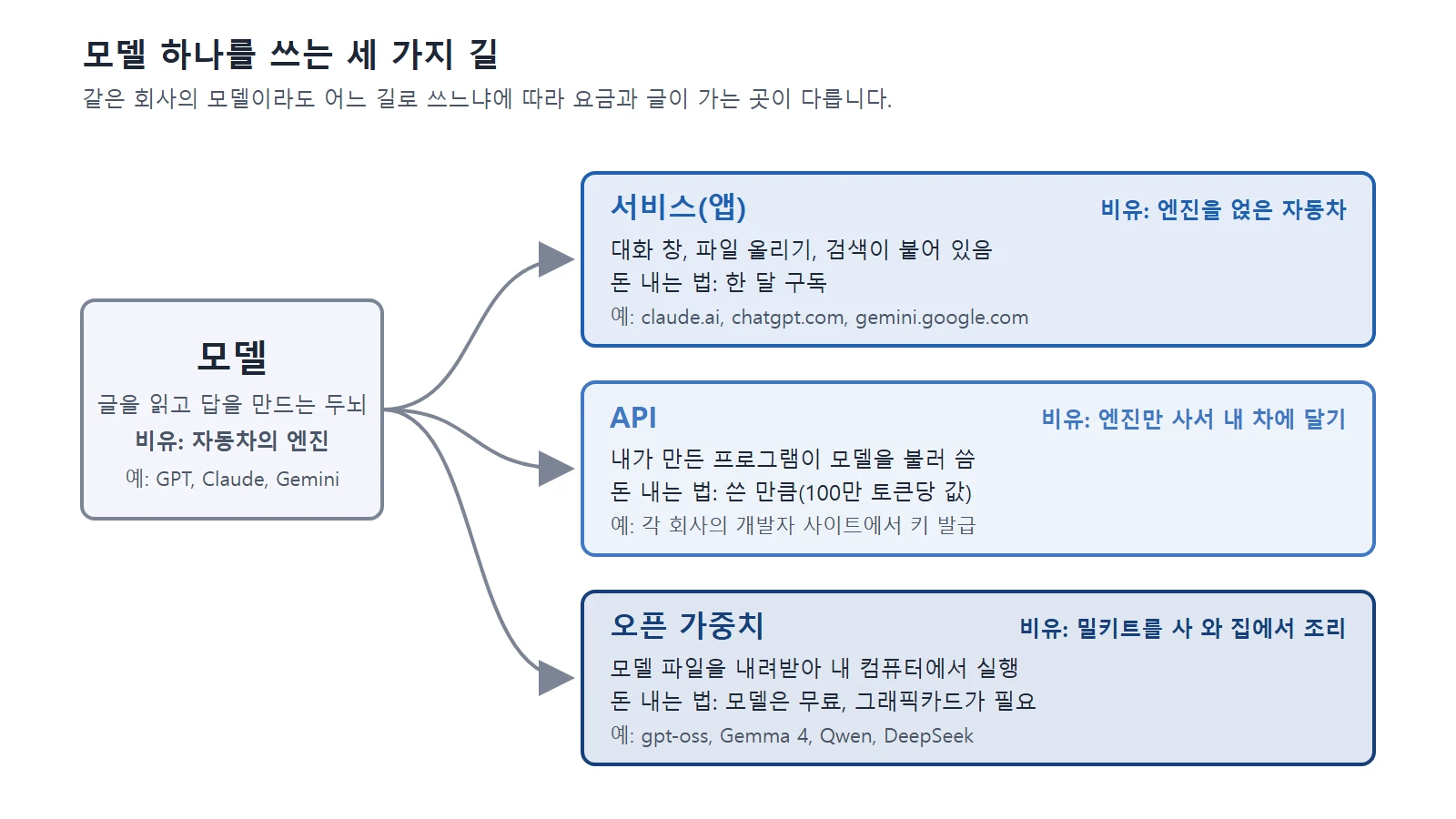
Claude, ChatGPT, Gemini, and other US and Chinese AI services compared: pricing, privacy, and how to choose
A side-by-side look at pricing, privacy, and how to choose among 12 US and Chinese AI services, including Claude, ChatGPT, and Gemini.
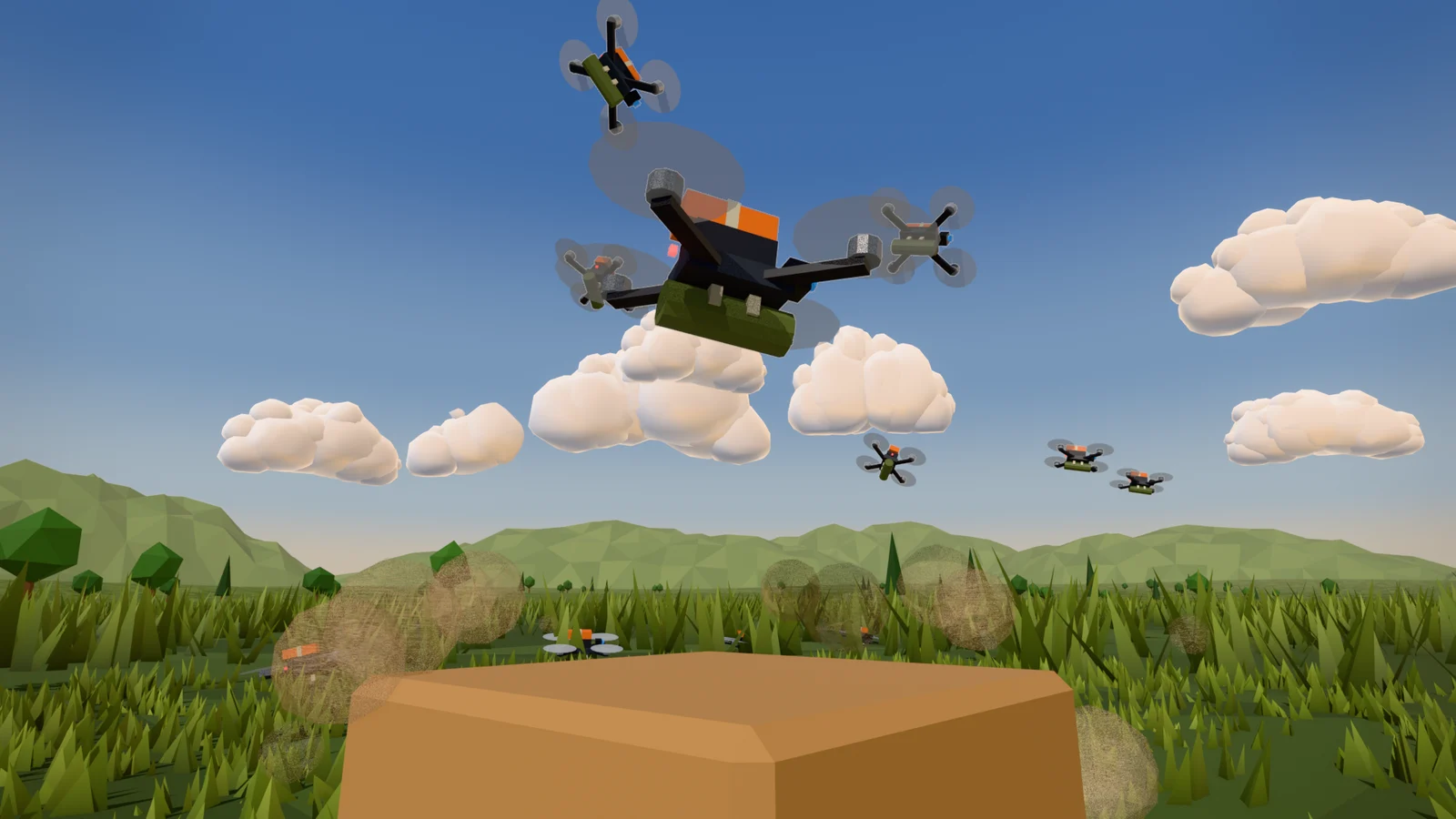
AI and Blender: Start Small and Work Together
When you hand Blender work to an AI, split the job, read before running, check with a picture and numbers, and save with version numbers. This guide walks through that order with a real production example.
YOUR NEXT CHAPTER
Learn one step at a time,
and finish what you start.
From Blender's first screen to a 3D scene of your own.
Start at the pace and in the way that suits you.
Where a small idea becomes the next piece of work.
AZTechnology