An introduction to Higgsfield: what the image and video AI platform includes, and the terms to check first
Higgsfield is a service that brings many image and video AI models together in one place. This guide uses official sources to explain what it includes, how to use it, and what to check in its terms.
한국어English
ON THIS PAGE
- 01At a glance
- 02Comparison: an all-in-one photo studio where you pick the photographer
- 03Its own models and outside models
- 04Main tools
- 05The steps: from text and reference photos to a result
- 06What to know about credits
- 07Using it outside the website: MCP and CLI
- 08What to check in the terms before you use it
- 09Strengths and limits
- 10Summary
- 11Read next
- 12References
Based on: the Higgsfield official site, help center, MCP page, pricing page, and Terms of Use (revision of July 26, 2026). Checked in September 2026.
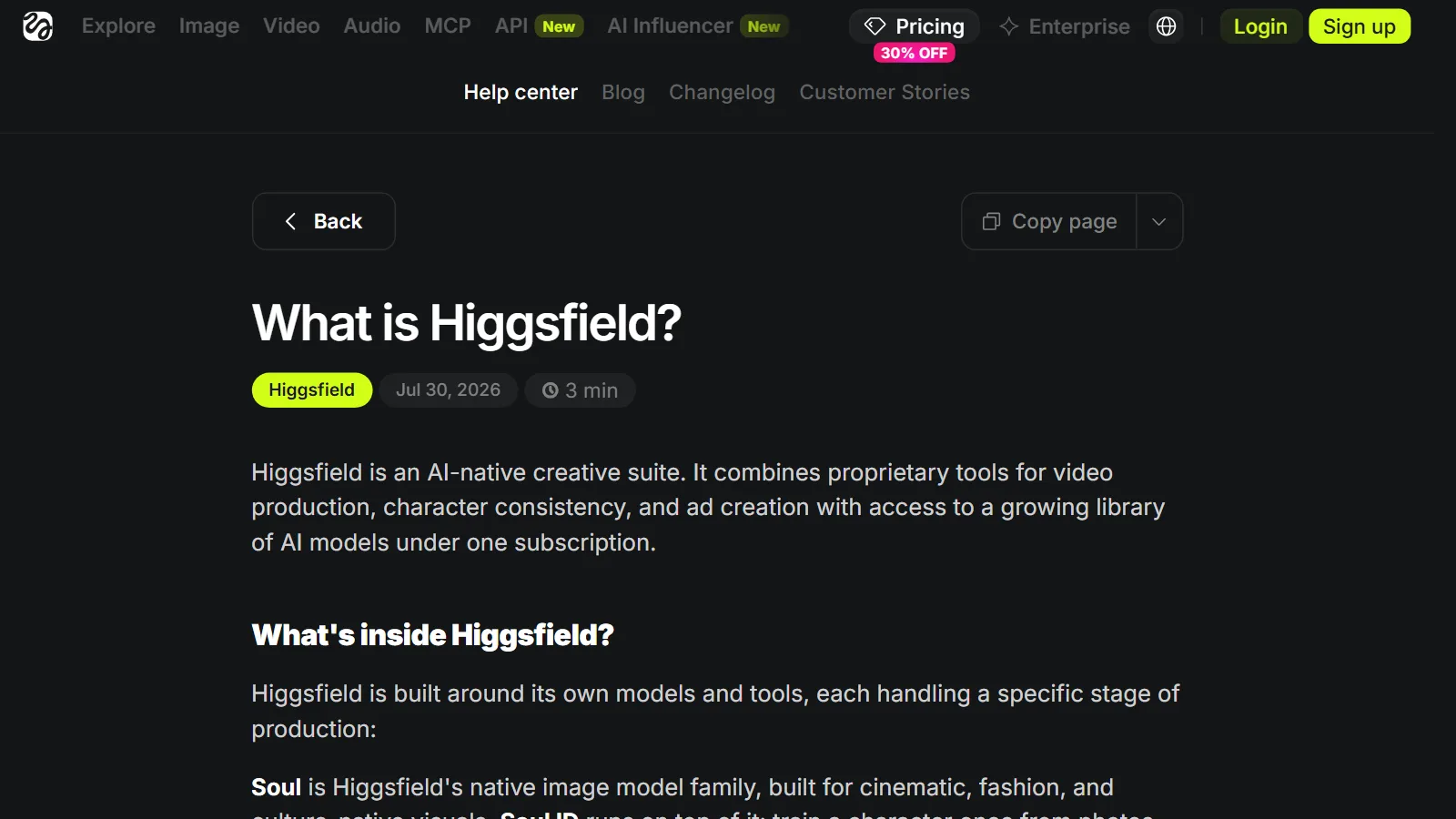
Higgsfield is a web service that bundles image and video AI models from many companies, plus its own creation tools, under one account. It describes itself as an "AI-native creative suite." You give it text or a reference image, and it makes images, videos, and voice. This guide explains what it includes, how to use it, and what to check before you use it. Prices and credit costs change often, so they are not covered here.
How AI makes pictures and videos is explained in How AI image generation works and how to write good prompts and An introduction to AI video generation. This guide looks around one tool that puts those ideas into practice.
At a glance
| Item | Short summary |
|---|---|
| What it is | A web service that brings many image and video AI models and creation tools together in one place |
| What it makes | Images, videos, voice (voiceovers) |
| How to use it | Directly on the website, or by connecting it to an AI agent such as Claude |
| Cost | "Credits" are taken each time you generate something. Check prices on the official pricing page |
| What to watch out for | The terms (training use, uniqueness of outputs, no training other AI on outputs), real people, trademarks, and characters |
Comparison: an all-in-one photo studio where you pick the photographer
Higgsfield is like an all-in-one photo studio.
- The studio building is Higgsfield. You walk in through one door, and there are many workrooms inside.
- The photographers on the studio's staff are the AI models. Just as one photographer is good at portraits, another at moving scenes, and another at ad photos with text, each model is good at different kinds of pictures and videos. The customer picks the photographer that suits the scene being shot today.
- The workrooms are Higgsfield's creation tools. The rooms are divided by purpose, like a film set, a meeting room with idea boards, and a product photo room.
- The passes are credits. A pass is used up each time you give a photographer a job, and bigger jobs use more.
- The rental contract is the Terms of Use. It says where you may use the results and what the studio may do.
The "camera" mentioned below is not part of the comparison. It means the way the view moves inside a video (camera movement).
Its own models and outside models
Higgsfield bundles its own tools and outside AI models into one subscription.
| Type | Examples | In the studio comparison |
|---|---|---|
| Its own image models | Soul, Soul ID (keeps the same person across many images) | The studio's in-house photographers |
| Outside image and video models | Seedance, Kling, Veo, Nano Banana, and others | Photographers invited from other companies |
| Voice | Higgsfield Audio (voiceovers, voice cloning, translation) | The sound recordist |
The model list changes often, so treat the names above only as examples.
In one place, you can give the same order to several models and compare the results.
Main tools
| Tool | What it does | In the studio comparison |
|---|---|---|
| Cinema Studio | Controls camera movement and lighting, makes scenes with several shots, and reuses people and places | Film set |
| Marketing Studio | Makes ad videos and testimonial-style videos from a product address (URL) or a single photo | Product photo room |
| Canvas | Links prompts, reference material, and results with lines on an endless board to make one flow | Meeting room with idea boards |
| Supercomputer | An AI agent that, when you ask in plain words, makes a plan, picks models, and produces the result. Used on paid plans | A studio manager who even assigns the photographers for you |
| AI Influencer | Makes a consistent virtual character by choosing attributes such as face and clothing on screen | Character makeup room |
At first, the basic "create image" and "create video" screens are enough. The official help center says basic use needs no technical experience. Advanced features such as Cinema Studio take practice.
The steps: from text and reference photos to a result
The flow for ordering one scene from the studio is roughly this.
- Write the shooting order (prompt): Write down what to shoot. If needed, upload reference photos with it.
- Pick the photographer (choose a model): Choose a model that fits whether it is an image or a video, and the feel you want.
- Check the passes (credits): According to the official help center, the exact amount to be taken is shown on the Generate button before you confirm.
- Get the result: You get one picture or a short video. If you do not like it, edit the order or give it to a different photographer.
Fill in the order in this sequence: subject, details, background, style. For a video, then write the action and the camera movement in turn. It usually works better to say what you want than to list a long run of "not this, not that." For example, write "sharp focus" instead of "not blurry." Still, it can help to write a few things you must avoid (for example, no readable text).
Prompt tips are covered in detail in the guides below. For images, see How AI image generation works and how to write good prompts. For describing shots and cameras in video, see An introduction to AI video generation. For general principles, see How to write good prompts.
What to know about credits
Prices are not covered here, but knowing a few rules keeps things clear. The following comes from the official help center.
- The amount taken depends on the model, resolution, and length. Even for the same video, longer and sharper takes more.
- The credits that come with a subscription are refilled at renewal, and what is left over does not carry over.
- If a generation fails, the credits are usually returned automatically within a few minutes. However, there are exceptions depending on the model.
- Results from free accounts get a visible watermark, and new results on paid plans do not. An invisible machine-readable mark may remain.
Check the actual prices and plans yourself on the official pricing page before you use it.
Using it outside the website: MCP and CLI
You can use Higgsfield without going to the website. This section follows the official MCP help article, the CLI and Skills help article, and the MCP page.
- MCP connection: MCP is an open standard that lets an AI agent call features of an outside service. What it means is explained in What is MCP?. Connect it to an agent such as Claude, and you can make images, videos, characters, and voice inside the chat window. You connect by signing in with your existing account, without a separate API key (a value like a password that a program uses to access a service). The results you make go into your asset list on the website, marked as made with MCP.
- CLI and Skills: A CLI is a way of using a tool by typing commands as text, and Skills are sets of work instructions you put into a coding tool. You can generate with commands from coding tools such as Claude Code, Cursor, and Codex.
In the studio comparison, this is ordering a shoot by phone. There are two things to watch out for.
- Credits: The unlimited or free generation benefits of a plan apply only on the website. Anything made with automation tools such as MCP, CLI, Canvas, and Supercomputer always takes credits. When you make many images automatically, credits can run down faster than you expect.
- Responsibility: MCP is a way for programs to connect to each other, so it follows the Developer Terms in the terms, and anything an agent makes with your account is all your responsibility. Even if you let an assistant place the phone order, you are still the one who ordered. Keep the connection secure, and check what the agent is making.
How to tie a 3D workflow together with AI continues in Connecting Blender and AI.
What to check in the terms before you use it
If you plan to use the results in a blog, an ad, or a video, you must check the Terms of Use. The following comes from the official terms (revision of July 26, 2026) and the help center. The terms can change, so read the original yourself.
| What to check | What the official sources say |
|---|---|
| Ownership of outputs | Help center: Higgsfield does not claim ownership of inputs or outputs, and does not prevent commercial use of outputs |
| Other people's rights | Terms section 4.2: the user is responsible for not infringing copyright, trademarks, or rights of likeness (face and appearance) |
| Training use | Terms section 4.4: Higgsfield may use the material you upload and your outputs to train AI models (except under separate enterprise agreements made for businesses). Deleting content or your account can stop future training use |
| No training other AI on outputs | Terms 5.2(iv) (no developing competing products is 5.1(iii)): you must not use Higgsfield outputs to train or fine-tune (further train an existing model) other AI models. The exceptions are models made only from your own input material, or Higgsfield's written permission |
| Uniqueness of outputs | Terms section 4.4: outputs may not be unique, and other people may get similar or identical results |
| Real people | Terms section 4.2: if a recognizable person appears, the user guarantees they have the needed consent (when you upload photos, videos, or audio with faces or voices as input, you also guarantee consent under section 5.3) |
| Using MCP and CLI | Help center: the Developer Terms in the terms apply. Outputs an agent makes with your account are your responsibility |
| Age | Terms section 2.1: 18 or older (or the age of majority in your country, if it is higher) |
According to the official help center, generation may be blocked if a prompt or reference image includes famous character names, trademarks, logos, names of living artists, and so on. The help center advises replacing the proper names with words that describe the look. Not being blocked does not mean it is legally fine.
"Does AI-made output get copyright?" is a separate question from a service's terms, and the answer differs by country. This is covered in Copyright basics for AI-made images and text.
Strengths and limits
Strengths
- You can switch between and compare models from many companies with one account.
- Video tools such as camera movement and lighting control and keeping a person consistent come with it.
- You can automate it by connecting it to an AI agent (MCP) or a coding tool.
- According to the help center, credits are usually returned automatically when a generation fails.
Weak points and things to watch out for
- The model list and prices change often, so older information goes out of date quickly.
- There are many features, so at first it is hard to choose what to use.
- When you make things with automation tools, credits are always taken, with no unlimited benefit.
- Outputs may be used for AI training, and uniqueness is not guaranteed.
- The copyright filter is designed to be cautious, and the help center itself says that your own original work can be blocked by mistake and that most blocks cannot be lifted.
Whichever service you choose, check three things in its terms: which models you can use, how far you may use the results, and how your material is used.
Summary
- Higgsfield: a web service that brings many models and tools together
- AI models: its own models such as Soul + outside models from many companies, choosing the right model for each scene
- Creation tools: Cinema Studio, Marketing Studio, Canvas, Supercomputer, and others
- Credits: taken according to model, resolution, and length
- MCP and CLI connection: always takes credits, and what an agent makes is also your responsibility
- Terms of Use: training use, no training other AI on outputs, uniqueness, other people's rights
If you decide to use it, read the terms once before you choose a model.
Read next
- How AI image generation works and how to write good prompts
- An introduction to AI video generation: making videos from text and images
- Copyright basics for AI-made images and text
- What is MCP?
References
The date next to each help article is the publication date shown on the page. Help articles can be edited after publication, so check the original yourself.
- Higgsfield official site — https://higgsfield.ai/
- Higgsfield help center, What is Higgsfield? (published 2026-07-29) — https://higgsfield.ai/creator-hub/help-center/getting-started/what-is-higgsfield
- Higgsfield help center, Which Higgsfield tool should I use? (published 2026-08-01) — https://higgsfield.ai/creator-hub/help-center/tools/which-higgsfield-tool-should-i-use
- Higgsfield help center, How do I write a good prompt? (published 2026-07-30) — https://higgsfield.ai/creator-hub/help-center/getting-started/how-do-i-write-a-good-prompt
- Higgsfield help center, How do credits work? (published 2026-08-03) — https://higgsfield.ai/creator-hub/help-center/credits/how-credits-work
- Higgsfield help center, Why is there a watermark, and how do I remove it? (published 2026-08-03) — https://higgsfield.ai/creator-hub/help-center/credits/watermark-and-how-to-remove
- Higgsfield help center, What is Higgsfield MCP (published 2026-08-01) — https://higgsfield.ai/creator-hub/help-center/integrations/what-is-higgsfield-mcp
- Higgsfield help center, How to Access Higgsfield via CLI and Skills (published 2026-08-01) — https://higgsfield.ai/creator-hub/help-center/integrations/how-do-i-access-higgsfield-via-cli
- Higgsfield MCP page — https://higgsfield.ai/mcp
- Higgsfield help center, Why was my generation blocked for copyright or IP? (published 2026-08-01) — https://higgsfield.ai/creator-hub/help-center/troubleshooting/my-generation-blocked-for-copyright-or-ip
- Higgsfield help center, Who owns my generations, and can I use them commercially? (published 2026-08-02) — https://higgsfield.ai/creator-hub/help-center/account/who-owns-my-generations-and-can-i-use-them-commercially
- Higgsfield Terms of Use (Last updated: July 26, 2026) — https://higgsfield.ai/terms-of-use-agreement
- Higgsfield pricing page — https://higgsfield.ai/pricing