What is an API? Requests, responses, and API keys made simple
An API is a doorway where programs make requests and get responses by fixed rules. Using a wall socket as the comparison, this guide covers requests, responses, and keeping keys safe.
한국어English
ON THIS PAGE
- 01A weather app that does not measure the weather
- 02What API means: an agreement for programs
- 03A comparison: the wall socket
- 04What requests and responses look like
- 05A real example: how an AI chat app calls the Claude API
- 06APIs outside the internet
- 07Treat an API key like a password
- 08Common misunderstandings
- 09Summary in one line
- 10References
Based on: MDN Web Docs, the Anthropic API documentation, Claude Help Center articles, and the Blender Python API documentation, checked in September 2026.
An API is a fixed doorway through which one program asks another program to do something. The asking side sends a request in a fixed format, and the receiving side sends back a response in a fixed format. This guide explains what an API is using a wall socket as the comparison, what requests and responses look like, what result numbers (status codes such as 200 and 404) mean, and why you must guard an API key like a password. It is written so you can follow it even if you have never written code.
A weather app that does not measure the weather
When you open the weather app on your phone, the current temperature and tomorrow's forecast appear right away. But your phone does not contain a thermometer or a weather radar. The app only asks another computer (a server) that holds weather data, "Tell me the weather for this area," and then draws the answer nicely on the screen.
AI chat apps are similar. When you type a question in the app, the app sends the question to the server where the AI model runs and gets the answer back. This agreed-upon passage through which one program asks another and gets an answer is what an API is.
What API means: an agreement for programs
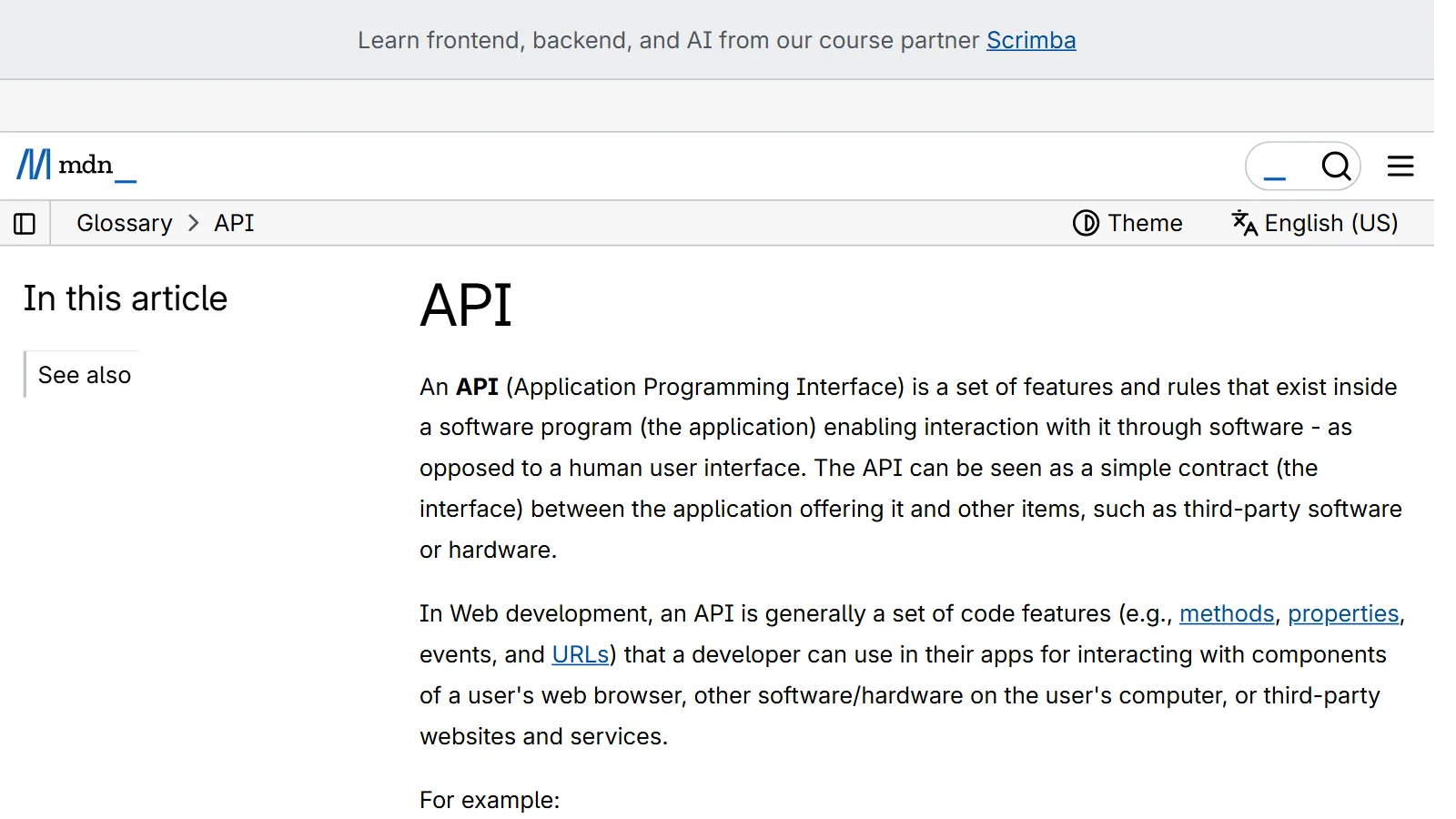
API stands for Application Programming Interface. In plain words, it is roughly "the connection point that applications use." MDN (the developer documentation run by Mozilla) explains it in three points, summarized here.
- It is a set of features and rules inside a piece of software.
- It lets other software call that program's features, rather than a screen people click (the UI, or user interface).
- It is a simple contract between the side that offers features and the side that uses them.
"Contract" means this: the offering side promises, "If you ask in this format, I will answer in this format," and the using side only has to keep to that format. You do not need to know how the inside is built. An API hides complex code and offers an easier way to use it instead.
A comparison: the wall socket
An API is like a wall socket.
When you use a hair dryer, you do not wire it directly into the power grid inside the wall. That would be a hassle, and hard and dangerous unless you are an electrician. Instead, you just plug a standard plug into the socket. You can use electricity without knowing where the power plant is or how the wiring inside the wall runs.
Making 3D graphics works the same way. Instead of writing difficult low-level code (C, C++, and so on) that handles the graphics hardware directly, it is much easier to use an API in a language like JavaScript or Python. Mapped onto an internet service, the comparison looks like this.
| Wall socket | API |
|---|---|
| The wiring and power grid inside the wall | The complex programs and data inside the server |
| The standard shape of the socket holes | The request format written in the API documentation |
| Plugging in | Sending a request in the fixed format |
| The electricity that flows out | The response (data) you get back |
Another common comparison is ordering at a restaurant. The customer (your app) cannot see inside the kitchen (the server), but if you order (request) as written on the menu (the API documentation), the food (the response) comes out. If you order something not on the menu, you get the answer "We don't have that." The status codes covered later are exactly this kind of answer.
What requests and responses look like
Most APIs that go over the internet talk using rules called HTTP. HTTP is the basic protocol for exchanging data on the web. Opening a web page also happens over HTTP. In HTTP, the asking side (the client) sends a request first, and the server answers that request. The server does not start the conversation.
Requests and responses each have fixed parts.
| Type | What goes in | Meaning |
|---|---|---|
| Request | Method (GET, POST, and so on) | What you want to do |
| Request | Path (address) | Where you are asking |
| Request | Headers | Extra information such as ID and data format |
| Request | Body (when needed) | The content you actually send |
| Response | Status code | A number telling whether it worked |
| Response | Headers | Extra information about the response |
| Response | Body (when needed) | The content you actually get back |
Methods: what you want to do
A method is the verb of a request. You will often see four.
- GET: only fetches data. Example: viewing weather information
- POST: sends data to the server. It often changes the server's state. Example: sending a question, posting an article
- PUT: replaces data entirely with a new version.
- DELETE: deletes data.
JSON: a common format for writing data
The bodies of requests and responses are often written in a format called JSON. JSON is a text format that writes names and values in pairs. The name comes from JavaScript, but it is widely used in other programming languages too. Weather information, for example, could look like this. The values below are an example for explanation.
{
  "city": "Seoul",
  "temperature": 21,
  "sky": "clear"
}
It is widely used because people can roughly read its meaning and programs can read it easily.
Status codes: numbers that report the result
The server attaches a three-digit number to a response to report the result. This number is called a status code. Success is also reported with a number, so not every number is an error. The first digit tells you the general meaning. There are five groups.
| Group | English name | Meaning |
|---|---|---|
| 1xx | Informational responses | Information (an interim notice sent before the final answer) |
| 2xx | Successful responses | Success |
| 3xx | Redirection messages | Pointing you somewhere else (redirect) |
| 4xx | Client error responses | A problem on the requesting side |
| 5xx | Server error responses | A problem on the server side |
These are the numbers you will meet most often.
| Number | Name | Restaurant comparison |
|---|---|---|
| 200 | OK | The food you ordered came out fine |
| 401 | Unauthorized | Your membership could not be checked, so the order cannot be taken |
| 404 | Not Found | That item is not on the menu |
| 429 | Too Many Requests | You are ordering too often, so please wait a moment |
| 500 | Internal Server Error | Something went wrong in the kitchen |
When you see one of these numbers in an error message, you can first judge whether the problem is on your side (4xx) or the server's side (5xx). 401 is named "Unauthorized," but its actual meaning is closer to "not identified." You often see it when the API key is missing or wrong.
The term REST API
You will often see the term "REST API" in API documentation. At the beginner stage, think of it as "an API you can call the ordinary web way (HTTP)." Despite the name, though, some do not follow all of REST's design principles.
A real example: how an AI chat app calls the Claude API
Take Anthropic's Claude API as an example. The Claude API is a REST-style API at https://api.anthropic.com, and the Messages API, used to exchange conversation, uses the POST /v1/messages path.
Here is how an AI chat app handles one question.
- The user types a question into the app.
- The app puts the question in JSON and sends a request to
POST /v1/messages. - The request headers contain the API key, which works as ID, the API version, and the data format.
- The Claude API creates an answer and sends it back as JSON.
- The app shows the answer on the screen.
Here is the skeleton of the request as a table. The header names and values follow the Anthropic API documentation. A fake placeholder stands in for the key.
| Part | Value |
|---|---|
| Method | POST |
| Address | https://api.anthropic.com/v1/messages |
| Authentication header | Authorization: Bearer YOUR_API_KEY_HERE (the older x-api-key: YOUR_API_KEY_HERE is still supported) |
| Version header | anthropic-version: 2023-06-01 (the example value in the documentation) |
| Format header | content-type: application/json |
| Body | JSON holding the model to use and the question |
Never write a real key directly into an article or code. There are also official SDKs (sets of developer tools) for languages such as Python and TypeScript. With an SDK, the tool adds the authentication, version, and format headers for you.
APIs are usually not unlimited. The Claude API has limits set by usage tier, such as requests per minute, tokens (pieces of text) per minute, and a monthly spending limit. If you call it too often, you may get the 429 response you saw earlier. Exact numbers and prices can change, so check the official documentation yourself. Also, you can call the same Claude models directly from Anthropic, or through cloud platforms such as AWS, Google Cloud, and Microsoft Azure. The available features may differ by platform.
APIs outside the internet
When people hear "API," they tend to think only of internet addresses, but many APIs open up features inside a program.
- Browser APIs: APIs built into the web browser. For example, the Geolocation API gets the device's location. Used together with a map service's API, it can show "sights near me" on a map.
- External APIs: APIs that other companies offer over the internet, such as the Google Maps API and the YouTube API.
- Program APIs: the 3D program Blender also has a Python API. With
bpy.datayou read and change data in the scene, such as objects and materials, and withbpy.opsyou run actions from a script, the same as clicking buttons on screen. Scripts are used for the user interface, import and export, scene editing, automation, and more.
Running Blender without a screen and building a scene with a Python script is also an example of using the Blender Python API. This flow is explained in Connecting Blender and AI.
Treat an API key like a password
APIs come with security measures. Some newer browser APIs work only over encrypted connections (HTTPS), and some, like the Notifications API, ask the user for permission first. The security measure you will meet most often in internet service APIs is the API key.
Many APIs require an API key to check who sent a request. An API key is a digital key made of a long string of characters. The Claude Help Center advises treating API keys like credit card numbers. If someone else uses your key, the charges for those requests go to your account.
The basic rules are these.
- Do not paste it anywhere. Do not put a key in public forums, emails, or even customer support requests.
- Do not write it directly in code. The most common way keys leak is the mistake of uploading a file with a key in it to a public code repository (for example, a public GitHub repository). On your own computer, keep the key separately in a
.envfile, and leave that file out by adding it to.gitignore(the list of files not to upload to the repository). When you need to give a key to an outside service, put it in that service's encrypted secret feature, not in code or a settings file. - If you think it leaked, replace it right away. For a Claude API key, the steps are these.
- Delete that key immediately (Delete API Key) on the API keys screen of the Claude Console.
- Create a new key with Create Key on the same page and swap it in.
- Keep the new key somewhere safe, such as a secrets manager, and do not put it in version control (the code repository).
- If you still see strange usage after that, contact the support team.
In this guide, a fake placeholder such as YOUR_API_KEY_HERE stands where a key would go.
Common misunderstandings
| Misunderstanding | Fact |
|---|---|
| APIs exist only at internet addresses | Many APIs open features inside a program, like the browser's Geolocation API and Blender's Python API |
| An API key is like a user name, so it is fine to show it | Treat a key like a password or credit card number. If it leaks, others can send requests on your account |
| Every status code is an error number | Some numbers, like 200, report success. Errors are mainly 4xx and 5xx |
| APIs are free and unlimited | Most have prices and rate limits. Call too often and you get a 429 response |
| Every REST API follows the same rules | Some are called REST APIs without following all REST principles |
Summary in one line
An API is an agreement for programs to talk to each other. One side requests in a fixed format, and the other responds with a status code. Knowing just this structure lets you guess what is happening when you meet the word "API" in an app's settings screen or an error message.
References
- MDN Glossary: API
- MDN, Introduction to web APIs
- MDN, Overview of HTTP
- MDN, HTTP request methods
- MDN, HTTP response status codes
- MDN, Working with JSON
- MDN Glossary: REST
- Anthropic, API overview
- Claude Help Center, API Key Best Practices
- Claude Help Center, What should I do if I suspect my API key has been compromised?
- Blender Python API, Overview