The difference between a CPU and a GPU
A CPU does complex tasks one after another, quickly. A GPU does many simple tasks all at once. This guide compares how they differ and what each is used for.
한국어English

ON THIS PAGE
- 01CPU and GPU in one line each
- 02A worker analogy: a small elite team and a huge workforce
- 03Different design goals
- 04Comparison table at a glance
- 05Why GPUs are fast at drawing pictures and AI
- 06Two chips that are a team, not rivals
- 07Integrated graphics and a dedicated graphics card
- 08What each chip does in Blender
- 09Checking the CPU and GPU in your computer (Windows)
- 10Clearing up common misunderstandings
- 11Summary
- 12References
Based on: official documents from Intel, NVIDIA, and Blender. Checked in September 2026. Blender's requirements can change between versions.
Computer spec sheets always list the CPU and the GPU separately. Both are chips that calculate, but they are good at different things. A CPU is a chip that handles complex tasks where order matters, one at a time and quickly. A GPU is a chip that handles thousands of similar, simple tasks all at once. This guide explains how the design goals of the two chips differ, why a GPU is fast at drawing pictures and running AI, how the two chips work together, the difference between integrated graphics and a dedicated graphics card, what each chip does in Blender, and how to check the CPU and GPU in your computer.
CPU and GPU in one line each
- CPU (Central Processing Unit): often called the brain of the computer. It directs almost everything the computer does, such as running programs, opening files, and responding to mouse clicks.
- GPU (Graphics Processing Unit): a device with a very large number of small, simple cores. It is fast because many cores split the work and process it at the same time. The core chip of the part people usually call a "graphics card" is the GPU.
Here, a core is a small worker unit inside a chip that actually does the calculating. How many cores there are, and how smart each core is, sets the character of the two chips. CPU core counts are covered in more detail in CPU cores and threads.
A worker analogy: a small elite team and a huge workforce
The easiest analogy is workers in a workshop.
- A CPU is a few skilled craftsmen. One person handles tricky, varied jobs with ease: repairing a watch, reading a map, sorting papers, assembling a machine. They decide on their own what to do next and keep the work in the right order. But there are not many of them.
- A GPU is a huge number of small workers. Each one is not as versatile as a craftsman, but given a simple instruction such as "paint this square this color," thousands of them move at the same time. It is like painting a large mosaic in one go, with one worker assigned to each square.
Neither one is "better." They are good at different things. Give the mosaic to four craftsmen and it takes a long time. Give the watch repair to a thousand small workers and it turns into a mess.
Different design goals
The two chips were designed with different goals.
- The CPU's goal: one line of work as fast as possible. A CPU is built to run a chain of operations that follow one after another (this is called a thread) as fast as possible, and it can run a few dozen of these threads at the same time.
- The GPU's goal: the most total throughput. A GPU is built to run thousands of threads at the same time. In exchange, each thread tends to be slower than on a CPU. It gives up a little of one worker's speed to greatly increase how much the whole group gets done.
- Space inside the chip: spent on different things. A GPU spends more of its transistors (the tiny switches that make up a chip) on calculation units, and a CPU spends more on cache and flow control. A cache is a small drawer that keeps often-used data within reach, and flow control means judging and managing order, such as "if this condition holds, go that way."
So a CPU is strong at work with many conditions and branches (running programs, managing the operating system, complex decisions), and a GPU is strong at applying the same calculation to a lot of data in the same way.
Comparison table at a glance
| Item | CPU | GPU |
|---|---|---|
| Nickname | The computer's brain | A large calculation unit |
| Core character | Few but versatile cores | Many small, specialized cores |
| Threads running at the same time | Dozens | Thousands |
| Good at | Work where order matters, work with many decisions | Repeating the same calculation on a lot of data |
| Typical tasks | Running programs, managing files, calculating game rules | Drawing the screen, video processing, 3D rendering, AI calculation |
| Its own memory | Uses the computer's main memory (RAM) | A dedicated graphics card has its own memory (VRAM) |
"Dozens" and "thousands" in the table are rough figures from NVIDIA's guide to GPU programming (the CUDA Programming Guide). The actual numbers differ by product.
Why GPUs are fast at drawing pictures and AI
Think about one screen. A common 1920×1080 screen has more than 2 million pixels (the small dots that make up the screen) (1920 × 1080 = 2,073,600). For video, a screen like this must be redrawn dozens of times per second. The method for calculating "what color is this dot?" is almost the same for every pixel. Only the pixel changes.
If one person paints this one square at a time, it takes a long time. If you divide the picture into squares and many workers paint at the same time, it finishes much faster. That is exactly what a GPU does.
GPUs started as dedicated devices for speeding up the parallel work of real-time 3D rendering. Over time they became more and more programmable, and in 2006 NVIDIA announced CUDA (NVIDIA's technology for doing general calculation on a GPU), which opened the way to using GPUs for calculations other than graphics. Today, scientific calculations such as fluid simulation, databases, image classification, and generative AI such as image generation AI (diffusion models) and large language models (LLMs) all run on GPUs.
AI calculation is similar at heart. It repeats the same multiplications and additions on a huge number of numbers, so a GPU that calculates many things at once has the advantage. Why the graphics card matters when you run AI on your own computer continues in The difference between local AI and cloud AI and Running AI on your own computer.
Two chips that are a team, not rivals
Intel sums it up by saying it is no longer a question of CPU or GPU: you need both. The two chips split the roles and work together. Following NVIDIA's CUDA Programming Guide, a program that hands calculation to the GPU flows like this.
- A program always starts on the CPU.
- The CPU sends the data it will hand to the GPU into the GPU's memory.
- The CPU tells the GPU, "start this calculation."
- When the GPU finishes the calculation with thousands of threads, the CPU takes the result and continues with the next task.
The CPU and the GPU are linked by a connection such as PCIe, and the CPU's memory and the GPU's memory are separate. Usually it is fastest when both chips are kept busy without a break.
In restaurant terms, the CPU is the head chef who takes orders and decides the order of work, and the GPU is a large prep team that chops hundreds of vegetables at once. Without the head chef, no one can decide what to chop. Without the prep team, the head chef has to chop every vegetable alone and the food comes out late.
Integrated graphics and a dedicated graphics card
A GPU is not always a separate part.
| Type | Where it is | Features |
|---|---|---|
| Integrated graphics | Inside the same chip as the CPU | Saves space, cost, and power. Shares the main memory |
| Dedicated graphics card | Plugged in as a separate card | Has its own dedicated memory (VRAM). Mainly used for heavy work such as 3D and AI |
Laptops and office PCs often have only integrated graphics, and PCs for 3D work often have a separate dedicated graphics card. Why the GPU's own memory matters is explained in detail in What VRAM means.
What each chip does in Blender
The 3D program Blender shows clearly how the two chips divide the work.
- The GPU draws the working screen (the viewport). That is why Blender's official system requirements list GPU conditions separately. The minimum is a 4-core CPU, 8GB of RAM, and a GPU with 2GB of VRAM. The recommended setup is 8 cores, 32GB, and 8GB of VRAM. These numbers can change between Blender versions.
- The EEVEE render engine is GPU only, and the Cycles render engine lets you choose between the CPU and the GPU. The difference between the two engines is covered in EEVEE vs. Cycles.
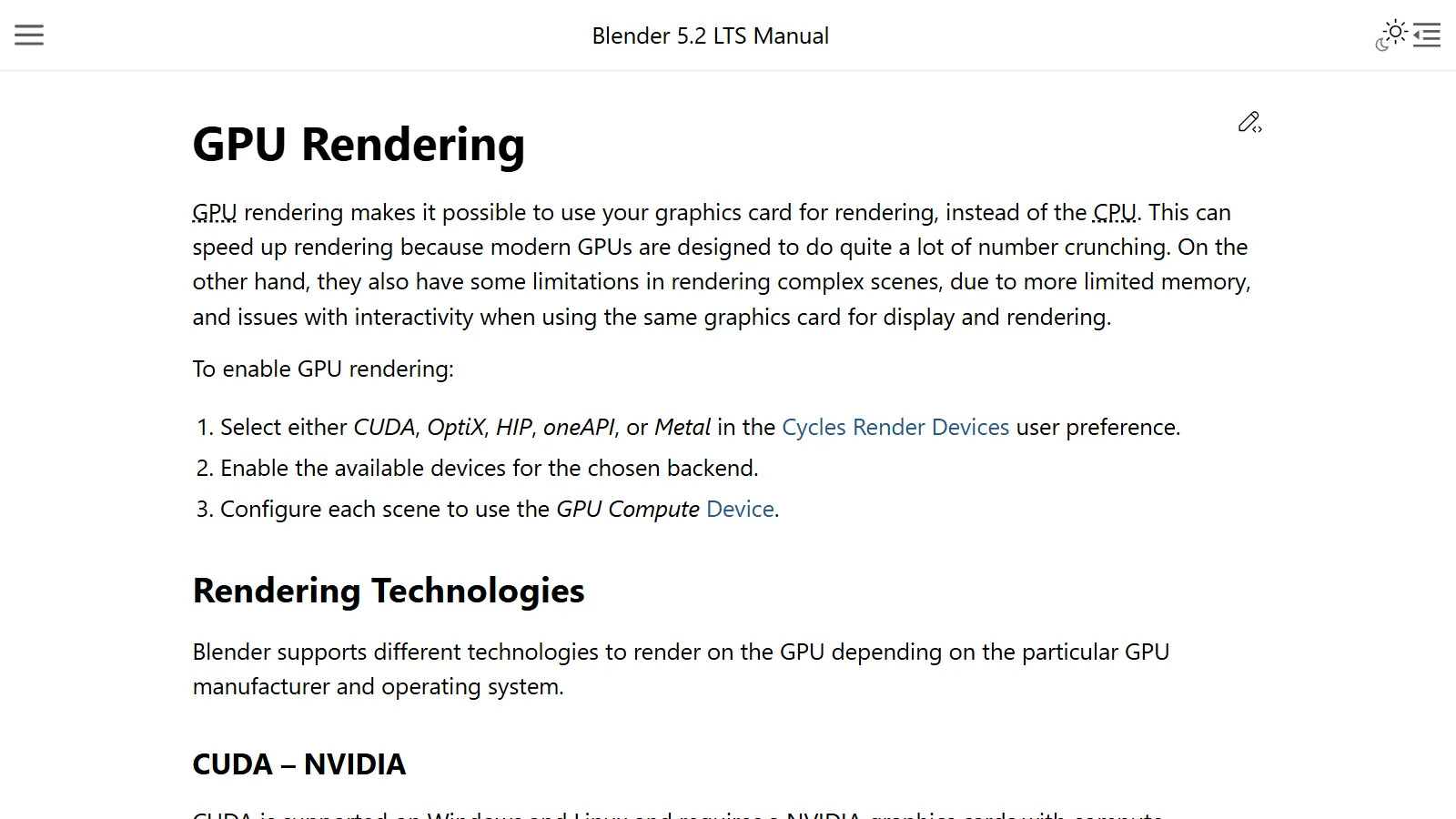
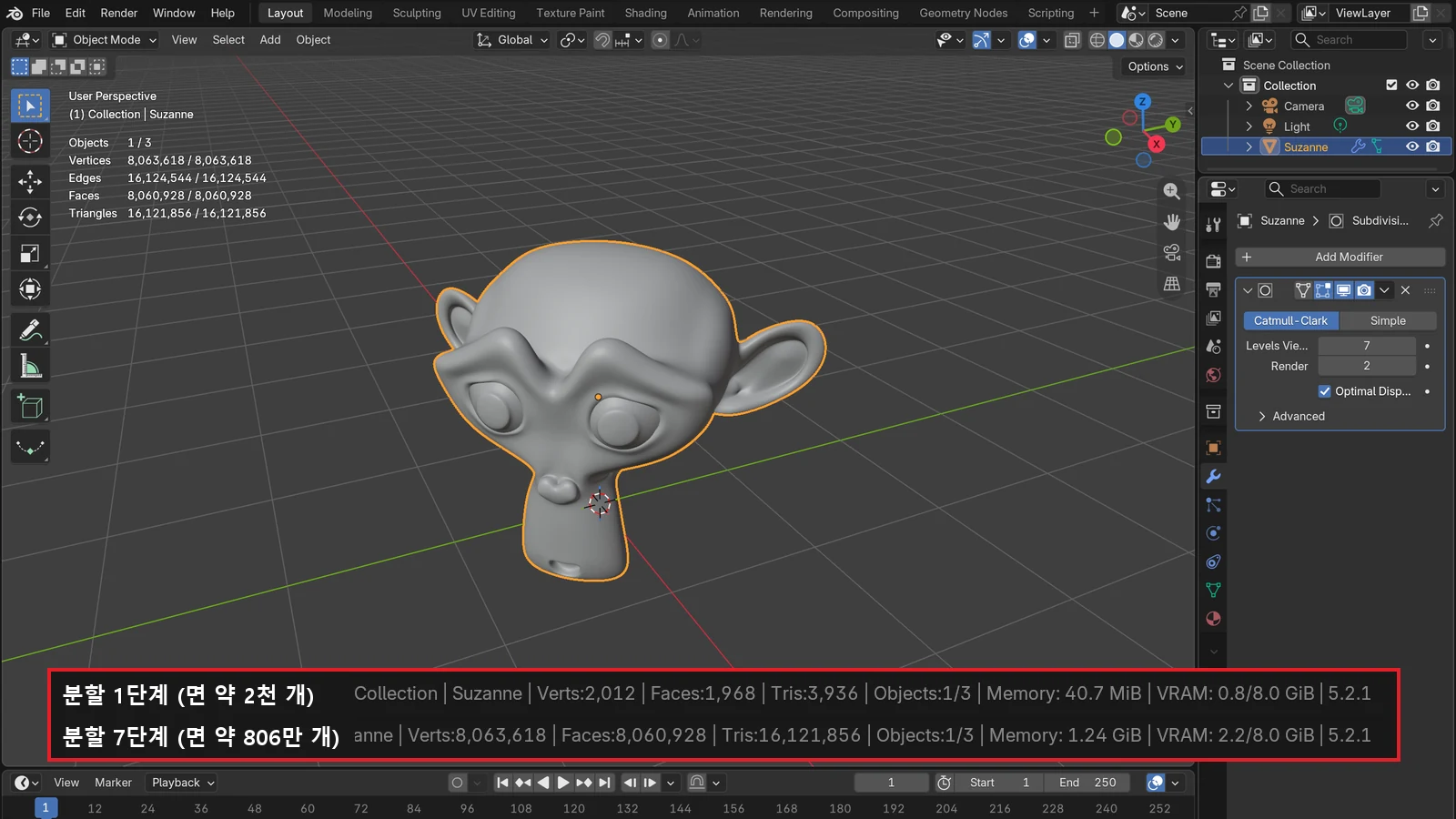
- Modern GPUs are designed to do a lot of number crunching, so they can render quickly. But they have the limit of having less memory. The most common reason a scene renders on the CPU but not on the GPU is running out of graphics card memory.
- When you render Cycles on the CPU, Performance ‣ Threads in the Render tab of the Properties editor is set automatically by default to the number of logical processors in your computer. If you want to do other work while rendering, lower this number.
Which one is faster depends on the hardware and the scene. Up-to-date comparisons are in the Blender Open Data results. How to choose a graphics card for rendering continues in Choosing a graphics card for Blender rendering.
Checking the CPU and GPU in your computer (Windows)
- Press
Ctrl+Alt+Deleteand choose Task Manager. - Click the Performance tab.
- In the list on the left, click CPU to see the CPU name and usage. Click GPU to see the GPU name and usage, plus dedicated and shared GPU memory.
If you see two GPUs (integrated + dedicated), your computer has both.
Clearing up common misunderstandings
- "A GPU is always faster than a CPU." Only for work that repeats the same calculation on a lot of data. A CPU is better at work where order and decisions matter. A GPU gains total throughput by giving up the speed of each single thread.
- "With a good GPU, any CPU is fine." Programs start on the CPU, and the CPU is also what hands work to the GPU. If one side is far too weak, the other side ends up waiting.
- "GPUs are for games." They started with 3D graphics, but today they are widely used for video processing, scientific calculation, and AI.
Summary
| For this kind of work | The chip that does most of it |
|---|---|
| Running programs, organizing files, complex decisions | CPU |
| Drawing screens and video, 3D rendering | GPU |
| Running AI models | GPU (directed by the CPU) |
| Blender Cycles rendering | CPU or GPU (chosen in the settings) |
Remember the CPU as the brain that directs and the GPU as a large calculation unit that moves all at once, and spec sheets will be far less confusing.
References
- Intel, CPU vs. GPU: What's the Difference? — https://www.intel.com/content/www/us/en/products/docs/processors/cpu-vs-gpu.html
- NVIDIA, CUDA Programming Guide — 1.1 Introduction to CUDA — https://docs.nvidia.com/cuda/cuda-programming-guide/01-introduction/introduction.html
- NVIDIA, CUDA Programming Guide — 1.2 Programming Model — https://docs.nvidia.com/cuda/cuda-programming-guide/01-introduction/programming-model.html
- Blender 5.2 LTS Manual, GPU Rendering — https://docs.blender.org/manual/en/5.2/render/cycles/gpu_rendering.html
- Blender 5.2 LTS Manual, Cycles Performance — https://docs.blender.org/manual/en/5.2/render/cycles/render_settings/performance.html
- Blender, System Requirements — https://www.blender.org/download/requirements/
- Blender Open Data — https://opendata.blender.org/
- Microsoft DirectX Developer Blog, GPUs in the Task Manager — https://devblogs.microsoft.com/directx/gpus-in-the-task-manager/