Low-poly war animation with Claude Code, part 6: ten key tips and the three prompts that worked best
Ten habits that paid off again and again while making five low-poly war animations in one day, plus the three prompts that worked best, quoted from what I actually sent.
한국어English
ON THIS PAGE
- 01Tip 1. Polish your first prompt into one numbered list and send it once
- 02Tip 2. Keep progress and decisions in RESUME.md
- 03Tip 3. When you like a result, say "record it in an md file"
- 04Tip 4. Build models in code, and change only the numbers for the next one
- 05Tip 5. Decide where things hit first, then work backward
- 06Tip 6. Make small things bigger, and keep the shooter in frame
- 07Tip 7. Tie each sound to the frame where its event happens
- 08Tip 8. Give every shared file exactly one owner
- 09Tip 9. In feedback, separate pass from fail and use numbers
- 10Tip 10. Look at stills first, and do the slow render only once, at the end
- 11The three prompts that worked best
- 12Pick one at a glance
- 13Previous part and the full book
- 14References
Based on: the free edition of the ebook Low-Poly War Animation with Claude Code and Blender, the ten core tips and the Appendix A preview; Claude Code (Opus 5.5, medium effort), Blender 5.2, Windows 11. Checked in October 2026.
If you're short on time, this part alone will do. It collects ten habits that paid off again and again in my project. At the end are the three prompts that worked best, quoted from what I actually sent. Each tip says where to read more.
Tip 1. Polish your first prompt into one numbered list and send it once
I sent my first prompt without polishing it, then fixed and resent it three times in five minutes. The AI makes a new plan every time it gets a message. Tokens and time went to waste each time. A token is the unit that counts how much text the AI reads and writes.
Polish it into a numbered list in a text editor, write every quantity and spec in numbers, and then send it. For a big job, get a plan first in plan mode (a mode that only shows a plan without changing files).
I'm going to make a [length]-second 3D cinematic video in Blender. First, show me a plan in plan mode.
Read more: the full fill-in-the-blanks template is in Part 4: the first prompt.
Tip 2. Keep progress and decisions in RESUME.md
When a conversation gets long, the AI forgets the earlier parts. So I had it write down progress and the decisions I'd made in a file called RESUME.md. In the early morning, when the context was almost full, I cleared it with /clear (the command that empties the conversation) and picked up again with the single word resume. The context is how much conversation the AI can hold at once. It's like the space on a desk: when it fills up, the oldest pages get pushed off. What it needed was in the file, so the work carried straight on.
But I only acted once it was almost full. Do the cleanup earlier, at the point where a big job has just finished.
Read more: the prompt for having it tidy up is in Chapter 5 of the ebook.
Tip 3. When you like a result, say "record it in an md file"
After seeing the second preview of Episode 1 (v002), I sent: "The camera movement right now is very good. Record it in an md file so we use this approach from now on." That one line created the camera rules document. The agents (helper workers the AI launches separately) that took on the next four episodes all read that document before they started. Praise left only in the chat disappears.
The camera movement in this preview is excellent. Record it in docs/camera_style.md so every episode uses this approach from now on.
Read more: the message I actually sent is prompt ① under "The three prompts that worked best" below.
Tip 4. Build models in code, and change only the numbers for the next one
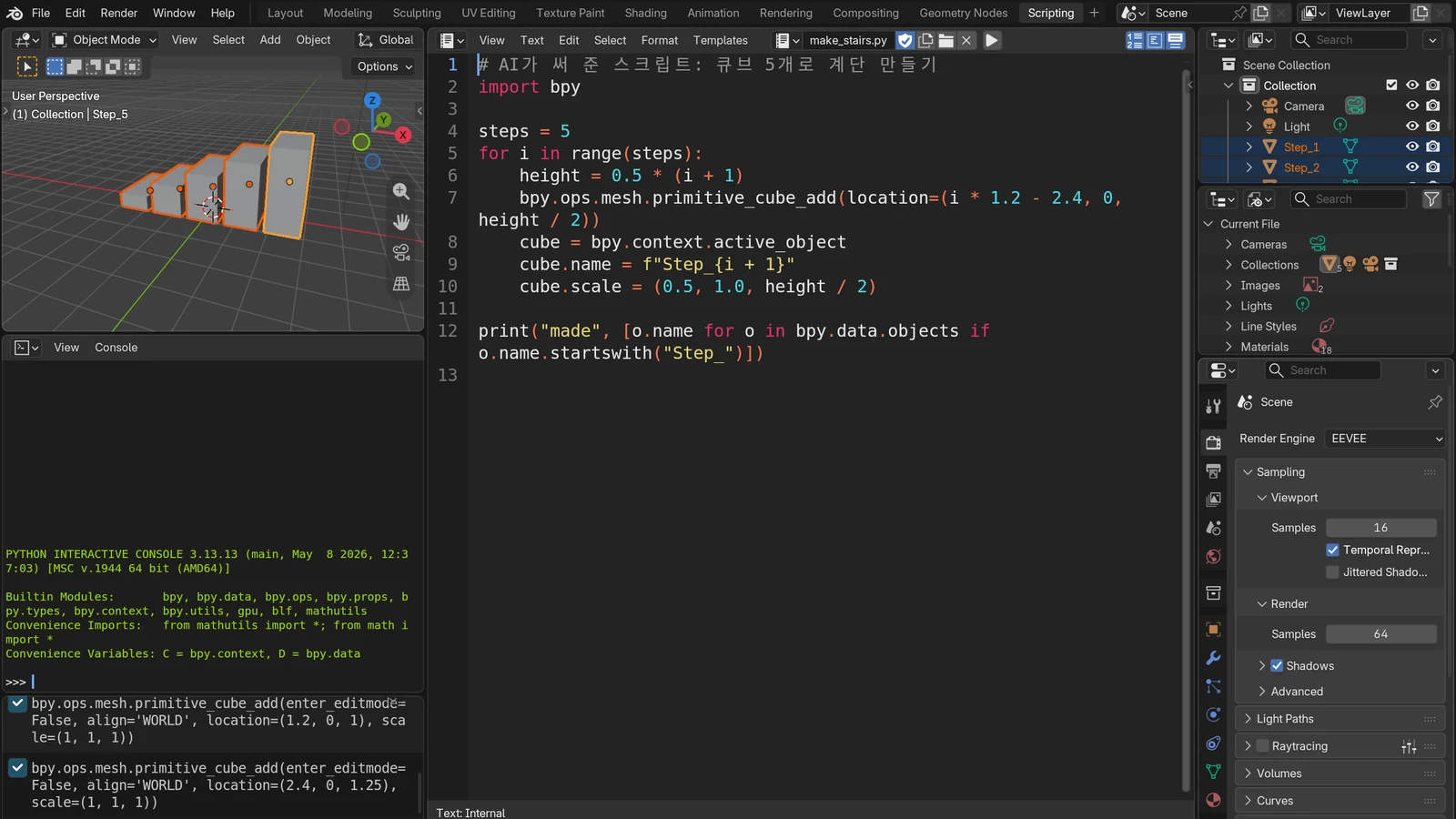
At first I brought in models from an outside generator. They didn't fit the toy style, so I sent, "This is a 0 out of 10." When I switched to building them directly in code in Blender, the problems with materials, dimensions and moving parts were solved together.
After that, each new piece of equipment was just one table of dimensions and colors. I had the AI look at each finished model in four-direction images and fix it itself.
Every time you finish a model, make a fixed-scale four-view sheet (3/4, side, front, top) as one image and open it yourself.
Read more: an example of a four-view check image is in step 3 of Part 5: quick start.
Tip 5. Decide where things hit first, then work backward
If you fire a missile and wait to see where it hits, it may hit off screen or after the video ends. So I turned the order around. I decided where and when each hit happens first, then had the AI build the targets' incoming paths backward from there. It's like fixing the meeting place and time first, then working out when to leave. In the destroyer episode, the build log printed one line: all 80 intercepted inside the frame.
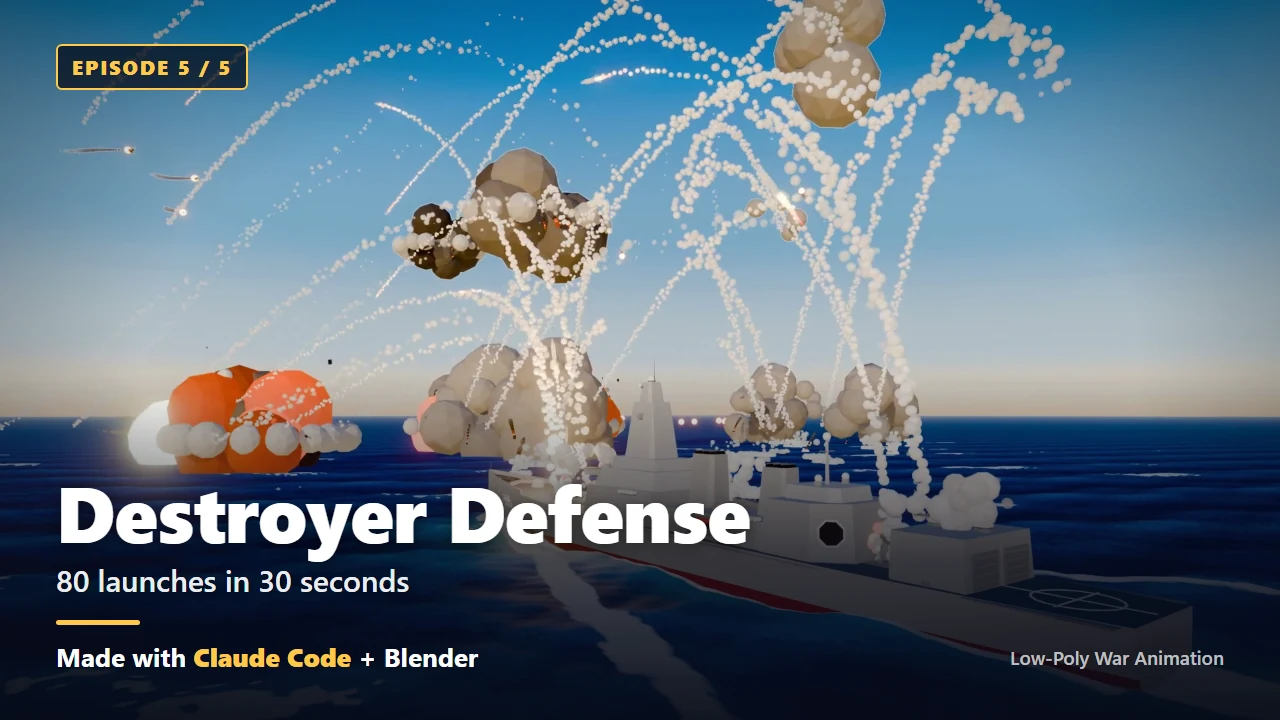 Figure 1. The destroyer episode. It fires 80 missiles in 30 seconds, and every intercept happens inside the frame. The English text was added for promotion (Blender render)
Read more: the prompt for doing this is in Chapter 8 of the ebook.
Tip 6. Make small things bigger, and keep the shooter in frame
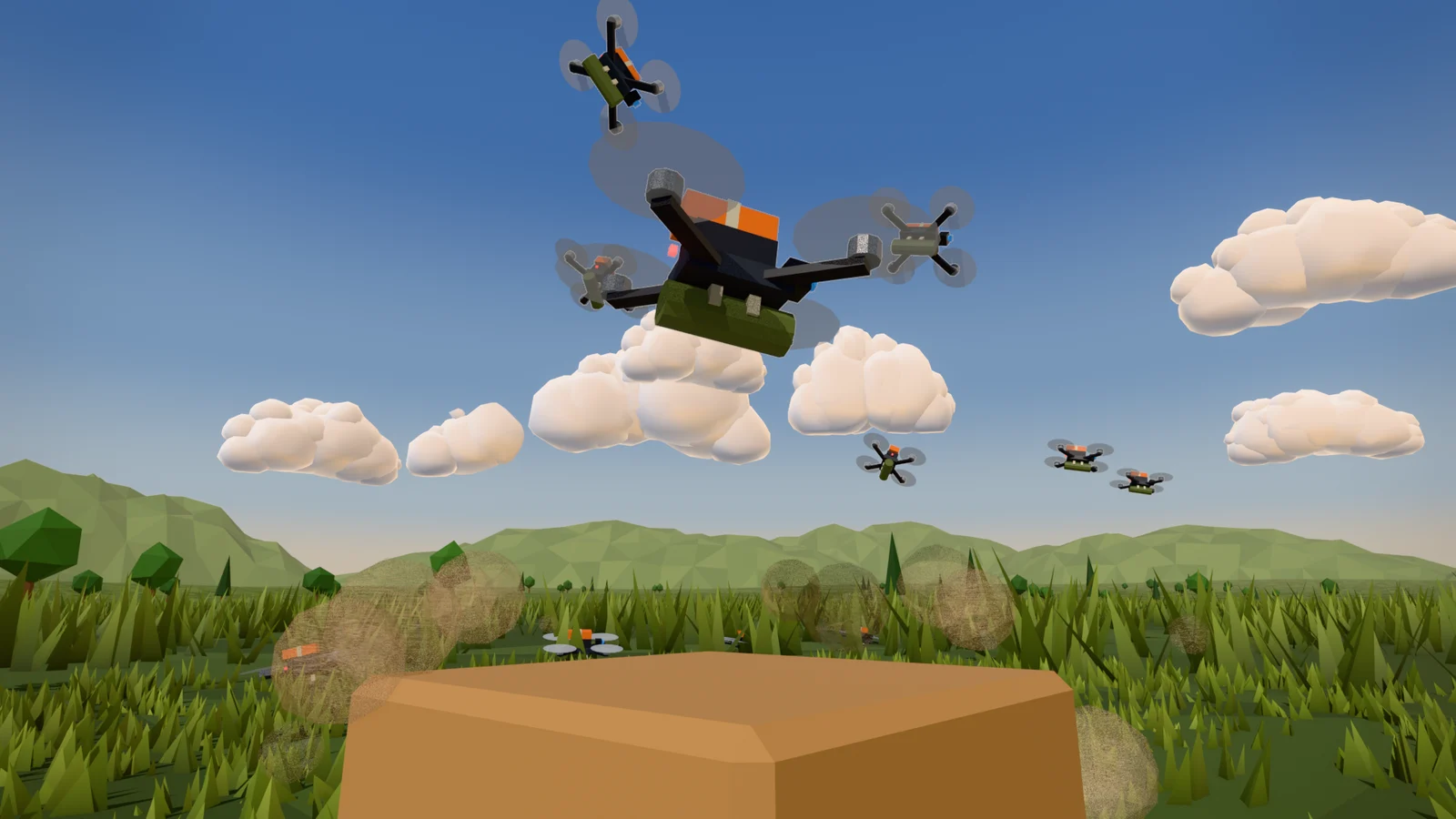
In the v002 preview of Episode 1, I said I couldn't see the drones. The AI scaled them up to 8 times their real size and raised the intercept altitude to 200–300 m, so they were in front of the sky. Next, I sent, "The launcher should also be visible during the cold launch." That became a rule: the first launch is framed with the whole launcher on screen.
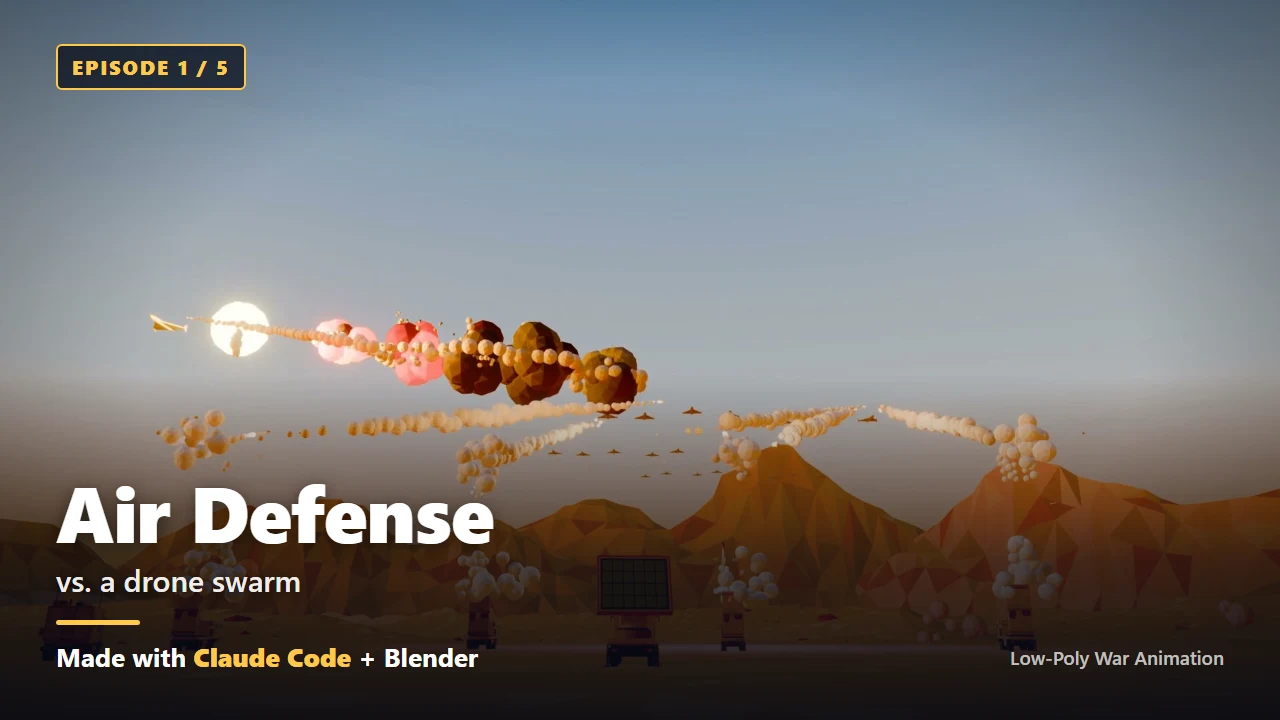 Figure 2. Episode 1, the air-defense battery. The drones are scaled up 8 times and intercepted against the sky. The English text was added for promotion (Blender render)
In a toy-like style, it's fine to make things bigger on purpose.
Read more: what to send when something can't be seen is in Appendix D-1 of the ebook.
Tip 7. Tie each sound to the frame where its event happens
In my project, when a scene is built, launches, hits and camera positions are written by frame number into a file called events.json. The sound is placed by reading only this file. So when you change the scene and the timing shifts, the sound follows. It works like players coming in on the beats marked in a score.
It's true that a distant explosion is heard a little late. But I left that delay out. In a video with 80 intercepts in 30 seconds, I put matching the moment you see with the moment you hear first.
Read more: adding sound this way is Chapter 4, step 6 of the ebook.
Tip 8. Give every shared file exactly one owner
When several agents edit the same file at the same time, someone's work gets lost. In my project, every file had exactly one owner. Other agents only read it, and if they wanted a change, they asked for it in their report.
Read more: the check box to look at before you launch several agents is at the end of Chapter 10 of the ebook.
Tip 9. In feedback, separate pass from fail and use numbers
I said what to keep along with what to change: "The launch angle and the missile angle pass, but the material looks wrong." That way the good parts don't get broken. I also wrote quantities in numbers. I sent, "Make it 7 fighter jets, flying in a V, then scattering as each fires 2 missiles. The other side has 14," and the next round (the next version) came out exactly that way.
Try starting your feedback with what passed. After that, list what to fix with numbers.
The camera flow and the launcher model pass. Fix just three things.
Read more: the full example is in step 6 of Part 5: quick start.
Tip 10. Look at stills first, and do the slow render only once, at the end
The "I can't see the drones" problem from Tip 6, and the "too much smoke" problem from the same preview, could both be spotted from a few stills. A 1080p final render takes a long time, and the intermediate image files alone come to about 5 GB.
So I set an order: stills → a small preview video → the final video. Have the AI look at the still sheet and fix things itself, and delete the intermediate image files only after you've checked the final video.
Read more: the prompt for an eight-still sheet is in step 5 of Part 5: quick start.
The three prompts that worked best
Over this project I sent the AI 73 messages. These are the three that did the most, quoted in translation. The number #n is the message's place in the whole conversation, and times are Korea time. Typos and spacing were tidied, changed or removed spots are marked [edited: …], and long passages are shortened with (...). What I replaced with [edited] are tool names, login details, trademarks, real place names, country names and real equipment names.
① #13 Locking in the camera style and writing it down (09-25 15:04)
I watched the video and I can't see the [edited: drone]. Also the smoke is too big and there's too much of it, so it's hard to see the missiles flying. I'd like the camera to take in the whole [edited: surface-to-air missile battery] while also showing the [edited: drone] flying in and getting intercepted. The camera movement right now is very good. Record it in an md file so we use this approach from now on.
This message created the camera rules document (docs/camera_style.md), and every episode after it followed that document. When you close the chat window, your praise disappears with it. When you get a result you like, try pasting in that last sentence as is.
② #22 The turning point for quality: "0 out of 10" (09-25 17:24)
The [edited: tank] and [edited: howitzer] video is way short of the mark. First of all the modeling is a problem. Don't use [edited: earlier generation method]; I think it's better to model it ourselves as low-poly. It's really, really weird, starting with the materials. This is a 0 out of 10. And the [edited: howitzer] can stay still, but I'd like 20 of them deployed, 5 groups of 4. For the [edited: tank], 5 of them moving while the turret turns 90 degrees and fires. The other side has 20, and those need to keep moving too. It has to feel like a battle. The background is really shabby too, so make it properly. (...) The SLBM one has a good missile launch composition, but (...) the launch angle and the missile angle pass, but the material looks wrong. We should build the models ourselves in Blender in low-poly style too.
After this message I switched to building everything in code directly in Blender, and new low-poly models of the tank, the self-propelled howitzer and the enemy tank came out. I packed a score, the causes, the quantities and formation, and what passed into one message. When you write down what passed, the AI doesn't break the parts that were good.
③ #56 Handing off while I was away (09-25 22:58)
v002 seems like the good one. And I'm also going ahead with the plan to expand to a wider arsenal. Keep an eye on the disk space, and for now focus on planning rather than building everything. I'm going to sleep now. I'll be back in 6 hours, so don't ask me anything in the meantime.
Overnight, eight modeling AIs and one QA AI made 61 models. This single message holds a limit (disk), a scope (planning first), permission (don't ask me), and a return time (6 hours). When you step away, say these four things too.
A template for your own topic
This is prompt ② with only its structure left and the rest turned into blanks. Fill in the [ ] spots and send it.
The [subject] video is way short of the mark. This is a [score] out of 10. The problems are [cause 1] and [cause 2]. Place [quantity] [equipment A] in [formation], and make [quantity] [equipment B] [action]. [What worked] passes, so leave it as is.
Pick one at a glance
| When | Look at |
|---|---|
| Before sending your first instruction | Tip 1 |
| The conversation is long and the AI forgets earlier parts | Tip 2 |
| You got a result you like | Tip 3, prompt ① |
| The result falls far short | Tip 4, prompt ② |
| Something can't be seen | Tip 6, prompt ① |
| You want to fix only part of it | Tip 9, prompt ② |
| You're stepping away | Prompt ③ |
In one line: polish and send once, keep what works in a file, split pass from fix in numbers, and look at stills first.
You don't need to memorize all ten. When you get stuck, come back to this part and look for a similar tip in the headings.
Previous part and the full book
- Previous: Part 5: quick start
- The whole build in one post: Five low-poly war animations made with Claude Code
- This series splits the free edition of the ebook Low-Poly War Animation with Claude Code and Blender into six parts. The full edition adds 41 prompts with notes and a production log for each episode. The ebook is in the Gumroad store.
Claude is a trademark of Anthropic. Blender is a trademark of the Blender Foundation. The book is independent and not affiliated with either.
References
- Claude Code official docs, interactive mode and commands: Interactive mode
- Both images are frames from each episode's final render, with text added for promotion.