Low-poly war animation with Claude Code, part 1: one day, and who did what
With almost no Blender experience, I made five 40-second 3D animations in one day by giving Claude Code instructions in plain words. This part covers that day and splits out what the AI did and what I did.
한국어English
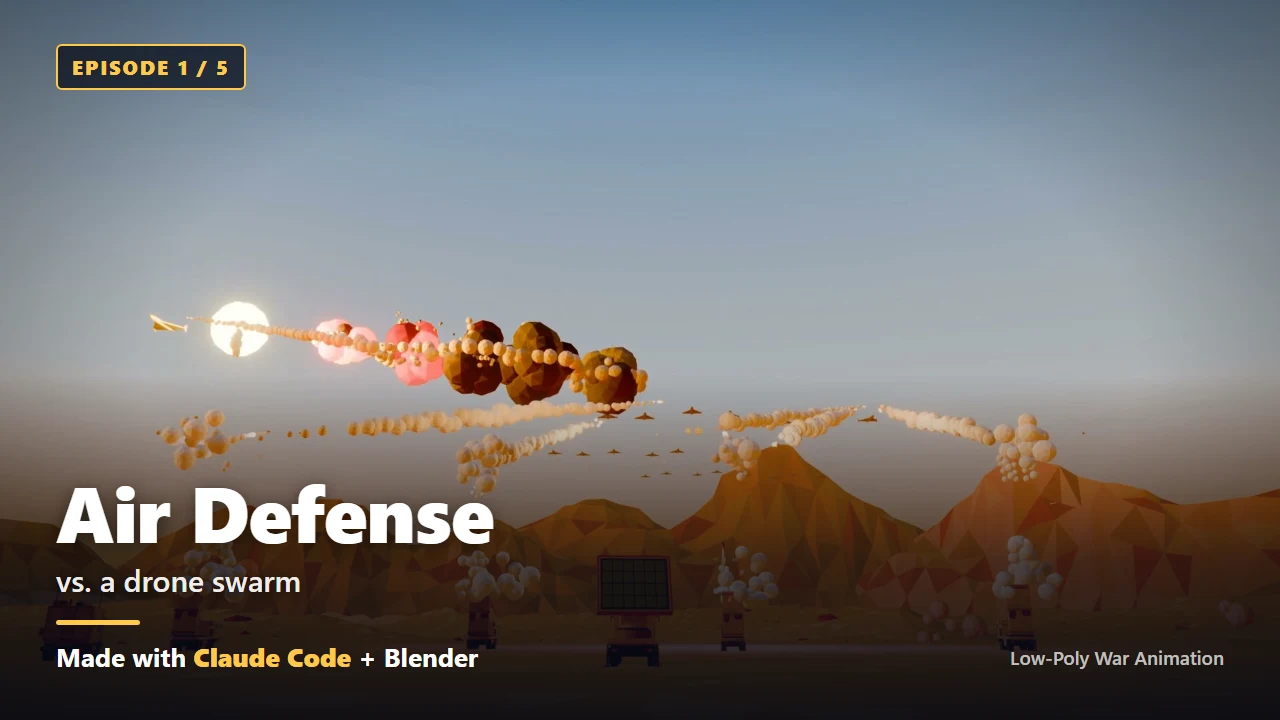
Based on: the free edition of the ebook Low-Poly War Animation with Claude Code and Blender, Chapter 0 (Introduction), Claude Code (Opus 5.5, medium effort), Blender 5.2, Windows 11. Checked in October 2026.
Can you make a 3D animation if you have never opened Blender? I barely know Blender myself. Yet by giving an AI instructions in plain words, I made five 40-second 3D animations in one day. Everything I wrote came to about four A4 pages.
This series splits the free edition of the ebook Low-Poly War Animation with Claude Code and Blender into six parts. Part 1 matches the book's introduction. It covers what happened in one day, and which part of the work the AI did and which part I did.
Who this series is for
- People who are new to Blender and 3D animation. You don't need to know the menus. The AI does that menu work for you, in code.
- Solo creators who don't code. The code in this series is a short excerpt that shows you what gets made. You can skip it and still follow along.
- People who want to make several videos with AI agents. The focus is less on making one video and more on the structure that makes the second, and the tenth, come quickly.
Claude Code is a program that lets an AI read and write files on your computer and run commands. It is a bit like handing an assistant the keys to your work folder. An agent is a helper worker that Claude launches on its own. Think of a team lead who hands out tasks, and team members who each do their part and report back.
You don't need any prior knowledge. You need three things.
- A PC. I worked on Windows 11, and the screens and paths in this series are for Windows.
- A paid Claude plan or a Claude Console account. Claude Code doesn't work on the free plan. Prices change often, so check the official pricing page (part 3, step 1).
- An internet connection.
This series doesn't cover Blender modeling techniques, shader theory, or the performance or tactics of real weapons. Every enemy in the videos is a fictional force or a target, and the equipment is built in an exaggerated, toy-brick style. So the text uses generic names instead of real equipment names: tank, fighter jet, destroyer, drone.
What happened in one day
At noon on September 25, 2026, I sent my first prompt. It was thirteen numbered lines. I wanted a 30-second video: a surface-to-air missile battery set up in the desert, and thirty-two kamikaze drones flying in to be shot down by missiles. I asked for a distinctive style that looked like toy blocks, and a camera that looked up at the sky from the ground. I also asked the AI to keep a log so I could look back at the process later.
After that, most of what I did was look at the results and reply in a sentence or two. I said I couldn't see the drones. I said the smoke was too big and there was too much of it. When I liked something, I said so.
The camera movement right now is very good. Record it in an md file so we use this approach from now on. (translated)
Each time it got a short note like that, Claude Code changed its code. Then it ran Blender headless, rendered, and opened the resulting images itself to check them. Headless means Blender runs from commands alone, without opening its window.
I stopped at 7:20 the next morning. Here is what was left at that point.
| Item | Result |
|---|---|
| Main videos | 5 (about 40 seconds each, 1920×1080, 30fps, with sound effects) |
| Spin-off videos | 5 vertical Shorts, 1 making-of video, thumbnails and promo images |
| 3D models | 61 low-poly models built in code, plus 1 target |
| Reusable building blocks | 5 engagement templates, a one-command production pipeline |
| What I wrote | 73 messages, about 7,200 characters of Korean |
| Time | About 19 hours (including 4.5 hours of sleep) |
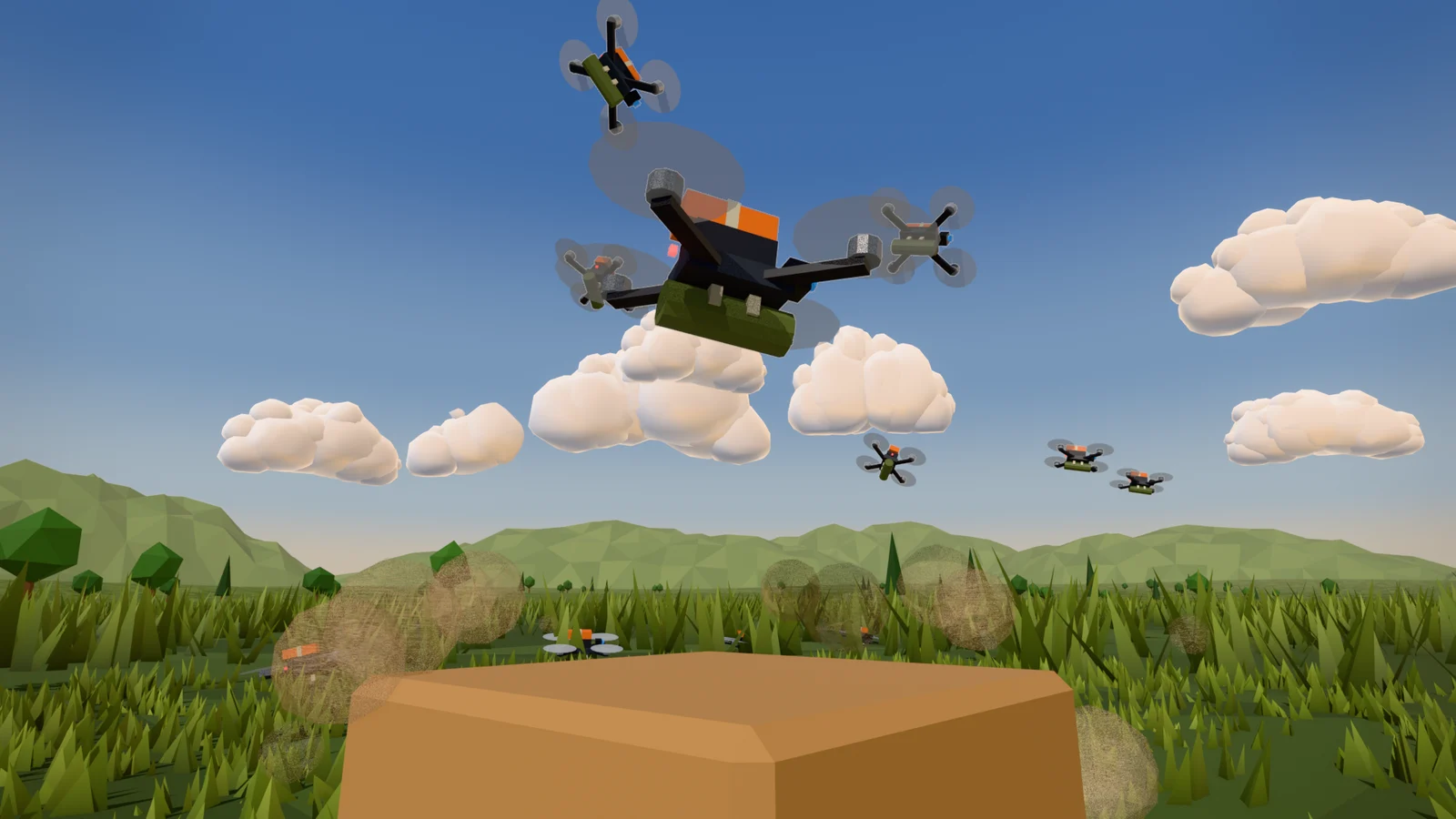
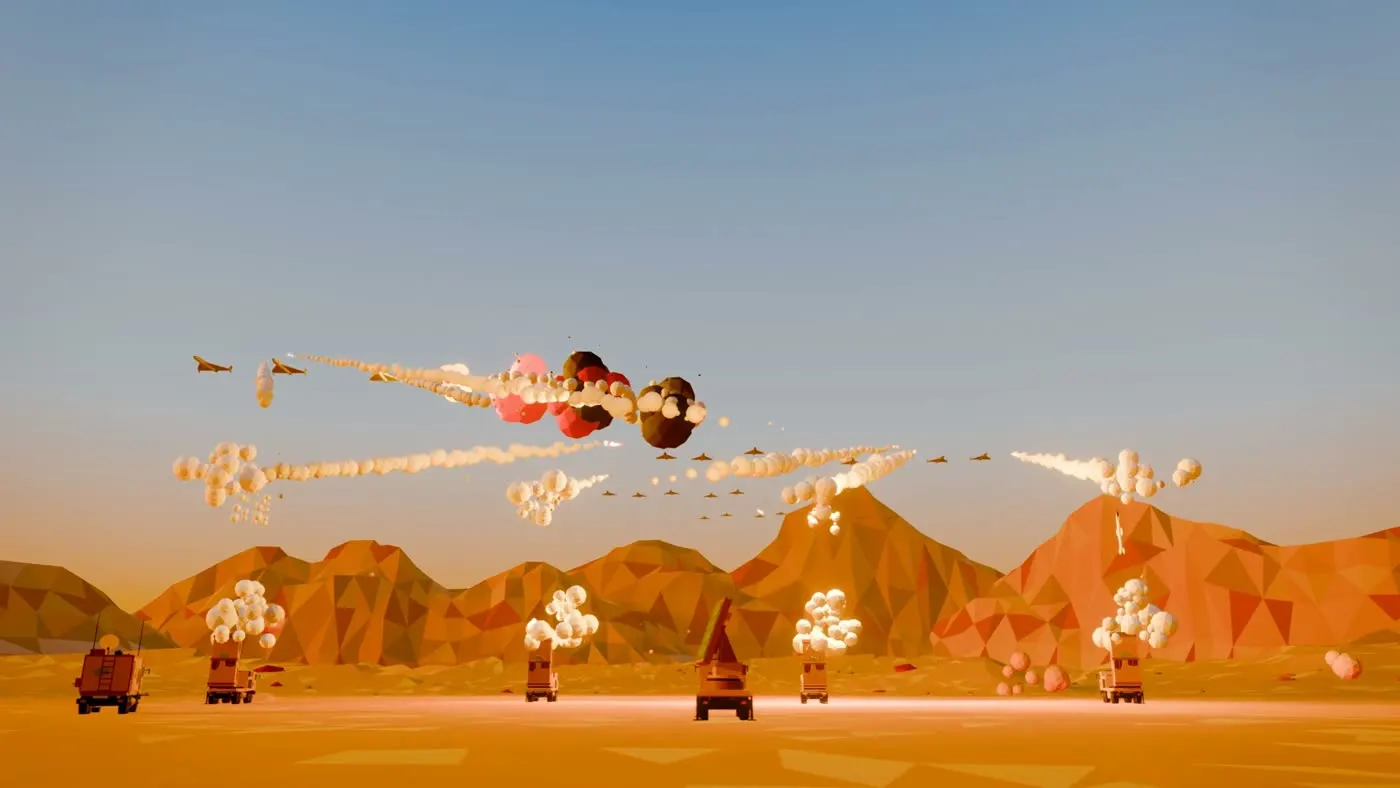 Figure 1. The wide-shot section of Episode 1 (around 24 seconds). (Blender render)
Low-poly is a 3D style that uses few faces on purpose, so shapes look angular. Like origami, a few large faces are enough to read the shape. The one-command production pipeline is a frame that runs everything in order from a single command: building the scene, rendering, adding sound, and joining it into a video.
Looking only at the five main videos, all five final versions were done about 9 hours after the first log entry. The 61 models were made while I slept. Several agents that the AI launched worked at the same time.
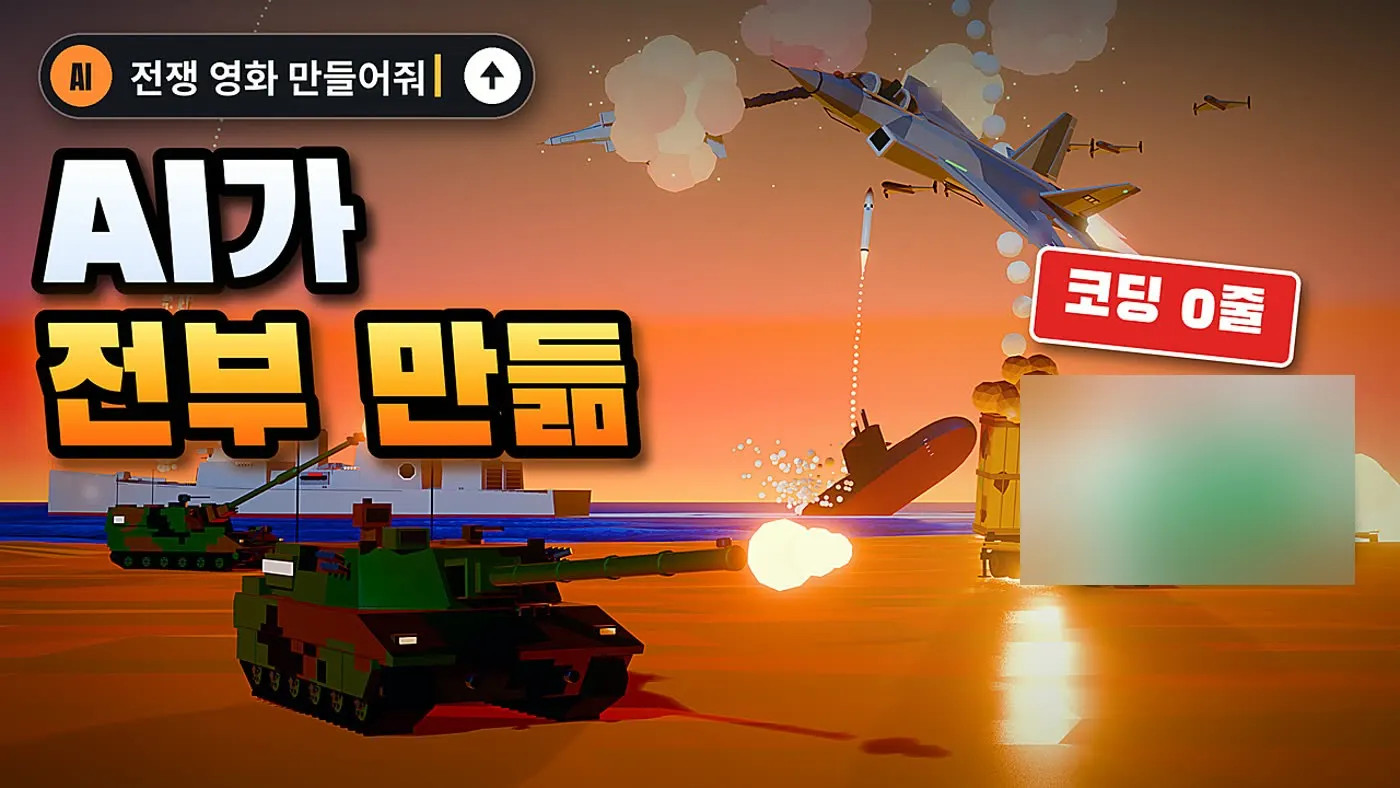 Figure 2. The promo thumbnail I had the AI make on the morning after. The AI also suggested the lines of text. Hull numbers, national markings and the cost display on the right are blurred. (Blender render with text; labels in Korean)
As Figure 2 shows, promo material came out of the same conversation as the videos. You don't need to make this picture yourself. It shows how far the results can go in one day.
Why one line becomes a page
I also want to show you the difference in length between what I wrote and what the AI wrote.
Everything I typed added up to about four A4 pages. The documents Claude wrote on its own are much longer. The AI wrote the camera style guide, the modeling style guide, a shot script for each episode, and the progress log. It also wrote 35 briefs for handing work to agents, each 2,000 to 6,000 characters long.
From the second episode on, this is all I said.
Do the remaining 3 projects the same way. (translated)
From that one sentence, the AI wrote a common brief. Then it launched three agents at once, one for each of the three episodes. I wrote one line. What went to the agents was three briefs of about 2,700 characters each.
That one line worked because I had kept rules documents earlier. This series and the ebook show you that groundwork in order.
What the AI did, and what I did
Saying the AI did everything is only half true. Here is how it split.
| What the AI did | What I did |
|---|---|
| All the Python code that drives Blender (models, terrain, camera, explosion effects, lighting) | Decided what to make, down to how many units moved in which formation |
| Sound effect synthesis, motion-graphics titles, video editing and encoding | Looked at the results and sorted them into pass and fail |
| Wrote the style rules documents and the briefs | Said in a sentence or two what wasn't working and why |
| Split work among several agents, collected the results, and opened the images itself to check them | Set the conditions (disk space, how long I'd be away, no questions in the meantime) |
| Built a server for the work log (the tracker) |
This is how I sorted pass from fail.
The launch angle and the missile angle pass, but the material looks wrong. (translated)
Some notes included the reason.
Add some hills or mountains so there's a better reason to use the [edited: equipment name] self-propelled howitzer. (translated)
When the first modeling approach failed, I was the one who changed direction. At first I brought in models from an outside generator, and they didn't fit the toy style. I sent, "This is a 0 out of 10." From then on, every piece of equipment was built in code directly in Blender, and the 61 models made overnight came out this way too.
The AI works fast. But I had to look and decide which way was right. That is your job too.
In short: the AI writes the code. You have three jobs.
- Say what you want, in numbers.
- When a result is good, have the AI keep it as a rule.
- When a result is bad, send it back with the reason.
How to read the series and the book
The six parts of this series cover the same ground as the free edition of the ebook.
| Part | What's in it | Ebook |
|---|---|---|
| Part 1 (this one) | One day, and who did what | Chapter 0 |
| Part 2 | The five finished films, results first | Chapter 1 |
| Part 3 | Install Claude Code, let the AI handle the rest | Chapter 2 |
| Part 4 | The first planning prompt | Chapter 3 |
| Part 5 | Quick start: a first scene with six prompts | Quick start |
| Part 6 | Ten core tips | Ten core tips |
The full edition of the ebook goes further. It has Chapter 4, which builds a 10-second missile launch video with sound in six steps; Chapters 5–15 on rules documents and running agents; production notes for eight episodes (Chapters 16–23); and Appendix A, with 41 prompts I actually sent.
Pick the path that fits you.
| If you | Read in this order |
|---|---|
| Just want to try it once | Part 3 (installation) → Part 5 (quick start) |
| Are new and want to go step by step | Part 1 → 2 → 3 → 4 → ebook Chapter 4 |
| Already use Claude Code | Part 2 → ebook Chapters 5 and 6 |
How the actual prompts are shown
The quoted boxes in this series hold text I actually sent to the AI. I wrote every prompt in Korean, and here they are translated into English. You can talk to Claude Code in English or in your own language. Don't be surprised if the prompts sound blunt. They were written for an AI, and the translations keep that tone. I removed personal details and sentences off the topic, and marked those spots with [edited].
In one line: I wrote four A4 pages and the AI wrote the rest. Your part is to decide, look, and say what you see.
Next part and the full book
- Next: Low-poly war animation with Claude Code, part 2: the five films, results first
- The one-post summary: Five low-poly war animations made with Claude Code
- The full ebook (free and paid editions): azblender.gumroad.com
Claude is a trademark of Anthropic. Blender is a trademark of the Blender Foundation. The book is independent and not affiliated with either.
References
- Claude Code official docs: Claude Code overview
- Figure 1 is a frame from the final video of Episode 1. Figure 2 is a copy of the ebook's Figure 0-1 (a promo thumbnail made on the day) with some areas blurred.