3D Gaussian Splatting made simple: building scenes from photos, and how it differs from polygon meshes
3D Gaussian Splatting (3DGS) rebuilds real places in 3D from many photos. This guide explains it through the five steps in the original 2023 paper and the five values each Gaussian stores, compares it with polygon meshes, and explains what it means that it became a ratified glTF extension in 2026.
한국어English
Based on: the official page of the original 3D Gaussian Splatting paper (SIGGRAPH 2023) and the Khronos Group's KHR_gaussian_splatting glTF extension and announcement. Checked on November 4, 2026. Figures 1, 2 and 4 are diagrams drawn in code to help explain. Figures 3, 5 and 6 are screenshots of official pages.
There is a technique that lets you walk around a room in 3D using only a video you shot while turning around inside it. One widely used method is 3D Gaussian Splatting (3DGS). It shows photo-real scenes at game-like speed, so it is drawing interest for uses such as maps, architecture, heritage records and video backgrounds.
The name sounds hard, but the idea is simple. Instead of building a scene from triangles, you fill it by stacking a huge number of small, soft, see-through blobs of color. This guide explains what 3D Gaussian Splatting is, the five steps that turn photos into a scene, how it differs from the polygon meshes we use in Blender, and what it means that it became part of a standard file format in 2026.
1. One ball, three ways to store it
There are several ways to store a 3D scene in a computer. Comparing them on one ball makes the difference clear (Figure 1).
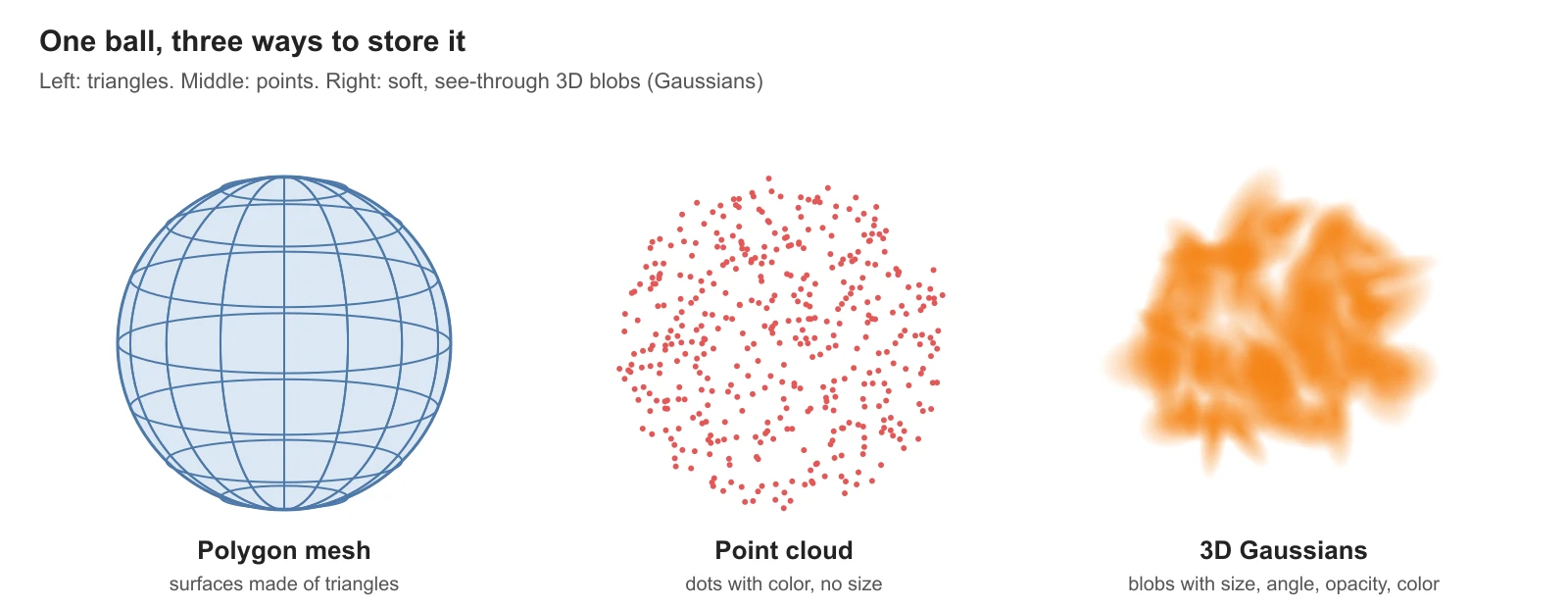 Figure 1. The same ball as a polygon mesh, a point cloud and 3D Gaussians (diagram)
| Method | Made of | Analogy |
|---|---|---|
| Polygon mesh | Triangle and quad faces | A ball folded from paper |
| Point cloud | Dots with color but no size | A ball made by scattering sand |
| 3D Gaussians | Soft blobs with size, direction and transparency | A ball built from pieces of cotton candy |
A polygon mesh is what you always work with in Blender. It has only a surface, the inside is empty, and faces are easy to cut and edit. More in Polygons and topology.
A point cloud is a common result of 3D scanners and photo analysis. Each point has no size, so up close you see gaps between them.
3D Gaussians give each point a size and shape. "Gaussian" describes a shape that is strongest in the middle and fades smoothly toward the edges, like a spray of paint from a spray bottle. Stack enough of these blobs and the scene fills in with no gaps and soft detail.
2. What one Gaussian stores
Each Gaussian holds five values (Figure 2). The glTF extension KHR_gaussian_splatting, ratified in 2026, defines a Gaussian by the same five.
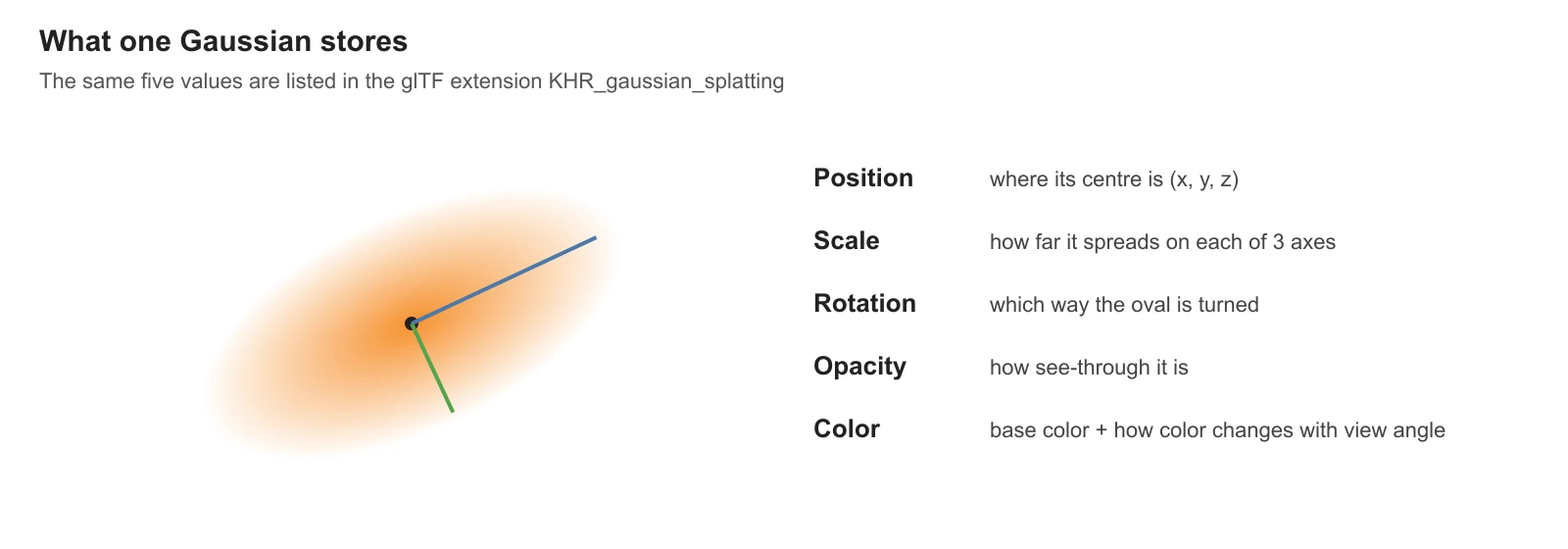 Figure 2. The five values one Gaussian stores (diagram)
| Value | Meaning |
|---|---|
| Position | Where the blob's centre is (x, y, z) |
| Scale | How far it spreads in three directions; it can be long and thin |
| Rotation | Which way a long blob is turned |
| Opacity | How see-through it is |
| Color | The base color, and how much the color changes with viewing angle |
The last row is the interesting one. Color is not stored as one value but changes with the viewing direction. That lets it imitate, to a degree, shiny car paint or glass whose light shifts as you move around. The standard stores this as a math form called spherical harmonics. Think of each blob carrying a small map of which color to show from which direction.
3. Five steps from photos to a scene
The original paper was presented at SIGGRAPH (the computer graphics conference) in 2023, written by four researchers from the French institute Inria and partners (Figure 3). Its process, in five steps, looks like Figure 4.
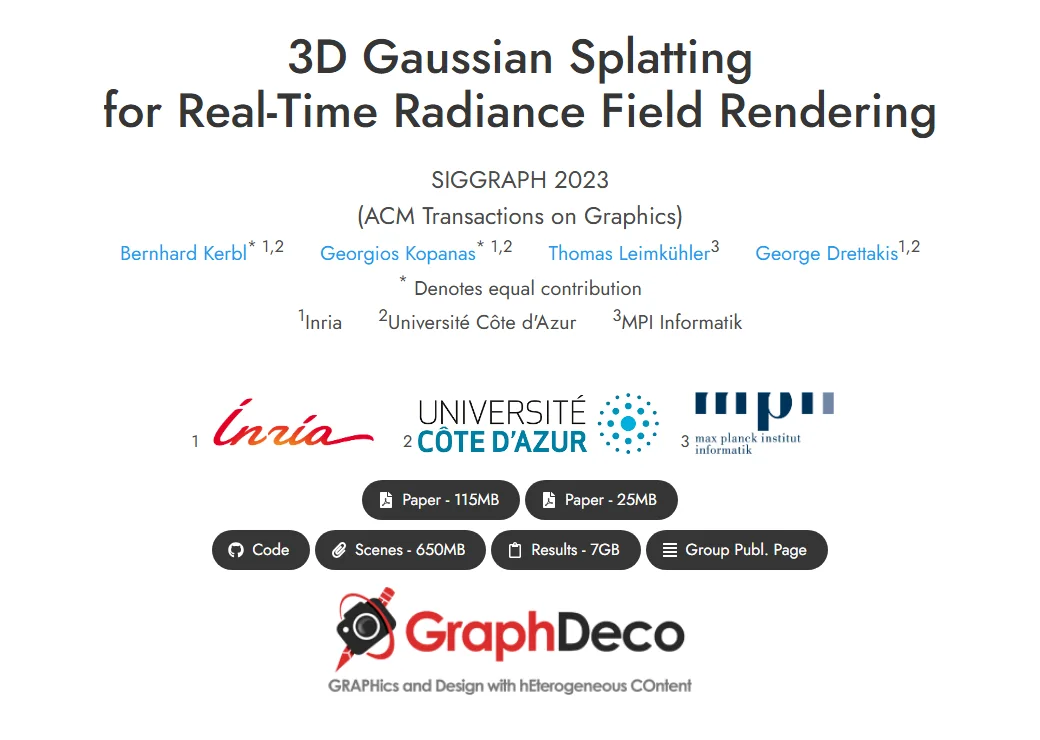 Figure 3. The official page of the original 3D Gaussian Splatting paper (Inria team page screenshot)
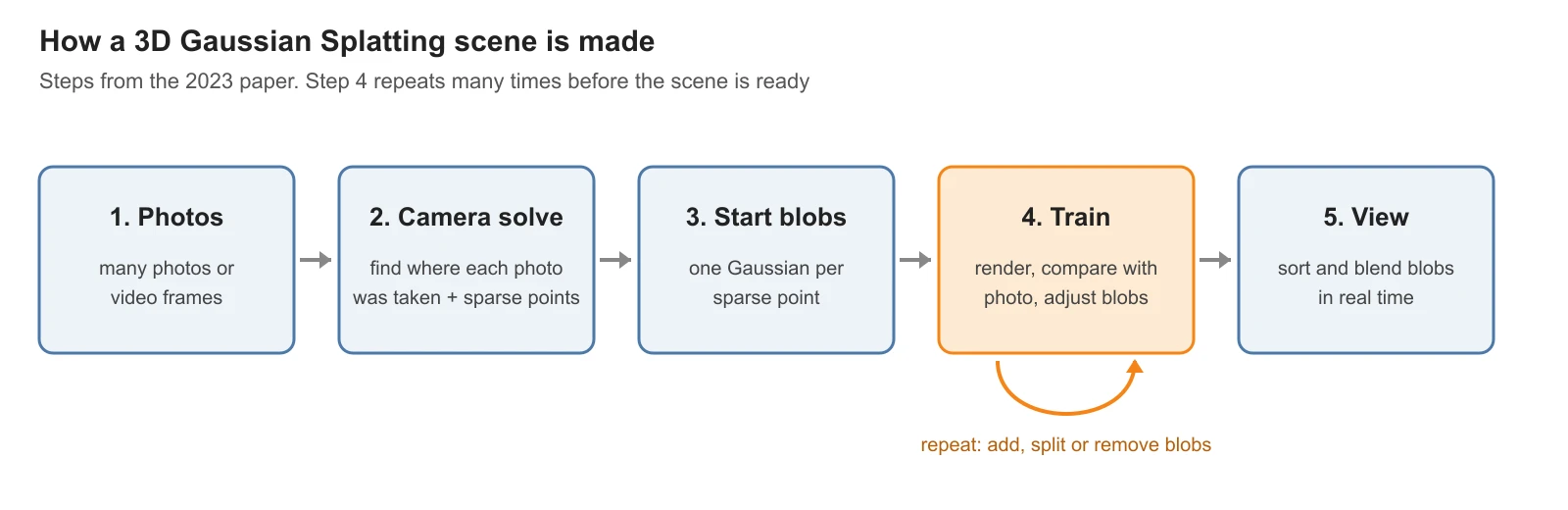 Figure 4. The five steps from photos to a 3D Gaussian scene. Step 4 repeats many times (diagram)
- Collect photos. Gather photos or video frames of one place from many directions. More overlap is better.
- Find the cameras. Match the same spots across photos to work out where each photo was taken from and which way it faced. This also produces sparse points of the scene. It is like looking at travel photos from many people and working out "this one was taken from the left side of that bridge."
- Place blobs. Put one Gaussian at each of those points to start. The shape is still rough.
- Train. From each camera position found in step 2, draw the blobs and compare with the real photo. Where they differ, adjust the blobs' position, size, direction, transparency and color a little. Split or add blobs where there are too few, and remove useless ones. Repeat this many times.
- View. The finished scene is drawn by sorting the blobs from nearest to farthest and blending them. The paper reports drawing 1080p at 100 frames per second or more this way.
Step 4 is the heart of it. Like a painter correcting brushstrokes while looking at the model, the computer adjusts the blobs using the photos as the answer key. Nobody shapes the scene by hand, which is the big difference from Blender modeling.
4. How it differs from polygon meshes
| Compare | Polygon mesh | 3D Gaussians |
|---|---|---|
| How it is made | Modeled by a person, or a cleaned-up scan | Learned automatically from photos |
| Realism | Needs good materials and lighting | The light in the photos is captured as is |
| Editing | Easy: select points, edges, faces | Hard by hand: far too many blobs |
| Changing lighting | Re-render with new lights | Hard: the capture lighting is baked into the colors |
| Animation | Add a skeleton and move it | The basic form is a still scene |
| Good for | Characters, products, game props | Recording real places and buildings, backgrounds, maps |
In short, 3D Gaussians are strong at "bringing over a place that exists," and polygon meshes are strong at "making and moving things that don't." They have different jobs more than they compete. For example, a real street captured as 3D Gaussians could be the background, with a car driving through it built as a polygon mesh.
It is also different from AI world models that invent scenes from text or images. 3D Gaussians start from photos actually taken, so they do not make up places that are not there. More on AI world models in Genie 4 overview.
5. Into a standard file format: KHR_gaussian_splatting
Until now, each tool stored 3D Gaussian scenes its own way, so a file from one program was hard to open in another. To fix this, the Khronos Group, which maintains the glTF 3D file format, made an extension.
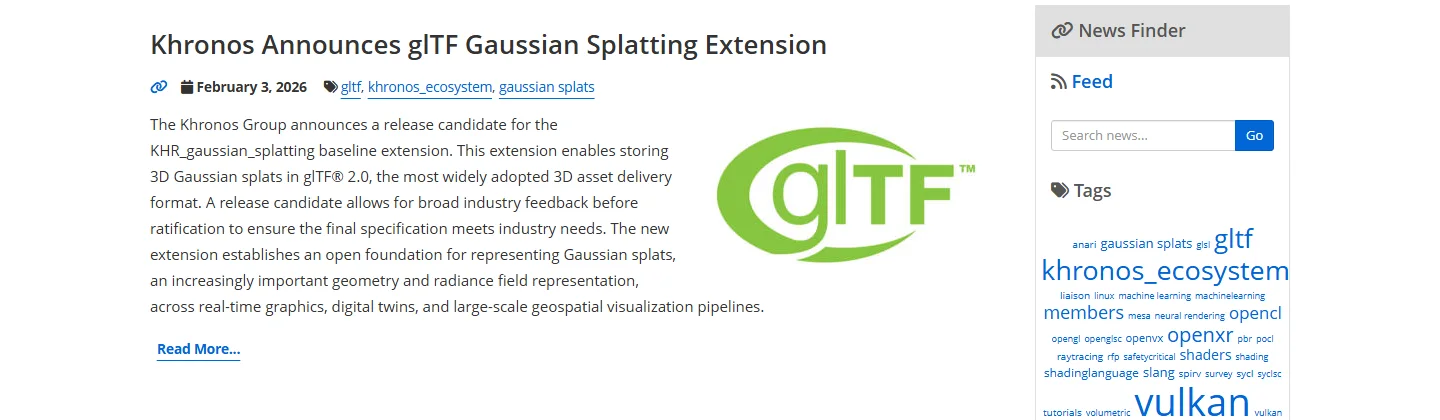 Figure 5. Khronos announcing the KHR_gaussian_splatting release candidate (Khronos Group screenshot)
| When | What |
|---|---|
| February 3, 2026 | Khronos announced the KHR_gaussian_splatting release candidate (a version open for public feedback) |
| When this guide was written | The extension document's status reads "Complete, Ratified by the Khronos Group" |
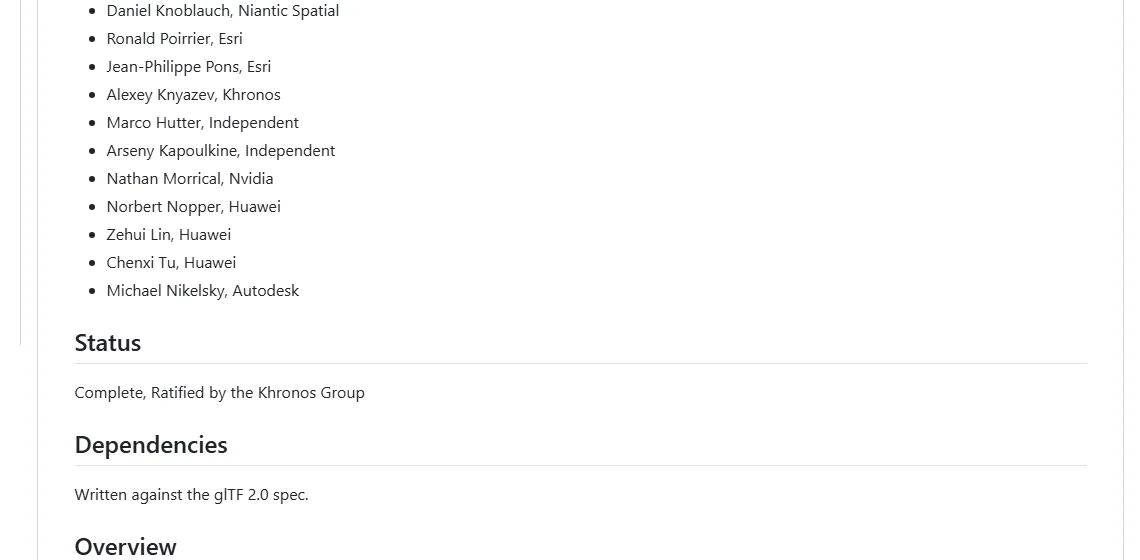 Figure 6. The status line of the extension document (Khronos glTF repository screenshot)
glTF is a file format widely used to exchange 3D models. The differences between formats are in 3D file formats compared. The extension stores the Gaussian blobs as points inside glTF, with the five values from section 2 attached to each. So a program that does not know the extension can still show the file as a point cloud. Even a reader who does not know the new rules still gets the outline.
A standard means many tools now have a common way to exchange the same file, the way a photo saved as JPEG opens anywhere.
6. Where you can use it today
| Tool | Current state |
|---|---|
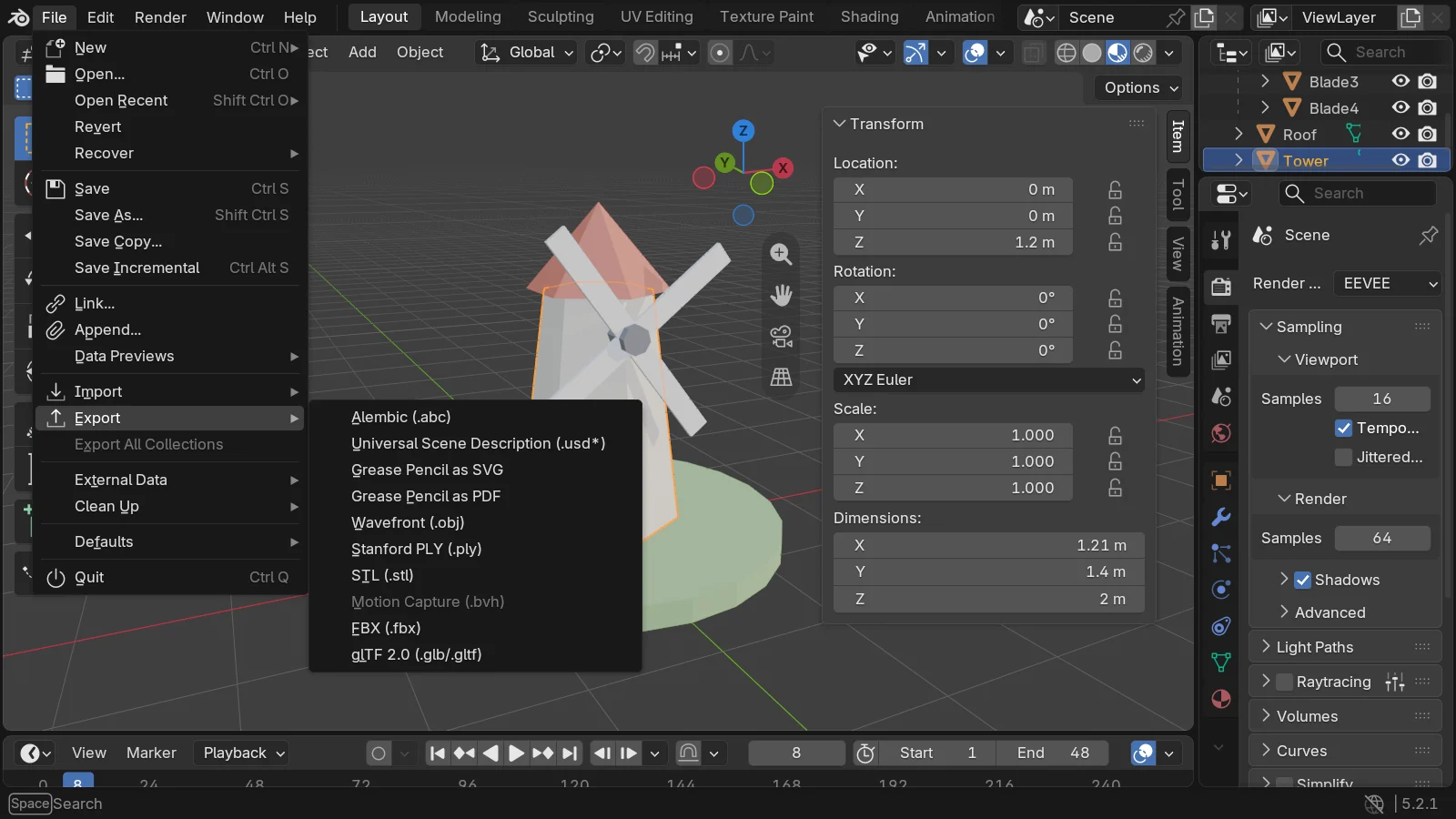
| Blender 5.2 | No feature for it in the manual index or the 5.2 release notes |
| Houdini 22 | Has a dedicated Gaussian Splats area among its new features |
| Original paper code | Published on the official page (for research) |
You cannot make one directly in Blender yet, but knowing the idea helps you judge quickly what becomes possible when Blender or game engines add it. What each 3D program is strong at is in 3D software map 2026.
7. Summary
3D Gaussian Splatting = filling a scene with a huge number of soft color blobs learned from photos. It is strong at faithfully bringing over real places; polygon meshes are stronger for editing and animation. In 2026 a glTF extension (KHR_gaussian_splatting) gave it a standard file format.
References
- Kerbl et al., 3D Gaussian Splatting for Real-Time Radiance Field Rendering (SIGGRAPH 2023, ACM Transactions on Graphics 42(4)), official page: https://repo-sam.inria.fr/fungraph/3d-gaussian-splatting/
- Khronos Group, Khronos Announces glTF Gaussian Splatting Extension: https://www.khronos.org/news/archives/khronos-announces-gltf-gaussian-splatting-extension
- Khronos glTF repository, KHR_gaussian_splatting extension: https://github.com/KhronosGroup/glTF/tree/main/extensions/2.0/Khronos/KHR_gaussian_splatting
- SideFX, What's new in Houdini 22: https://www.sidefx.com/products/whats-new-in-h22/
- Read next: Polygons and topology, 3D file formats compared, Genie 4 overview
- Image license: Figures 1, 2 and 4 are diagrams drawn in code; Figures 3, 5 and 6 are parts of official pages shown for explanation.